Giriş
Here, we will show you how to take apart the camera to reach the keys and clean them.
Neye ihtiyacın var
-
-
-
First, we need to get inside the camera. Refer to the lens cleaning guide for steps on how to remove the front panel.
 FixBot'a Sor
-
-
-
-
Once you have the front panel off, you are one step closer to accessing the keys. From here, you will need to remove the upper panel which will release the keys. Unscrew the screw and remove the small metal plate which holds the keys.
-
-
-
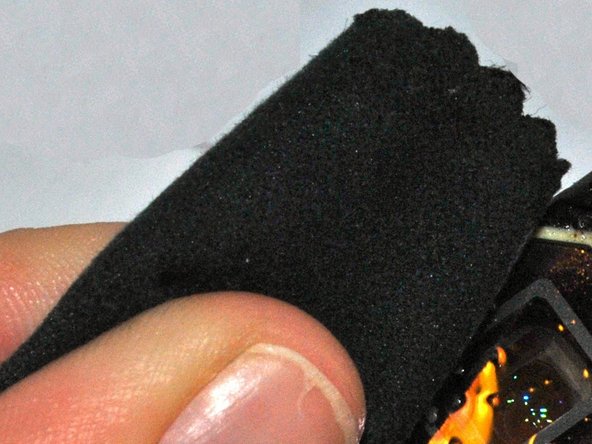
Remove the keys and clean using solution and a soft cloth. If the keys are damaged, you will need to replace them. You can purchase parts for your camera on Olympus's website.
-
-


To reassemble your device, follow these instructions in reverse order.

Ekip

University of Kentucky Louisville, Team 1-3, Rountree Winter 2015 University of Kentucky Louisville, Team 1-3, Rountree Winter 2015 üyesi
LOUISVILLE-ROUNTREE-W15S1G3
3 Üyeler
18 adet Kılavuz yazıldı
