Ana içeriğe geç
Onarım Topluluğuna Katılın - Hesap Oluşturun

IBM ThinkPad 600E RAM Replacement

Neye ihtiyacın var

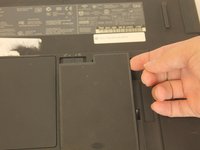
    1. IBM ThinkPad 600E RAM Replacement, Battery: adım 1, 3 resimden 1. IBM ThinkPad 600E RAM Replacement, Battery: adım 1, 3 resimden 2. IBM ThinkPad 600E RAM Replacement, Battery: adım 1, 3 resimden 3.
      • Flip the laptop over and find the battery latch.

      FixBot'a Sor
      Yorum Ekle

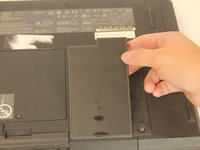
    2. IBM ThinkPad 600E RAM Replacement: adım 2, 1 resimden 1.
      • Move the latch to the side with the unlocked symbol.

      FixBot'a Sor
      Yorum Ekle

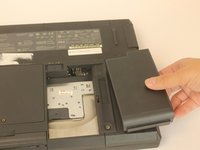
    3. IBM ThinkPad 600E RAM Replacement: adım 3, 3 resimden 1. IBM ThinkPad 600E RAM Replacement: adım 3, 3 resimden 2. IBM ThinkPad 600E RAM Replacement: adım 3, 3 resimden 3.
      • Pry the battery out using your fingers.

      FixBot'a Sor
      Yorum Ekle

    1. IBM ThinkPad 600E RAM Replacement, RAM: adım 4, 1 resimden 1.
      • Put on the anti-static wrist trap and clip it to a large metal object.

      • If you do not have an anti-static wristband, make sure to touch a large metal object to ground yourself before beginning to work on your replacement. Occasionally touch the metal object.

      FixBot'a Sor
      Yorum Ekle

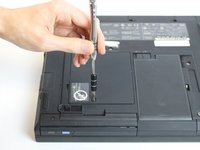
    2. IBM ThinkPad 600E RAM Replacement: adım 5, 3 resimden 1. IBM ThinkPad 600E RAM Replacement: adım 5, 3 resimden 2. IBM ThinkPad 600E RAM Replacement: adım 5, 3 resimden 3.
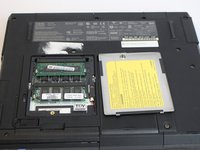
      • Using a screwdriver, loosen but do not remove the captive screw by turning counterclockwise.

      • One 3mm PH0 screw

      FixBot'a Sor

      Yorum Ekle

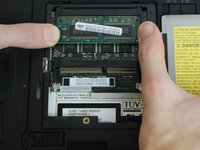
    3. IBM ThinkPad 600E RAM Replacement: adım 6, 3 resimden 1. IBM ThinkPad 600E RAM Replacement: adım 6, 3 resimden 2. IBM ThinkPad 600E RAM Replacement: adım 6, 3 resimden 3.
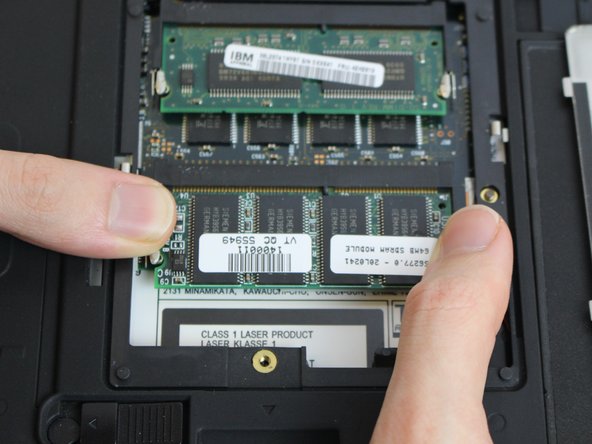
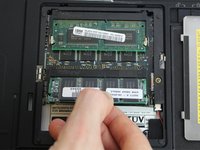
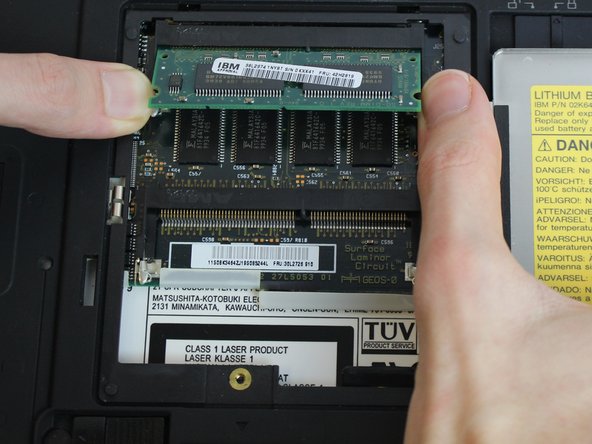
      • Using your fingers, pry the small retention clips apart until the ram pops up.

      FixBot'a Sor

      Yorum Ekle

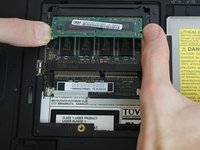
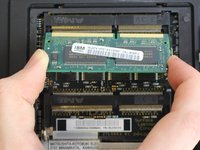
    4. IBM ThinkPad 600E RAM Replacement: adım 7, 2 resimden 1. IBM ThinkPad 600E RAM Replacement: adım 7, 2 resimden 2.
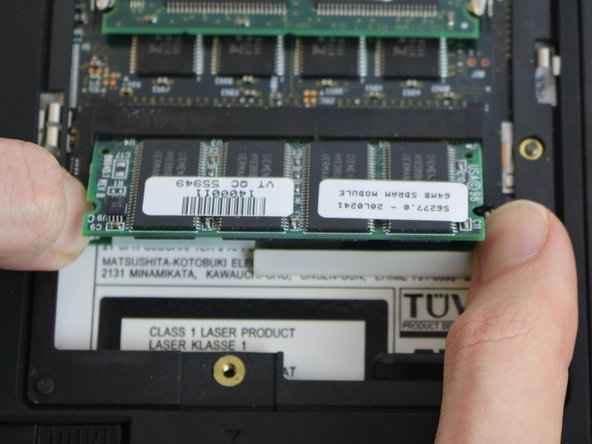
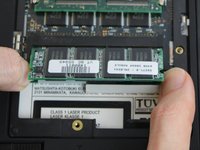
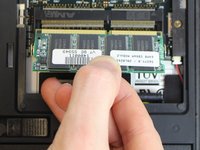
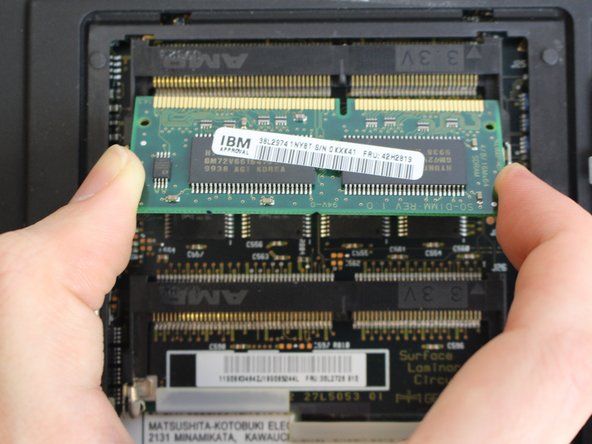
      • Using your fingers, pull straight in line with the ram to remove it.

      FixBot'a Sor

      Yorum Ekle

    5. IBM ThinkPad 600E RAM Replacement: adım 8, 3 resimden 1. IBM ThinkPad 600E RAM Replacement: adım 8, 3 resimden 2. IBM ThinkPad 600E RAM Replacement: adım 8, 3 resimden 3.
      • Repeat steps 3 and 4 if you want to remove the second ram stick.

      FixBot'a Sor

      Yorum Ekle

Sonuç

To reassemble your device, follow these instructions in reverse order.

İptal et: Bu kılavuzu tamamlamadım.

2 farklı kişi bu kılavuzu tamamladı.

Harold Rocha

Üyelik tarihi: 10/04/16

173 İtibar

1 Kılavuz yazıldı

Ekip

USF Tampa, Team 1-4, Nance Fall 2016 USF Tampa, Team 1-4, Nance Fall 2016 üyesi

USFT-NANCE-F16S1G4

4 Üyeler

22 adet Kılavuz yazıldı

0Kılavuz Yorumları

Yorum Ekle

İstatistikleri Görüntüle:

Son 24 Saat: 2

Son 7 gün: 10

Son 30 gün: 42

Her zaman: 1,499