Giriş
If your projector does not project an image, you may have a broken lamp. The lamp is designed to project light on to the color wheel as well as the lens so that the projector can display an image. Remove any power sources before you start.
Neye ihtiyacın var
-
-
-
Turn the projector so that the lens is facing you.
-
Use a Phillips #1 screwdriver to remove the 6 mm screw that secures top cover.
-
Remove the service cover.
 FixBot'a Sor
-
-
-
Use a Phillips #1 screwdriver to remove the seven 6 mm screws.
-
Use a Phillips #1 screwdriver to remove the two 5 mm screws.
-
Remove the top cover.
-
-
-
-
-
-
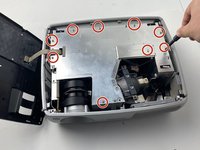
Use a Phillips #1 screwdriver to remove the nine 6 mm screws.
-
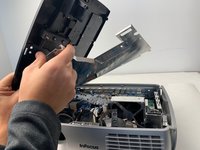
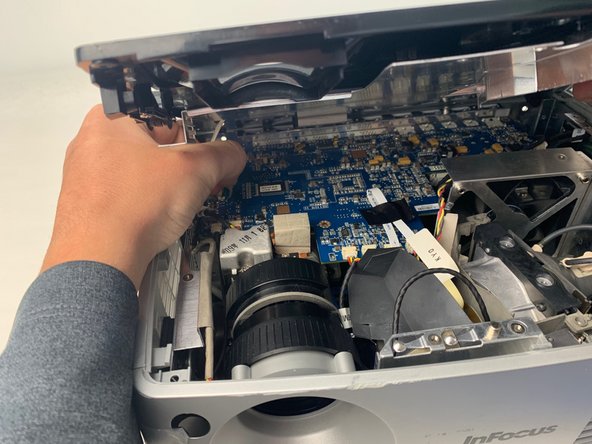
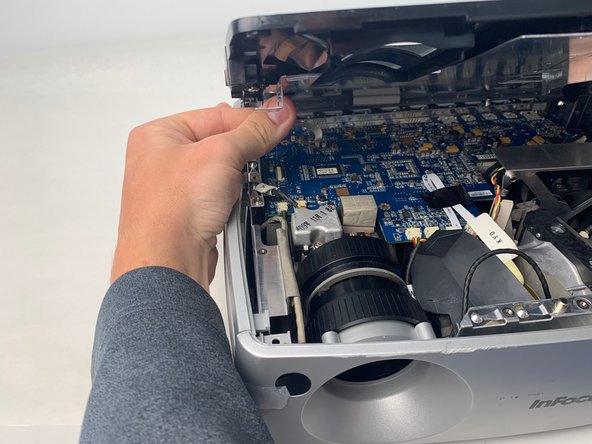
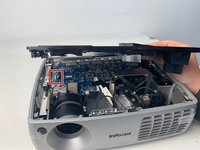
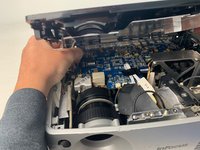
Lift up the metal cover and set it aside to reveal the motherboard.
-
-
-
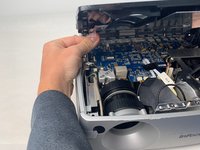
Carefully pry up the black plastic locking bar of the ZIF connector on the motherboard with a plastic spudger.
-
Pull out the blue-tipped, white ribbon cable from the connector.
-
Remove the metal cover.
-
-
-
-
-
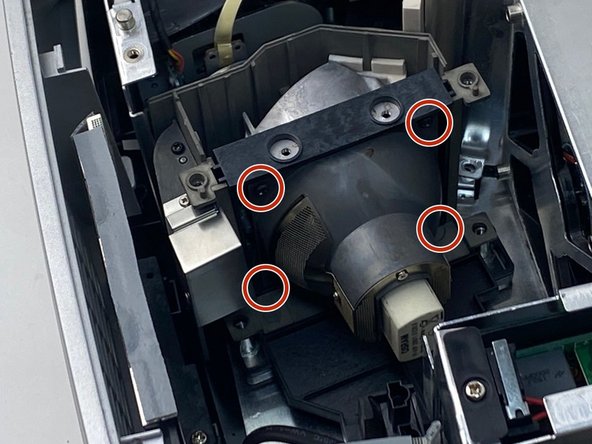
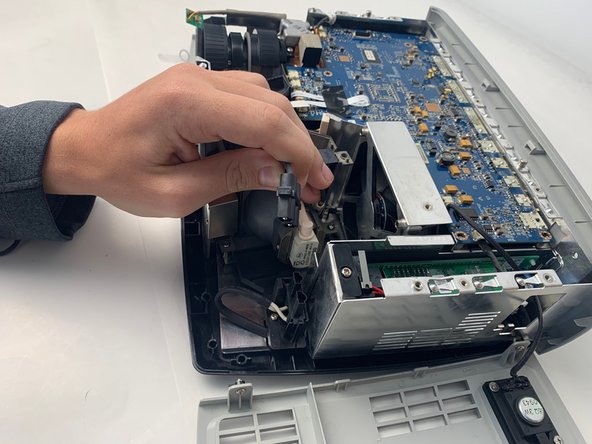
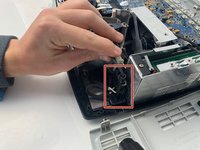
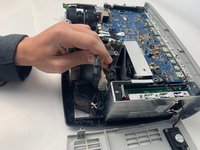
Remove the lamp power cable situated beside the lamp by pulling it straight out.
-
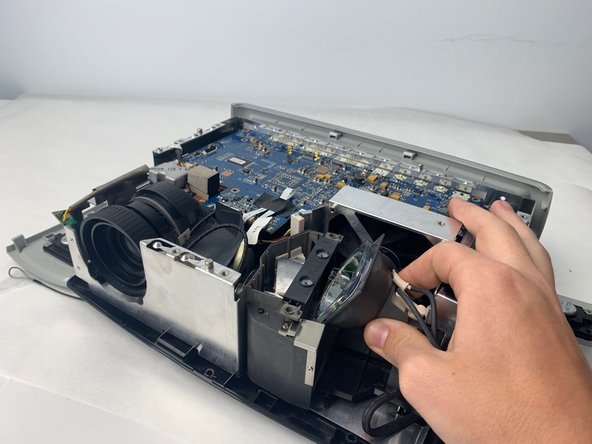
Remove the lamp by pulling it straight out from the device.
-




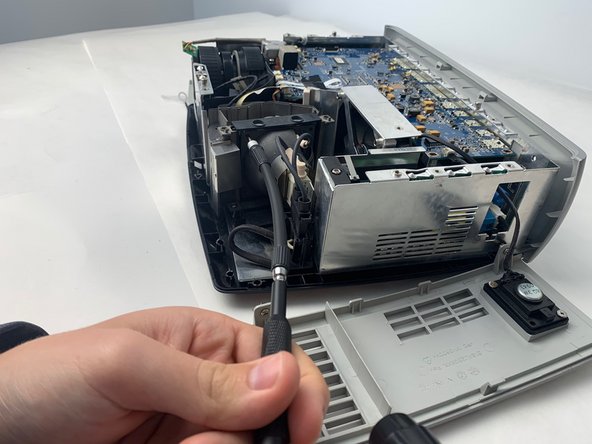
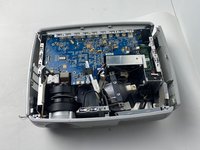
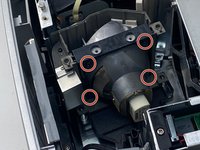
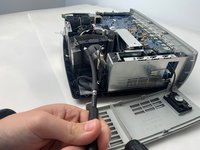

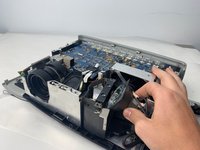
To reassemble your device, follow these instructions in reverse order.

Ekip

Embry-Riddle Aeronautical University, Team S5-G5, Watkins Spring 2020 Embry-Riddle Aeronautical University, Team S5-G5, Watkins Spring 2020 üyesi
ERAU-WATKINS-S20S5G5
4 Üyeler
14 adet Kılavuz yazıldı
