Giriş
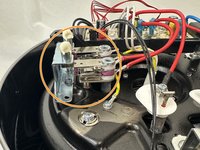
The following guide is for replacing the pressure sensor on an Instant Pot 60 EPC. Consider following this guide if you have issues with your pressure readings or recieve the errors C6, C6L, or C6H and cleaning the contacts was unhelpful.
Neye ihtiyacın var
-
-
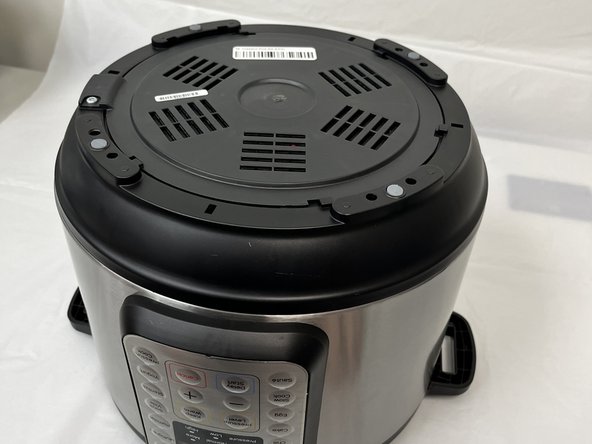
Remove the lid and inner pot from the Instant Pot and turn the body upside down.
-
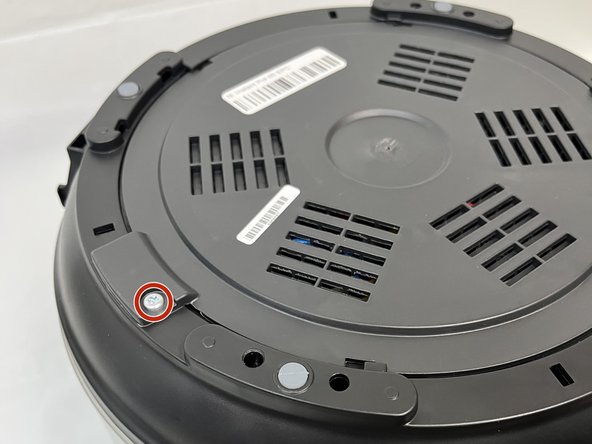
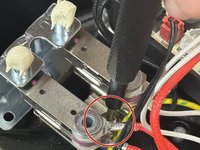
Remove the single Torx screw.
-
-
-
-
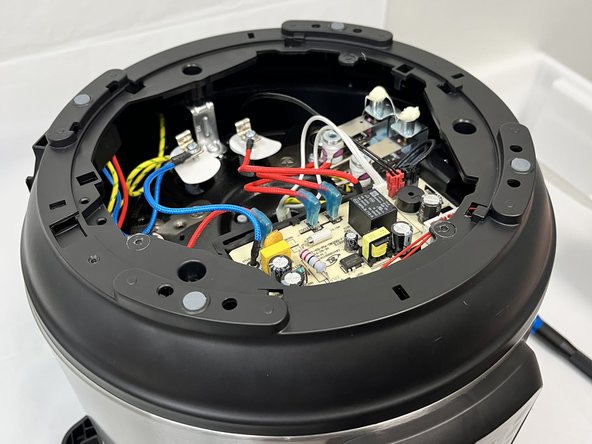
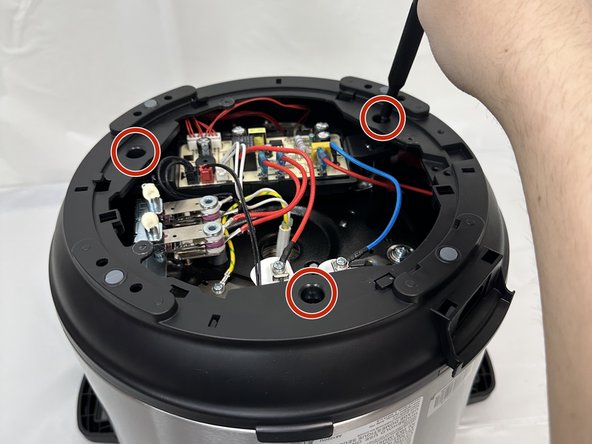
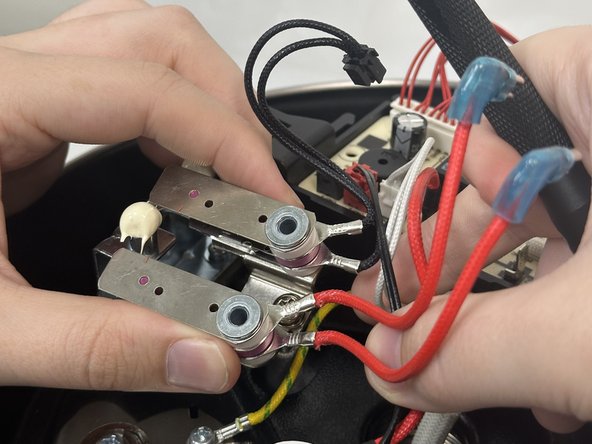
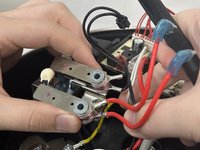
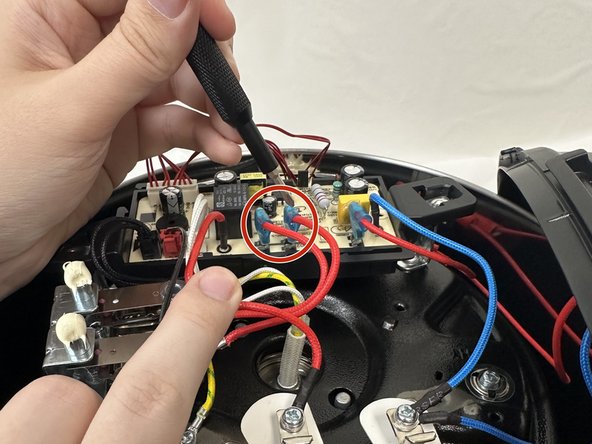
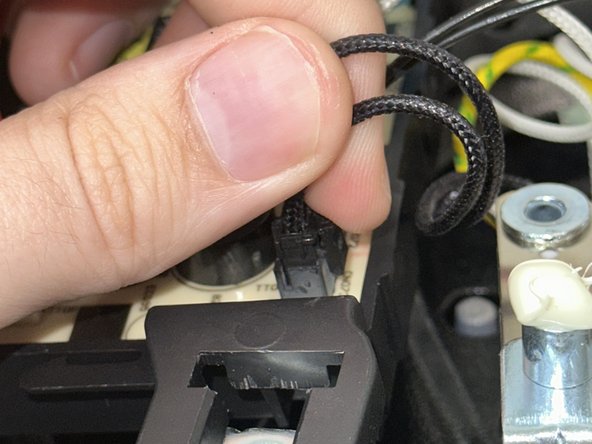
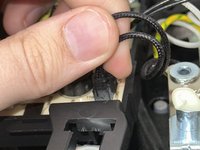
To remove the leads connecting the sensor to the motherboard you will need to unclip them.
-
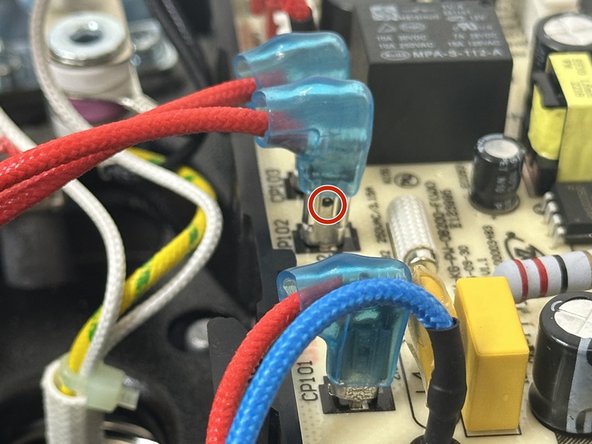
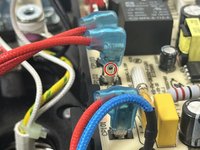
In order to do so, slide the blue covering up to expose the small hole in the lead.
-
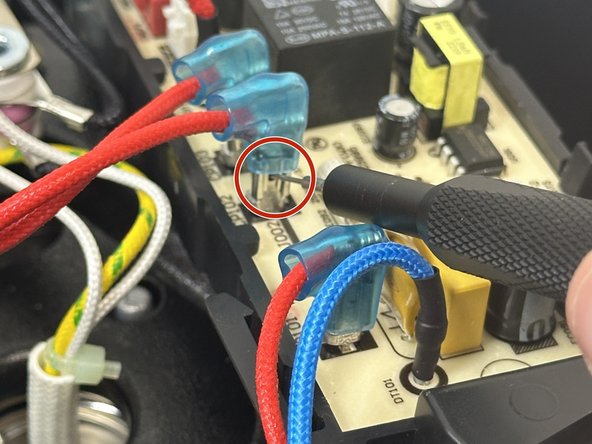
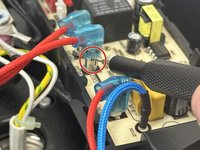
Place a SIM card punch into the hole to unsecure the leads and pull them up. If a SIM card punch is not avaliable then a paperclip or earring should suffice.
-





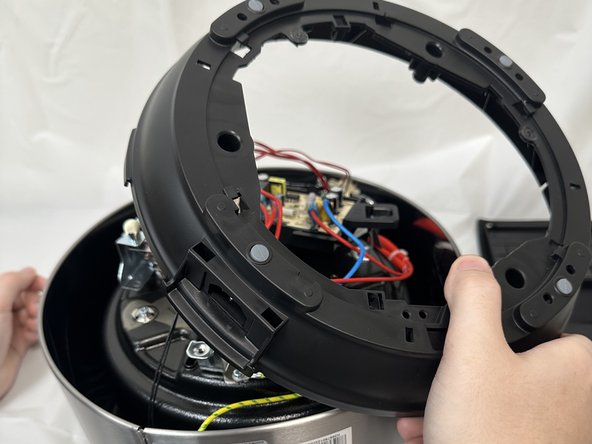
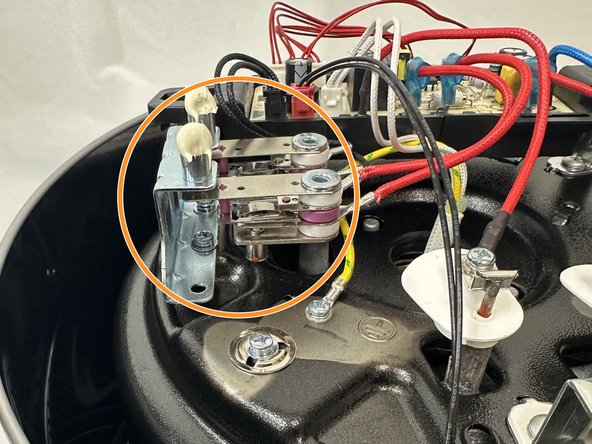


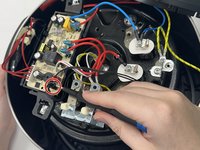

To reassemble your device, follow these instructions in reverse order.
İptal et: Bu kılavuzu tamamlamadım.
4 farklı kişi bu kılavuzu tamamladı.


Ekip

University of North Texas, Team 6-4, Kilpatrick Fall 2024 University of North Texas, Team 6-4, Kilpatrick Fall 2024 üyesi
UNT-KILPATRICK-F24S6G4
4 Üyeler
5 adet Kılavuz yazıldı
1Rehber Yorum
My pro plus comes with only one sensor. Where can I find it's replacement?
