Ana içeriğe geç
Onarım Topluluğuna Katılın - Hesap Oluşturun

JBL Pulse 4 Drivers Replacement

Neye ihtiyacın var

  1. JBL Pulse 4 Drivers Replacement, Casing Replacement: adım 1, 1 resimden 1.
    • Power off the device before doing any repairs.

    • Hold the power button for 3+ seconds to power down the device.

  2. JBL Pulse 4 Drivers Replacement: adım 2, 3 resimden 1. JBL Pulse 4 Drivers Replacement: adım 2, 3 resimden 2. JBL Pulse 4 Drivers Replacement: adım 2, 3 resimden 3.
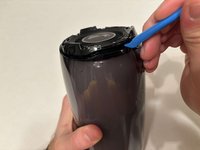
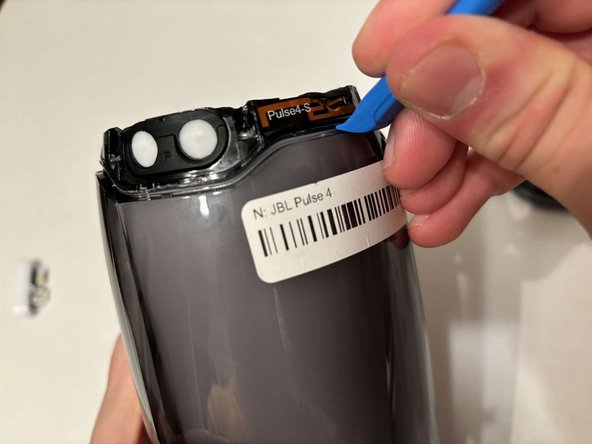
    • Remove each rubber end cap using a plastic pry tool.

    • Go around each end of the speaker slowly popping up a small section of the rubber cap until there is a gap on all sides.

    • Remove the top by hand.

  3. JBL Pulse 4 Drivers Replacement: adım 3, 3 resimden 1. JBL Pulse 4 Drivers Replacement: adım 3, 3 resimden 2. JBL Pulse 4 Drivers Replacement: adım 3, 3 resimden 3.
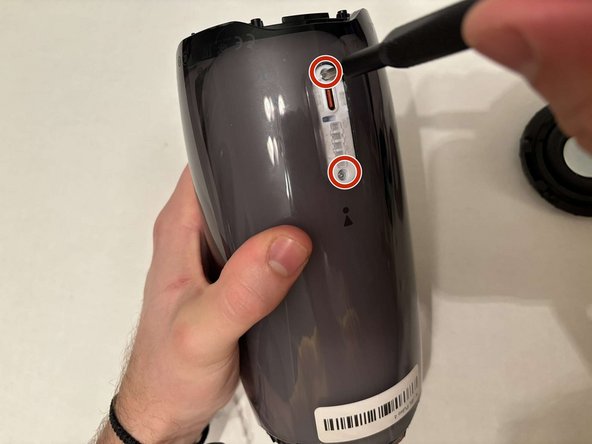
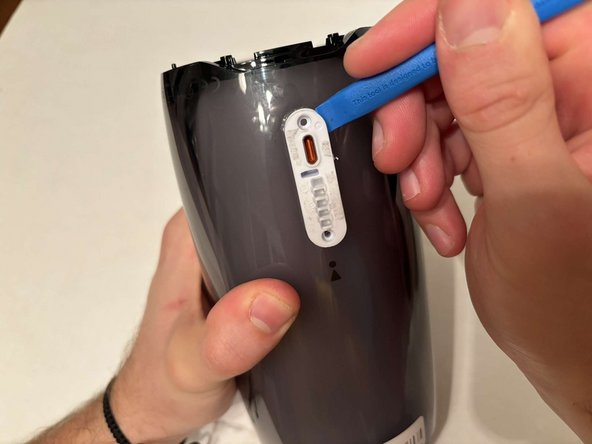
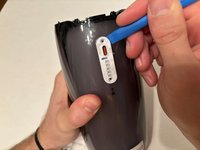
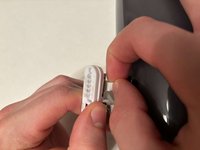
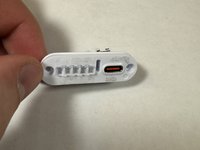
    • Remove the charging port cover using a plastic pry tool.

    • Remove the two 12.7 mm Phillips #1 screws.

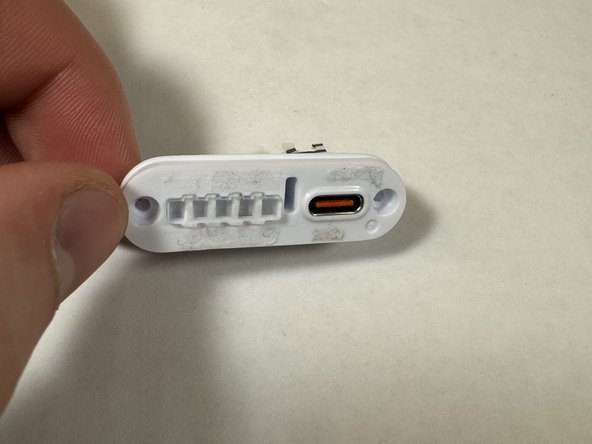
    • Remove the charging port housing from the casing.

  4. JBL Pulse 4 Drivers Replacement: adım 4, 3 resimden 1. JBL Pulse 4 Drivers Replacement: adım 4, 3 resimden 2. JBL Pulse 4 Drivers Replacement: adım 4, 3 resimden 3.
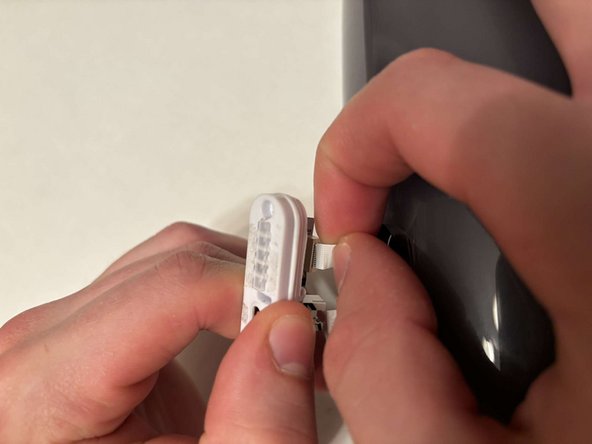
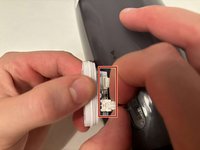
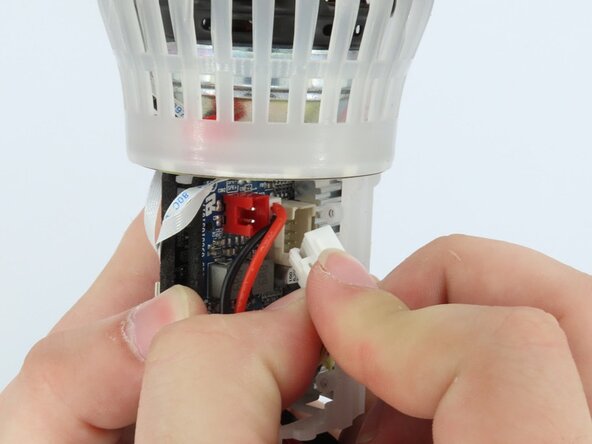
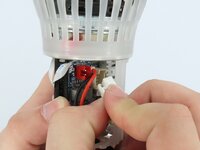
    • Disconnect the charging port connector by pulling the connector away from the port.

    • Disconnect the battery level indicator light by pulling the wire away from the lights.

  5. JBL Pulse 4 Drivers Replacement: adım 5, 2 resimden 1. JBL Pulse 4 Drivers Replacement: adım 5, 2 resimden 2.
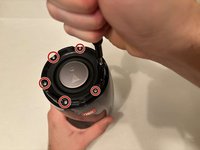
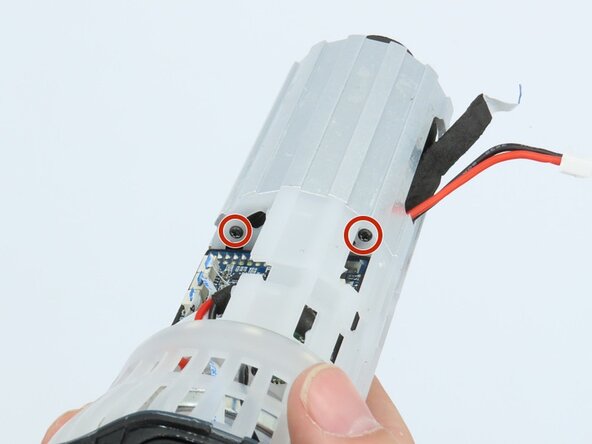
    • Remove the six 8 mm Phillips #1 screws from the end of the speaker with the grill that says "JBL."

    • Remove the plastic piece where the 6 screws came out of.

  6. JBL Pulse 4 Drivers Replacement: adım 6, 1 resimden 1.
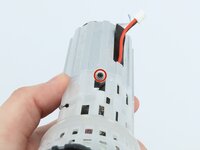
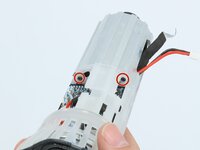
    • Remove the six 9.5 mm screws using a Phillips #1 screwdriver.

  7. JBL Pulse 4 Drivers Replacement: adım 7, 3 resimden 1. JBL Pulse 4 Drivers Replacement: adım 7, 3 resimden 2. JBL Pulse 4 Drivers Replacement: adım 7, 3 resimden 3.
    • Flip the speaker to the other end.

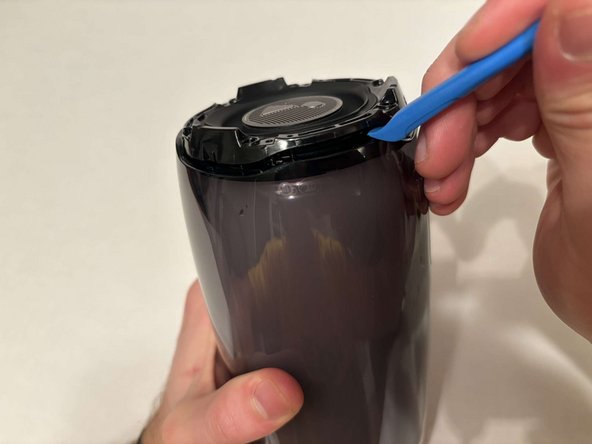
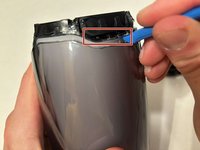
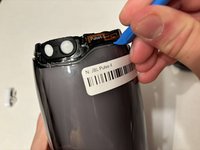
    • Use a pry tool to pry between the casing of the speaker and the internals.

    • Go around the entirety of this end of the speaker slowly prying apart the two pieces.

  8. JBL Pulse 4 Drivers Replacement: adım 8, 1 resimden 1.
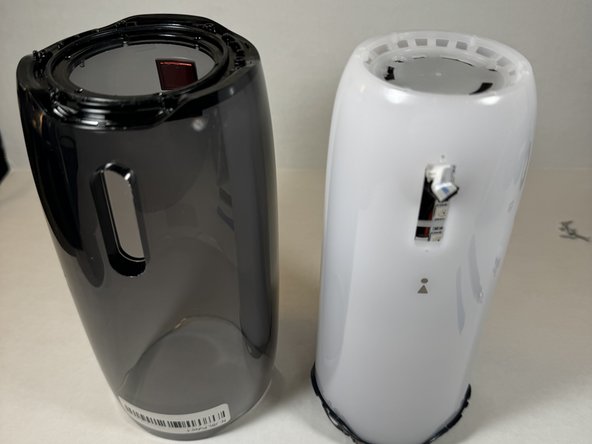
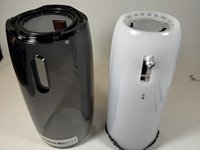
    • The casing is now fully detached from the internal components.

    • You can now replace the outer casing of the speaker.

  9. JBL Pulse 4 Drivers Replacement, LED Light Display: adım 9, 2 resimden 1. JBL Pulse 4 Drivers Replacement, LED Light Display: adım 9, 2 resimden 2.
    • Place the speaker on the table with the button board side down.

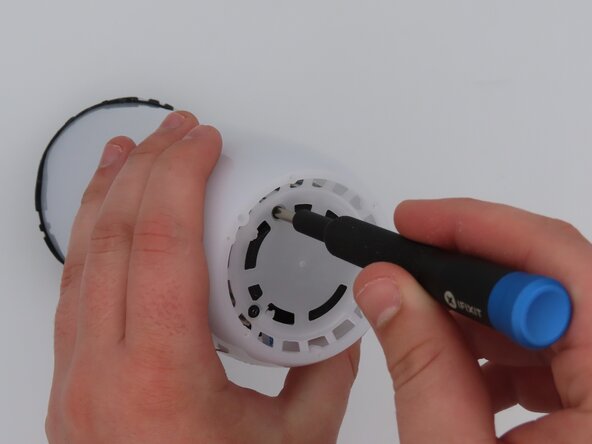
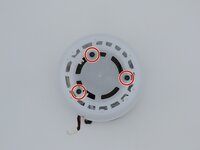
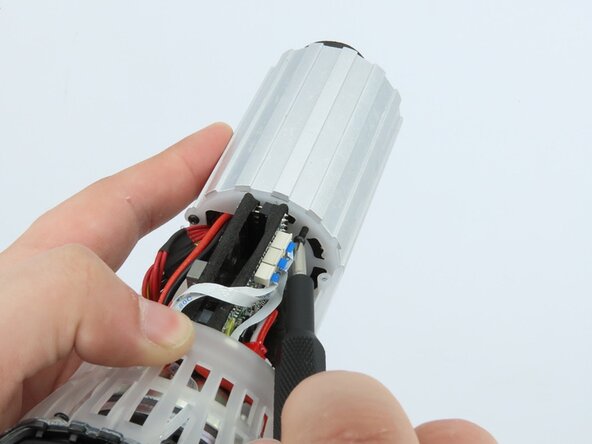
    • Remove the three black 5 mm screws using a Phillips #1 screwdriver.

    • Remove the white casing by pulling it away from the button board.

  10. JBL Pulse 4 Drivers Replacement: adım 10, 1 resimden 1.
    • Clip off the two zip-ties using the zip tie cutter.

  11. JBL Pulse 4 Drivers Replacement: adım 11, 1 resimden 1.
    • Peel each LED strip off of the speaker using an iFixit opening pick.

  12. JBL Pulse 4 Drivers Replacement: adım 12, 2 resimden 1. JBL Pulse 4 Drivers Replacement: adım 12, 2 resimden 2.
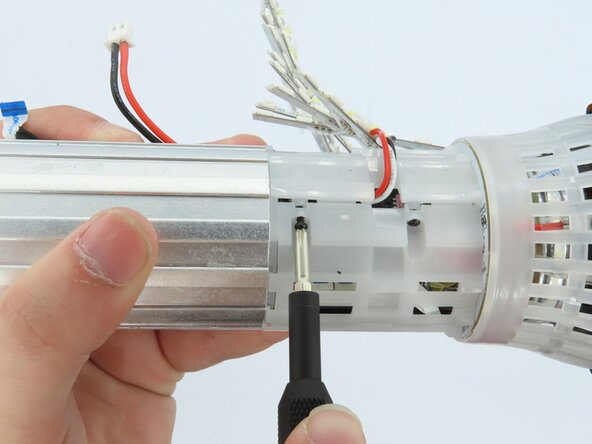
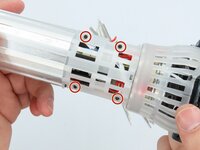
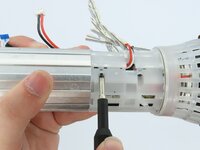
    • Remove the four black 5 mm screws using a Phillips #1 screwdriver.

    • Remove the white plastic piece that is held in place by the screws.

  13. JBL Pulse 4 Drivers Replacement: adım 13, 1 resimden 1.
    • Remove the red/white cable from the white connection.

  14. JBL Pulse 4 Drivers Replacement: adım 14, 1 resimden 1.
    • Remove the LED light display from the speaker.

  15. JBL Pulse 4 Drivers Replacement, Battery: adım 15, 3 resimden 1. JBL Pulse 4 Drivers Replacement, Battery: adım 15, 3 resimden 2. JBL Pulse 4 Drivers Replacement, Battery: adım 15, 3 resimden 3.
    • Remove the three black 5 mm screws using a Phillips #1 screwdriver.

  16. JBL Pulse 4 Drivers Replacement: adım 16, 2 resimden 1. JBL Pulse 4 Drivers Replacement: adım 16, 2 resimden 2.
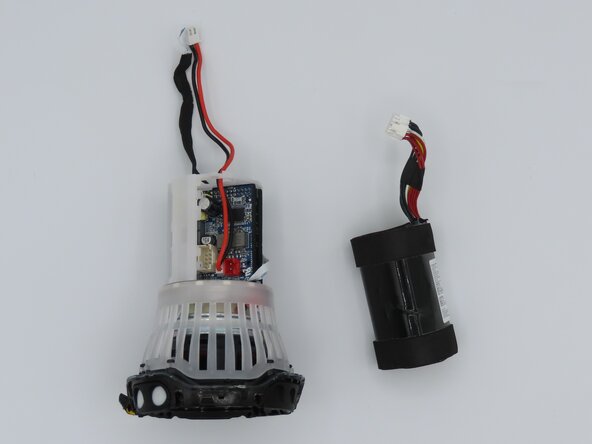
    • Unplug the cable connecting the battery to the motherboard.

  17. JBL Pulse 4 Drivers Replacement: adım 17, 2 resimden 1. JBL Pulse 4 Drivers Replacement: adım 17, 2 resimden 2.
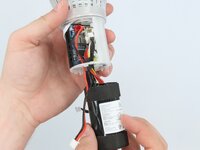
    • Feed the wire out of the central housing unit.

    • Pull the battery out of the central housing unit.

  18. JBL Pulse 4 Drivers Replacement, Button Board: adım 18, 1 resimden 1.
    • Cut the black cable off the motherboard using cutters to remove the button board.

  19. JBL Pulse 4 Drivers Replacement, Motherboard: adım 19, 2 resimden 1. JBL Pulse 4 Drivers Replacement, Motherboard: adım 19, 2 resimden 2.
    Bu adımda kullanılan alet:
    Tweezers
    $4.99
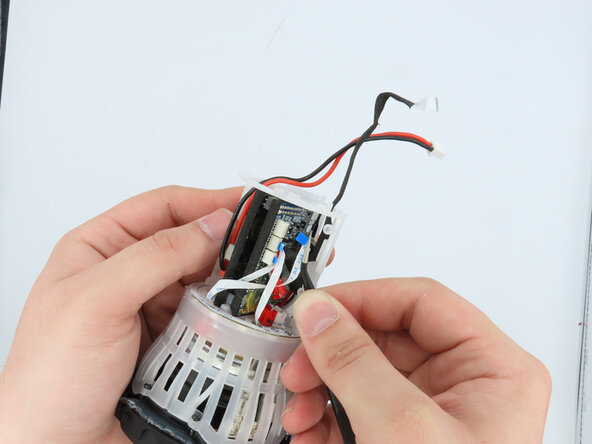
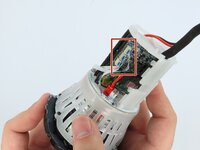
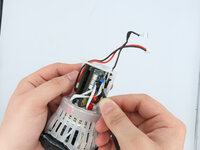
    • Using the tweezers, gently unplug the three connections attached to the motherboard.

  20. JBL Pulse 4 Drivers Replacement: adım 20, 3 resimden 1. JBL Pulse 4 Drivers Replacement: adım 20, 3 resimden 2. JBL Pulse 4 Drivers Replacement: adım 20, 3 resimden 3.
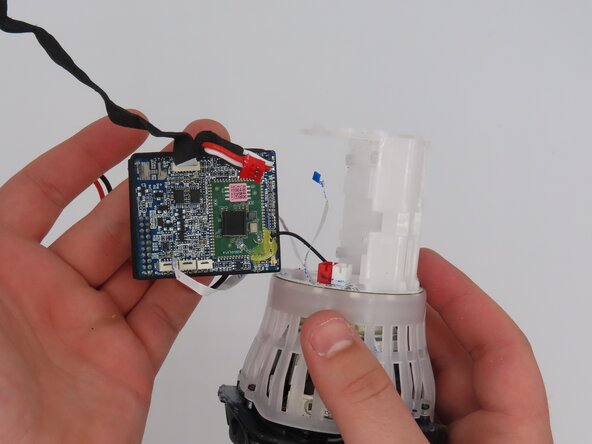
    • Pull the motherboard out of the frame.

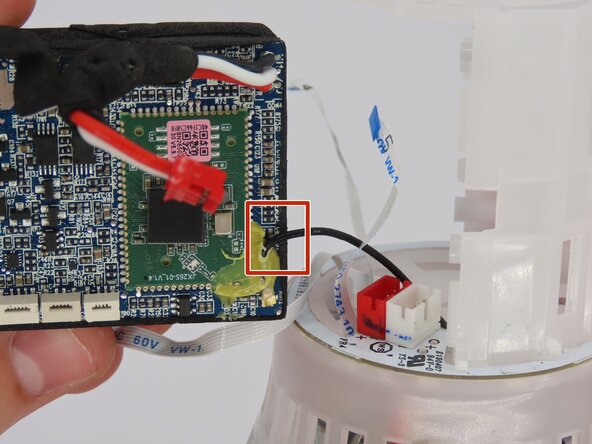
    • The only connection the motherboard has to the frame now should be the soldered-on black wire.

  21. JBL Pulse 4 Drivers Replacement: adım 21, 3 resimden 1. JBL Pulse 4 Drivers Replacement: adım 21, 3 resimden 2. JBL Pulse 4 Drivers Replacement: adım 21, 3 resimden 3.
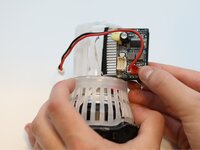
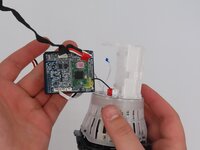
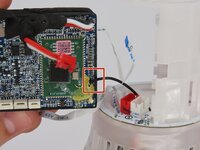
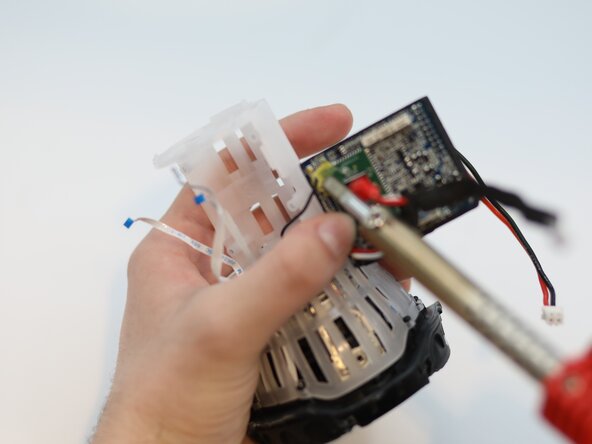
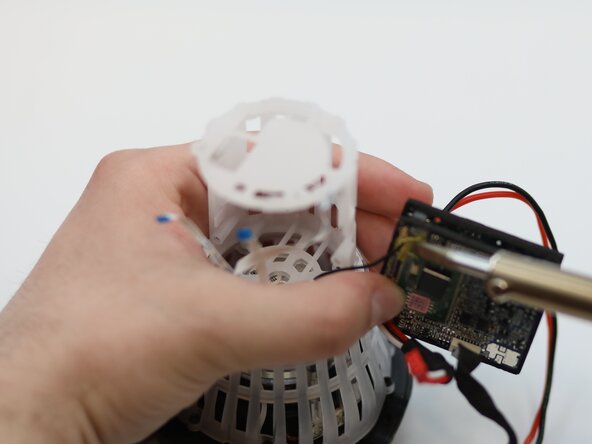
    • Desolder the wire from the motherboard.

    • Remove the motherboard from the speaker.

  22. JBL Pulse 4 Drivers Replacement, Drivers: adım 22, 2 resimden 1. JBL Pulse 4 Drivers Replacement, Drivers: adım 22, 2 resimden 2.
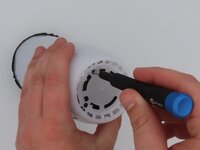
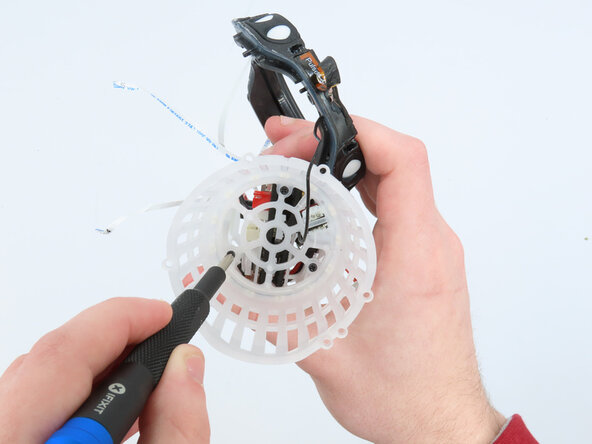
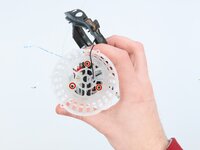
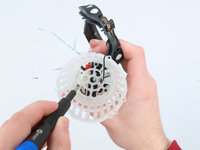
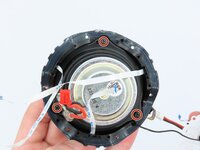
    • Use a Phillips #00 screwdriver to remove the three 5 mm screws securing the plastic housing.

    • Remove the bumper assembly.

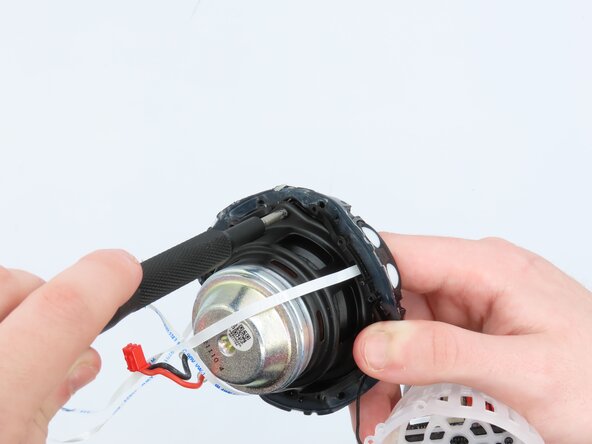
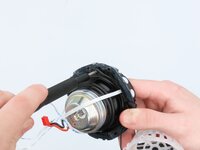
  23. JBL Pulse 4 Drivers Replacement: adım 23, 1 resimden 1.
    • Pull the bumper assembly away from the rest of the speaker.

    • Caution: Be gentle with the attached wires to avoid damaging them. Do not disconnect the wires while separating the parts.

  24. JBL Pulse 4 Drivers Replacement: adım 24, 1 resimden 1.
    • Disconnect the connector attached to the driver by gently pulling it apart.

    • Caution: Avoid pulling on the wires directly to prevent damage to the connector or internal wiring.

  25. JBL Pulse 4 Drivers Replacement: adım 25, 2 resimden 1. JBL Pulse 4 Drivers Replacement: adım 25, 2 resimden 2.
    • Remove the driver from the plastic housing by gently pulling them apart.

    • Hold both the driver and housing firmly during this process.

    • Use a Phillips #00 screwdriver to remove any screws securing the driver, if necessary.

    • Caution: Avoid putting pressure on the driver or its connections to prevent damage.

Sonuç

To reassemble your device, follow these instructions in reverse order.

Wesley Henderson

Üyelik tarihi: 02/25/25

109 İtibar

1 Kılavuz yazıldı

0Kılavuz Yorumları

Yorum Ekle

İstatistikleri Görüntüle:

Son 24 Saat: 1

Son 7 gün: 11

Son 30 gün: 39

Her zaman: 238