Ana içeriğe geç
Onarım Topluluğuna Katılın - Hesap Oluşturun

JBL Pulse Motherboard Replacement

Neye ihtiyacın var

  1. JBL Pulse Motherboard Replacement, Button Board: adım 1, 1 resimden 1.
    • Use a plastic opening tool to pry around the edges of the circular rubber panel.

    FixBot'a Sor

    Yorum Ekle

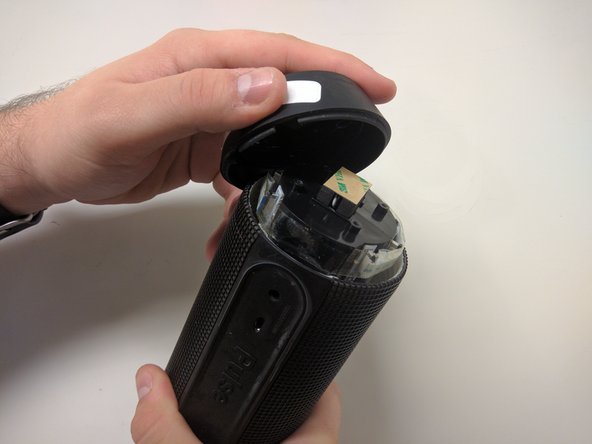
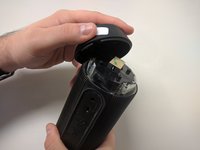
  2. JBL Pulse Motherboard Replacement: adım 2, 1 resimden 1.
    • Once the edges are loose, pull off the rubber button panel completely.

    • New adhesive will have to be applied when reassembling.

    FixBot'a Sor

    Yorum Ekle

  3. JBL Pulse Motherboard Replacement: adım 3, 1 resimden 1.
    • Use your plastic opening tool to pry the button board loose by lifting the edges.

    FixBot'a Sor

    Yorum Ekle

  4. JBL Pulse Motherboard Replacement: adım 4, 1 resimden 1.
    • Lift the button board, exposing the attached cable.

    • New adhesive will have to be applied when reassembling.

    FixBot'a Sor

    Yorum Ekle

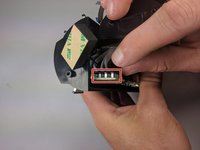
  5. JBL Pulse Motherboard Replacement: adım 5, 1 resimden 1.
    • Pull black piece on top of socket away from board to loosen, then detach the cable.

    FixBot'a Sor

    Yorum Ekle

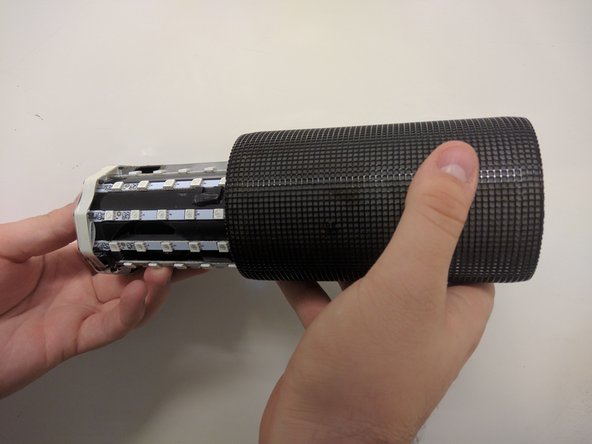
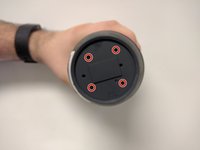
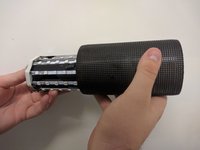
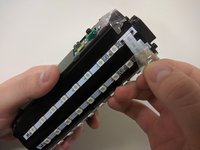
  6. JBL Pulse Motherboard Replacement, Outer Casing: adım 6, 3 resimden 1. JBL Pulse Motherboard Replacement, Outer Casing: adım 6, 3 resimden 2. JBL Pulse Motherboard Replacement, Outer Casing: adım 6, 3 resimden 3.
    • Take out the four 9mm black PH0 screws from the top and bottom of the device.

    • Pull off cap by hand.

    • The outer casing can now be removed.

    FixBot'a Sor

    Yorum Ekle

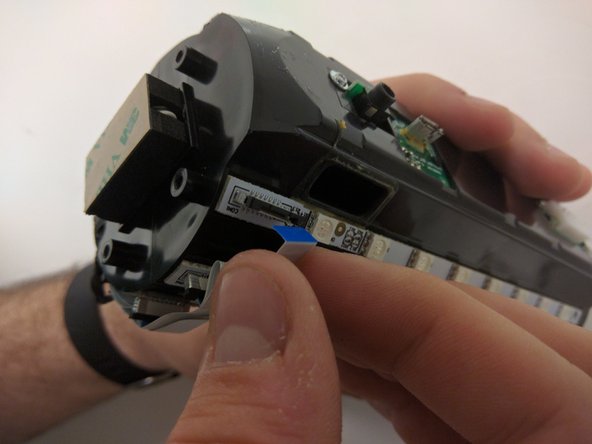
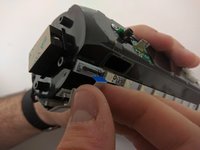
  7. JBL Pulse Motherboard Replacement, JBL Pulse LED Lights Disassembly: adım 7, 2 resimden 1. JBL Pulse Motherboard Replacement, JBL Pulse LED Lights Disassembly: adım 7, 2 resimden 2.
    • Remove the tape around the cables on the top of the device.

    • Remove the cables by lifting up on the black bracket and then pulling the cable out.

    FixBot'a Sor

    Yorum Ekle

  8. JBL Pulse Motherboard Replacement, JBL Pulse Disassembly: adım 8, 1 resimden 1.
    • Remove two black 9mm PH0 screws from outside of inner casing on each side.

    FixBot'a Sor

    Yorum Ekle

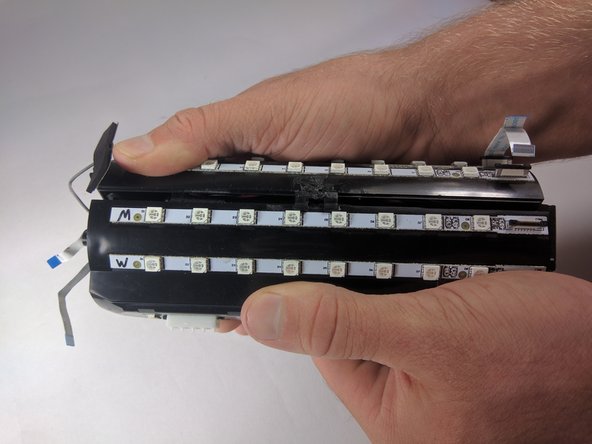
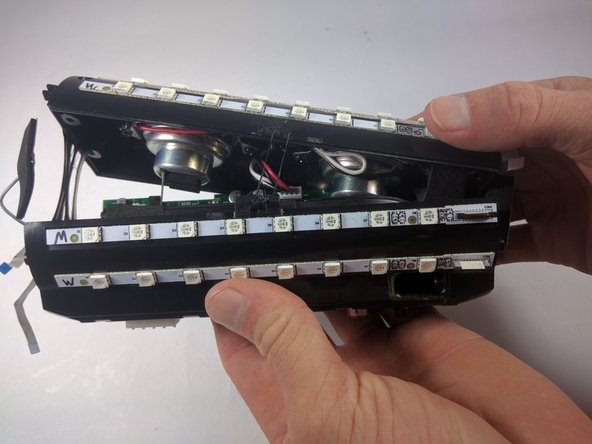
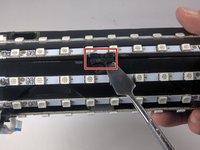
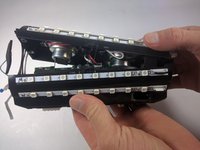
  9. JBL Pulse Motherboard Replacement: adım 9, 3 resimden 1. JBL Pulse Motherboard Replacement: adım 9, 3 resimden 2. JBL Pulse Motherboard Replacement: adım 9, 3 resimden 3.
    • Use your metal spudger to unhook the bracket holding the case together.

    • Pull apart the casing with your hands.

    FixBot'a Sor

    Yorum Ekle

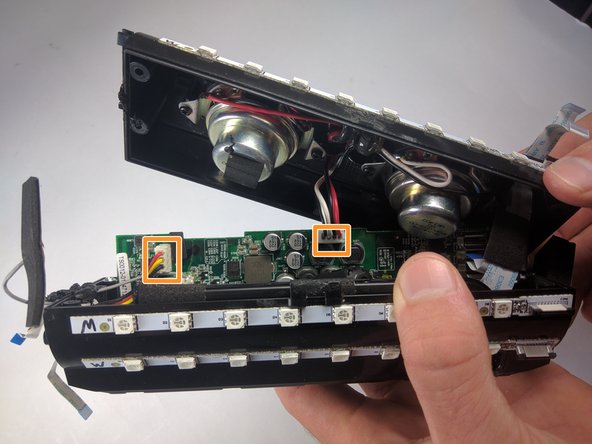
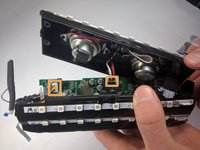
  10. JBL Pulse Motherboard Replacement: adım 10, 2 resimden 1. JBL Pulse Motherboard Replacement: adım 10, 2 resimden 2.
    • Remove the cables by lifting up on the black bracket and then pulling the cable out.

    • Remove cables by pulling firmly.

    FixBot'a Sor

    Yorum Ekle

  11. JBL Pulse Motherboard Replacement, Motherboard: adım 11, 1 resimden 1.
    • Once all of the cables are removed, grip the motherboard and slide it out.

    FixBot'a Sor

    Yorum Ekle

Sonuç

To reassemble your device, follow these instructions in reverse order.

İptal et: Bu kılavuzu tamamlamadım.

3 farklı kişi bu kılavuzu tamamladı.

Maxwell Busenbarrick

Üyelik tarihi: 09/15/16

1.401 İtibar

7 adet Kılavuz yazıldı

Ekip

USF Tampa, Team 18-6, Blackwell Fall 2016 USF Tampa, Team 18-6, Blackwell Fall 2016 üyesi

USFT-BLACKWELL-F16S18G6

3 Üyeler

13 adet Kılavuz yazıldı

3Kılavuz Yorumları

Excelente, funcionó perfectamente la guia. Compré la bateria y el armado funcionó perfecto. Muchas gracias.

Angel Pérez - Yanıt Paylaş

my usb port is damaged. Do I have to replace the whole motherboarD?

dinosdabi - Yanıt Paylaş

Hey I need JBL pulse motherboard Where can I buy. Please help

kashyapvikas228vk1070301 - Yanıt Paylaş

Yorum Ekle

İstatistikleri Görüntüle:

Son 24 Saat: 2

Son 7 gün: 8

Son 30 gün: 50

Her zaman: 10,156