Ana içeriğe geç
Onarım Topluluğuna Katılın - Hesap Oluşturun

Kano Computer Kit Complete Raspberry Pi Replacement

    1. Kano Computer Kit Complete Raspberry Pi Replacement, Raspberry Pi: adım 1, 2 resimden 1. Kano Computer Kit Complete Raspberry Pi Replacement, Raspberry Pi: adım 1, 2 resimden 2.
      • Take off the clear backing of the computer and set it aside.

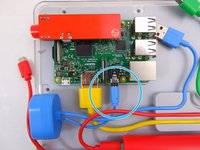
      • The Raspberry Pi is located in the top right corner of the case.

      FixBot'a Sor

      Yorum Ekle

    2. Kano Computer Kit Complete Raspberry Pi Replacement: adım 2, 3 resimden 1. Kano Computer Kit Complete Raspberry Pi Replacement: adım 2, 3 resimden 2. Kano Computer Kit Complete Raspberry Pi Replacement: adım 2, 3 resimden 3.
      • Unplug the battery from the power button.

      FixBot'a Sor

      Yorum Ekle

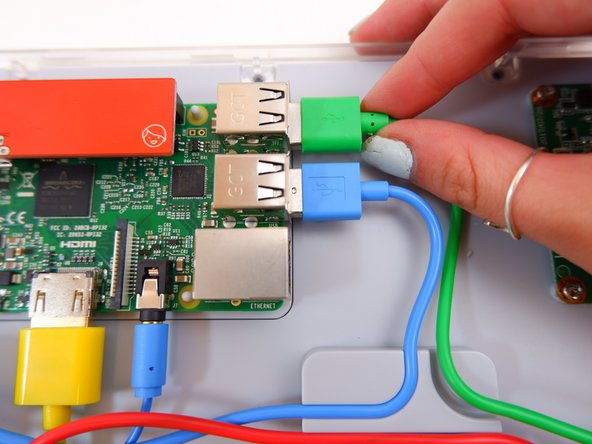
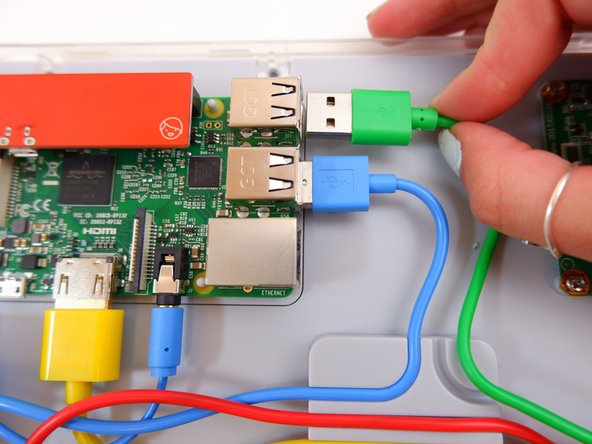
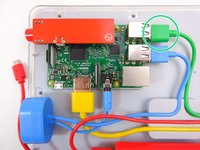
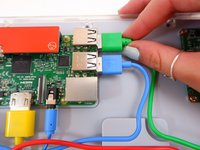
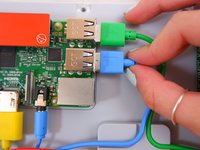
    3. Kano Computer Kit Complete Raspberry Pi Replacement: adım 3, 3 resimden 1. Kano Computer Kit Complete Raspberry Pi Replacement: adım 3, 3 resimden 2. Kano Computer Kit Complete Raspberry Pi Replacement: adım 3, 3 resimden 3.
      • Unplug the green cable

      FixBot'a Sor

      Yorum Ekle

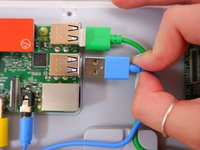
    4. Kano Computer Kit Complete Raspberry Pi Replacement: adım 4, 3 resimden 1. Kano Computer Kit Complete Raspberry Pi Replacement: adım 4, 3 resimden 2. Kano Computer Kit Complete Raspberry Pi Replacement: adım 4, 3 resimden 3.
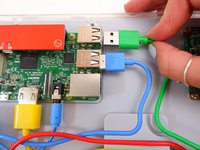
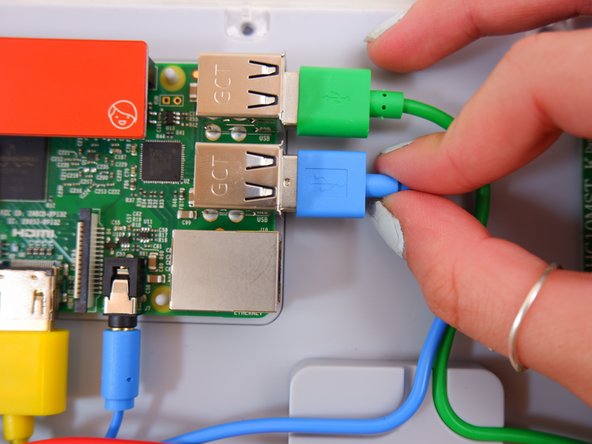
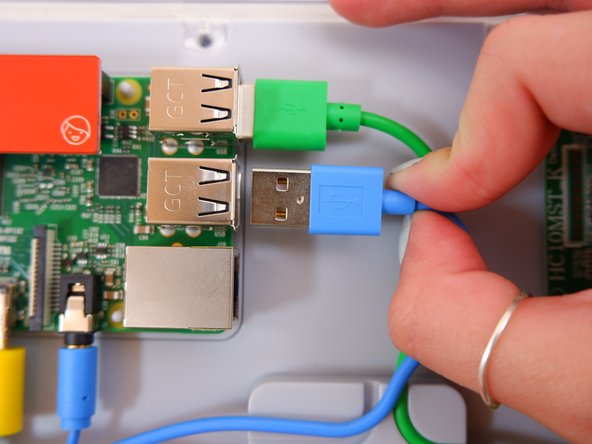
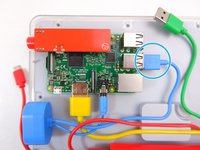
      • Unplug the blue USB cable.

      FixBot'a Sor

      Yorum Ekle

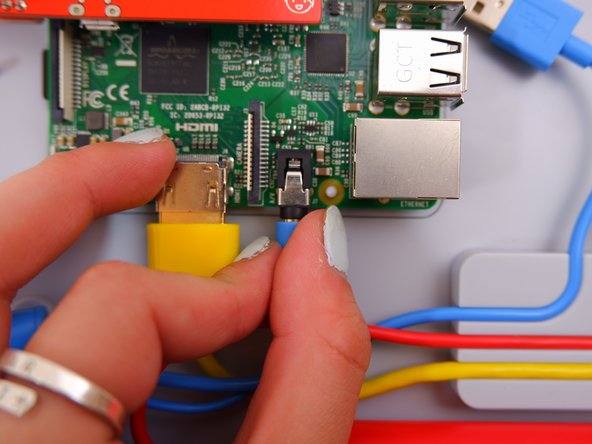
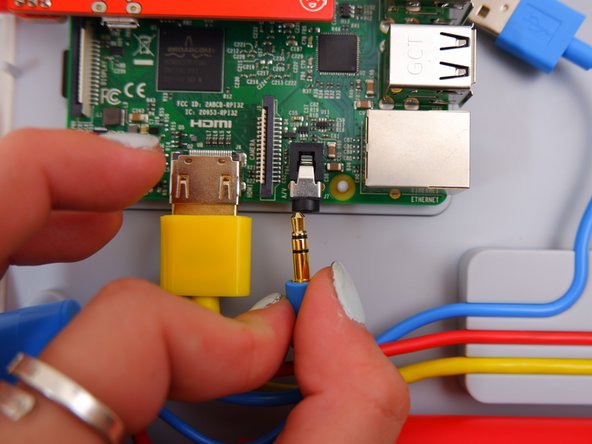
    5. Kano Computer Kit Complete Raspberry Pi Replacement: adım 5, 3 resimden 1. Kano Computer Kit Complete Raspberry Pi Replacement: adım 5, 3 resimden 2. Kano Computer Kit Complete Raspberry Pi Replacement: adım 5, 3 resimden 3.
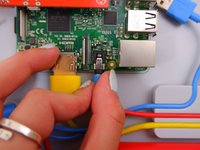
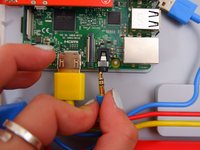
      • Unplug the blue audio jack.

      FixBot'a Sor

      Yorum Ekle

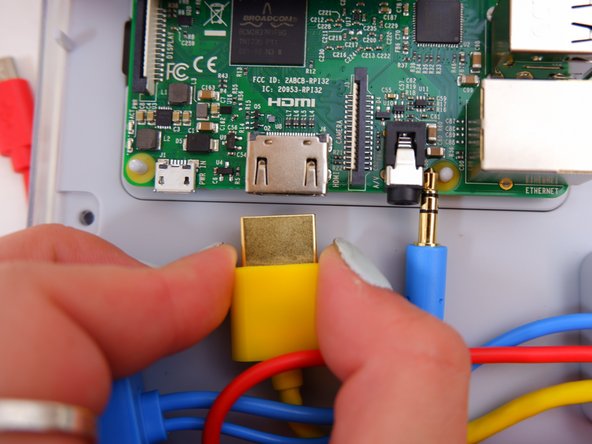
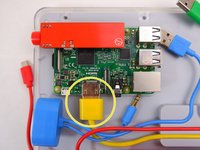
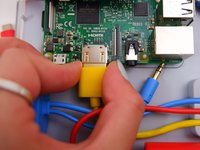
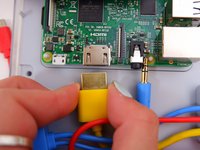
    6. Kano Computer Kit Complete Raspberry Pi Replacement: adım 6, 3 resimden 1. Kano Computer Kit Complete Raspberry Pi Replacement: adım 6, 3 resimden 2. Kano Computer Kit Complete Raspberry Pi Replacement: adım 6, 3 resimden 3.
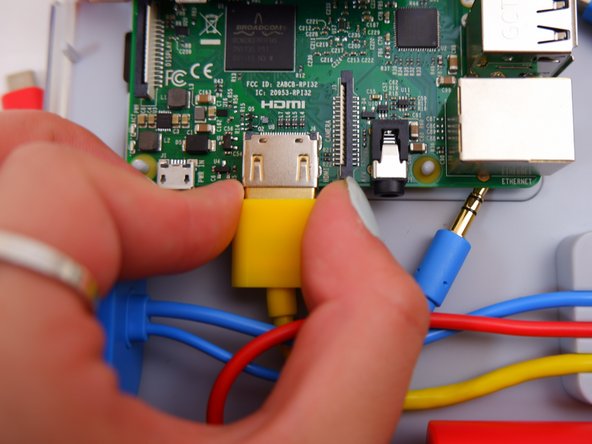
      • Unplug the yellow cable.

      FixBot'a Sor

      Yorum Ekle

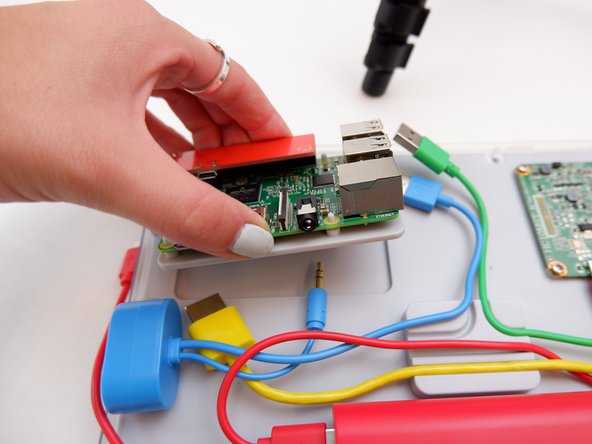
    7. Kano Computer Kit Complete Raspberry Pi Replacement: adım 7, 2 resimden 1. Kano Computer Kit Complete Raspberry Pi Replacement: adım 7, 2 resimden 2.
      • Pop off the entire board from of the back of the screen.

      FixBot'a Sor

      Yorum Ekle

    8. Kano Computer Kit Complete Raspberry Pi Replacement: adım 8, 1 resimden 1.
      • Remove the backing off the Raspberry Pi.

      FixBot'a Sor

      Yorum Ekle

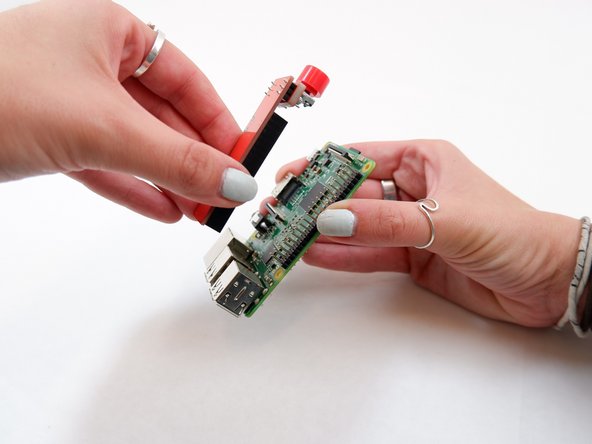
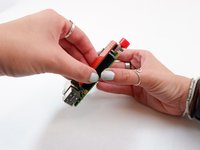
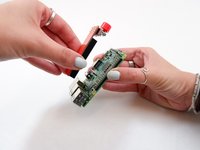
    9. Kano Computer Kit Complete Raspberry Pi Replacement: adım 9, 2 resimden 1. Kano Computer Kit Complete Raspberry Pi Replacement: adım 9, 2 resimden 2.
      • Remove the power button from the Raspberry Pi.

      FixBot'a Sor

      Yorum Ekle

Sonuç

To reassemble your device, follow these instructions in reverse order with the new Raspberry Pi.

İptal et: Bu kılavuzu tamamlamadım.

Bir başkası bu kılavuzu tamamladı.

0Kılavuz Yorumları

Yorum Ekle

İstatistikleri Görüntüle:

Son 24 Saat: 2

Son 7 gün: 9

Son 30 gün: 42

Her zaman: 1,953