Giriş
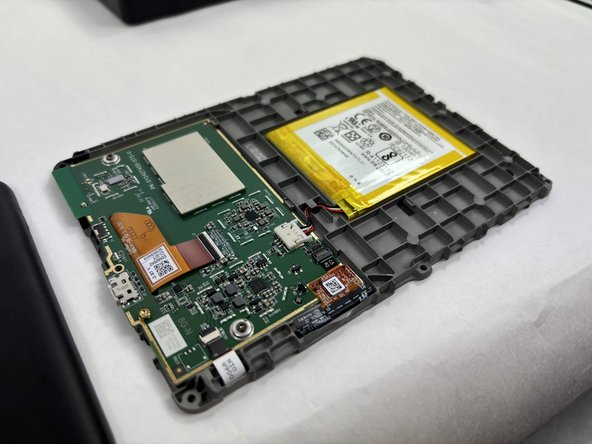
If you discover any issues such as quickly draining battery, freezing, overheating, or charging problems, this could indicate that you need to replace your battery. Through using this guide, you can learn the proper way to conduct a battery replacement for the Kindle 10.
Neye ihtiyacın var
-
-
-
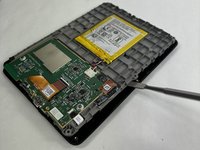
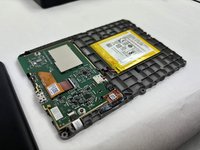
Gently use a metal spudger to pry, twist, and lift the bezel away from the display.
 FixBot'a Sor
-
-
-



To reassemble your device, follow these instructions in reverse order.
İptal et: Bu kılavuzu tamamlamadım.
2 farklı kişi bu kılavuzu tamamladı.

Ekip

UMass Dartmouth, Team 1-2, Konn Fall 2024 UMass Dartmouth, Team 1-2, Konn Fall 2024 üyesi
UMASSD-KONN-F24S1G2
3 Üyeler
7 adet Kılavuz yazıldı
