Ana içeriğe geç
Onarım Topluluğuna Katılın - Hesap Oluşturun

LG CG180 Display Replacement

Neye ihtiyacın var

  1. LG CG180 Display Replacement, Battery: adım 1, 1 resimden 1.
    • Power down the cell phone by pressing and holding down the red "end call" button.

    FixBot'a Sor
  2. LG CG180 Display Replacement: adım 2, 1 resimden 1.
    • Turn the phone screen-down so you are looking at the back cover.

    FixBot'a Sor
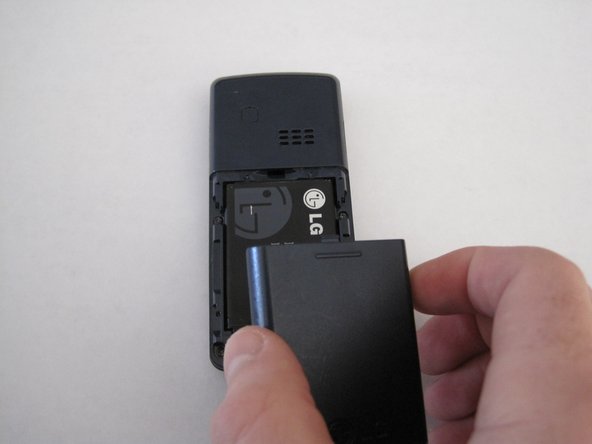
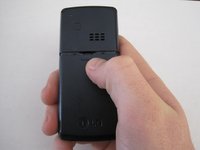
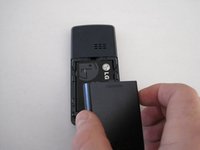
  3. LG CG180 Display Replacement: adım 3, 2 resimden 1. LG CG180 Display Replacement: adım 3, 2 resimden 2.
    • Slide the back cover down using your finger to remove the cover from the phone.

    FixBot'a Sor
  4. LG CG180 Display Replacement: adım 4, 1 resimden 1.
    • Place your finger at the top of the battery in small gap.

    FixBot'a Sor
  5. LG CG180 Display Replacement: adım 5, 1 resimden 1.
    • Press downward while pulling outward to remove the battery.

    FixBot'a Sor
  6. LG CG180 Display Replacement, Hardshell Case: adım 6, 1 resimden 1.
    • Remove all four screws on the back of the phone using a Phillips #00 screwdriver.

    FixBot'a Sor
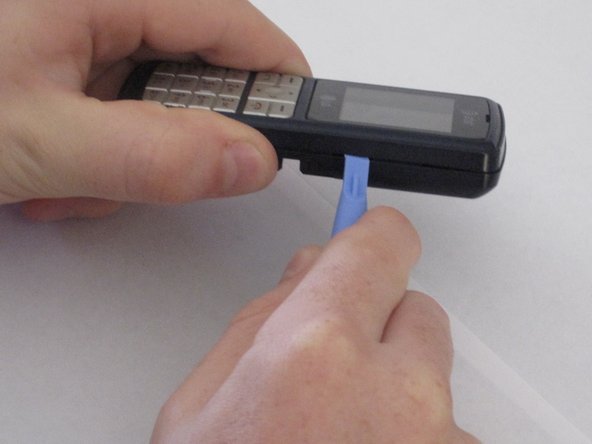
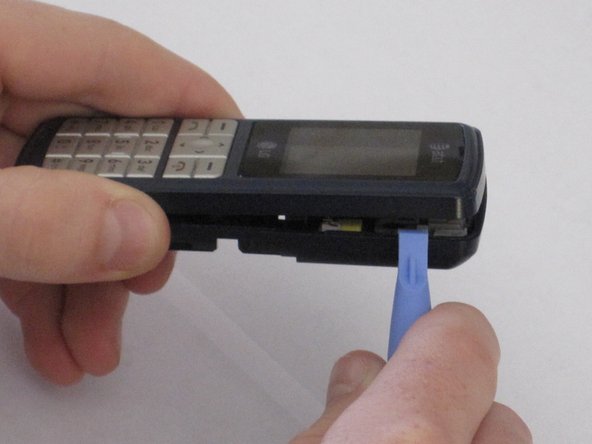
  7. LG CG180 Display Replacement: adım 7, 1 resimden 1.
    • Insert a plastic opening tool in the seam.

    FixBot'a Sor
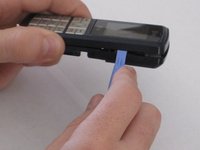
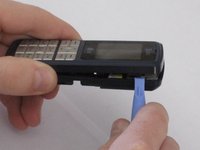
  8. LG CG180 Display Replacement: adım 8, 2 resimden 1. LG CG180 Display Replacement: adım 8, 2 resimden 2.
    • Run the tool along the seam to release all the tabs.

    FixBot'a Sor
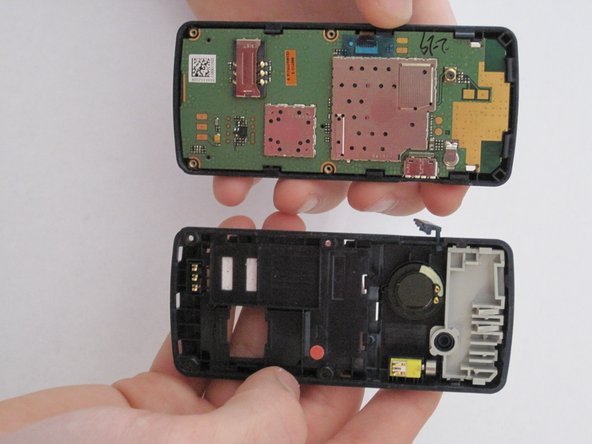
  9. LG CG180 Display Replacement: adım 9, 2 resimden 1. LG CG180 Display Replacement: adım 9, 2 resimden 2.
    • Pull the phone back cover off once all the tabs are released.

    FixBot'a Sor
  10. LG CG180 Display Replacement: adım 10, 1 resimden 1.
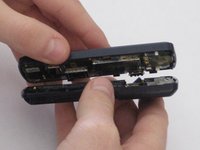
    • Push the contents of the phone away from the hardshell case by applying pressure to the keypad with both thumbs.

    FixBot'a Sor
  11. LG CG180 Display Replacement: adım 11, 1 resimden 1.
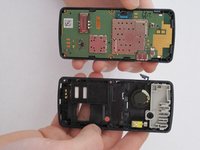
    • The hardshell case is separated from the rest of the phone.

    FixBot'a Sor
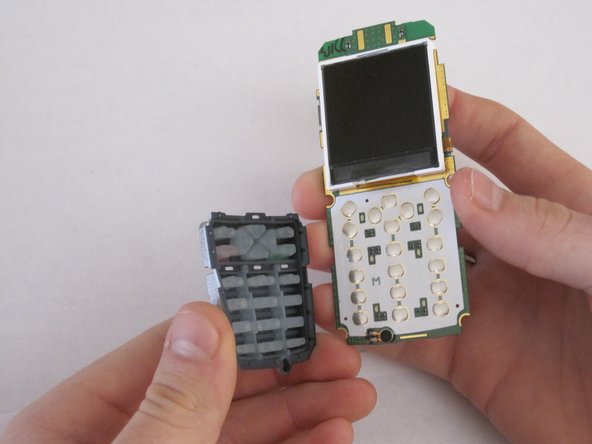
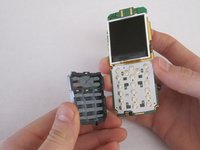
  12. LG CG180 Display Replacement, Keypad: adım 12, 2 resimden 1. LG CG180 Display Replacement, Keypad: adım 12, 2 resimden 2.
    • Separate keypad from circuit board by turning it upside down and allowing it to fall off.

    FixBot'a Sor
  13. LG CG180 Display Replacement, Display: adım 13, 1 resimden 1.
    • Place the circuit board with the display facing downward.

    FixBot'a Sor
  14. LG CG180 Display Replacement: adım 14, 1 resimden 1.
    • Use thumb to release both white clips at the top of the circuit board.

    • Be careful with the display because it is still attached by electrical tape.

    FixBot'a Sor
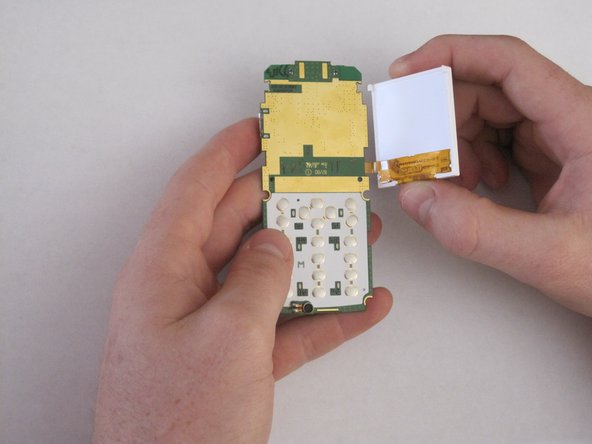
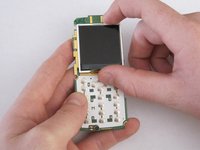
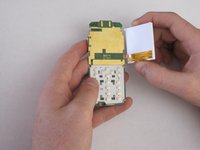
  15. LG CG180 Display Replacement: adım 15, 2 resimden 1. LG CG180 Display Replacement: adım 15, 2 resimden 2.
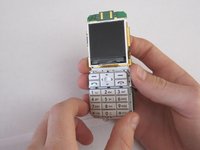
    • Once both clips are released, turn over the circuit board so that the display is facing upward.

    • Carefully lift the display from the left side and open to the right.

    FixBot'a Sor
  16. LG CG180 Display Replacement: adım 16, 1 resimden 1.
    • Carefully remove the electrical tape from the display.

    FixBot'a Sor
  17. LG CG180 Display Replacement: adım 17, 1 resimden 1.
    • The display is disconnected from the circuit board.

    FixBot'a Sor
Sonuç

To reassemble your device, follow these instructions in reverse order.

Alex Jacobs

Üyelik tarihi: 01/21/10

17 İtibar

4 adet Kılavuz yazıldı

Ekip

Cal Poly, Team 14-42, Regan Winter 2010 Cal Poly, Team 14-42, Regan Winter 2010 üyesi

CPSU-REGAN-W10S14G42

4 Üyeler

10 adet Kılavuz yazıldı

0Kılavuz Yorumları

Yorum Ekle

İstatistikleri Görüntüle:

Son 24 Saat: 0

Son 7 gün: 6

Son 30 gün: 55

Her zaman: 2,006