Ana içeriğe geç
Onarım Topluluğuna Katılın - Hesap Oluşturun

LG G Vista Screen Replacement

Neye ihtiyacın var

    1. LG G Vista Screen Replacement, Battery: adım 1, 1 resimden 1.
      • Make sure the device is powered off.

      FixBot'a Sor

      Yorum Ekle

    2. LG G Vista Screen Replacement: adım 2, 1 resimden 1.
      • Remove the back cover by gently prying open the case of the device from the charging port.

      FixBot'a Sor

      Yorum Ekle

    3. LG G Vista Screen Replacement: adım 3, 1 resimden 1.
      • Lift the battery out of its place by prying up from the small notch at the base of the battery.

      FixBot'a Sor

      Yorum Ekle

    1. LG G Vista Screen Replacement, Screen: adım 4, 1 resimden 1.
      • Using a Phillips #000 screwdriver, remove all eleven 3.0 mm screws from around the perimeter of the phone.

      FixBot'a Sor

      Yorum Ekle

    2. LG G Vista Screen Replacement: adım 5, 1 resimden 1.
      • Use a plastic spudger or opening tool and run it along the seam of the upper cover.

      • Carefully remove the cover from the device.

      FixBot'a Sor

      Yorum Ekle

    3. LG G Vista Screen Replacement: adım 6, 1 resimden 1.
      • Use the same method to pry off the hard shell covering at the bottom.

      FixBot'a Sor

      Yorum Ekle

    4. LG G Vista Screen Replacement: adım 7, 1 resimden 1.
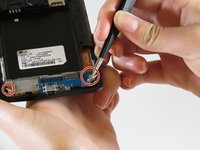
      • Remove the two 1 mm Phillips #000 screws.

      FixBot'a Sor

      Yorum Ekle

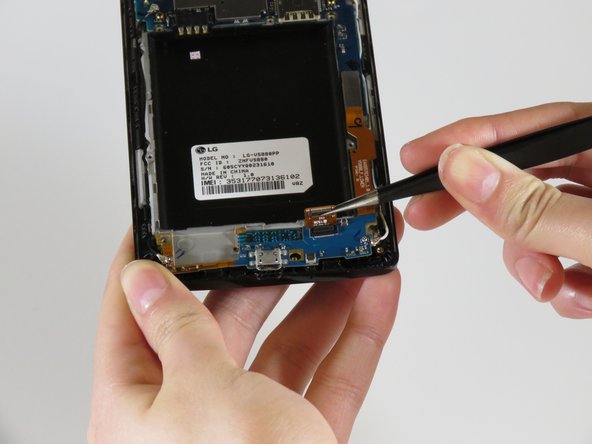
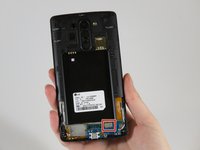
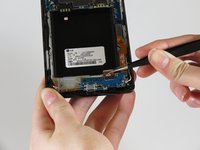
    5. LG G Vista Screen Replacement: adım 8, 2 resimden 1. LG G Vista Screen Replacement: adım 8, 2 resimden 2.
      Bu adımda kullanılan alet:
      Tweezers
      $4.99
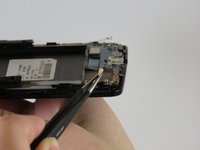
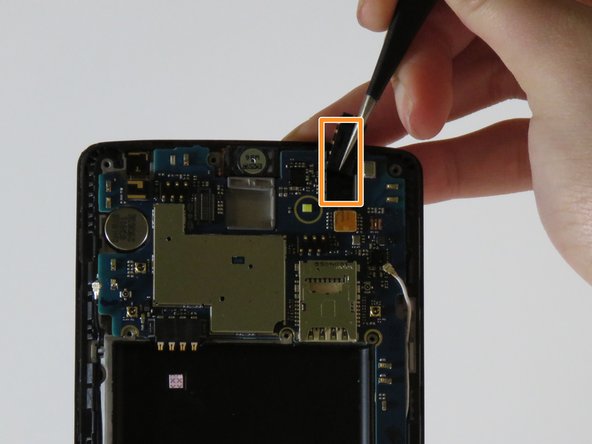
      • Gently using tweezers, disconnect the connector that is on the bottom right.

      FixBot'a Sor

      Yorum Ekle

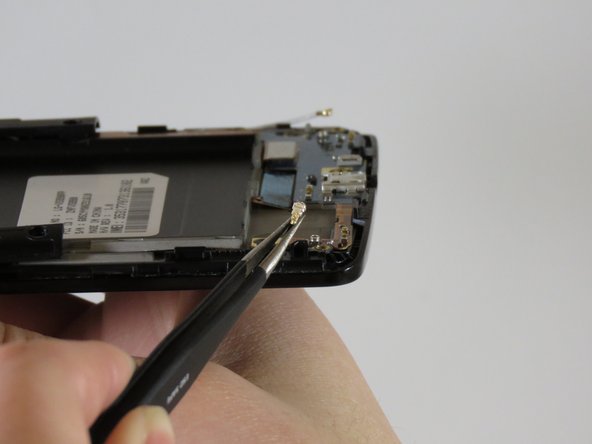
    6. LG G Vista Screen Replacement: adım 9, 2 resimden 1. LG G Vista Screen Replacement: adım 9, 2 resimden 2.
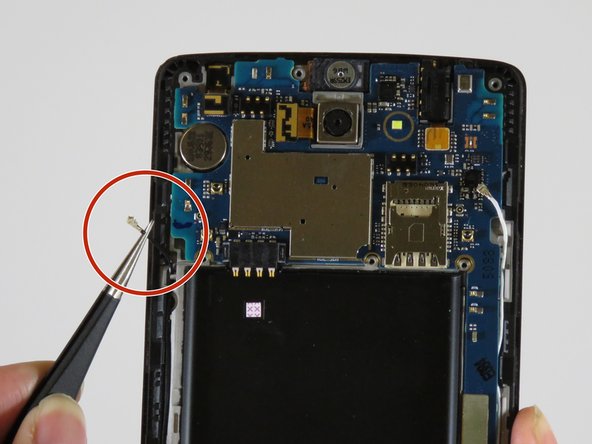
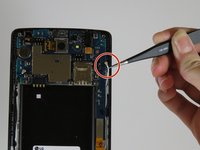
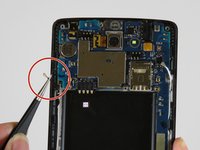
      • Gently unplug the antenna wires on the bottom left and right sides of the device.

      FixBot'a Sor

      Yorum Ekle

    7. LG G Vista Screen Replacement: adım 10, 1 resimden 1.
      • With your plastic opening tool, gently lift up the bottom edge of the exposed charging port, sliding along the edge until it lifts out.

      FixBot'a Sor

      Yorum Ekle

    8. LG G Vista Screen Replacement: adım 11, 1 resimden 1.
      • Using tweezers, unplug the four connectors.

      FixBot'a Sor

      Yorum Ekle

    9. LG G Vista Screen Replacement: adım 12, 2 resimden 1. LG G Vista Screen Replacement: adım 12, 2 resimden 2.
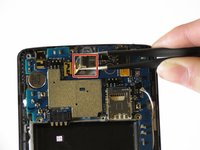
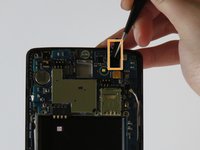
      • Remove the antenna wires on both sides of the device.

      FixBot'a Sor

      Yorum Ekle

    10. LG G Vista Screen Replacement: adım 13, 2 resimden 1. LG G Vista Screen Replacement: adım 13, 2 resimden 2.
      • Carefully lift out the back camera from the device.

      • Lift out the headphone jack in the upper right side of the device.

      FixBot'a Sor

      Yorum Ekle

    11. LG G Vista Screen Replacement: adım 14, 1 resimden 1.
      • Remove the motherboard from the phone.

      FixBot'a Sor

      Yorum Ekle

    12. LG G Vista Screen Replacement: adım 15, 1 resimden 1.
      • Remove the vibration motor from the device.

      • You will be left with the entire display assembly of the device.

      FixBot'a Sor

      Yorum Ekle

Sonuç

To reassemble your device, follow these steps in reverse order.

İptal et: Bu kılavuzu tamamlamadım.

2 farklı kişi bu kılavuzu tamamladı.

0Kılavuz Yorumları

Yorum Ekle

İstatistikleri Görüntüle:

Son 24 Saat: 2

Son 7 gün: 11

Son 30 gün: 101

Her zaman: 1,158