Ana içeriğe geç
Onarım Topluluğuna Katılın - Hesap Oluşturun

LG Muziq LX570 Camera Replacement

Neye ihtiyacın var

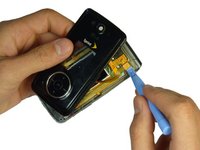
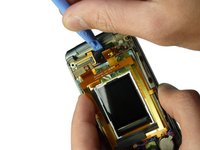
    1. LG Muziq LX570 Camera Replacement, Front Case: adım 1, 2 resimden 1. LG Muziq LX570 Camera Replacement, Front Case: adım 1, 2 resimden 2.
      • Use a spudger to remove the two screw covers below display.

      • Use a screw driver to remove the four Phillips #00 (3.3mm) screws at corners of the display.

      FixBot'a Sor

      Yorum Ekle

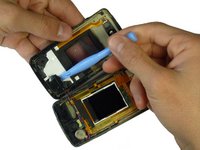
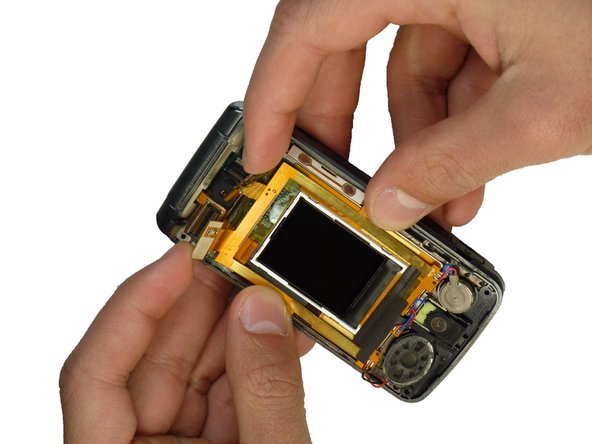
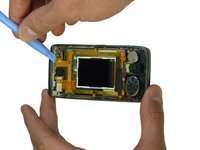
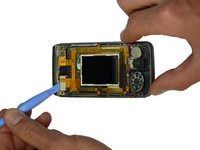
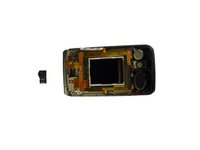
    2. LG Muziq LX570 Camera Replacement: adım 2, 3 resimden 1. LG Muziq LX570 Camera Replacement: adım 2, 3 resimden 2. LG Muziq LX570 Camera Replacement: adım 2, 3 resimden 3.
      • Caution: Wires and ribbon connect the front case to the main body. Exhibit care when separating front case from the main body as to not break the connections.

      • Note: Side buttons may fall out when removing the front case. Do not misplace them.

      • Note: Each side button will only fit in the side that it came from.

      • Insert a spudger between the black and grey casings and gently spread them apart.

      • Work around the device gradually, opening the gap further.

      FixBot'a Sor

      Yorum Ekle

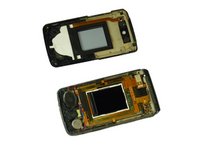
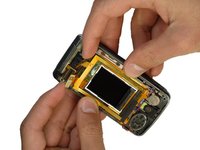
    3. LG Muziq LX570 Camera Replacement: adım 3, 3 resimden 1. LG Muziq LX570 Camera Replacement: adım 3, 3 resimden 2. LG Muziq LX570 Camera Replacement: adım 3, 3 resimden 3.
      • Caution: The wires and ribbon connector can break easily. Exhibit care when removing them.

      • Use the spudger and lift upward to disconnect the ribbon from the main part of the phone.

      • Carefully remove any parts stuck to the front case such as speakers.

      FixBot'a Sor

      Yorum Ekle

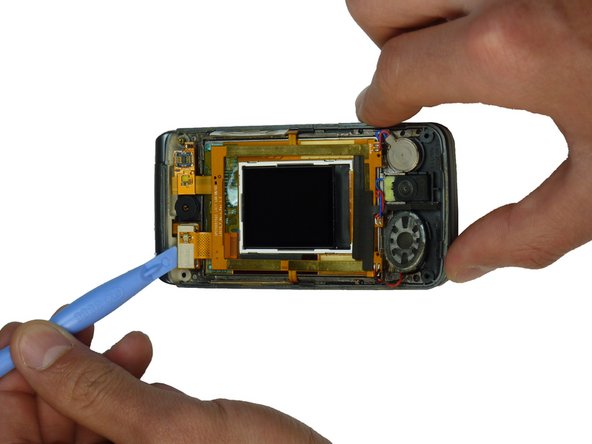
    1. LG Muziq LX570 Camera Replacement, Camera: adım 4, 3 resimden 1. LG Muziq LX570 Camera Replacement, Camera: adım 4, 3 resimden 2. LG Muziq LX570 Camera Replacement, Camera: adım 4, 3 resimden 3.
      • Disconnect the ribbons on both sides of the camera by prying them up with a spudger.

      FixBot'a Sor

      Yorum Ekle

    2. LG Muziq LX570 Camera Replacement: adım 5, 2 resimden 1. LG Muziq LX570 Camera Replacement: adım 5, 2 resimden 2.
      • Hold the wiring out of the way and pull up with a spudger behind the camera.

      • The camera unit should come unglued and separate from the phone.

      FixBot'a Sor

      Yorum Ekle

Sonuç

To reassemble your device, follow these instructions in reverse order.

İptal et: Bu kılavuzu tamamlamadım.

Braden Burk

Üyelik tarihi: 01/22/12

1 İtibar

5 adet Kılavuz yazıldı

Ekip

Cal Poly, Team 3-29, Amido Winter 2012 Cal Poly, Team 3-29, Amido Winter 2012 üyesi

CPSU-AMIDO-W12S3G29

4 Üyeler

49 adet Kılavuz yazıldı

0Kılavuz Yorumları

Yorum Ekle

İstatistikleri Görüntüle:

Son 24 Saat: 0

Son 7 gün: 2

Son 30 gün: 17

Her zaman: 1,016