Ana içeriğe geç
Onarım Topluluğuna Katılın - Hesap Oluşturun

LG Optimus V Screen Replacement

Neye ihtiyacın var

  1. LG Optimus V Screen Replacement, Battery: adım 1, 1 resimden 1.
    • Turn the LG Optimus V over, so that the back cover is facing upward.

    FixBot'a Sor

    Yorum Ekle

  2. LG Optimus V Screen Replacement: adım 2, 1 resimden 1.
    • Locate the opening above the camera.

    • Use a spudger to detach the back cover.

    FixBot'a Sor

    Yorum Ekle

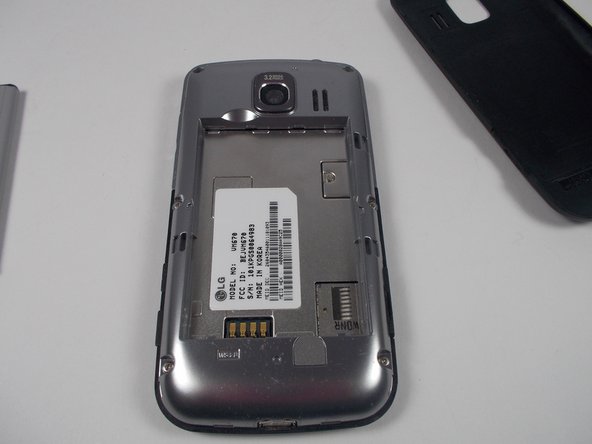
  3. LG Optimus V Screen Replacement: adım 3, 3 resimden 1. LG Optimus V Screen Replacement: adım 3, 3 resimden 2. LG Optimus V Screen Replacement: adım 3, 3 resimden 3.
    • Gently remove the battery with your spudger.

    FixBot'a Sor

    Yorum Ekle

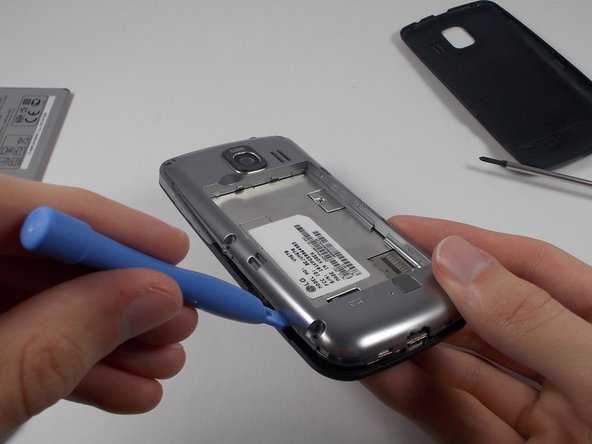
  4. LG Optimus V Screen Replacement, Camera: adım 4, 2 resimden 1. LG Optimus V Screen Replacement, Camera: adım 4, 2 resimden 2.
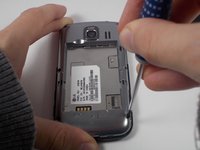
    • Remove the six screws on the silver casing.

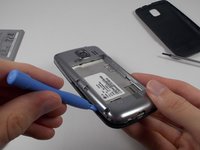
    • Use the plastic opening tool to remove the silver casing.

    FixBot'a Sor

    Yorum Ekle

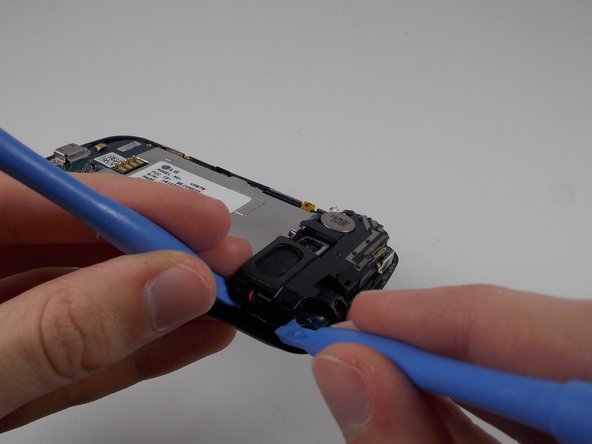
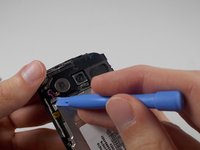
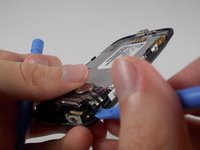
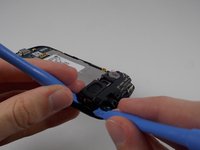
  5. LG Optimus V Screen Replacement: adım 5, 3 resimden 1. LG Optimus V Screen Replacement: adım 5, 3 resimden 2. LG Optimus V Screen Replacement: adım 5, 3 resimden 3.
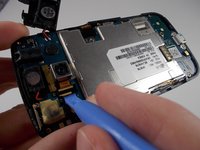
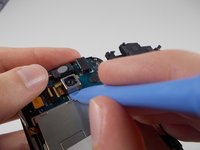
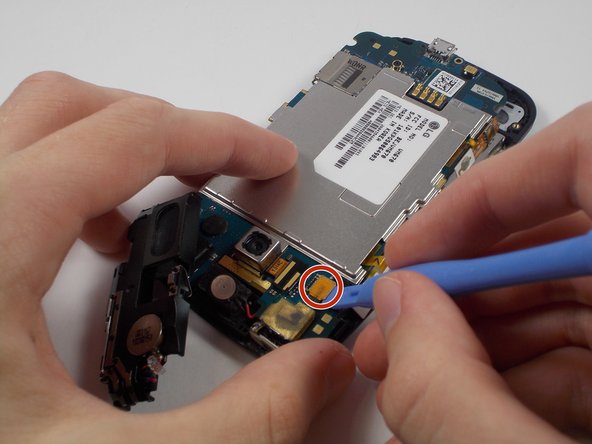
    • Use a plastic opening tool to remove each area holding the parts together.

    FixBot'a Sor

    Yorum Ekle

  6. LG Optimus V Screen Replacement: adım 6, 2 resimden 1. LG Optimus V Screen Replacement: adım 6, 2 resimden 2.
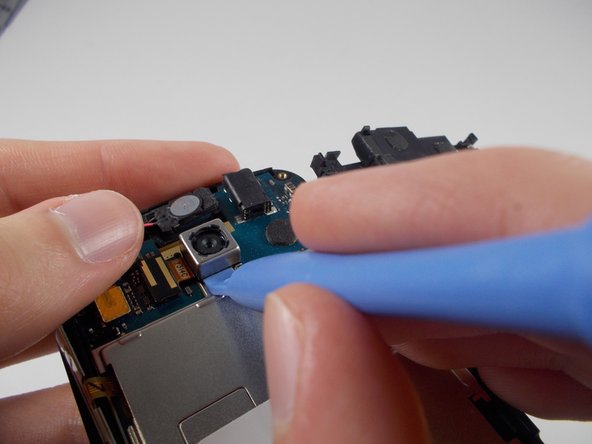
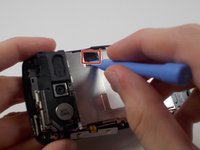
    • Use a plastic opening tool to remove the small black and yellow piece that reads Y3114C.

    • Use a plastic opening tool to pry off the camera.

    FixBot'a Sor

    Yorum Ekle

  7. LG Optimus V Screen Replacement, Screen: adım 7, 1 resimden 1.
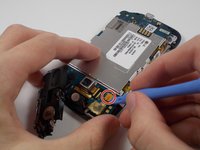
    • Once you have removed the antenna, unscrew the two screws located on the sides of the charging port.

    FixBot'a Sor

    Yorum Ekle

  8. LG Optimus V Screen Replacement: adım 8, 2 resimden 1. LG Optimus V Screen Replacement: adım 8, 2 resimden 2.
    • Using your plastic opening tool, lift up the connectors on either side of the motherboard.

    FixBot'a Sor

    Yorum Ekle

  9. LG Optimus V Screen Replacement: adım 9, 1 resimden 1.
    • Remove the motherboard and set it aside.

    FixBot'a Sor

    Yorum Ekle

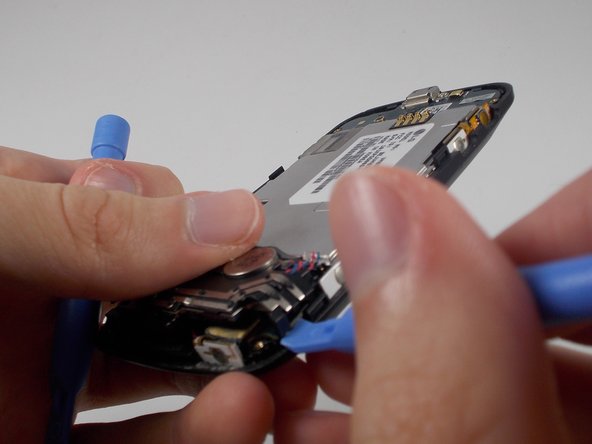
  10. LG Optimus V Screen Replacement: adım 10, 1 resimden 1.
    • Using a plastic opening tool, detach the screen from the plastic casing of the phone.

    FixBot'a Sor

    Yorum Ekle

Sonuç

To reassemble your device, follow these instructions in reverse order.

İptal et: Bu kılavuzu tamamlamadım.

3 farklı kişi bu kılavuzu tamamladı.

Joseph Pasquantonio

Üyelik tarihi: 10/29/13

683 İtibar

5 adet Kılavuz yazıldı

Ekip

UMass Dartmouth, Team 1-2, Shastany Fall 2013 UMass Dartmouth, Team 1-2, Shastany Fall 2013 üyesi

UMASSD-SHASTANY-F13S1G2

3 Üyeler

15 adet Kılavuz yazıldı

0Kılavuz Yorumları

Yorum Ekle

İstatistikleri Görüntüle:

Son 24 Saat: 2

Son 7 gün: 9

Son 30 gün: 30

Her zaman: 2,883