Giriş
If you need to replace the front facing camera of your LG Stylo 2 Plus, follow this guide. When the phone is unable to capture photographs due to damage a replacement will be necessary. This an intermediate task that will involve handling small, delicate parts of the device (e.g. ribbon cable).
Neye ihtiyacın var
-
-
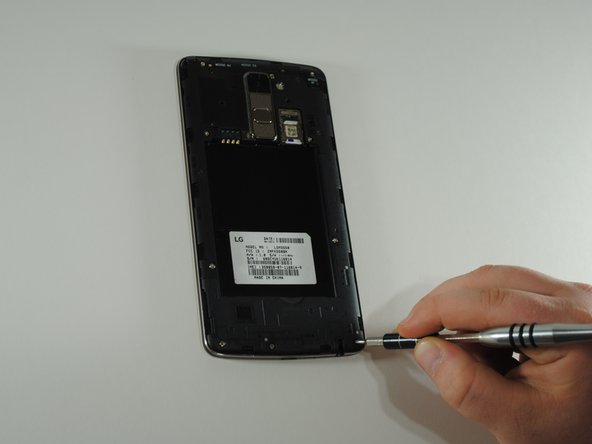
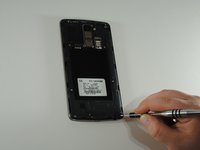
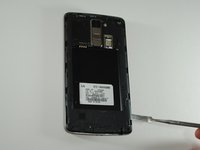
To remove the rear case of the phone, insert the spudger into the opening on the back of the case.
-
With the spudger parallel to the frame of the phone, slide it along the edge, forcing the casing to pop off.
 FixBot'a Sor
-
-
-
To remove the battery, insert your fingernail or the flat end of the spudger into the dimple at the bottom of the battery and lift upwards.
-
Firmly grasp the battery and remove from the phone.
-
-
-
-
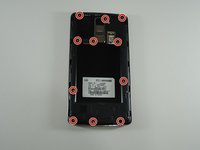
Using the JIS #000 screwdriver, remove the eleven 4mm screws around the mid-frame.
-
-
-
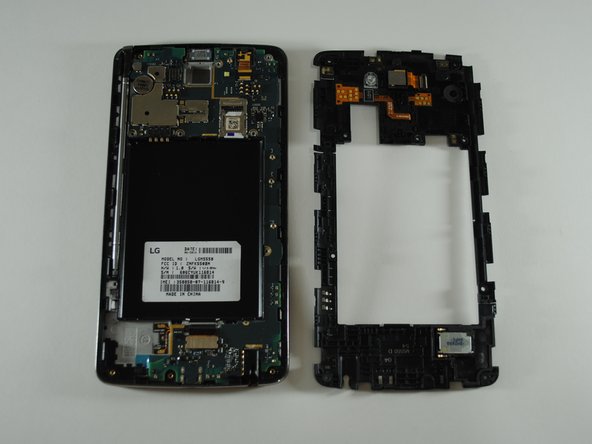
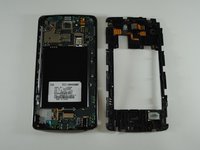
Insert the metal spudger in the dimple at the base of the cover.
-
Pry upward, removing the mid-frame from the phone.
-
-
Bu adımda kullanılan alet:Tweezers$4.99
-
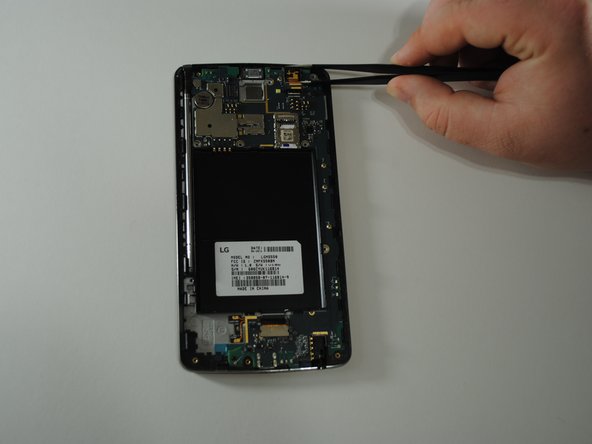
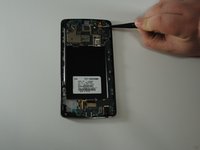
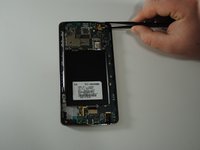
Using a pair of tweezers, carefully detach the ribbon cable connecting the camera to the motherboard.
-
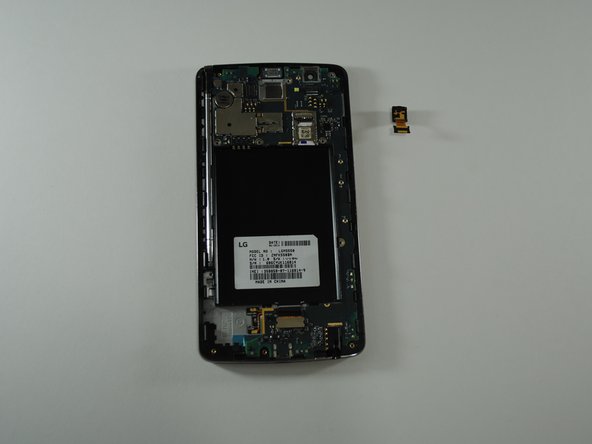
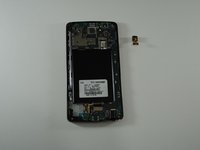
Still using the tweezers, firmly pull up to remove the camera from the phone.
-





To reassemble your device, follow these instructions in reverse order.

Ekip

UW Tacoma, Team S1-G3, Cardinal Spring 2019 UW Tacoma, Team S1-G3, Cardinal Spring 2019 üyesi
UWT-CARDINAL-S19S1G3
4 Üyeler
21 adet Kılavuz yazıldı
