Ana içeriğe geç
Onarım Topluluğuna Katılın - Hesap Oluşturun

LG Tribute 5 Display Replacement

Neye ihtiyacın var

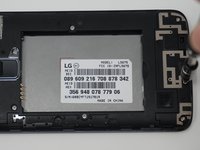
  1. LG Tribute 5 Display Replacement, Battery: adım 1, 2 resimden 1. LG Tribute 5 Display Replacement, Battery: adım 1, 2 resimden 2.
    • Using an iFixit opening tool, gently pull outward on the cutout on the bottom left corner of the phone to remove the back cover.

    FixBot'a Sor

    Yorum Ekle

  2. LG Tribute 5 Display Replacement: adım 2, 3 resimden 1. LG Tribute 5 Display Replacement: adım 2, 3 resimden 2. LG Tribute 5 Display Replacement: adım 2, 3 resimden 3.
    • Gently lift the battery out from the compartment.

    • Use an iFixit opening tool to slide out the SD card and nano sim card from the device as shown.

    FixBot'a Sor

    Yorum Ekle

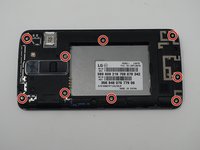
  3. LG Tribute 5 Display Replacement, Display: adım 3, 3 resimden 1. LG Tribute 5 Display Replacement, Display: adım 3, 3 resimden 2. LG Tribute 5 Display Replacement, Display: adım 3, 3 resimden 3.
    • Remove the nine 2mm JIS #00 screws from the mid-frame.

    FixBot'a Sor

    Yorum Ekle

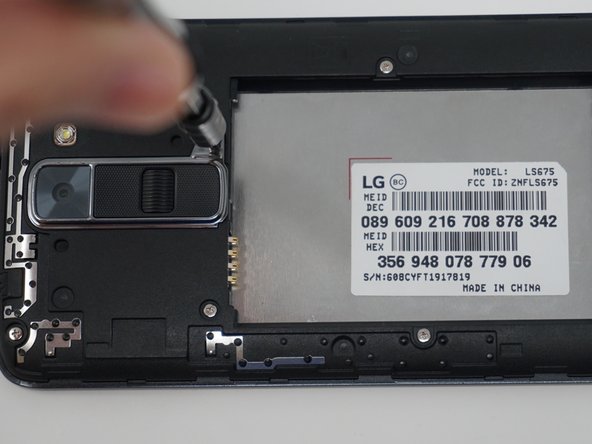
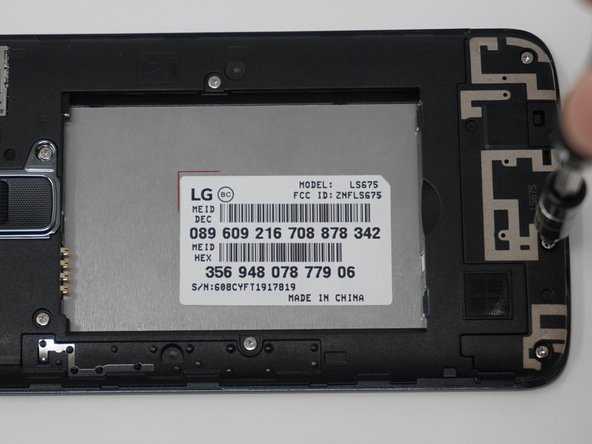
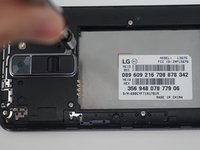
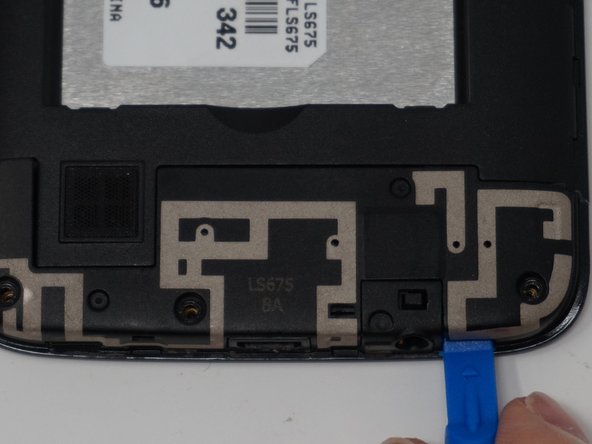
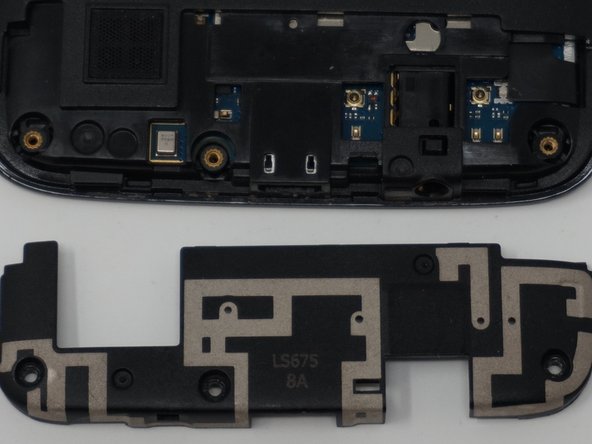
  4. LG Tribute 5 Display Replacement: adım 4, 3 resimden 1. LG Tribute 5 Display Replacement: adım 4, 3 resimden 2. LG Tribute 5 Display Replacement: adım 4, 3 resimden 3.
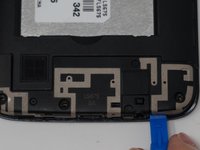
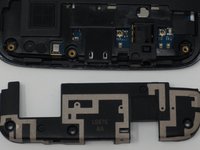
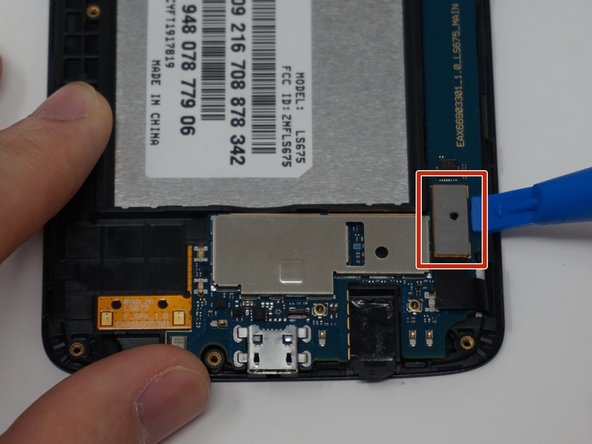
    • Using an iFixit opening tool, remove the antenna extender located at the bottom.

    FixBot'a Sor

    Yorum Ekle

  5. LG Tribute 5 Display Replacement: adım 5, 2 resimden 1. LG Tribute 5 Display Replacement: adım 5, 2 resimden 2.
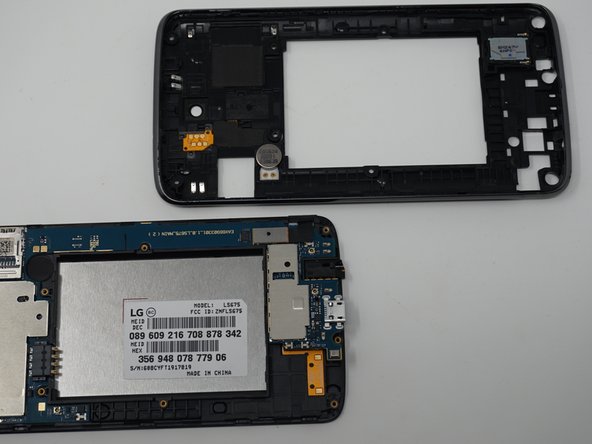
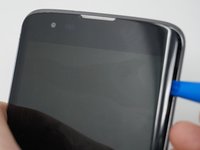
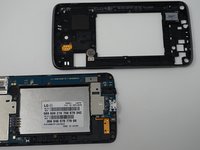
    • Gently remove the mid-frame using an iFixit opening tool as shown.

    • Avoid applying too much force when separating the mid frame. Too much force can bend or damage the device.

    FixBot'a Sor

    Yorum Ekle

  6. LG Tribute 5 Display Replacement: adım 6, 1 resimden 1.
    • Disconnect the flex cable from the motherboard with the iFixit opening tool.

    FixBot'a Sor

    Yorum Ekle

  7. LG Tribute 5 Display Replacement: adım 7, 2 resimden 1. LG Tribute 5 Display Replacement: adım 7, 2 resimden 2.
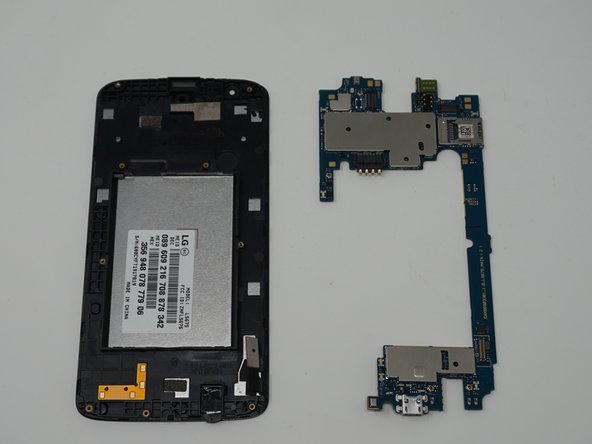
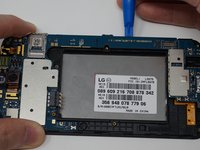
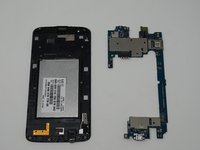
    • Use an iFixit opening tool to separate the motherboard and the display.

    FixBot'a Sor

    Yorum Ekle

Sonuç

To reassemble your device, follow these instructions in reverse order.

İptal et: Bu kılavuzu tamamlamadım.

5 farklı kişi bu kılavuzu tamamladı.

Ekip

UW Tacoma, Team S1-G6, Cardinal Spring 2019 UW Tacoma, Team S1-G6, Cardinal Spring 2019 üyesi

UWT-CARDINAL-S19S1G6

3 Üyeler

12 adet Kılavuz yazıldı

0Kılavuz Yorumları

Yorum Ekle

İstatistikleri Görüntüle:

Son 24 Saat: 2

Son 7 gün: 4

Son 30 gün: 29

Her zaman: 741