Ana içeriğe geç
Onarım Topluluğuna Katılın - Hesap Oluşturun

LG Tribute HD Flex Cable Replacement

Neye ihtiyacın var

  1. LG Tribute HD Flex Cable Replacement, Battery and SD Card: adım 1, 2 resimden 1. LG Tribute HD Flex Cable Replacement, Battery and SD Card: adım 1, 2 resimden 2.
    • Insert a fingernail, or plastic opening tool, into the cutout on the back cover and pry outward to remove.

    FixBot'a Sor

    Yorum Ekle

  2. LG Tribute HD Flex Cable Replacement: adım 2, 2 resimden 1. LG Tribute HD Flex Cable Replacement: adım 2, 2 resimden 2.
    • Pull the battery out of the phone.

    • Remove the SD Card by sliding the card out as shown.

    FixBot'a Sor

    Yorum Ekle

  3. LG Tribute HD Flex Cable Replacement, Flex Cable: adım 3, 2 resimden 1. LG Tribute HD Flex Cable Replacement, Flex Cable: adım 3, 2 resimden 2.
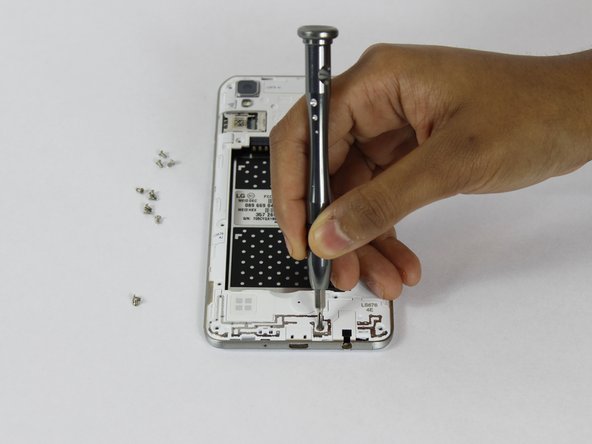
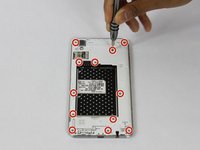
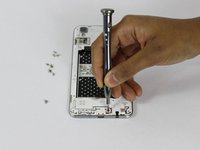
    • Remove the twelve 2mm JIS #00 screws from the mid-frame.

    FixBot'a Sor

    Yorum Ekle

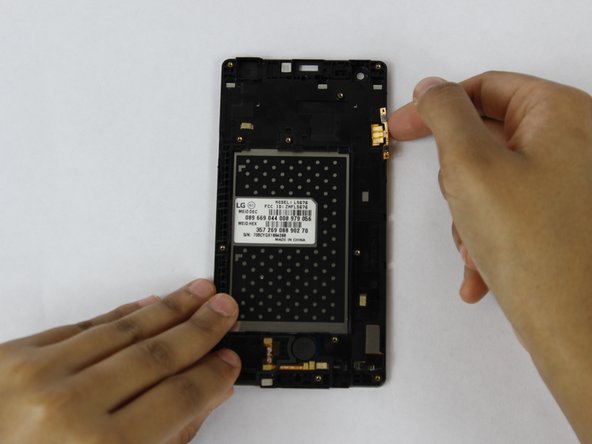
  4. LG Tribute HD Flex Cable Replacement: adım 4, 3 resimden 1. LG Tribute HD Flex Cable Replacement: adım 4, 3 resimden 2. LG Tribute HD Flex Cable Replacement: adım 4, 3 resimden 3.
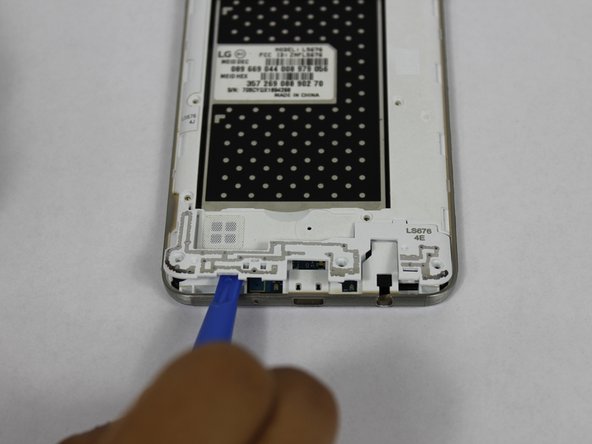
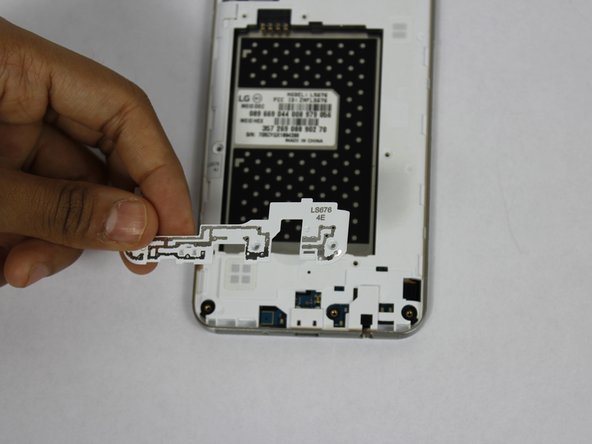
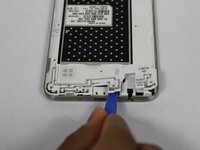
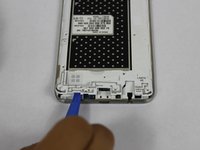
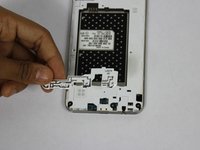
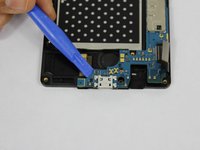
    • Using a plastic opening tool, remove the antenna extender from the bottom.

    FixBot'a Sor

    Yorum Ekle

  5. LG Tribute HD Flex Cable Replacement: adım 5, 2 resimden 1. LG Tribute HD Flex Cable Replacement: adım 5, 2 resimden 2.
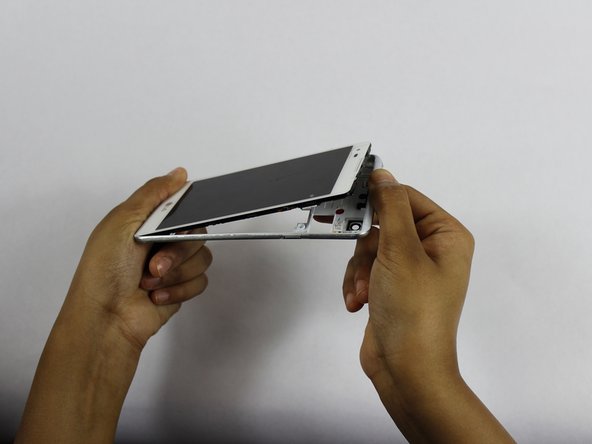
    • Using your fingers, remove the mid-frame.

    FixBot'a Sor

    Yorum Ekle

  6. LG Tribute HD Flex Cable Replacement: adım 6, 3 resimden 1. LG Tribute HD Flex Cable Replacement: adım 6, 3 resimden 2. LG Tribute HD Flex Cable Replacement: adım 6, 3 resimden 3.
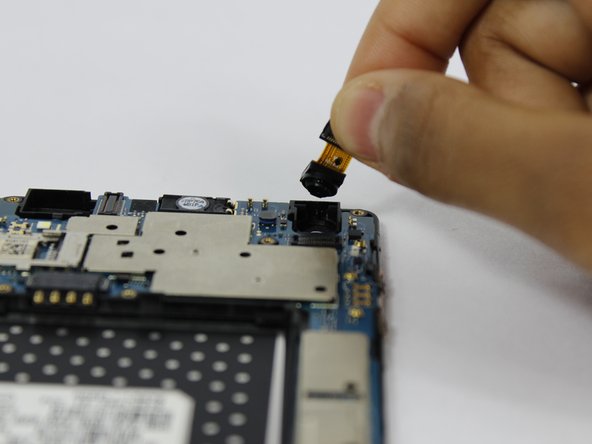
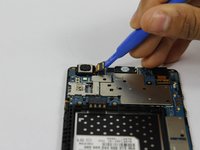
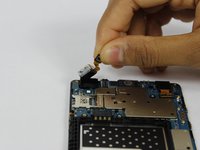
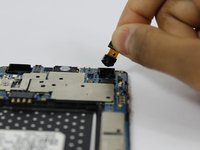
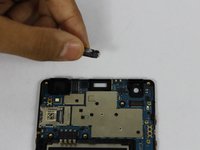
    • Use a plastic opening tool to disconnect the front and rear cameras from the motherboard.

    • Remove the cameras from the phone.

    FixBot'a Sor

    Yorum Ekle

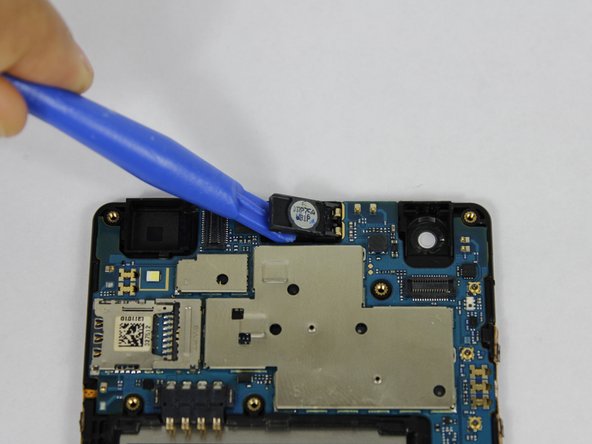
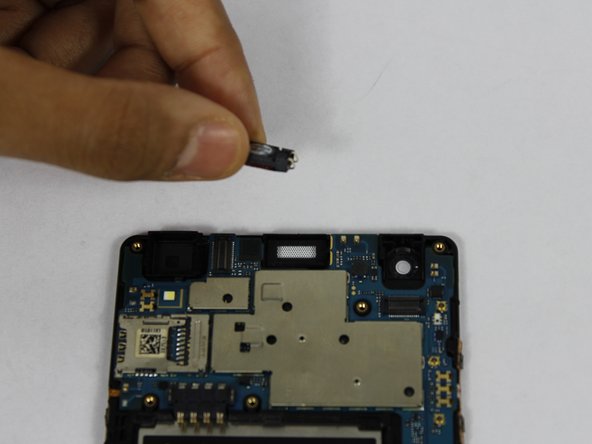
  7. LG Tribute HD Flex Cable Replacement: adım 7, 3 resimden 1. LG Tribute HD Flex Cable Replacement: adım 7, 3 resimden 2. LG Tribute HD Flex Cable Replacement: adım 7, 3 resimden 3.
    • Using a plastic opening tool, pry up the front facing speaker and remove it from the phone.

    FixBot'a Sor

    Yorum Ekle

  8. LG Tribute HD Flex Cable Replacement: adım 8, 1 resimden 1.
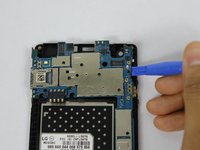
    • Disconnect the LCD from the motherboard with a plastic opening tool.

    FixBot'a Sor

    Yorum Ekle

  9. LG Tribute HD Flex Cable Replacement: adım 9, 2 resimden 1. LG Tribute HD Flex Cable Replacement: adım 9, 2 resimden 2.
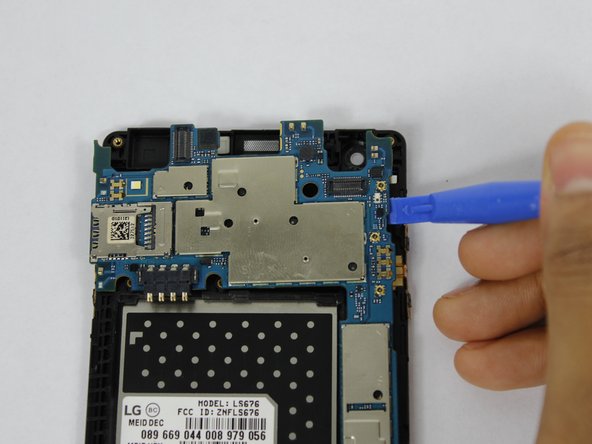
    • Use a plastic opening tool to pry up the motherboard form the display housing.

    • Remove the motherboard from the phone.

    FixBot'a Sor

    Yorum Ekle

  10. LG Tribute HD Flex Cable Replacement: adım 10, 2 resimden 1. LG Tribute HD Flex Cable Replacement: adım 10, 2 resimden 2.
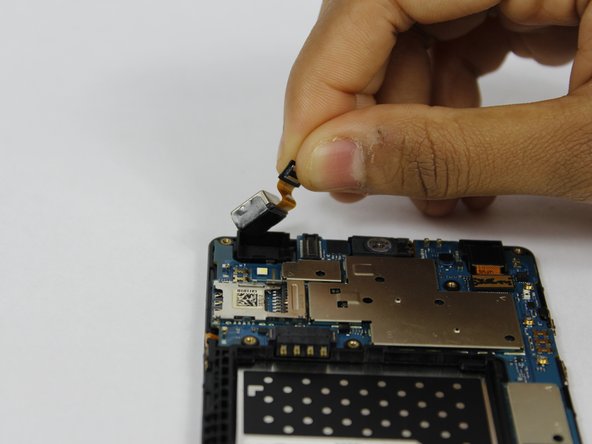
    • Use your fingers to remove the flex cables from the phone.

    FixBot'a Sor

    Yorum Ekle

Sonuç

To reassemble your device, follow these instructions in reverse order.

İptal et: Bu kılavuzu tamamlamadım.

Bir başkası bu kılavuzu tamamladı.

Dhruv Patel

Üyelik tarihi: 02/14/18

273 İtibar

2 adet Kılavuz yazıldı

Ekip

USF Tampa, Team S1-G3, Nance Spring 2018 USF Tampa, Team S1-G3, Nance Spring 2018 üyesi

USFT-NANCE-S18S1G3

4 Üyeler

34 adet Kılavuz yazıldı

0Kılavuz Yorumları

Yorum Ekle

İstatistikleri Görüntüle:

Son 24 Saat: 0

Son 7 gün: 6

Son 30 gün: 26

Her zaman: 860