Ana içeriğe geç
Onarım Topluluğuna Katılın - Hesap Oluşturun

LG VX4500 Keypad Replacement

Neye ihtiyacın var

  1. LG VX4500 Keypad Replacement, Battery: adım 1, 1 resimden 1.
    • Turn the closed phone so that the back panel is facing you.

    • Press down and forward firmly on the gray tab in the middle of the phone.

    FixBot'a Sor

    Yorum Ekle

  2. LG VX4500 Keypad Replacement: adım 2, 2 resimden 1. LG VX4500 Keypad Replacement: adım 2, 2 resimden 2.
    • Now just lift up on the battery and remove it from the phone.

    FixBot'a Sor

    Yorum Ekle

  3. LG VX4500 Keypad Replacement, Rear Cover: adım 3, 1 resimden 1.
    • Remove the rubber grommet using a spudger.

    FixBot'a Sor

    Yorum Ekle

  4. LG VX4500 Keypad Replacement: adım 4, 1 resimden 1.
    • Be sure not to lose the screws. They are small!

    • Remove the five screws using a Phillips #00 Screwdriver.

    FixBot'a Sor

    Yorum Ekle

  5. LG VX4500 Keypad Replacement: adım 5, 3 resimden 1. LG VX4500 Keypad Replacement: adım 5, 3 resimden 2. LG VX4500 Keypad Replacement: adım 5, 3 resimden 3.
    Bu adımda kullanılan alet:
    Tweezers
    $4.99
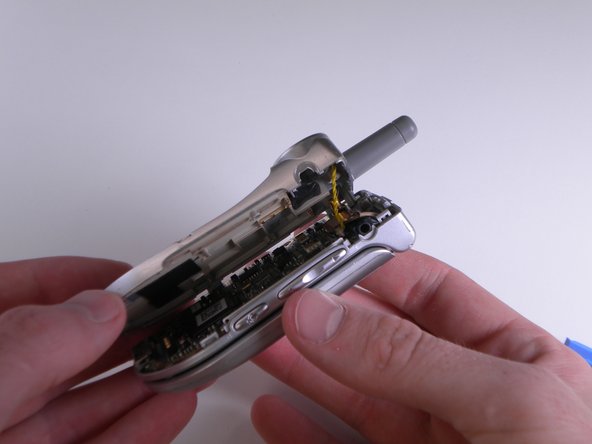
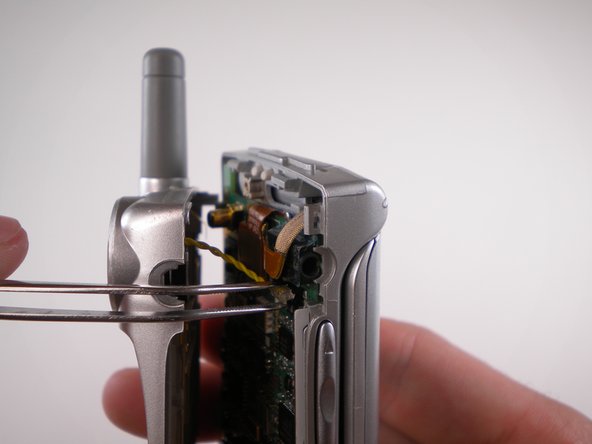
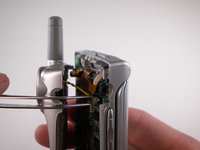
    • When removing back cover, be careful not to break the speaker wires.

    • Using an Opening Tool, carefully pry off the back cover.

    • Using tweezers, gently pull the speaker wires out.

    FixBot'a Sor

    Yorum Ekle

  6. LG VX4500 Keypad Replacement: adım 6, 1 resimden 1.
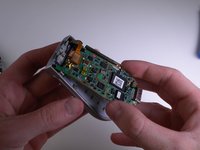
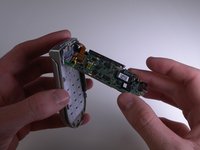
    • Separate the two halves.

    FixBot'a Sor

    Yorum Ekle

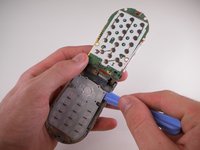
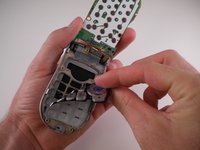
  7. LG VX4500 Keypad Replacement, Keypad: adım 7, 3 resimden 1. LG VX4500 Keypad Replacement, Keypad: adım 7, 3 resimden 2. LG VX4500 Keypad Replacement, Keypad: adım 7, 3 resimden 3.
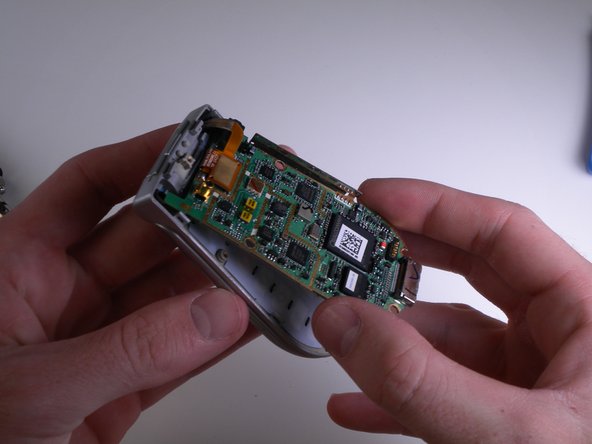
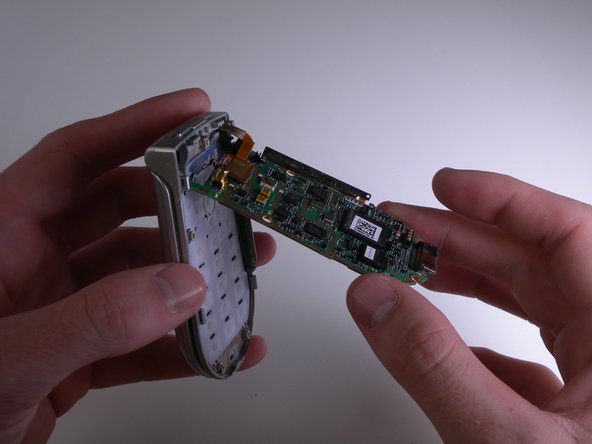
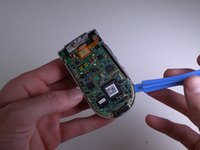
    • Carefully pry and lift up on the logic board using an iPod Opening Tool.

    FixBot'a Sor

    Yorum Ekle

  8. LG VX4500 Keypad Replacement: adım 8, 1 resimden 1.
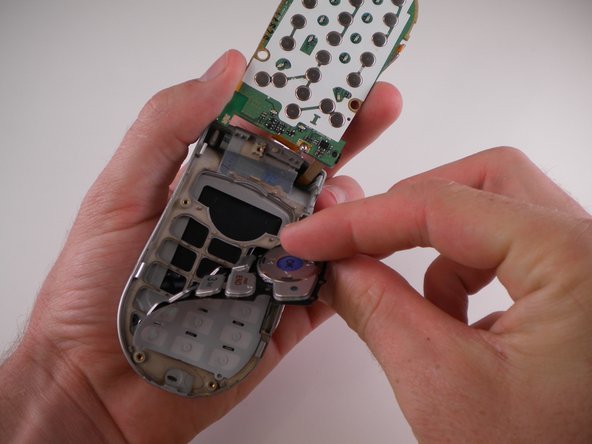
    • Carefully flip the logic board up and out of the way.

    FixBot'a Sor

    Yorum Ekle

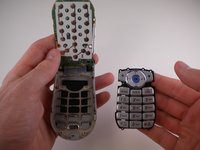
  9. LG VX4500 Keypad Replacement: adım 9, 3 resimden 1. LG VX4500 Keypad Replacement: adım 9, 3 resimden 2. LG VX4500 Keypad Replacement: adım 9, 3 resimden 3.
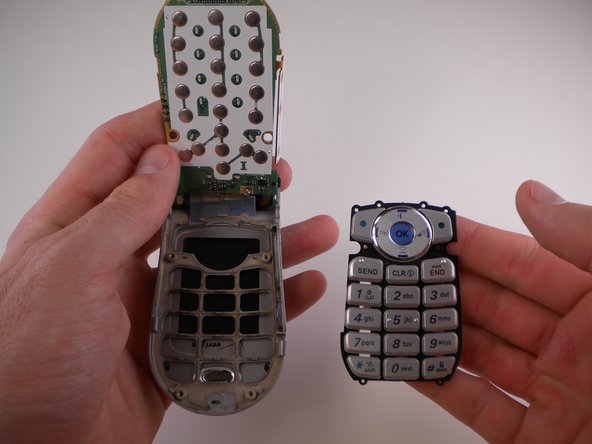
    • Use an iPod Opening Tool to lift up on the keypad and pull it out.

    FixBot'a Sor

    Yorum Ekle

Sonuç

To reassemble your device, follow these instructions in reverse order.

İptal et: Bu kılavuzu tamamlamadım.

David Foster

Üyelik tarihi: 04/11/10

1 İtibar

8 adet Kılavuz yazıldı

Ekip

Cal Poly, Team 25-88, Amido Spring 2010 Cal Poly, Team 25-88, Amido Spring 2010 üyesi

CPSU-AMIDO-S10S25G88

4 Üyeler

19 adet Kılavuz yazıldı

0Kılavuz Yorumları

Yorum Ekle

İstatistikleri Görüntüle:

Son 24 Saat: 0

Son 7 gün: 6

Son 30 gün: 23

Her zaman: 1,261