Bu çeviri bir makine tarafından oluşturulmuştur ve henüz bir kişi tarafından incelenmemiştir. Bu dili konuşuyor musunuz? İnceleme için.
Giriş
Bu kılavuz, LG VX5500 cep telefonundaki anakartın nasıl çıkarılacağına dair adım adım talimatlar vermektedir. Bu işlemi tamamlamak için #00 Yıldız tornavida, cımbız ve bir açma aleti gerekecektir.
Neye ihtiyacın var
-
-
-
Başparmağınızı telefonun arka kısmının üst tarafındaki küçük çıkıntıya yerleştirip aşağı doğru iterek batarya kapağını çıkarın ve bataryaya erişin.
-
Parmağınızı kullanarak bataryayı batarya yuvasından hafifçe kaldırarak çıkarın.
 FixBot'a Sor
-
-
-
-
Bu adımda kullanılan alet:Tweezers$4.99
-
Telefonun menteşesinin yakınında bulunan (2) lastik vida kapağını cımbız veya bir raptiye kullanarak çıkarın.
-
(4) adet 3,6 mm vidayı #00 numaralı Yıldız/Phillips standardı tornavida kullanarak sökün.
-
-
-
-
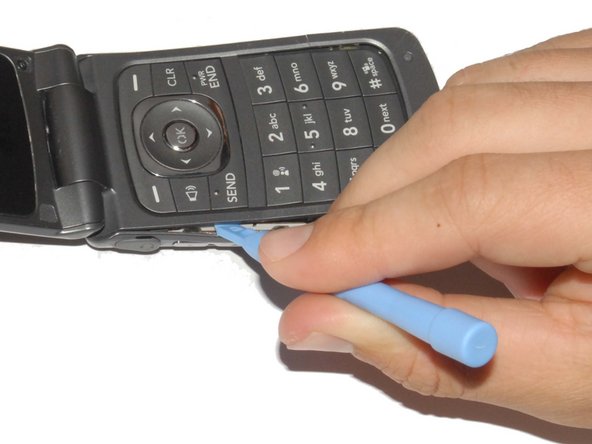
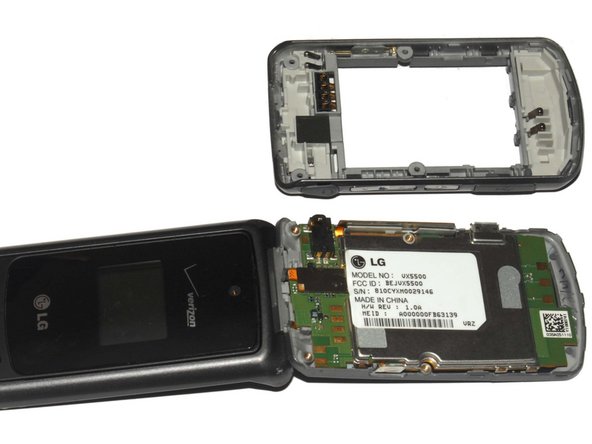
Telefonun arka kapağını bir plastik açma aleti kullanarak dikkatlice ayırın.
-
Aleti tuş takımı (ön panel) ile arka panel arasındaki boşluğa sokun.
-
Arka kapağı tutan tırnakları ayırmak için aleti telefonun kenarları boyunca kaydırın.
-
-
-
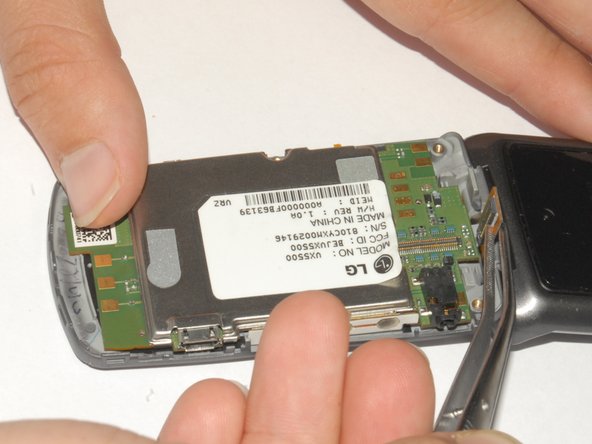
Etiketi cımbızla geriye doğru soyun ve parmağınızla tutun.
-
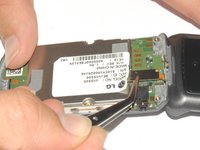
Ekran adaptörünü anakarttan ayırmak için cımbız kullanın.
-
-
-
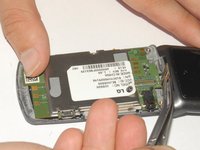
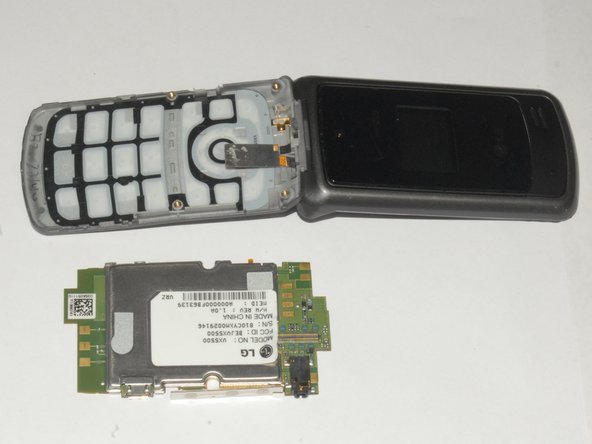
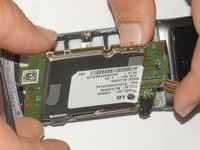
Anakartı telefonun kasasından kaldırarak çıkarın.
-
Anakart telefondan çıkarıldıktan sonra klavye kolayca yerinden sökülebilir.
-
-


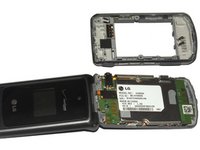


Cihazınızı yeniden toplamak için bu talimatları ters sırayla uygulayın.
İptal et: Bu kılavuzu tamamlamadım.
2 farklı kişi bu kılavuzu tamamladı.

Ekip

Cal Poly, Team 7-33, Maness Spring 2012 Cal Poly, Team 7-33, Maness Spring 2012 üyesi
CPSU-MANESS-S12S7G33
4 Üyeler
60 adet Kılavuz yazıldı
2Kılavuz Yorumları
You guys are great!
So what do you do with the mother board then?
