Ana içeriğe geç
Onarım Topluluğuna Katılın - Hesap Oluşturun

LG Volt Motherboard Replacement

Neye ihtiyacın var

    1. LG Volt Motherboard Replacement, Motherboard: adım 1, 3 resimden 1. LG Volt Motherboard Replacement, Motherboard: adım 1, 3 resimden 2. LG Volt Motherboard Replacement, Motherboard: adım 1, 3 resimden 3.
      • Pry back cover with finger in the crease.

      • Remove back casing.

      FixBot'a Sor

      Yorum Ekle

    2. LG Volt Motherboard Replacement: adım 2, 3 resimden 1. LG Volt Motherboard Replacement: adım 2, 3 resimden 2. LG Volt Motherboard Replacement: adım 2, 3 resimden 3.
      • With your finger, pry the battery out through the crease made for removal.

      FixBot'a Sor

      Yorum Ekle

    3. LG Volt Motherboard Replacement: adım 3, 3 resimden 1. LG Volt Motherboard Replacement: adım 3, 3 resimden 2. LG Volt Motherboard Replacement: adım 3, 3 resimden 3.
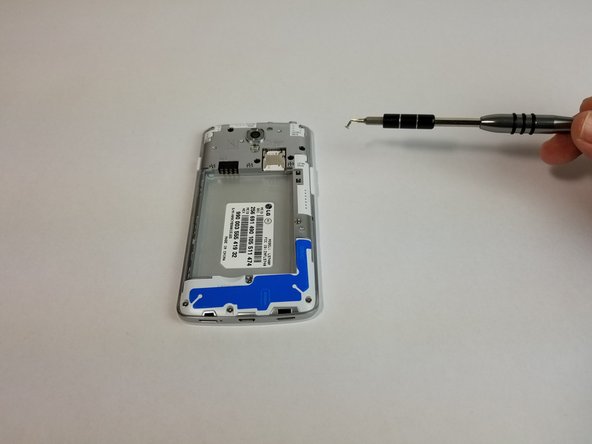
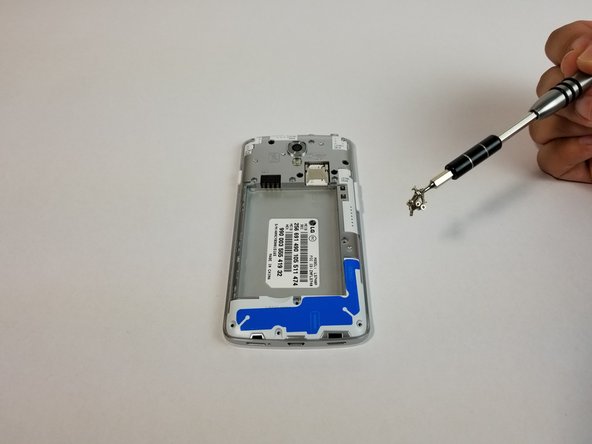
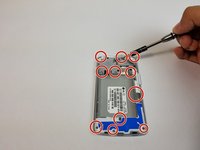
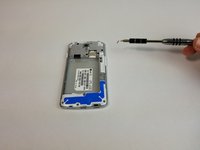
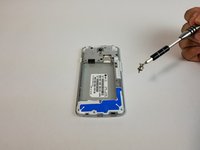
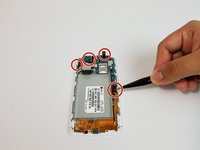
      • Remove all 11 (4mm) screws with the JIS #000 screwdriver

      • There are three screws on top, three above the battery, one next to the battery, one under the battery and three at the bottom of the phone.

      FixBot'a Sor

      Yorum Ekle

    4. LG Volt Motherboard Replacement: adım 4, 3 resimden 1. LG Volt Motherboard Replacement: adım 4, 3 resimden 2. LG Volt Motherboard Replacement: adım 4, 3 resimden 3.
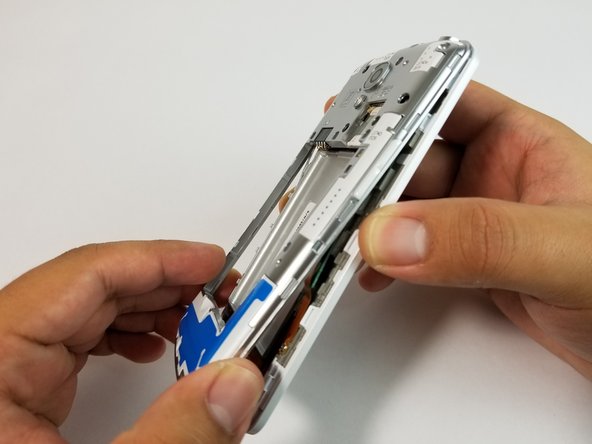
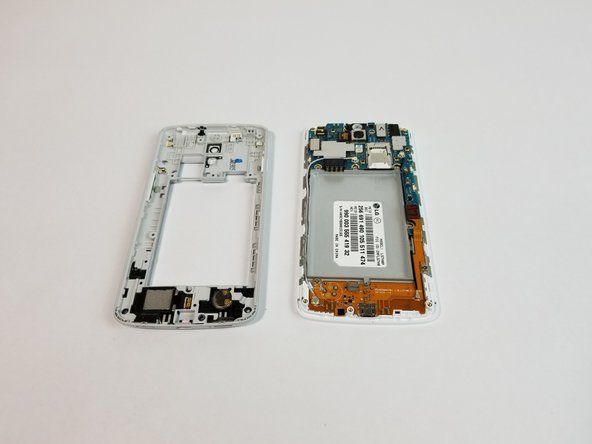
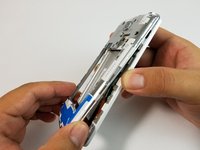
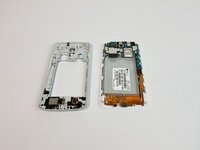
      • Use the plastic opening tool to remove the back housing from the frame of the phone.

      FixBot'a Sor

      Yorum Ekle

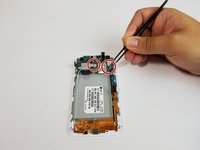
    5. LG Volt Motherboard Replacement: adım 5, 2 resimden 1. LG Volt Motherboard Replacement: adım 5, 2 resimden 2.
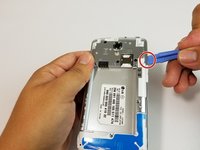
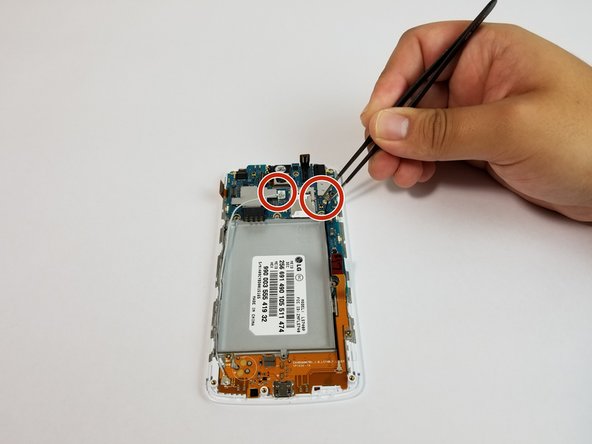
      • Carefully lift all the indicated tabs.

      • Carefully unplug the marked cables.

      FixBot'a Sor

      Yorum Ekle

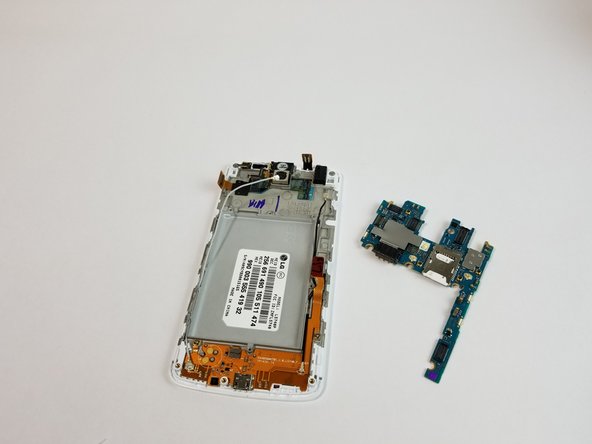
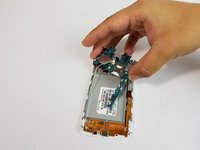
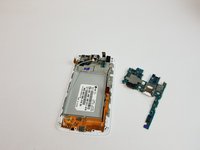
    6. LG Volt Motherboard Replacement: adım 6, 2 resimden 1. LG Volt Motherboard Replacement: adım 6, 2 resimden 2.
      • Remove motherboard carefully.

      FixBot'a Sor

      Yorum Ekle

    7. LG Volt Motherboard Replacement: adım 7, 1 resimden 1.
      • Put new motherboard in place of old motherboard.

      • Follow steps 6 through 1 in that order for reassembly.

      FixBot'a Sor

      Yorum Ekle

Sonuç

To reassemble your device, follow these instructions in reverse order.

İptal et: Bu kılavuzu tamamlamadım.

Bir başkası bu kılavuzu tamamladı.

Adrian Soldan

Üyelik tarihi: 09/25/17

464 İtibar

4 adet Kılavuz yazıldı

Ekip

USF Tampa, Team S3-G3, Cannon Fall 2017 USF Tampa, Team S3-G3, Cannon Fall 2017 üyesi

USFT-CANNON-F17S3G3

3 Üyeler

28 adet Kılavuz yazıldı

0Kılavuz Yorumları

Yorum Ekle

İstatistikleri Görüntüle:

Son 24 Saat: 2

Son 7 gün: 5

Son 30 gün: 26

Her zaman: 884