Giriş
This guide provides step-by-step instructions for replacing the wheel assembly on the Lefant M210 robot vacuum.
Neye ihtiyacın var
-
-
-
Turn off the Lefant M210 and disconnect it from the charging dock.
-
Flip the unit over so the bottom faces upward.
-
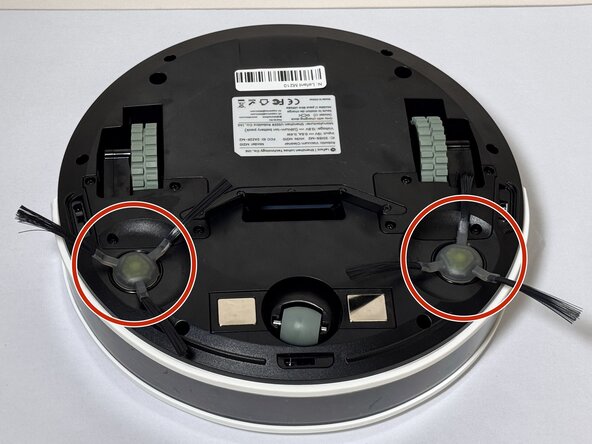
Locate the circular brush assemblies on the left and right sides of the underside.
 FixBot'a Sor
-
-
-
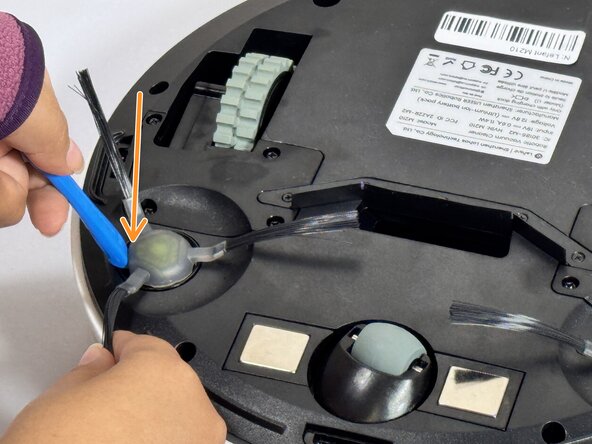
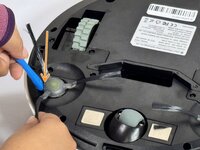
Insert the iFixit Opening Tool (or similar pry tool) under the circular edge of the brush assembly.
-
Apply gentle downward pressure on the opposite end of the tool to lever the brush component out of its housing.
-
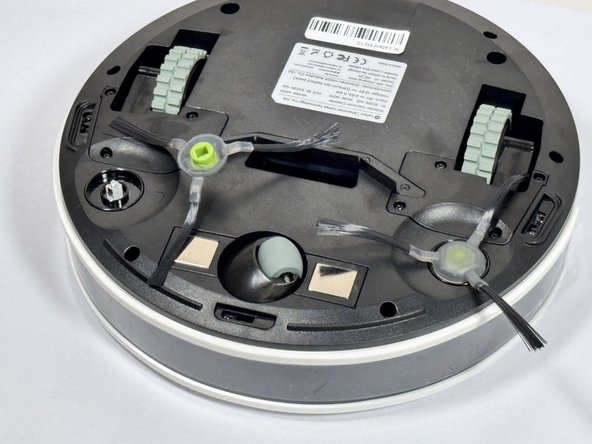
Remove the brush assembly completely and set it aside.
-
-
-
-
Position the new brush assembly above the square mounting peg.
-
Align the square cavity on the bottom of the brush with the corresponding square peg in the vacuum housing.
-
Press down firmly on the brush assembly until you hear or feel it click into place.
-
Gently tug on the brush to verify it is securely seated.
-
-
-
-
-
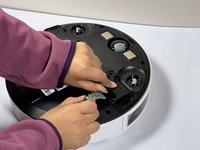
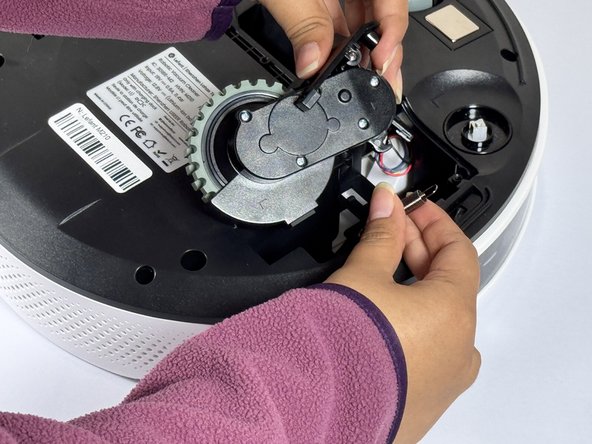
Use a Phillips screwdriver to remove four screws near each wheel.
-
-
-
Remove the plastic cover next to each wheel.
-
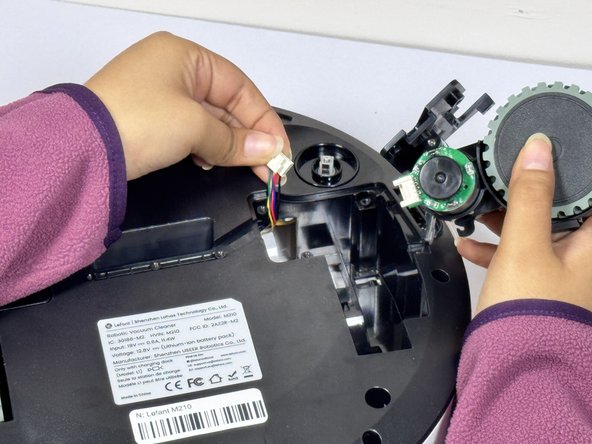
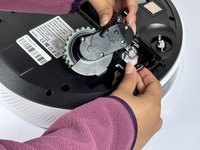
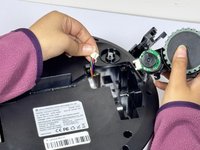
Grip both sides of the wheel and pull upwards.
-
-
-
Hold the wheel up and detach the connector to release it from the device.
-
-


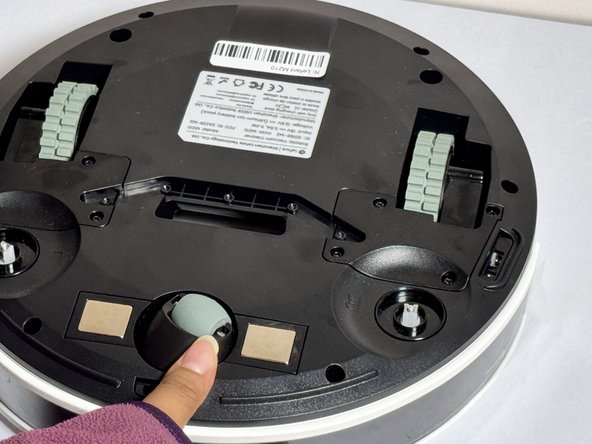


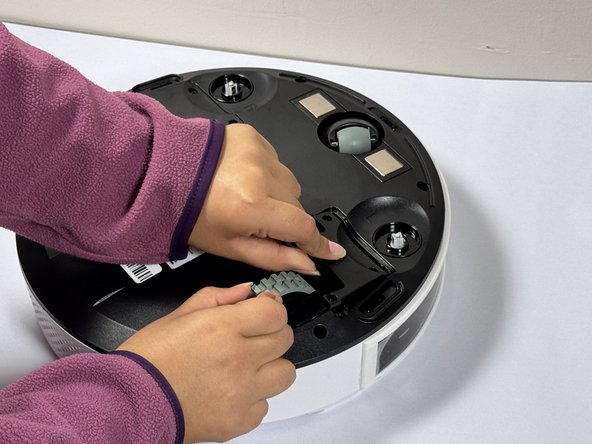
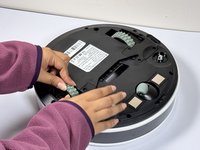

To reassemble your device, follow these instructions in reverse order.

Ekip

CSU Los Angeles, Team 2-4, Kershman Fall 2024 CSU Los Angeles, Team 2-4, Kershman Fall 2024 üyesi
CSULA-KERSHMAN-F24S2G4
4 Üyeler
13 adet Kılavuz yazıldı
