Ana içeriğe geç
Onarım Topluluğuna Katılın - Hesap Oluşturun

Lenovo Essential B570 Keyboard Replacement

Neye ihtiyacın var

  1. Lenovo Essential B570 Keyboard Replacement, Battery: adım 1, 1 resimden 1.
    • Turn over laptop.

    • Switch open the left battery lock.

    • If you are replacing inner components of the laptop, it is recommended to remove the battery first to avoid damage to the laptop.

    FixBot'a Sor

    Yorum Ekle

  2. Lenovo Essential B570 Keyboard Replacement: adım 2, 1 resimden 1.
    • Hold the right battery lock open with one hand while removing the battery itself with the other.

    FixBot'a Sor

    Yorum Ekle

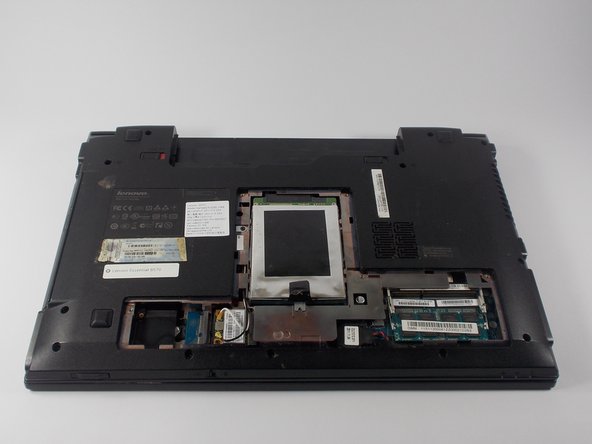
  3. Lenovo Essential B570 Keyboard Replacement, Back Panel: adım 3, 1 resimden 1.
    • Loosen the five Philips screws that secure the panel.

    • The screws do not actually fully remove from the panel. Loosening them as much as you can will be enough to disconnect them from the laptop.

    FixBot'a Sor

    Yorum Ekle

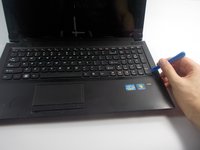
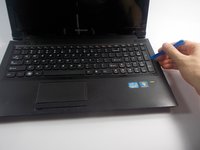
  4. Lenovo Essential B570 Keyboard Replacement: adım 4, 3 resimden 1. Lenovo Essential B570 Keyboard Replacement: adım 4, 3 resimden 2. Lenovo Essential B570 Keyboard Replacement: adım 4, 3 resimden 3.
    • Prop open the cover with a plastic opening tool.

    • If the cover does not come off easily, do not force it. Make sure all screws are loosened.

    FixBot'a Sor

    Yorum Ekle

  5. Lenovo Essential B570 Keyboard Replacement, Keyboard: adım 5, 1 resimden 1.
    • Remove the three 3 mm Phillips screws holding the keyboard in. These screws are designated by an imprinted keyboard picture next to them.

    FixBot'a Sor

    Yorum Ekle

  6. Lenovo Essential B570 Keyboard Replacement: adım 6, 2 resimden 1. Lenovo Essential B570 Keyboard Replacement: adım 6, 2 resimden 2.
    • Carefully pry off the keyboard with your plastic opening tool , moving along the edges.

    • DO NOT immediately remove the keyboard as it is still connected underneath by a wire.

    FixBot'a Sor

    Yorum Ekle

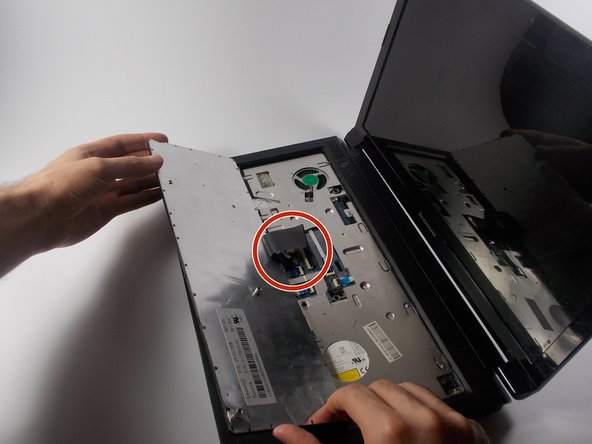
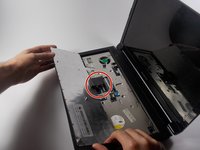
  7. Lenovo Essential B570 Keyboard Replacement: adım 7, 2 resimden 1. Lenovo Essential B570 Keyboard Replacement: adım 7, 2 resimden 2.
    • Carefully lift the keyboard.

    • The keyboard is still connected to the laptop. Lift it slowly.

    • Turn over the keyboard to locate the keyboards ribbon cable.

    FixBot'a Sor

    Yorum Ekle

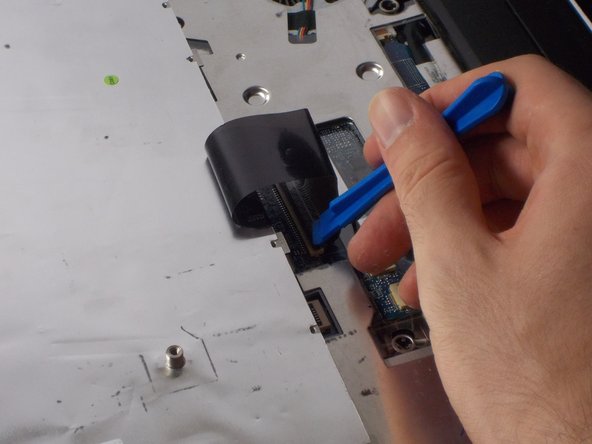
  8. Lenovo Essential B570 Keyboard Replacement: adım 8, 2 resimden 1. Lenovo Essential B570 Keyboard Replacement: adım 8, 2 resimden 2.
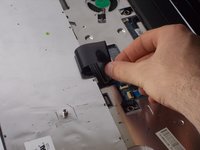
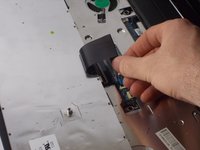
    • Use the plastic opening tool to lift open the ribbon connector that is holding the ribbon cable in its slot.

    FixBot'a Sor

    Yorum Ekle

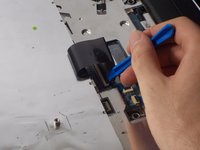
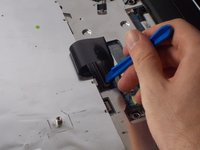
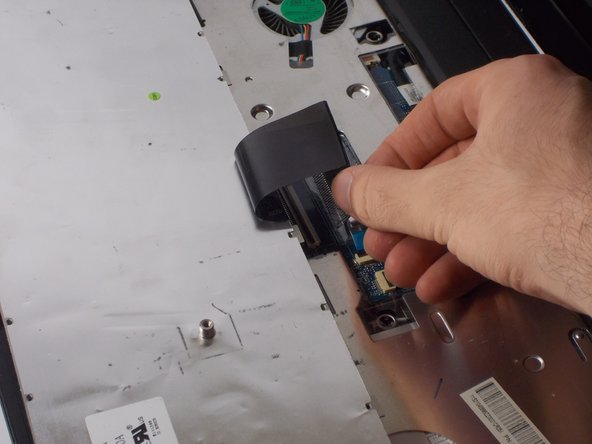
  9. Lenovo Essential B570 Keyboard Replacement: adım 9, 2 resimden 1. Lenovo Essential B570 Keyboard Replacement: adım 9, 2 resimden 2.
    • Remove the cable from its slot.

    • If the cable does not come out easily, ensure that the black ribbon has been completely released.

    FixBot'a Sor

    Yorum Ekle

Sonuç

To reassemble your device, follow these instructions in reverse order.

İptal et: Bu kılavuzu tamamlamadım.

3 farklı kişi bu kılavuzu tamamladı.

Samuel Filliettaz

Üyelik tarihi: 10/20/15

891 İtibar

5 adet Kılavuz yazıldı

Ekip

UMass Dartmouth, Team 4-5, Catania Fall 2015 UMass Dartmouth, Team 4-5, Catania Fall 2015 üyesi

UMASSD-CATANIA-F15S4G5

4 Üyeler

6 adet Kılavuz yazıldı

0Kılavuz Yorumları

Yorum Ekle

İstatistikleri Görüntüle:

Son 24 Saat: 2

Son 7 gün: 7

Son 30 gün: 25

Her zaman: 3,103