Ana içeriğe geç

Lenovo Flex 2-15 SSD Replacement

  1. Lenovo Flex 2-15 SSD Replacement, SSD: adım 1, 1 resimden 1.
    • Begin by taking the back plate off of your device.

    • Using a Phillips head screw driver, take out the highlighted screws for your device.

  2. Lenovo Flex 2-15 SSD Replacement: adım 2, 2 resimden 1. Lenovo Flex 2-15 SSD Replacement: adım 2, 2 resimden 2.
    • Locate the SSD bay for your device via the highlighted portion.

  3. Lenovo Flex 2-15 SSD Replacement: adım 3, 1 resimden 1.
    • Using the pull tab shown here, gently take the SSD out of its highlighted slot.

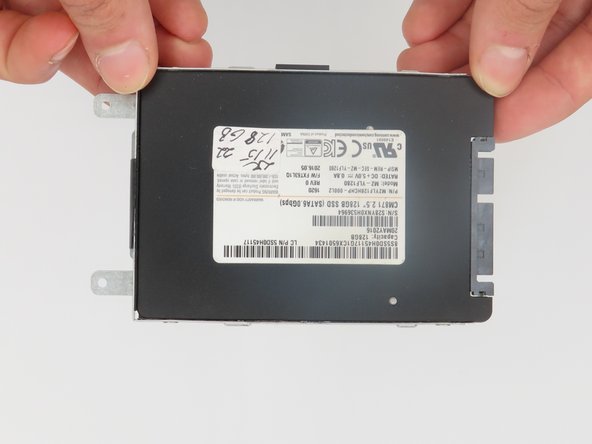
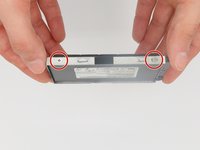
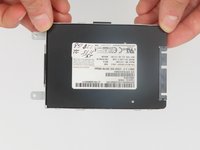
  4. Lenovo Flex 2-15 SSD Replacement: adım 4, 2 resimden 1. Lenovo Flex 2-15 SSD Replacement: adım 4, 2 resimden 2.
    • We will need to use a Phillips screwdriver to take the SSD out of its bay.

Sonuç

To reassemble your device, follow these instructions in reverse order.

imbo227

Üyelik tarihi: 02/21/24

109 İtibar

1 Kılavuz yazıldı

0Kılavuz Yorumları

Yorum Ekle

İstatistikleri Görüntüle:

Son 24 Saat: 1

Son 7 gün: 3

Son 30 gün: 6

Her zaman: 242