Ana içeriğe geç
Onarım Topluluğuna Katılın - Hesap Oluşturun

Logitech M185 Wireless Mouse Scroll Wheel Replacement

Neye ihtiyacın var

  1. Logitech M185 Wireless Mouse Scroll Wheel Replacement, Scroll Wheel: adım 1, 3 resimden 1. Logitech M185 Wireless Mouse Scroll Wheel Replacement, Scroll Wheel: adım 1, 3 resimden 2. Logitech M185 Wireless Mouse Scroll Wheel Replacement, Scroll Wheel: adım 1, 3 resimden 3.
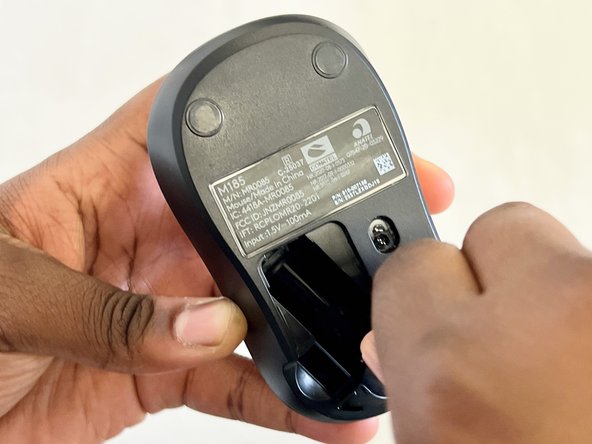
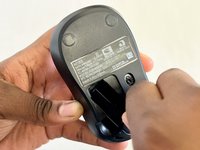
    • Turn your mouse over so the bottom is facing up.

    • Slide the battery compartment door off to reveal the battery.

    FixBot'a Sor

    Yorum Ekle

  2. Logitech M185 Wireless Mouse Scroll Wheel Replacement: adım 2, 1 resimden 1.
    • Remove the battery.

    • Use a Phillips #00 screwdriver to remove the single screw in the battery compartment.

    • The screw may be hard to find at first, but it is directly under the battery.

    FixBot'a Sor

    Yorum Ekle

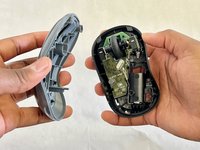
  3. Logitech M185 Wireless Mouse Scroll Wheel Replacement: adım 3, 3 resimden 1. Logitech M185 Wireless Mouse Scroll Wheel Replacement: adım 3, 3 resimden 2. Logitech M185 Wireless Mouse Scroll Wheel Replacement: adım 3, 3 resimden 3.
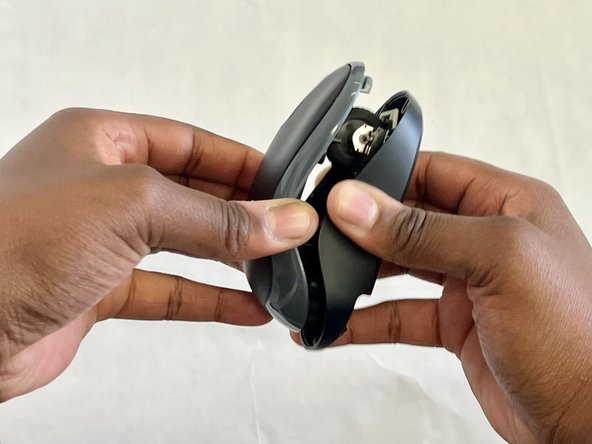
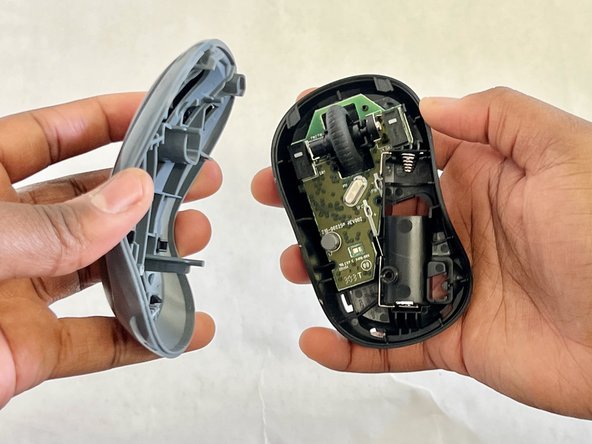
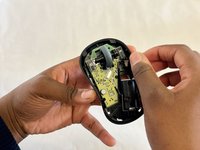
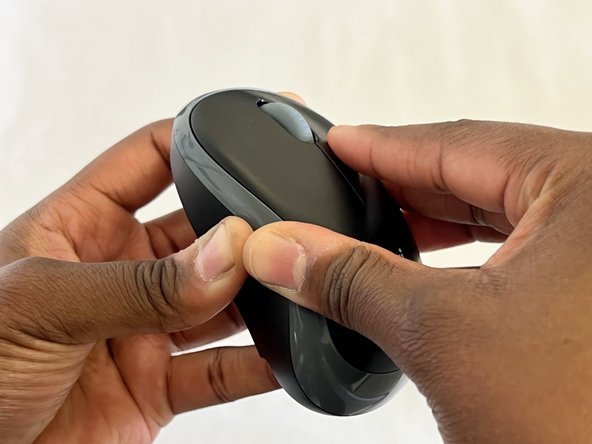
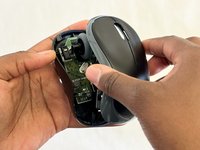
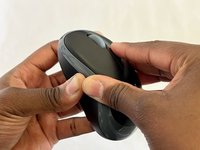
    • Place one hand on the bottom of the mouse and the other on the top. Gently remove the top of the mouse.

    FixBot'a Sor

    Yorum Ekle

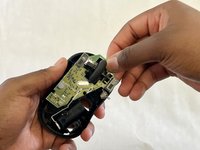
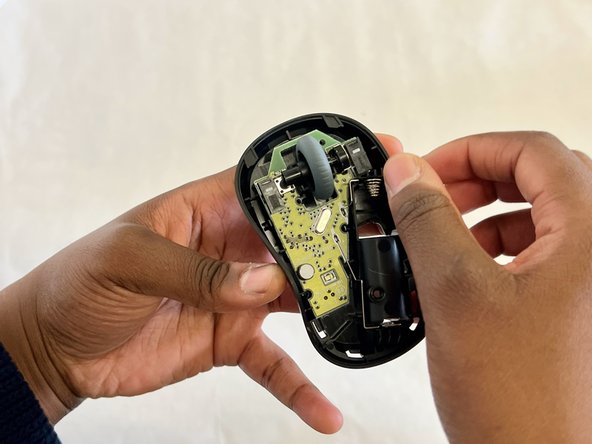
  4. Logitech M185 Wireless Mouse Scroll Wheel Replacement: adım 4, 2 resimden 1. Logitech M185 Wireless Mouse Scroll Wheel Replacement: adım 4, 2 resimden 2.
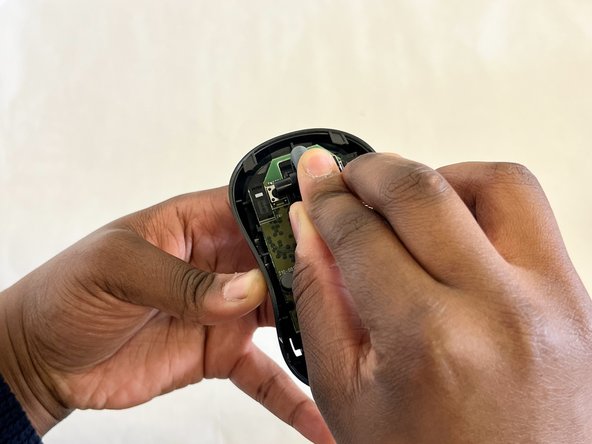
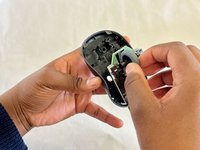
    • Use a spudger and gently pry the motherboard up, to remove it from the mouse.

    • Any damage done to the board could affect the functionality of the mouse. Show EXTRA care when touching the board. Handle it along the edges only and wear ESD safe gloves if possible.

    FixBot'a Sor

    Yorum Ekle

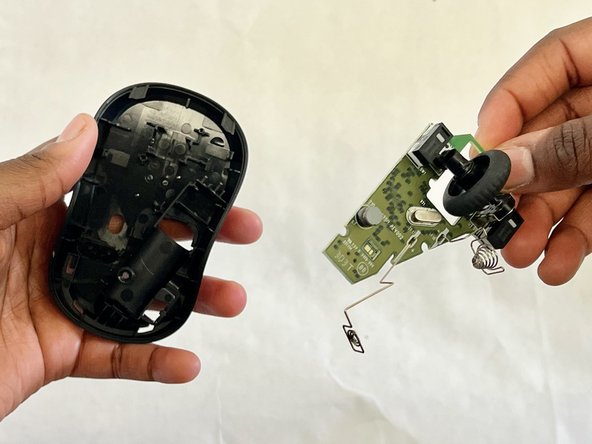
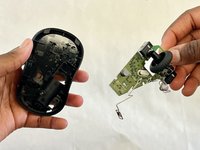
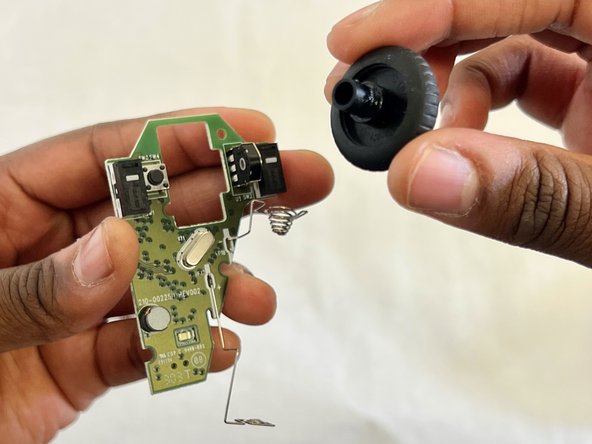
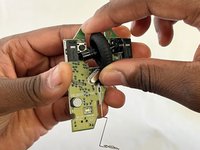
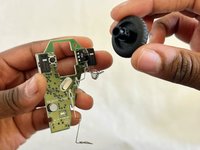
  5. Logitech M185 Wireless Mouse Scroll Wheel Replacement: adım 5, 2 resimden 1. Logitech M185 Wireless Mouse Scroll Wheel Replacement: adım 5, 2 resimden 2.
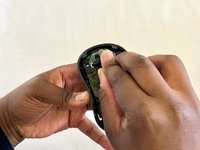
    • Carefully remove the scroll wheel from the motherboard.

    FixBot'a Sor

    Yorum Ekle

  6. Logitech M185 Wireless Mouse Scroll Wheel Replacement: adım 6, 1 resimden 1.
    • Insert the new scroll wheel.

    FixBot'a Sor

    Yorum Ekle

  7. Logitech M185 Wireless Mouse Scroll Wheel Replacement: adım 7, 3 resimden 1. Logitech M185 Wireless Mouse Scroll Wheel Replacement: adım 7, 3 resimden 2. Logitech M185 Wireless Mouse Scroll Wheel Replacement: adım 7, 3 resimden 3.
    • Replace the motherboard.

    • Gently but firmly press down on it until it is securely in place.

    • You will hear a click or snap, indicating it is in place.

    FixBot'a Sor

    Yorum Ekle

  8. Logitech M185 Wireless Mouse Scroll Wheel Replacement: adım 8, 3 resimden 1. Logitech M185 Wireless Mouse Scroll Wheel Replacement: adım 8, 3 resimden 2. Logitech M185 Wireless Mouse Scroll Wheel Replacement: adım 8, 3 resimden 3.
    • Put the top of the mouse back onto the bottom and press them together so they connect.

    • Make sure the edges of the top and bottom of the mouse align so there is a secure connection.

    • Use a Phillips #00 screwdriver to replace the single screw in the battery compartment.

    • Replace the battery and battery cover.

    FixBot'a Sor

    Yorum Ekle

  9. Logitech M185 Wireless Mouse Scroll Wheel Replacement: adım 9, 1 resimden 1.
    • Plug your mouse into a computer using the USB connector to ensure the scroll wheel is working.

    FixBot'a Sor

    Yorum Ekle

Sonuç

To reassemble your device, follow these instructions in reverse order.

İptal et: Bu kılavuzu tamamlamadım.

2 farklı kişi bu kılavuzu tamamladı.

Osame Osayande

Üyelik tarihi: 03/05/24

211 İtibar

1 Kılavuz yazıldı

Ekip

CSU Los Angeles, Team 7-7, Grodsky Spring 2024 CSU Los Angeles, Team 7-7, Grodsky Spring 2024 üyesi

CSULA-GRODSKY-S24S7G7

3 Üyeler

2 adet Kılavuz yazıldı

0Kılavuz Yorumları

Yorum Ekle

İstatistikleri Görüntüle:

Son 24 Saat: 4

Son 7 gün: 26

Son 30 gün: 157

Her zaman: 3,361