Giriş
Upgrade or replace the combo or SuperDrive.
Neye ihtiyacın var
-
-
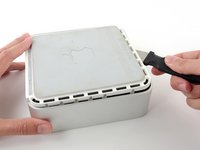
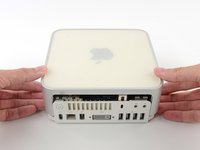
Power down your Mac mini, disconnect all of the cables, and flip it over.
-
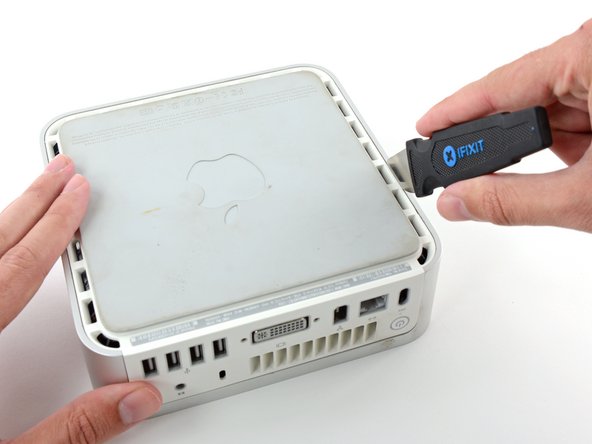
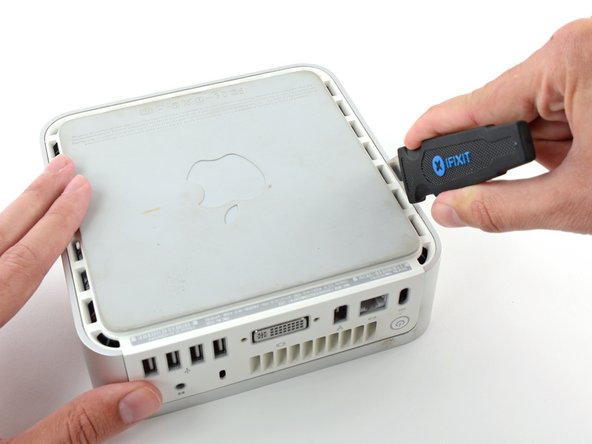
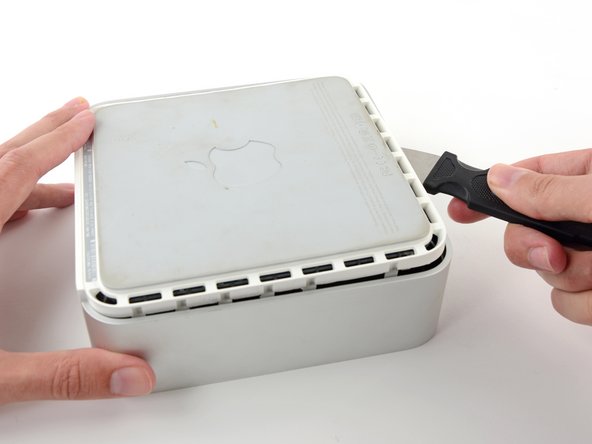
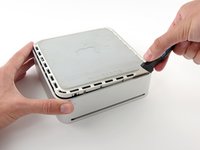
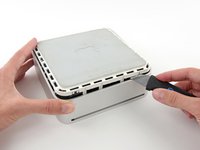
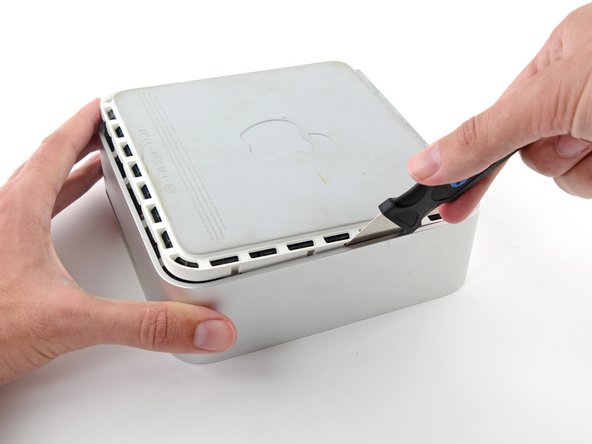
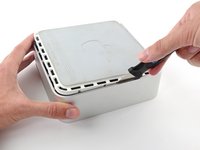
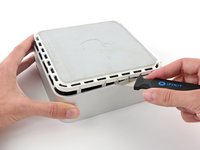
Insert the Jimmy into the crack between the aluminum top housing and the plastic lower housing.
-
The Jimmy should reach a stop about 3/8" down.
-
-
-
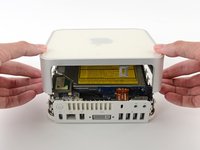
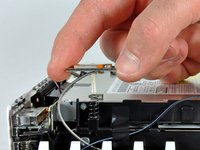
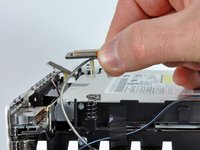
We will first remove the AirPort antenna, located in the lower left corner of this picture.
-
-
-
-
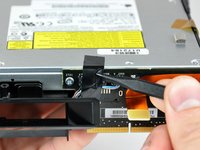
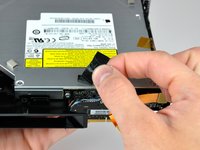
Use the tip of a spudger to remove the black electrical tape spanning the interconnect board and optical drive.
-













To reassemble your device, follow these instructions in reverse order.
İptal et: Bu kılavuzu tamamlamadım.
65 farklı kişi bu kılavuzu tamamladı.

6Kılavuz Yorumları
I found that it's entirely possible to remove the optical drive without removing the whole subframe. You can remove the four screws on the sides of the drive quite easily, remove the other end of the audio cable then unscrew the two screws on the back of the drive holding the interconnect board to the drive (the only fiddly bit as it's hard to get a a good angle onto those two screws), then gently lift the front of the drive and pull it forward.
Can anyone tell me now that I have replaced the optical drive, why if only accepts dvd's being put into it when I have first turn on the computer?? If I do it when the computer is already on, no matter how far I try and push in the DVD it doesn't grab it and pull it in properly. No trouble playing them once in.
Please help! Can anyone tell me now that I have replaced the optical drive, why if only accepts dvd's being put into it when I have first turn on the computer?? If I do it when the computer is already on, no matter how far I try and push in the DVD it doesn't grab it and pull it in properly. No trouble playing them once in.
Hi!
Is is correct about the optibay i need to replace a DVD up to SSD:
- the inside connector of this optibay is SATA 3 witch is compatible for a modern SSD, like this one - https://ru.aliexpress.com/item/Newest-Go...
- the outside that goes to a motherboard - what is it - i can't really understand - is it eSATA or it it mSATA or smth else?
Thanks for your reply in advance!
I also had n0o need to remove the frame. To use a screwdriver that is magnetized made some undesirable problems. Overall, the optical drive was replaced -that is , put in as the former drive was removed by someone else.
