Giriş
This guide shows how to remove and replace the heat sink for your Meta Quest 2.
Note: You'll need a long PH00 bit or a dedicated PH00 screwdriver to remove some recessed screws.
Neye ihtiyacın var
-
-
Hold the power button for three seconds to fully turn off your headset.
-
-
-
Grasp and pull on the nose section of the facial interface to unclip it from the headset.
-
-
-
Use your fingers to grasp the right strap near the headset.
-
Peel the right strap away from the headset arm to unclip it.
-
-
-
Unthread the top strap from its bracket.
-
Remove the head strap.
-
-
-
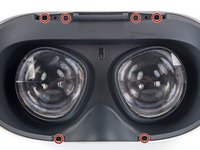
Use a Torx T2 driver to remove the six 3.5 mm‑long screws securing the eyepiece trim.
-
-
-
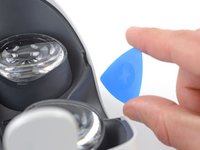
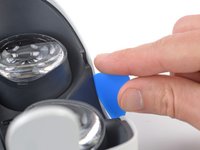
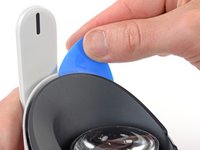
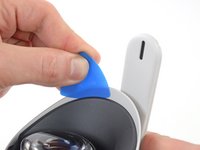
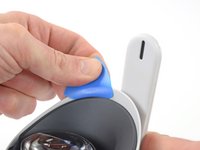
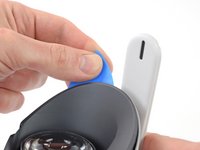
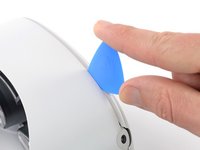
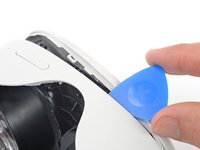
Insert an opening pick into the seam between the eyepiece trim and white outer shell, near the nose cutout.
-
-
-
Lift the eyepiece trim slightly and tilt it towards the top edge of the headset.
-
Set the trim down on your work surface, making sure not to strain the cable.
-
-
-
-
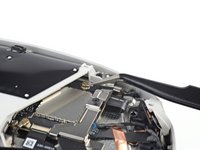
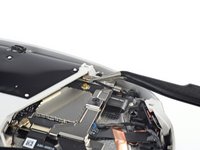
Use the point of a spudger to flip open the black lock tab on the ZIF connector securing the face sensor cable.
-
-
-
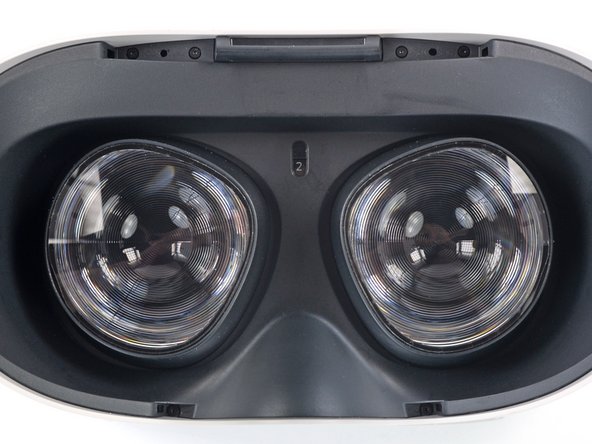
Make sure the lens spacing matches the spacing indicator. This allows the indicator peg to sit correctly in its notch.
-
If the lens spacing doesn't match the indicator, manually adjust the lens with your fingers.
-
-
-
Thread your fingers through the eyepiece trim’s eyeholes and grasp the edges of the sensor cable.
-
Slide the sensor cable into the socket until the first set of tabs rests in the socket. This should flip the lock tab down partially.
-
Use a spudger to press the lock tab down towards the cable to lock it in place.
-
-
-
Use a Phillips screwdriver to remove the five 7.7 mm‑long screws securing the front cover to the headset:
-
One recessed in the top-left corner
-
One recessed in the top-right corner
-
Three along the lower edge
-
-
-
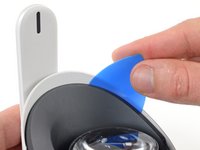
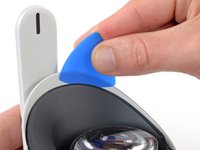
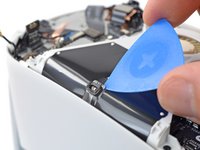
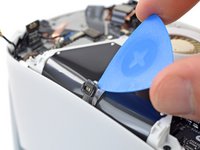
Insert an opening pick into the seam between the bottom edge of the front cover and the headset.
-
Pry with the opening pick to release the front cover clips.
-
-
Bu adımda kullanılan alet:Tweezers$4.99
-
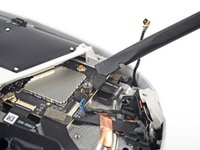
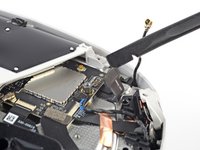
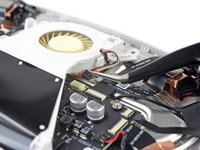
Use a pair of tweezers to grasp the metal neck of the top-right antenna cable.
-
Lift the antenna connector straight up to disconnect it.
-
Guide the antenna cable out of its metal clip holding it in place.
-
-
-
Use a Phillips screwdriver to remove the three screws securing the battery cable bracket:
-
One 4.4 mm‑long screw
-
Two 2.3 mm‑long screws
-
-
-
Use a spudger to pry up and disconnect the battery press connector from the motherboard.
-
-
Bu adımda kullanılan alet:Tweezers$4.99
-
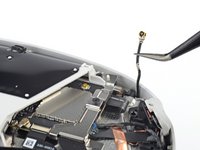
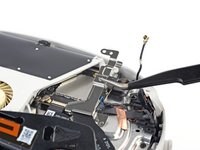
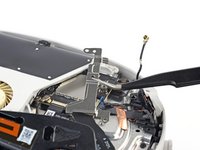
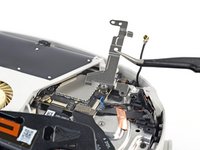
Insert one arm of a pair of tweezers under the metal neck of the black antenna cable near the fan assembly.
-
Lift the antenna connector straight up to disconnect it.
-
Guide the antenna cable out of its metal clip holding it in place.
-
-
-
Use a Phillips screwdriver to remove the eight screws securing the antenna assembly to the headset:
-
Four 4.4 mm‑long screws
-
Two 4.8 mm‑long screws
-
Two 10.7 mm‑long screws
-
-
Bu adımda kullanılan alet:Tweezers$4.99
-
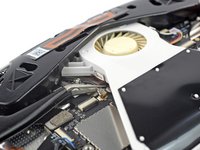
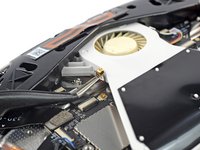
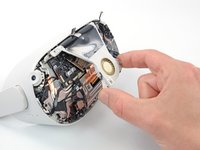
Use tweezers to grab the fan connector and carefully slide it out of its socket.
-
-
-
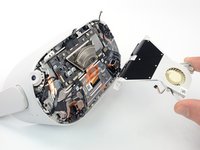
Use the point of an opening pick to loosen the adhesive securing the LED flex cable from the top of the fan assembly.
-
-
-
Remove the two screws securing the fan assembly to the headset:
-
One 4.4 mm‑long Phillips screw
-
One 3.6 mm‑long Torx T2 screw
-
-
-
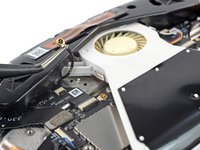
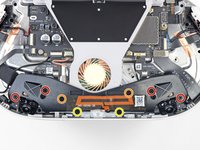
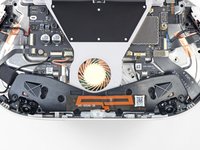
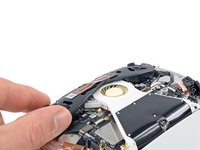
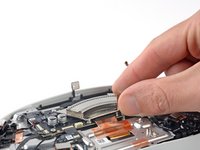
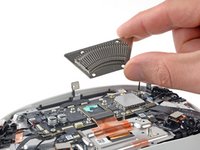
Use a Phillips screwdriver to remove the four 2.3 mm‑long screws securing the heat sink to the motherboard.
-


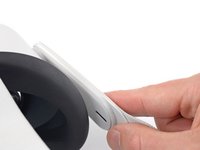
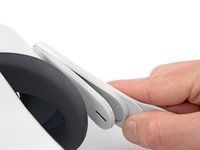
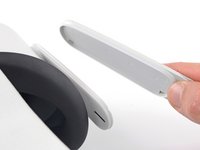


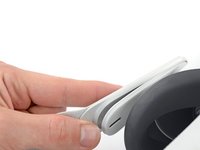















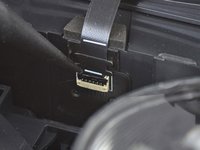
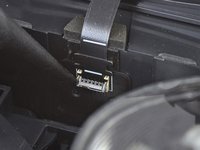


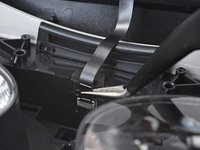
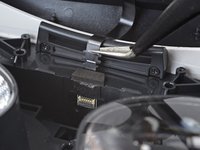






















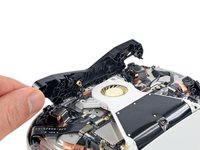


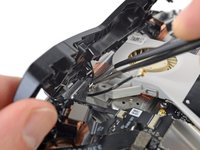
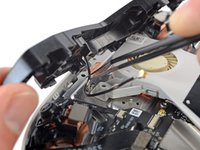


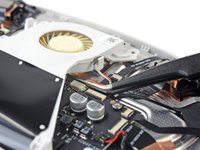




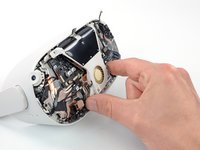


To reassemble your device, follow these instructions in reverse order.
Repair didn’t go as planned? Try some basic troubleshooting, or ask our Answers community for help.



