Ana içeriğe geç
Onarım Topluluğuna Katılın - Hesap Oluşturun

Motion Computing LE1600 Display Screen Replacement

Neye ihtiyacın var

  1. Motion Computing LE1600 Display Screen Replacement, Battery: adım 1, 1 resimden 1.
    • Turn the device so the screen is facing down.

    FixBot'a Sor

    Yorum Ekle

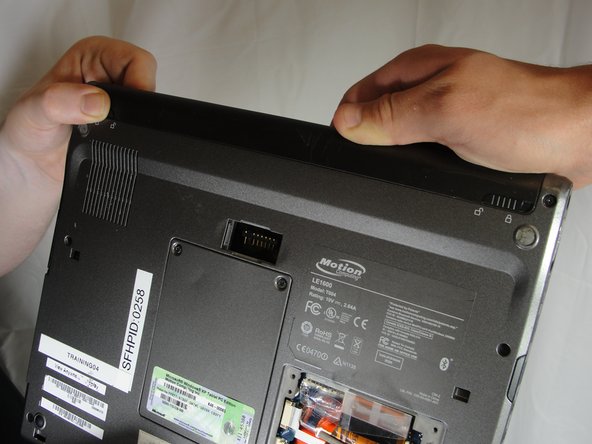
  2. Motion Computing LE1600 Display Screen Replacement: adım 2, 2 resimden 1. Motion Computing LE1600 Display Screen Replacement: adım 2, 2 resimden 2.
    • Slide the battery lock switch next to the power slider to the unlocked position.

    FixBot'a Sor

    Yorum Ekle

  3. Motion Computing LE1600 Display Screen Replacement: adım 3, 3 resimden 1. Motion Computing LE1600 Display Screen Replacement: adım 3, 3 resimden 2. Motion Computing LE1600 Display Screen Replacement: adım 3, 3 resimden 3.
    • Slide and hold the switch by the fan vent to the unlocked position. Firmly grasp the battery and pull away from tablet.

    • When replacing the battery, place the end near the fan vent in first. Make sure to keep the other switch in the unlocked position while pushing the battery into place.

    FixBot'a Sor
    Yorum Ekle

  4. Motion Computing LE1600 Display Screen Replacement, Display Screen: adım 4, 1 resimden 1.
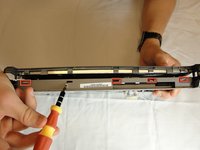
    • Unscrew hard drive panel using a Phillips head #1 screwdriver.

    • (Our device was not given to us with a hard drive or a hard drive panel)

    FixBot'a Sor
    Yorum Ekle

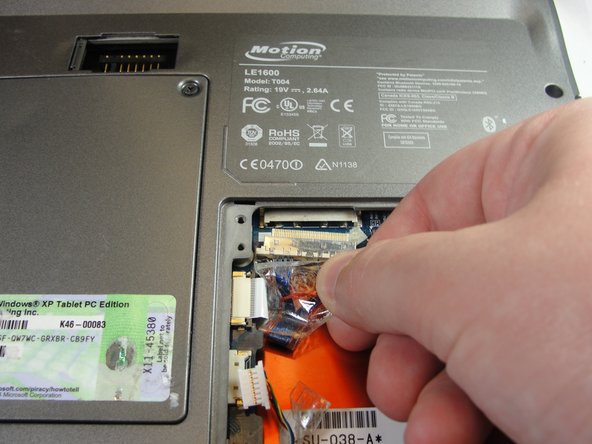
  5. Motion Computing LE1600 Display Screen Replacement: adım 5, 3 resimden 1. Motion Computing LE1600 Display Screen Replacement: adım 5, 3 resimden 2. Motion Computing LE1600 Display Screen Replacement: adım 5, 3 resimden 3.
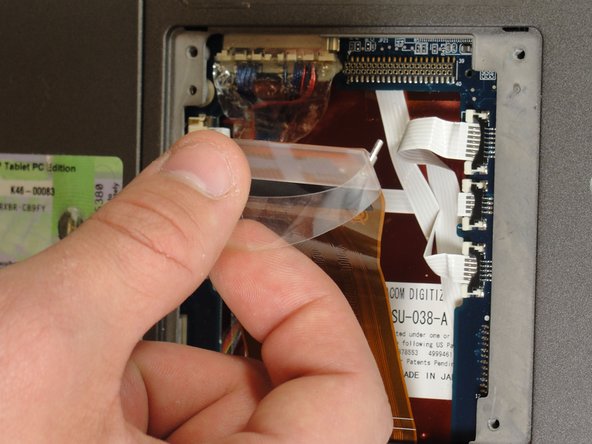
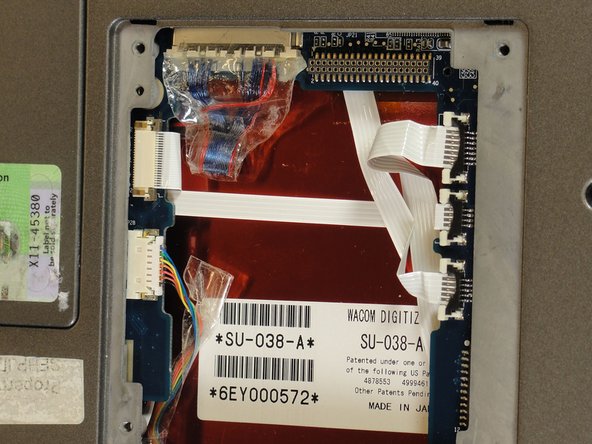
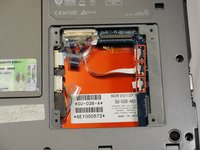
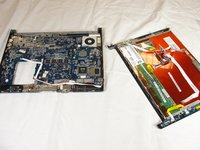
    • Pull clear plastic tab to detach hard drive from tablet.

    FixBot'a Sor
    Yorum Ekle

  6. Motion Computing LE1600 Display Screen Replacement: adım 6, 2 resimden 1. Motion Computing LE1600 Display Screen Replacement: adım 6, 2 resimden 2.
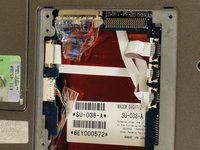
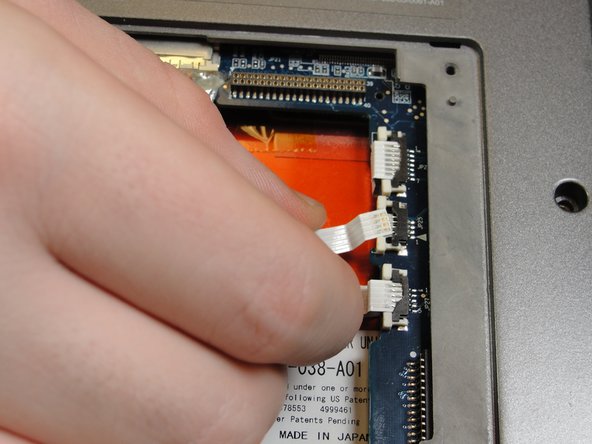
    • To disconnect the three white ribbon cables on the side closest to the hard drive connector, pull the white plastic tabs.

    FixBot'a Sor

    Yorum Ekle

  7. Motion Computing LE1600 Display Screen Replacement: adım 7, 1 resimden 1.
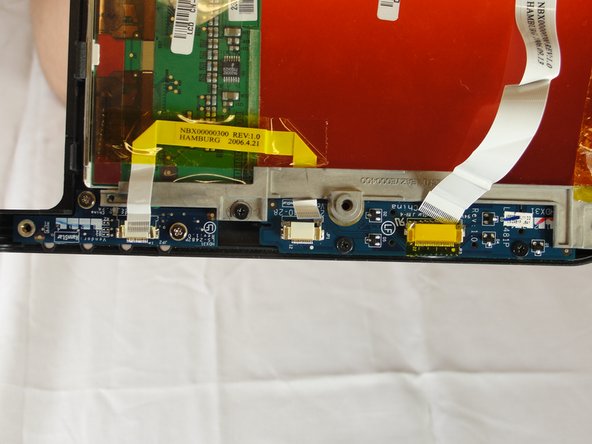
    • Pull the brown tabs to disconnect the white ribbon cable on the other side.

    FixBot'a Sor
    Yorum Ekle

  8. Motion Computing LE1600 Display Screen Replacement: adım 8, 2 resimden 1. Motion Computing LE1600 Display Screen Replacement: adım 8, 2 resimden 2.
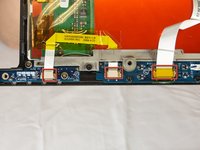
    • Caution: do not pull on the wires, instead pull from the plastic connectors.

    • To disconnect the remaining ribbon cables, pull the plastic connectors away from their connections.

    FixBot'a Sor
    Yorum Ekle

  9. Motion Computing LE1600 Display Screen Replacement: adım 9, 1 resimden 1.
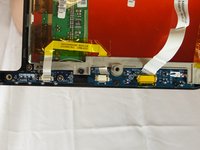
    • With a Phillips #1 screwdriver, Unscrew the nine 10mm screws holding the case together.

    FixBot'a Sor
    Yorum Ekle

  10. Motion Computing LE1600 Display Screen Replacement: adım 10, 2 resimden 1. Motion Computing LE1600 Display Screen Replacement: adım 10, 2 resimden 2.
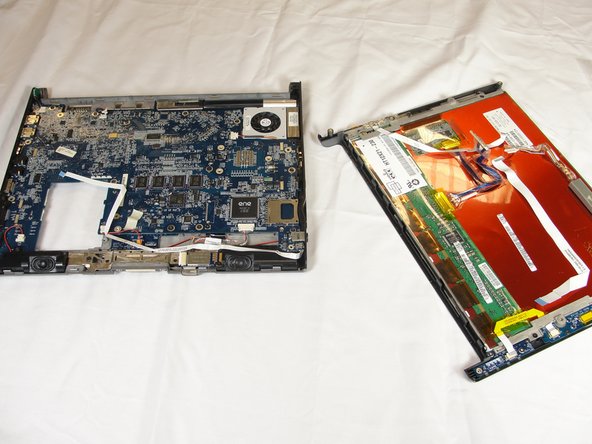
    • Using a spudger, press in the five tabs on the side where the battery was.

    • This should separate the two halves of the device. Carefully set the side with the motherboard off to the side.

    FixBot'a Sor

    Yorum Ekle

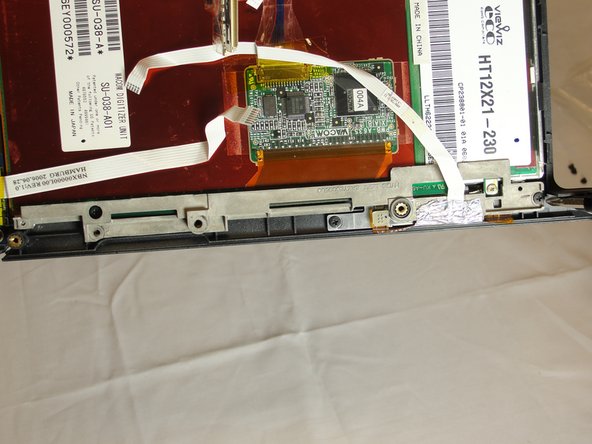
  11. Motion Computing LE1600 Display Screen Replacement: adım 11, 2 resimden 1. Motion Computing LE1600 Display Screen Replacement: adım 11, 2 resimden 2.
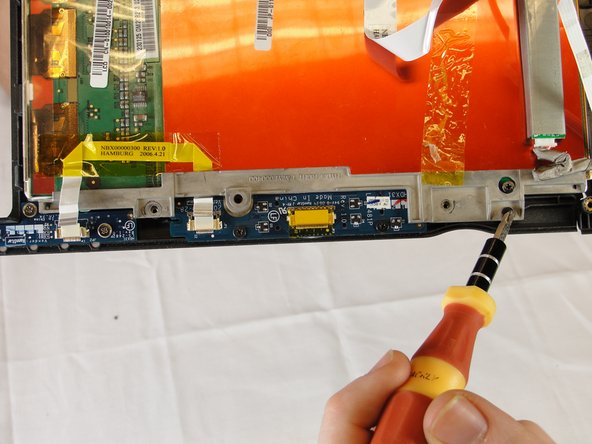
    • Unplug the three ribbon cables by pulling on the brown tabs and unplugging cable.

    FixBot'a Sor
    Yorum Ekle

  12. Motion Computing LE1600 Display Screen Replacement: adım 12, 2 resimden 1. Motion Computing LE1600 Display Screen Replacement: adım 12, 2 resimden 2.
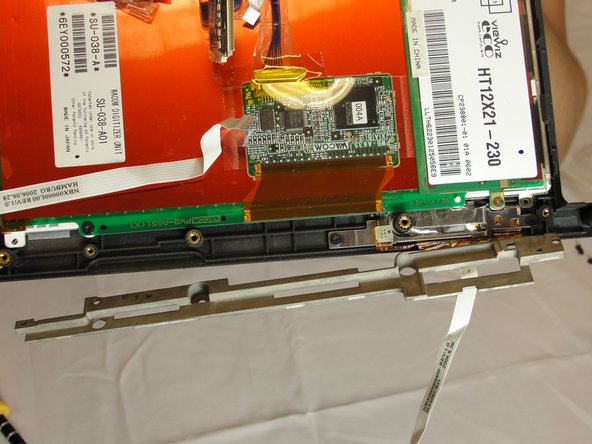
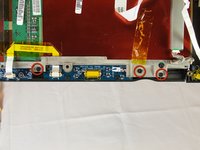
    • With a Phillips #1 screwdriver, unscrew the three 4mm screws holding the display bracket on the back side of the front buttons.

    FixBot'a Sor
    Yorum Ekle

  13. Motion Computing LE1600 Display Screen Replacement: adım 13, 3 resimden 1. Motion Computing LE1600 Display Screen Replacement: adım 13, 3 resimden 2. Motion Computing LE1600 Display Screen Replacement: adım 13, 3 resimden 3.
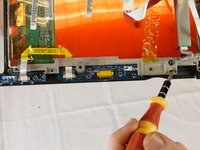
    • On the bracket behind the fingerprint scanner, unscrew the two 4mm screws holding it to the display with a Phillips #1 screwdriver.

    • Fold away right bracket from display.

    FixBot'a Sor
    Yorum Ekle

  14. Motion Computing LE1600 Display Screen Replacement: adım 14, 2 resimden 1. Motion Computing LE1600 Display Screen Replacement: adım 14, 2 resimden 2.
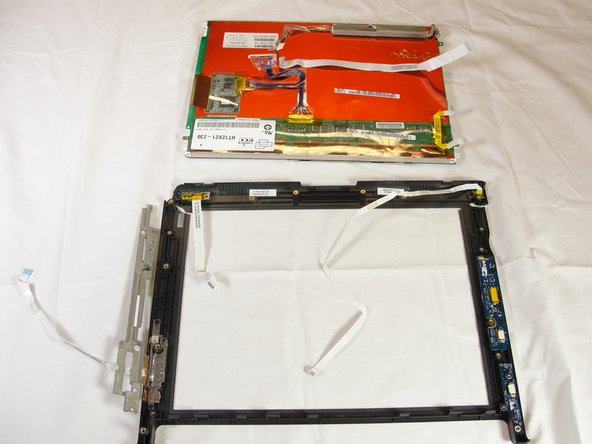
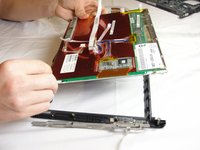
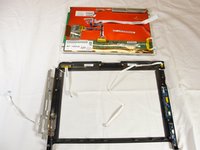
    • Pull the plastic case away from the display screen.

    FixBot'a Sor

    Yorum Ekle

Sonuç

To reassemble your device, follow these instructions in reverse order.

İptal et: Bu kılavuzu tamamlamadım.

4 farklı kişi bu kılavuzu tamamladı.

Jesse Graham

Üyelik tarihi: 04/03/12

63 İtibar

1 Kılavuz yazıldı

Ekip

Cal Poly, Team 15-14, Forte Spring 2012 Cal Poly, Team 15-14, Forte Spring 2012 üyesi

CPSU-FORTE-S12S15G14

5 Üyeler

5 adet Kılavuz yazıldı

0Kılavuz Yorumları

Yorum Ekle

İstatistikleri Görüntüle:

Son 24 Saat: 2

Son 7 gün: 17

Son 30 gün: 46

Her zaman: 4,011