Giriş
This guide will go through the steps of replacing the LCD screen for the Motorola MB525 starting from the tear down of the phone to replacement of the LCD screen itself.
Neye ihtiyacın var
-
-
Using the screwdriver and the T-5 bit, unscrew the seven 5 mm screws around the outside of the phone.
 FixBot'a Sor
-
-
-
Remove the back cover of the phone by sliding the bottom black button to the unlock position and lifting it up.
-
-
-
-
Unscrew the two silver screws located at the top of the back of the phone.
-
-
-
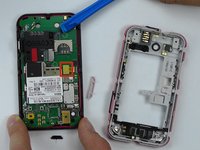
Use a plastic opening tool to gently pry the midframe from the rest of the phone.
-
-
-
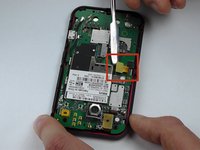
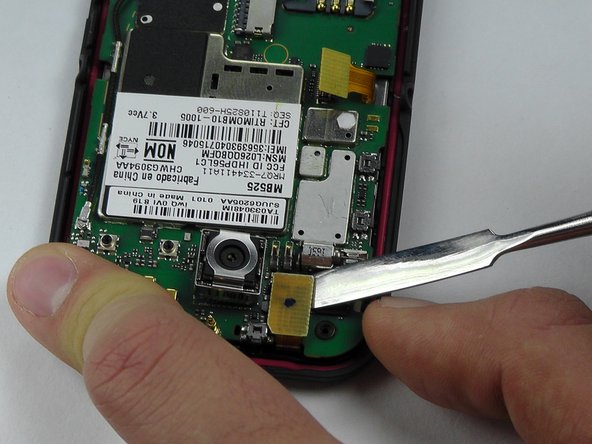
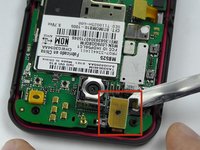
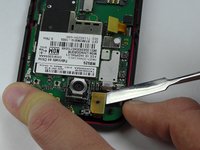
Use metal spudger to pry off the middle yellow flap carefully.
-
-
Bu adımda kullanılan alet:Tweezers$4.99
-
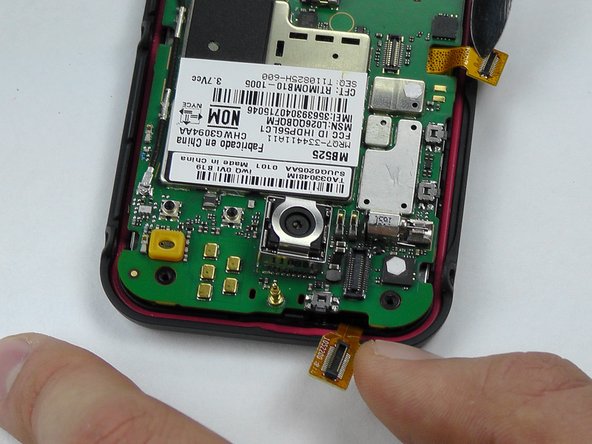
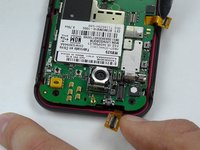
Use tweezers again to pry off the second yellow flap carefully.
-
-
-
The motherboard is the whole green board. Pry it off carefully with tweezers from the sides and place it aside.
-
-
-
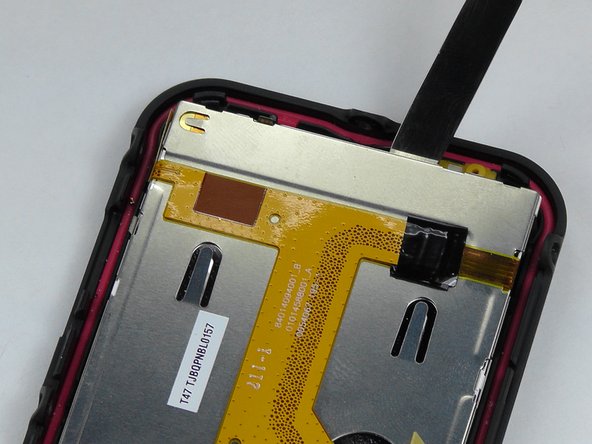
Stick the metal spudger in between the LCD screen and the case of the phone.
-
Remove the LCD screen and replace with a new one.
-






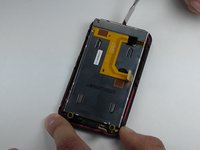
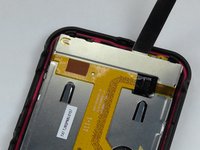
To reassemble your device, follow these instructions in reverse order.
İptal et: Bu kılavuzu tamamlamadım.
2 farklı kişi bu kılavuzu tamamladı.

Ekip

USF Tampa, Team 14-2, Leahy Fall 2014 USF Tampa, Team 14-2, Leahy Fall 2014 üyesi
USFT-LEAHY-F14S14G2
4 Üyeler
18 adet Kılavuz yazıldı
