Ana içeriğe geç

Motorola Edge (2021) Front-Facing Camera module Replacement

Neye ihtiyacın var
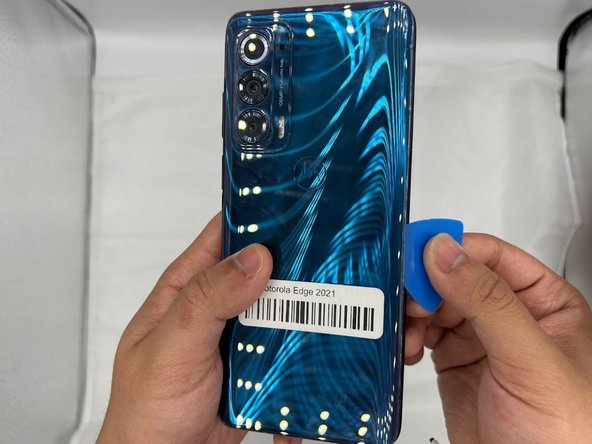
  1. Motorola Edge (2021) Front-Facing Camera module Replacement, Front-Facing Camera: adım 1, 1 resimden 1.
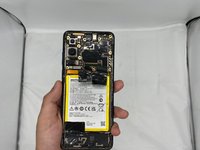
    • Remove the back cover of the smartphone.

  2. Motorola Edge (2021) Front-Facing Camera module Replacement: adım 2, 1 resimden 1.
    • Use two iOpeners to heat up the glue beneath the back-plate.

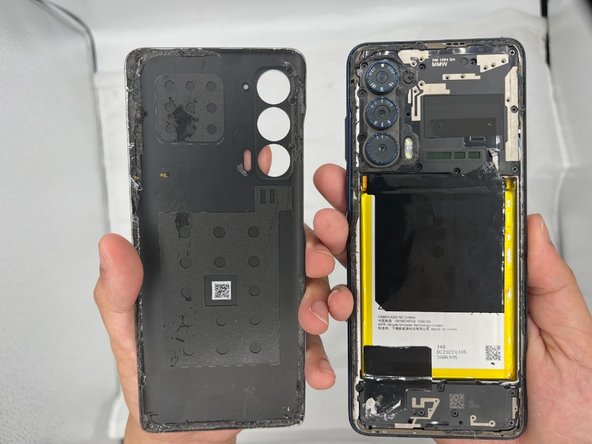
  3. Motorola Edge (2021) Front-Facing Camera module Replacement: adım 3, 3 resimden 1. Motorola Edge (2021) Front-Facing Camera module Replacement: adım 3, 3 resimden 2. Motorola Edge (2021) Front-Facing Camera module Replacement: adım 3, 3 resimden 3.
    • Wedge the iFixit Opening Pick in between the cracks of the smartphone's backplate.

    • Slide the opening tool along the sides of the phone until the glue is separated from the back-plate.

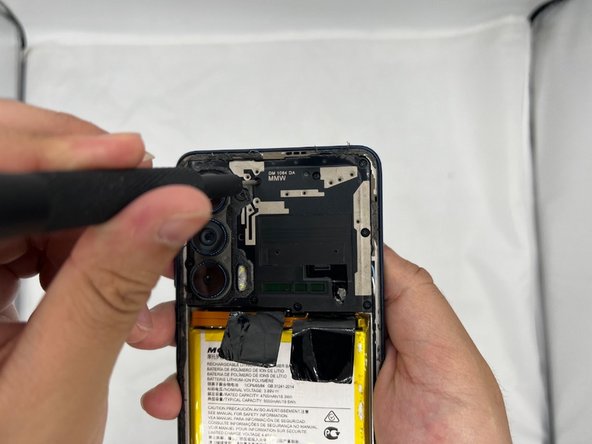
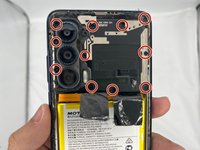
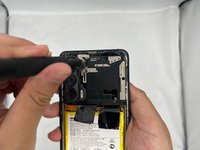
  4. Motorola Edge (2021) Front-Facing Camera module Replacement: adım 4, 2 resimden 1. Motorola Edge (2021) Front-Facing Camera module Replacement: adım 4, 2 resimden 2.
    • Next, use the Phillips #00 Screwdriver to unscrew the motherboard/camera casing. Be sure to check under the glue for any unseen screws.

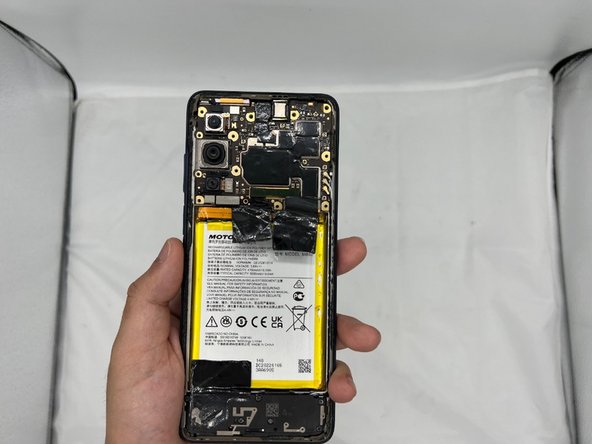
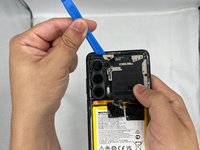
  5. Motorola Edge (2021) Front-Facing Camera module Replacement: adım 5, 2 resimden 1. Motorola Edge (2021) Front-Facing Camera module Replacement: adım 5, 2 resimden 2.
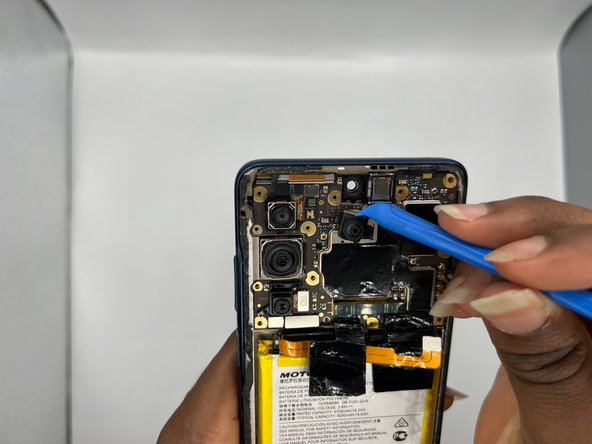
    • After you're done unscrewing, use the iFixit Opening Tool to carefully pry open the casing.

  6. Motorola Edge (2021) Front-Facing Camera module Replacement: adım 6, 1 resimden 1.
    • This is the front facing camera module.

  7. Motorola Edge (2021) Front-Facing Camera module Replacement: adım 7, 2 resimden 1. Motorola Edge (2021) Front-Facing Camera module Replacement: adım 7, 2 resimden 2.
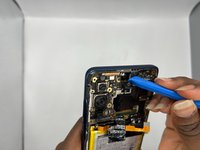
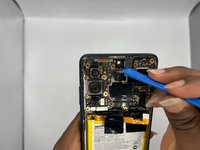
    • Using the iFixit Opening Tool, carefully remove the camera module.

  8. Motorola Edge (2021) Front-Facing Camera module Replacement: adım 8, 1 resimden 1.
    • Congratulations, you have successfully removed the front facing camera module for your Motorola Edge.

Sonuç

To reassemble your device, follow these instructions in reverse order.

Jaier

Üyelik tarihi: 02/08/24

339 İtibar

2 adet Kılavuz yazıldı

0Kılavuz Yorumları

Yorum Ekle

İstatistikleri Görüntüle:

Son 24 Saat: 1

Son 7 gün: 3

Son 30 gün: 19

Her zaman: 281