Ana içeriğe geç
Onarım Topluluğuna Katılın - Hesap Oluşturun

Motorola i90c speaker replacement

Neye ihtiyacın var

  1. Motorola i90c speaker replacement, Battery: adım 1, 3 resimden 1. Motorola i90c speaker replacement, Battery: adım 1, 3 resimden 2. Motorola i90c speaker replacement, Battery: adım 1, 3 resimden 3.
    • Slide the notch downward while pulling the back cover off to remove it.

  2. Motorola i90c speaker replacement: adım 2, 3 resimden 1. Motorola i90c speaker replacement: adım 2, 3 resimden 2. Motorola i90c speaker replacement: adım 2, 3 resimden 3.
    • Use your fingers to push the battery upward from the bottom.

    • Lift upwards to remove the battery.

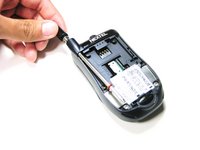
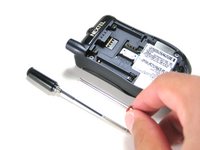
  3. Motorola i90c speaker replacement, Antenna: adım 3, 2 resimden 1. Motorola i90c speaker replacement, Antenna: adım 3, 2 resimden 2.
    • Unscrew the antenna in a counter-clockwise fashion.

    • Remove the aluminum cover.

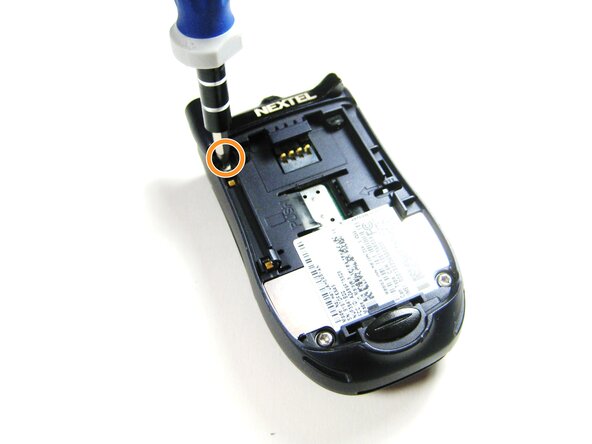
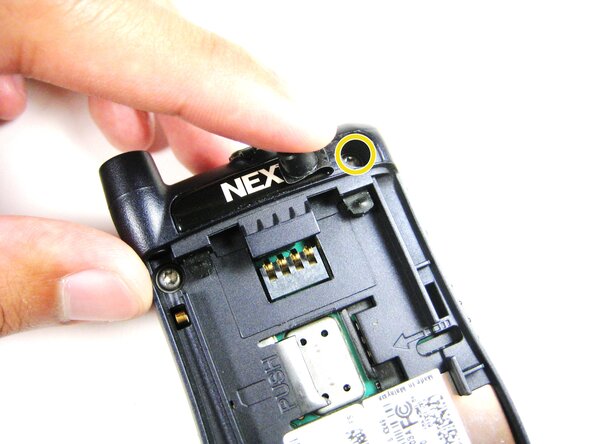
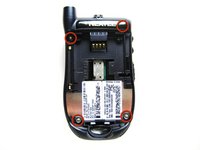
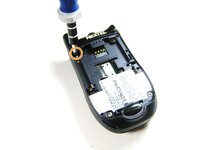
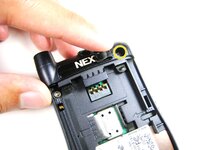
  4. Motorola i90c speaker replacement, Midframe: adım 4, 3 resimden 1. Motorola i90c speaker replacement, Midframe: adım 4, 3 resimden 2. Motorola i90c speaker replacement, Midframe: adım 4, 3 resimden 3.
    • Unscrew the 3 screws shown.

    • Lift the right part of the Nextel logo

    • Remove the screw underneath.

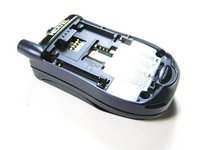
  5. Motorola i90c speaker replacement: adım 5, 2 resimden 1. Motorola i90c speaker replacement: adım 5, 2 resimden 2.
    • Forcing the cover off could damage the ribbon cable, so be careful when doing so.

    • Gently lift the back cover off.

  6. Motorola i90c speaker replacement: adım 6, 3 resimden 1. Motorola i90c speaker replacement: adım 6, 3 resimden 2. Motorola i90c speaker replacement: adım 6, 3 resimden 3.
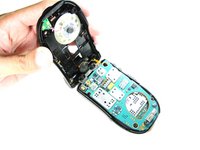
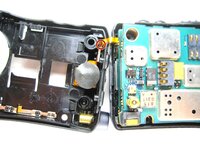
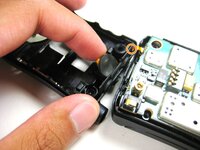
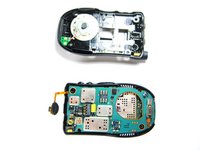
    • Find the connection between the headphone jack and logic board.

    • Begin separating the two pieces, slowly and carefully.

  7. Motorola i90c speaker replacement, Speaker System: adım 7, 3 resimden 1. Motorola i90c speaker replacement, Speaker System: adım 7, 3 resimden 2. Motorola i90c speaker replacement, Speaker System: adım 7, 3 resimden 3.
    Bu adımda kullanılan alet:
    Tweezers
    $4.99
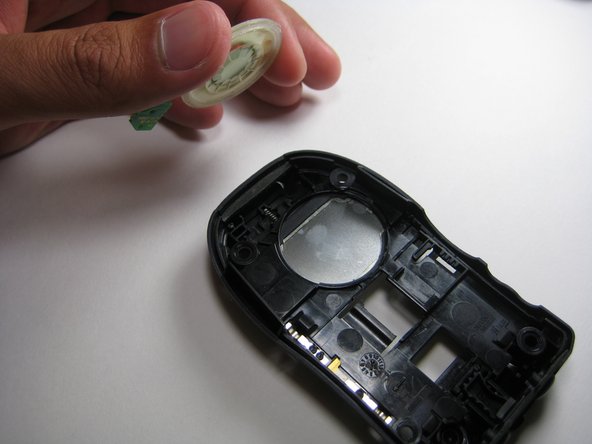
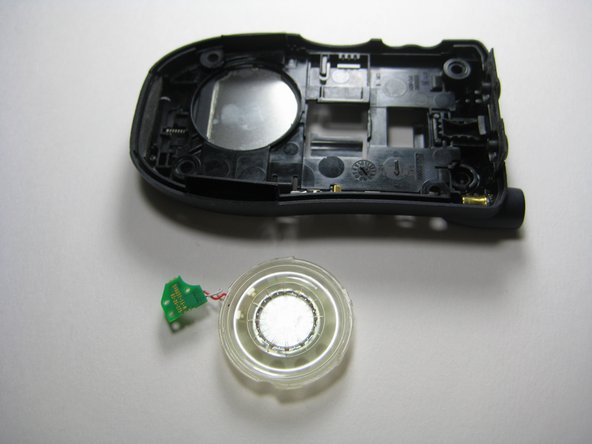
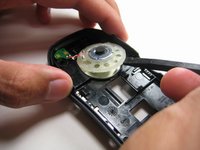
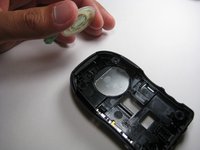
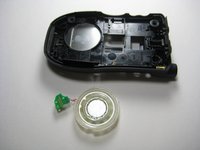
    • Use the prying tools to wedge out the circular part of the speaker system.

    • Carefully pull out the wiring and circuit board attached to the speaker system using a prying tool or tweezers.

Sonuç

To reassemble your device, follow these instructions in reverse order.

Jorge

Üyelik tarihi: 04/14/10

4 İtibar

4 adet Kılavuz yazıldı

Ekip

Cal Poly, Team 29-61, Johann Spring 2010 Cal Poly, Team 29-61, Johann Spring 2010 üyesi

CPSU-JOHANN-S10S29G61

4 Üyeler

6 adet Kılavuz yazıldı

0Kılavuz Yorumları

Yorum Ekle

İstatistikleri Görüntüle:

Son 24 Saat: 0

Son 7 gün: 3

Son 30 gün: 16

Her zaman: 1,282