Giriş
Sometimes the only thing wrong with your camera is a broken button that won't let you turn it on. This guide will show you how to replace those problematic buttons.
Neye ihtiyacın var
-
-
-
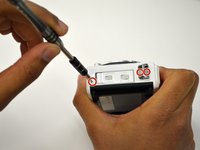
Using the Phillips PH00 screwdriver, remove the six 4.0mm screws marked in red. Then remove the panel cover by lightly pulling it off.
 FixBot'a Sor
-
-
-
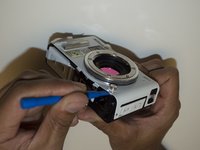
Using the Phillips PH00 screwdriver, remove the four 5.5mm screws in the red circles. Then use a plastic opening tool to pry off the tripod socket.
-
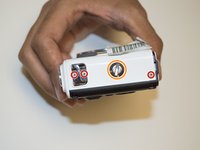
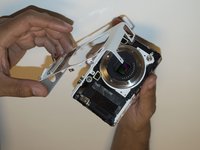
Remove the metal plate to have access to the 4.9mm screw under the orange circle, use the Phillips PH00 screwdriver to remove it.
-
-
-
Using a T4 head screwdriver remove the three 5.4mm screws marked with the red circles.
-
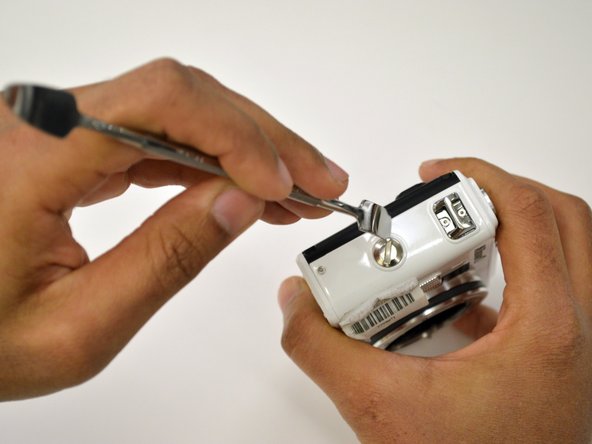
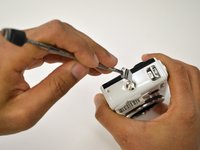
Use a 1/4" flathead screwdriver or a flat head tool to release the grip attachment screw.
-
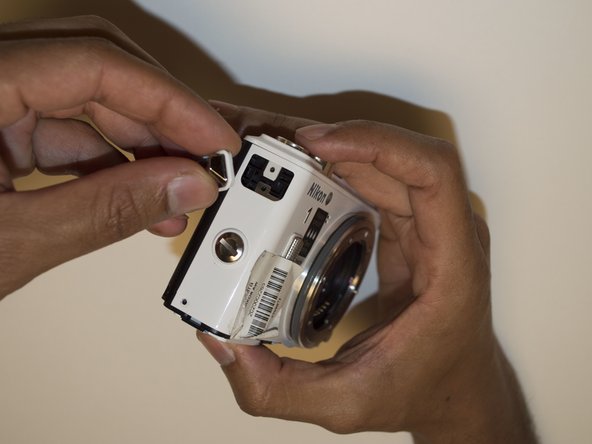
Remove the camera strap eyelet.
-
-
-
-
Remove the grip attachment screw.
-
Use a Phillips PH00 to remove the two 2.4mm screws on the grip attachment slot, then remove the slot.
-
-
-
Use a T4 screwdriver to remove the three 5.4mm screw marked with the red circles and the eyelet strap.
-
Use a plastic opening tool to lift the front camera cover off.
-
-
-
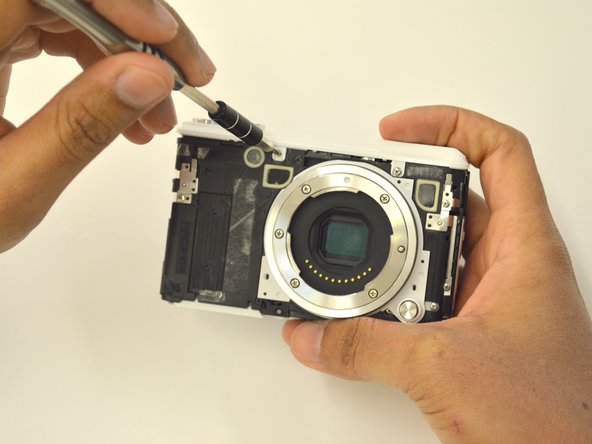
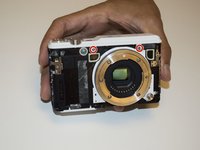
Use a Phillips PH00 to unscrew the two 3.5mm screws in red.
-
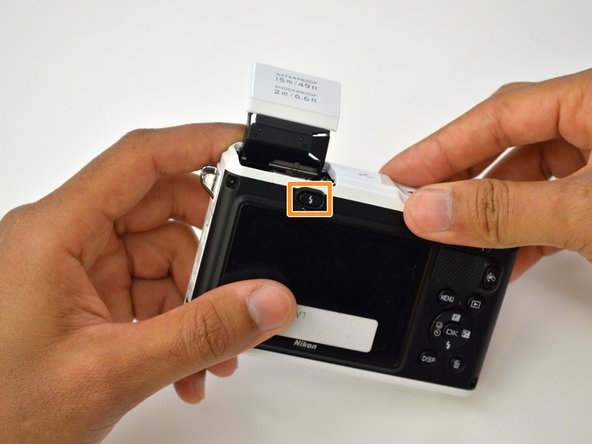
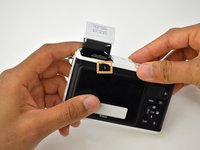
Press the flash pop-up button in the orange rectangle to be able to remove top cover of the camera.
-
-
-
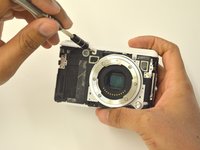
If you needed to replace any buttons, you may now do so by pulling them off.
-
-



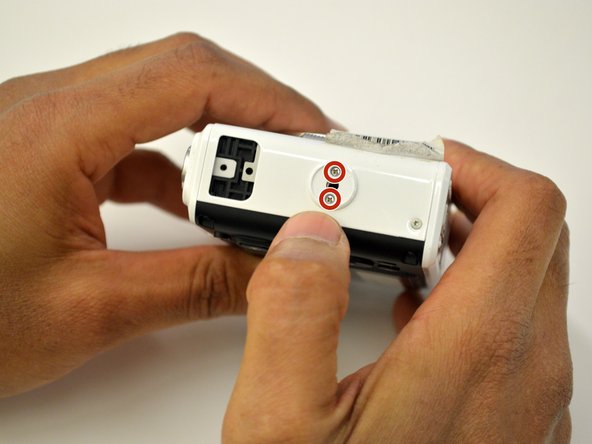
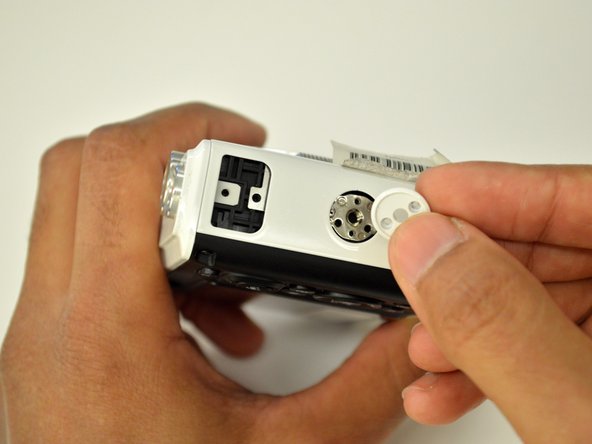
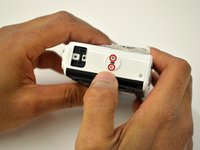
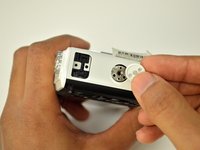

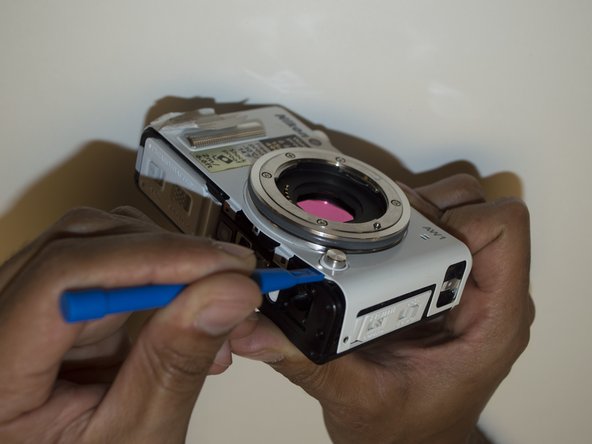
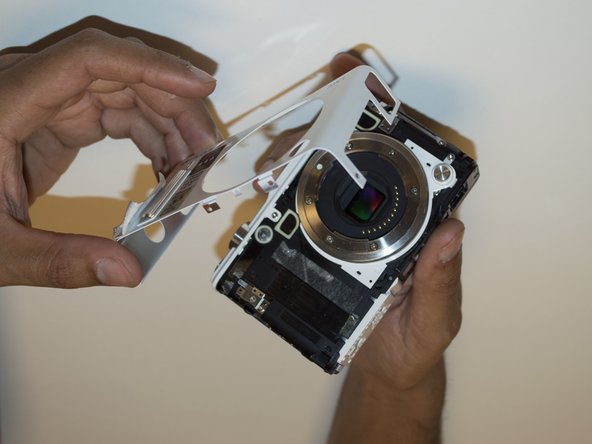


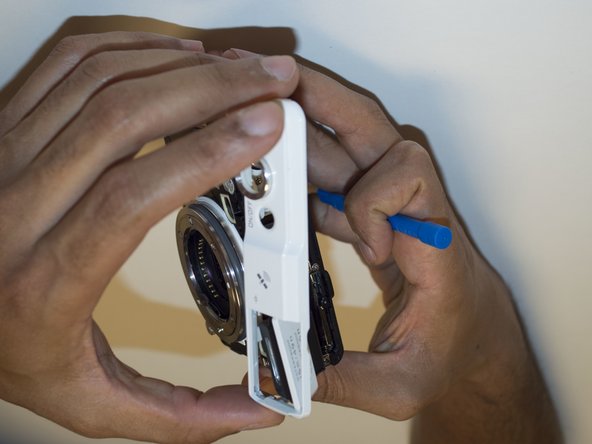
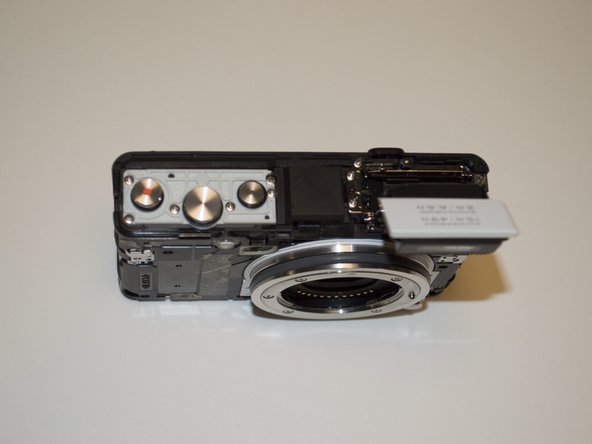
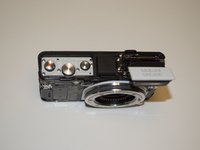

To reassemble your device, follow these instructions in reverse order.
İptal et: Bu kılavuzu tamamlamadım.
Bir başkası bu kılavuzu tamamladı.

Ekip

USF Tampa, Team 3-4, Sullivan Fall 2016 USF Tampa, Team 3-4, Sullivan Fall 2016 üyesi
USFT-SULLIVAN-F16S3G4
4 Üyeler
13 adet Kılavuz yazıldı
1Rehber Yorum
What if the flash button is not working? How will i open or fix it? Flash does not pop out
