Ana içeriğe geç
Onarım Topluluğuna Katılın - Hesap Oluşturun

Nikon D90 Rear Display Buttons Replacement

Neye ihtiyacın var

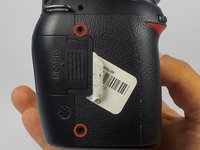
  1. Nikon D90 Rear Display Buttons Replacement, Removing Casing Screws: adım 1, 2 resimden 1. Nikon D90 Rear Display Buttons Replacement, Removing Casing Screws: adım 1, 2 resimden 2.
    • Locate the screws on both sides of the camera.

    • Remove the four 6.3 mm Phillips screws using a PH00 screwdriver.

    • Be careful not to strip the screws.

    FixBot'a Sor

    Yorum Ekle

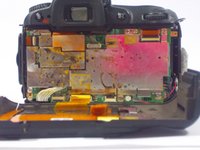
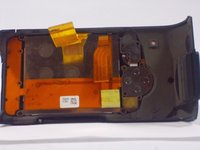
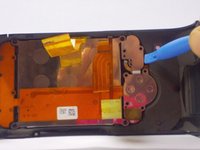
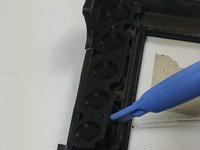
  2. Nikon D90 Rear Display Buttons Replacement, Removing the Rear Casing: adım 2, 3 resimden 1. Nikon D90 Rear Display Buttons Replacement, Removing the Rear Casing: adım 2, 3 resimden 2. Nikon D90 Rear Display Buttons Replacement, Removing the Rear Casing: adım 2, 3 resimden 3.
    • Use a plastic opening tool to separate the rear case from the camera.

    FixBot'a Sor

    Yorum Ekle

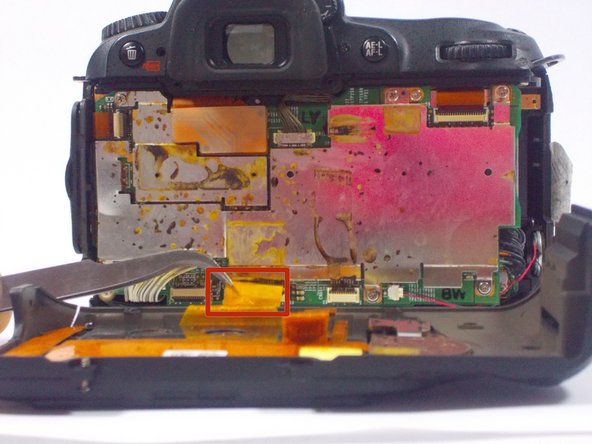
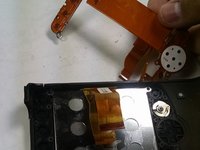
  3. Nikon D90 Rear Display Buttons Replacement, Disconnecting the Ribbon Cables: adım 3, 2 resimden 1. Nikon D90 Rear Display Buttons Replacement, Disconnecting the Ribbon Cables: adım 3, 2 resimden 2.
    Bu adımda kullanılan alet:
    Tweezers
    $4.99
    • After, remove the two orange ribbon connectors attached to the interior of the camera with tweezers.

    • Make sure to remove the ribbon cables carefully from the connectors to avoid damaging the camera.

    FixBot'a Sor

    Yorum Ekle

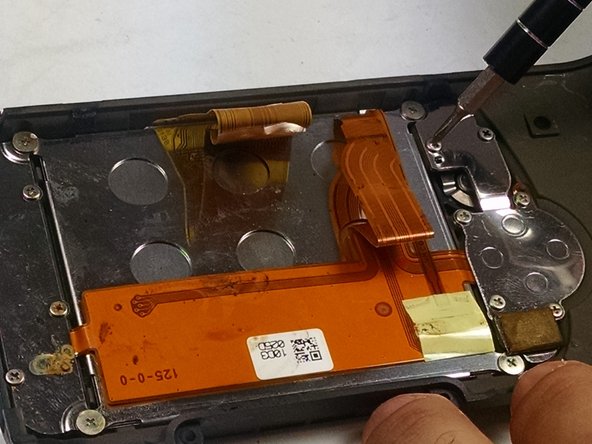
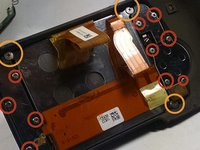
  4. Nikon D90 Rear Display Buttons Replacement, Removing the Screws from the Rear Casing: adım 4, 2 resimden 1. Nikon D90 Rear Display Buttons Replacement, Removing the Screws from the Rear Casing: adım 4, 2 resimden 2.
    • Remove the screws from the back assembly with a Phillips (PH00) head screwdriver.

    • Remove the ten 5.3 mm Phillips screws.

    • Remove the three 4.3 mm Phillips screws.

    FixBot'a Sor

    Yorum Ekle

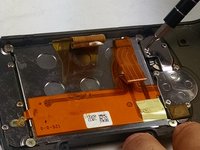
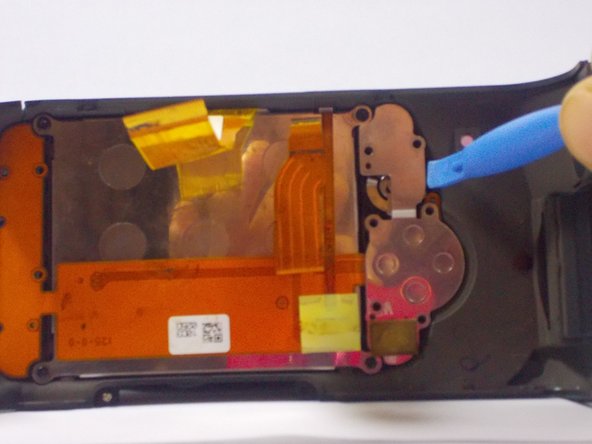
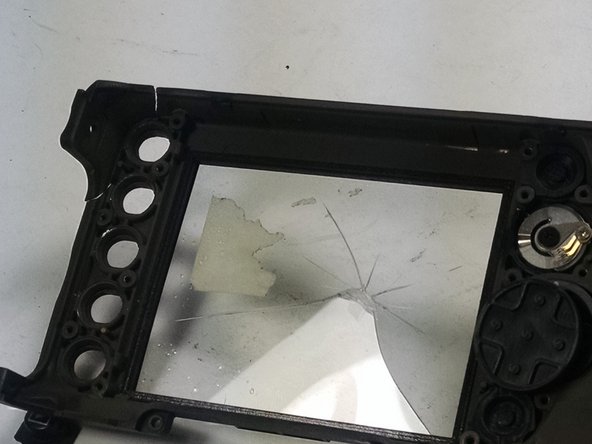
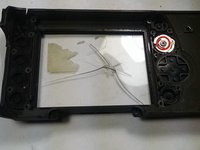
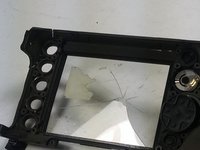
  5. Nikon D90 Rear Display Buttons Replacement, Removing the LCD and other components: adım 5, 3 resimden 1. Nikon D90 Rear Display Buttons Replacement, Removing the LCD and other components: adım 5, 3 resimden 2. Nikon D90 Rear Display Buttons Replacement, Removing the LCD and other components: adım 5, 3 resimden 3.
    • Use a plastic opening tool to separate the LCD and metal plates from the casing.

    FixBot'a Sor

    Yorum Ekle

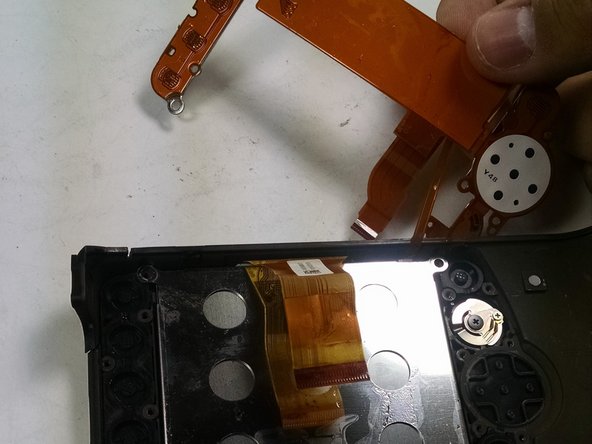
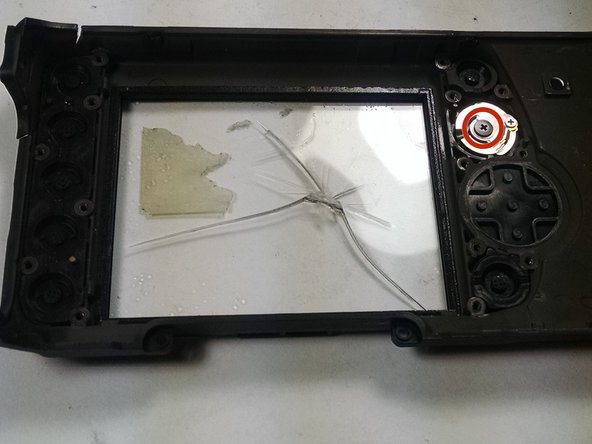
  6. Nikon D90 Rear Display Buttons Replacement, Removing the Display Buttons: adım 6, 3 resimden 1. Nikon D90 Rear Display Buttons Replacement, Removing the Display Buttons: adım 6, 3 resimden 2. Nikon D90 Rear Display Buttons Replacement, Removing the Display Buttons: adım 6, 3 resimden 3.
    • Use a plastic opening tool to separate the buttons from the casing.

    • Remove the 4.3 mm Phillips screw from the knob using a PH00 screwdriver.

    FixBot'a Sor

    Yorum Ekle

Sonuç

To reassemble your device, follow these instructions in reverse order.

İptal et: Bu kılavuzu tamamlamadım.

Bir başkası bu kılavuzu tamamladı.

jonothon cawley

Üyelik tarihi: 10/20/14

354 İtibar

2 adet Kılavuz yazıldı

Ekip

UMass Dartmouth, Team 1-7, Duarte Fall 2014 UMass Dartmouth, Team 1-7, Duarte Fall 2014 üyesi

UMASSD-DUARTE-F14S1G7

3 Üyeler

6 adet Kılavuz yazıldı

0Kılavuz Yorumları

Yorum Ekle

İstatistikleri Görüntüle:

Son 24 Saat: 2

Son 7 gün: 10

Son 30 gün: 63

Her zaman: 3,189