Giriş
This guide will walk you through the steps necessary to replace the power switch cover on your Game Boy Advance SP. The power switch of the Game Boy Advance SP is small and attaches to the motherboard itself. For this reason, the device features a much larger cover to help the user turn their device on and off. Follow this guide if your power switch cover is damaged or needs to be swapped out.
Neye ihtiyacın var
-
-
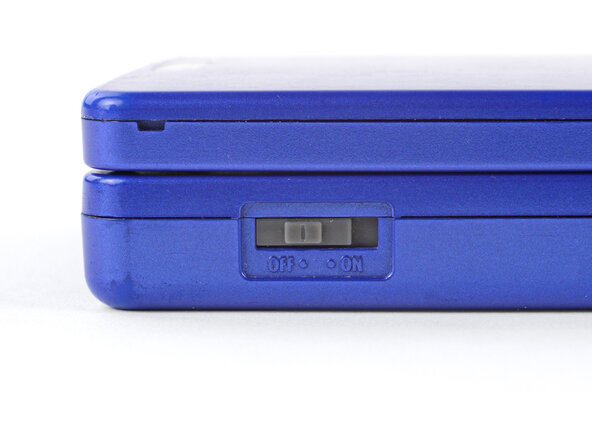
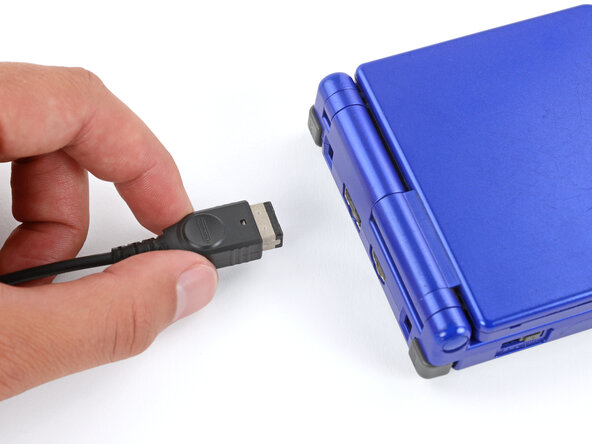
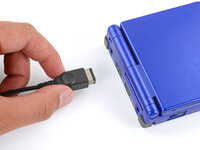
Slide the power switch to the OFF position and unplug any cables.
-
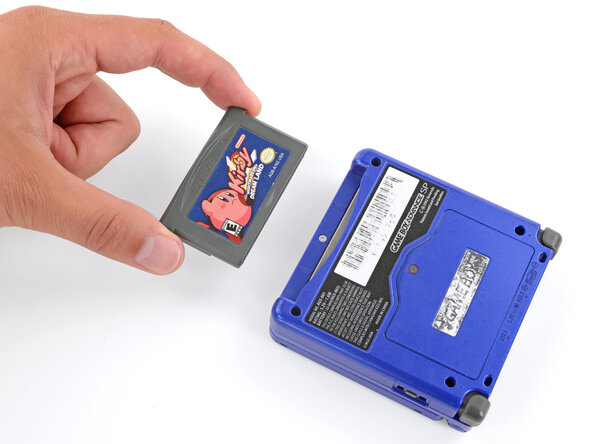
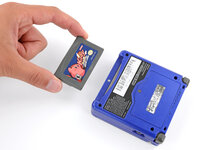
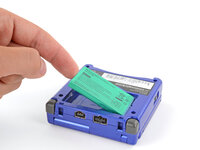
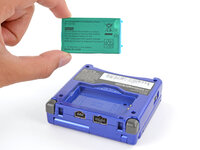
If you have a game cartridge in, remove it.
-
-
-
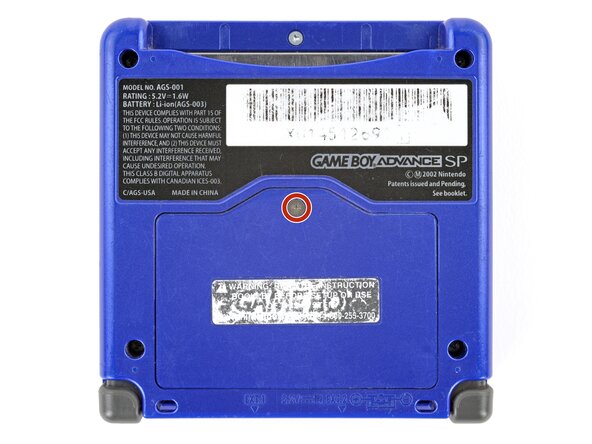
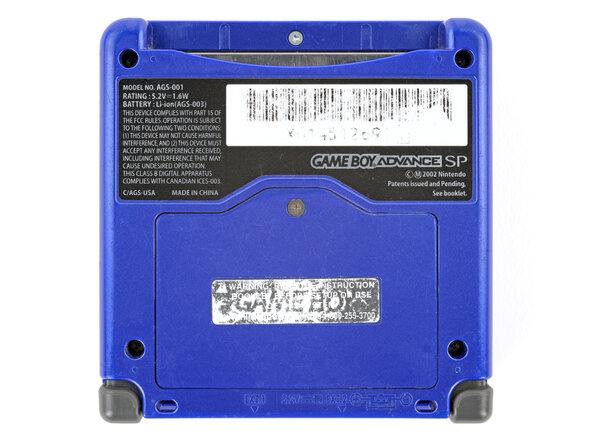
Use a JIS 00 screwdriver to loosen the captive screw securing the battery cover.
-
-
-
-
-
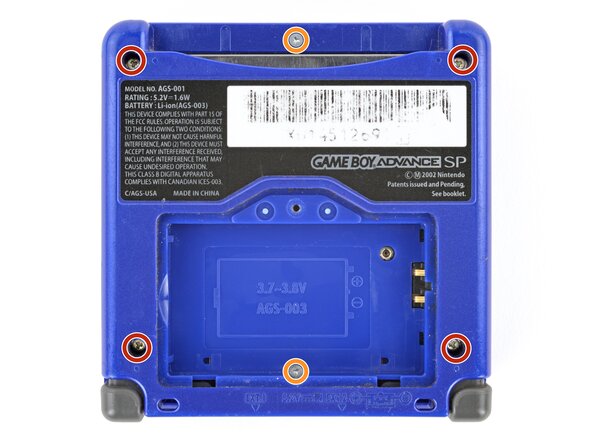
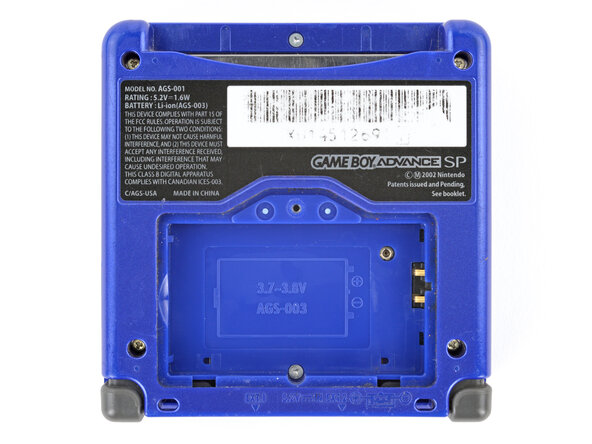
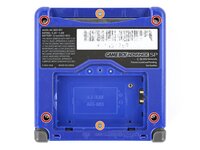
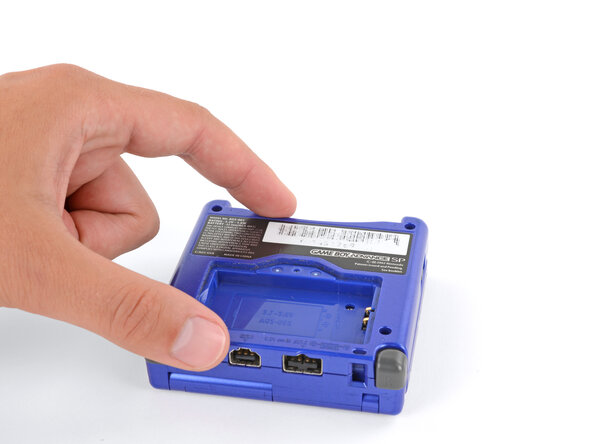
Use a tri‑point Y0 screwdriver to remove the six screws securing the bottom shell:
-
Four 6.3 mm‑long recessed screws
-
Two 4.6 mm‑long screws
-
-
Bu adımda kullanılan alet:Tweezers$4.99
-
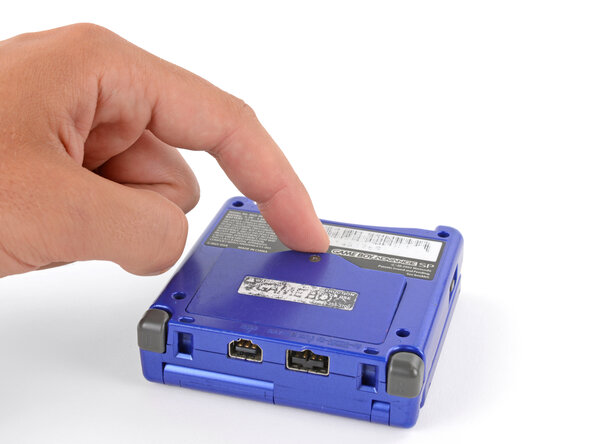
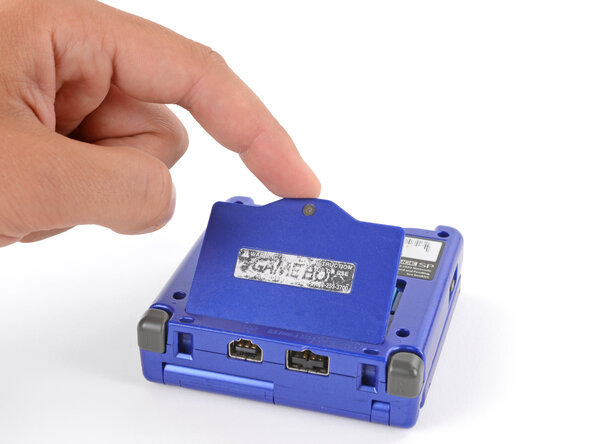
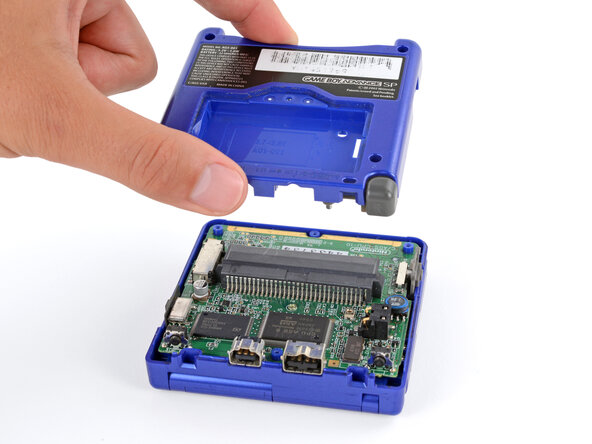
Lift the power switch cover away from the left side of the device using your fingers or tweezers.
-
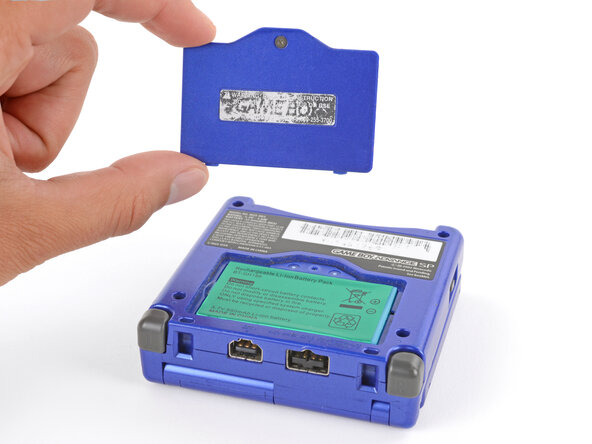
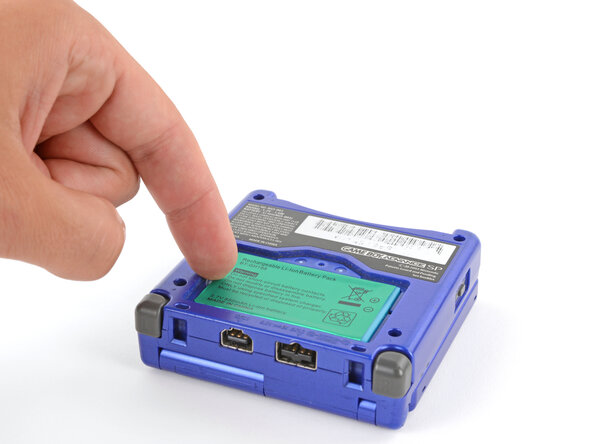
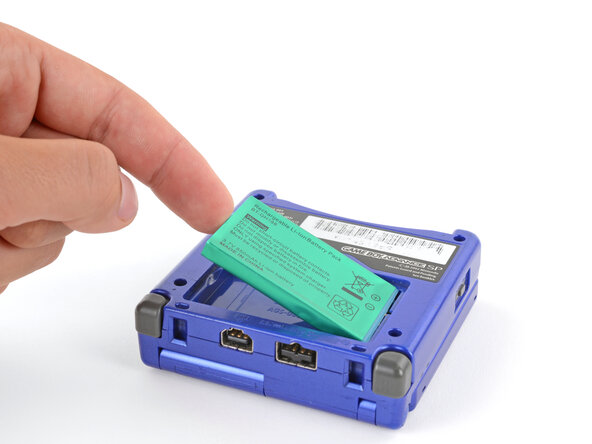
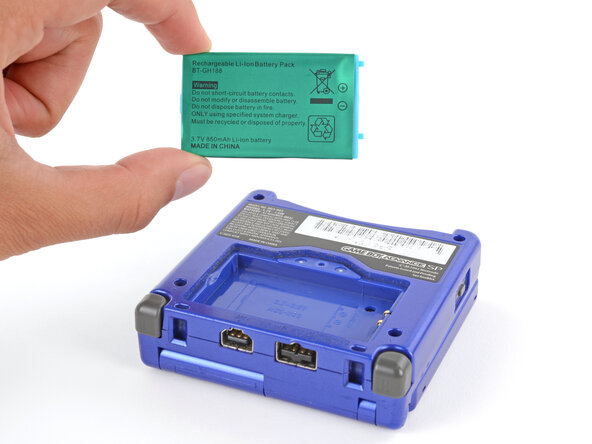
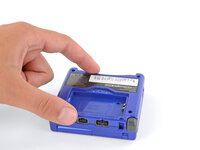
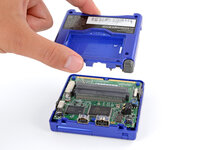


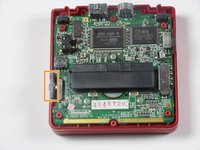
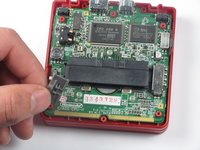
To reassemble your device, follow these instructions in reverse order.
İptal et: Bu kılavuzu tamamlamadım.
17 farklı kişi bu kılavuzu tamamladı.



Ekip

Cal Poly, Team 17-22, Forte Winter 2013 Cal Poly, Team 17-22, Forte Winter 2013 üyesi
CPSU-FORTE-W13S17G22
4 Üyeler
32 adet Kılavuz yazıldı
3Kılavuz Yorumları
Maybe the guide was for replacing the power switch cover?
where to buy invidual y00,y0 or y1 bit?
