Ana içeriğe geç
Onarım Topluluğuna Katılın - Hesap Oluşturun

Nokia C2-01 Dissasembly

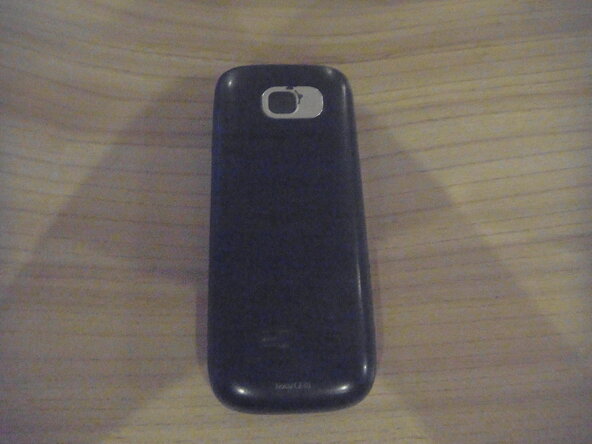
  1. Nokia C2-01 Dissasembly, Nokia C2-01: adım 1, 3 resimden 1. Nokia C2-01 Dissasembly, Nokia C2-01: adım 1, 3 resimden 2. Nokia C2-01 Dissasembly, Nokia C2-01: adım 1, 3 resimden 3.
    • Remove back cover by sliding downwards.

    • Remove battery and sim card (if applicable).

  2. Nokia C2-01 Dissasembly: adım 2, 1 resimden 1.
    • Remove two 5mm-long screws on the left and right using a T6 Torx screwdriver.

  3. Nokia C2-01 Dissasembly, Remove front cover: adım 3, 1 resimden 1.
    • Flip phone over to front.

    • Insert opening pick underneath headphone jack and pry around edge of phone until front cover pops off.

  4. Nokia C2-01 Dissasembly: adım 4, 2 resimden 1. Nokia C2-01 Dissasembly: adım 4, 2 resimden 2.
    • Remove four 5mm-long screws in the corners of the motherboard using a Torx T6 screwdriver.

    • Be careful not to touch the LCD screen!

  5. Nokia C2-01 Dissasembly, Seperate the motherboard: adım 5, 3 resimden 1. Nokia C2-01 Dissasembly, Seperate the motherboard: adım 5, 3 resimden 2. Nokia C2-01 Dissasembly, Seperate the motherboard: adım 5, 3 resimden 3.
    • Pull one plastic clip out of the way and gently lift and pull the motherboard out of the housing.

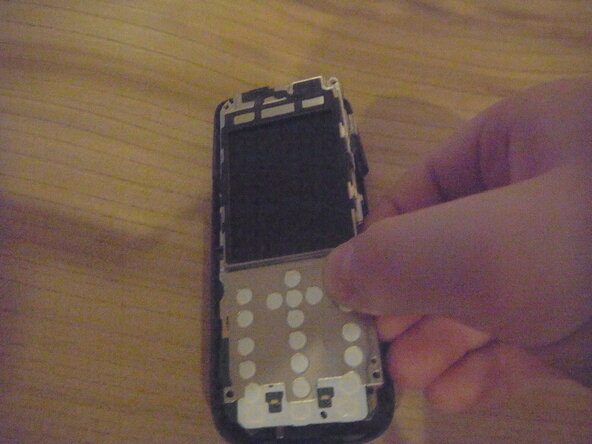
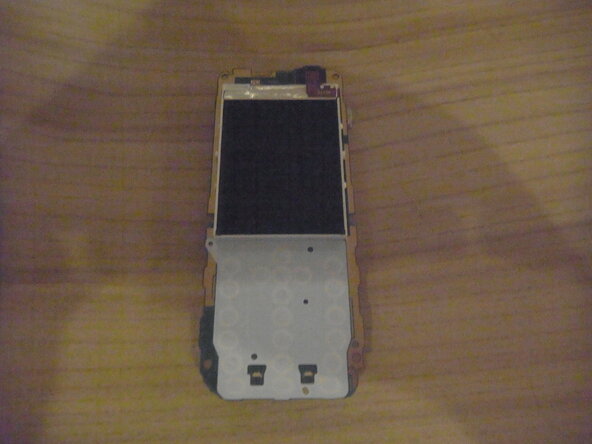
  6. Nokia C2-01 Dissasembly, Remove Screen Bracket: adım 6, 3 resimden 1. Nokia C2-01 Dissasembly, Remove Screen Bracket: adım 6, 3 resimden 2. Nokia C2-01 Dissasembly, Remove Screen Bracket: adım 6, 3 resimden 3.
    • Flip phone over and use Spudger to move metal clips out of the way.

    • Flip phone back over and remove metal screen housing.

  7. Nokia C2-01 Dissasembly, Remove screen: adım 7, 2 resimden 1. Nokia C2-01 Dissasembly, Remove screen: adım 7, 2 resimden 2.
    • Use Spudger to lift the screen cable, and remove screen.

Bitiş Çizgisi

Jonathan Vacek

Üyelik tarihi: 12/27/25

145 İtibar

1 Kılavuz yazıldı

0Kılavuz Yorumları

Yorum Ekle

İstatistikleri Görüntüle:

Son 24 Saat: 1

Son 7 gün: 1

Son 30 gün: 23

Her zaman: 106