Ana içeriğe geç
Onarım Topluluğuna Katılın - Hesap Oluşturun

Nokia E71x Camera Flash Replacement

Neye ihtiyacın var

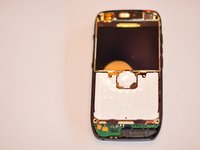
  1. Nokia E71x Camera Flash Replacement, Motherboard: adım 1, 2 resimden 1. Nokia E71x Camera Flash Replacement, Motherboard: adım 1, 2 resimden 2.
    • Remove battery

    FixBot'a Sor

    Yorum Ekle

  2. Nokia E71x Camera Flash Replacement: adım 2, 1 resimden 1.
    • Using Torx number 4 unscrew the four 0.5mm screws.

    FixBot'a Sor

    Yorum Ekle

  3. Nokia E71x Camera Flash Replacement: adım 3, 1 resimden 1.
    • Push in four clips to detach the body.

    FixBot'a Sor

    Yorum Ekle

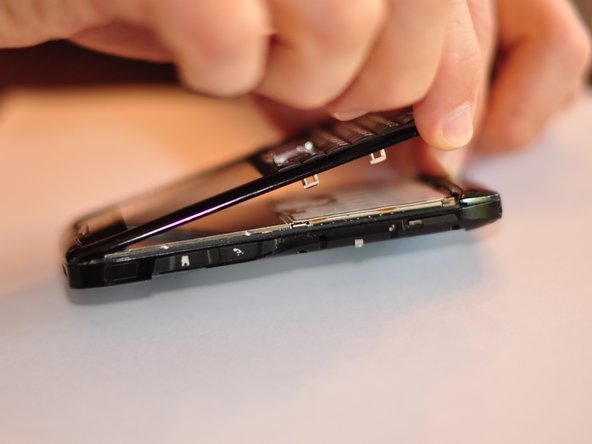
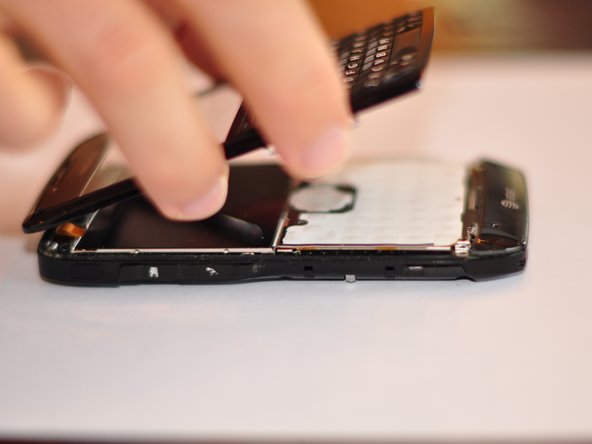
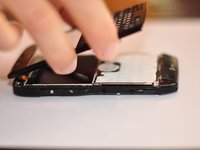
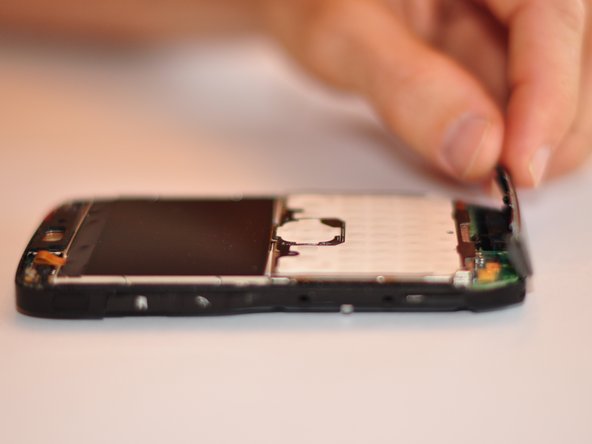
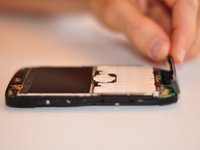
  4. Nokia E71x Camera Flash Replacement: adım 4, 3 resimden 1. Nokia E71x Camera Flash Replacement: adım 4, 3 resimden 2. Nokia E71x Camera Flash Replacement: adım 4, 3 resimden 3.
    • Separate the body into two pieces.

    • Be careful not to damage the screen or body. Some force will be needed to separate the body.

    FixBot'a Sor

    Yorum Ekle

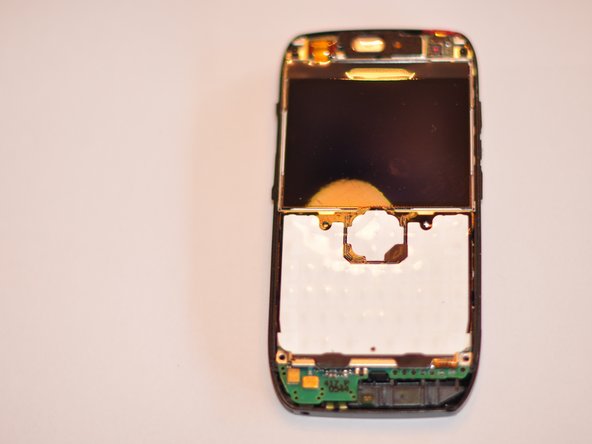
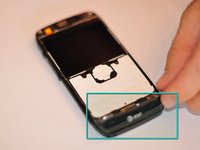
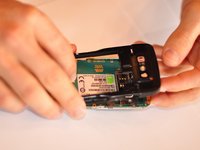
  5. Nokia E71x Camera Flash Replacement: adım 5, 3 resimden 1. Nokia E71x Camera Flash Replacement: adım 5, 3 resimden 2. Nokia E71x Camera Flash Replacement: adım 5, 3 resimden 3.
    • Remove the bottom piece that is clipped on.

    • Some force will need to be exerted to remove the clip.

    FixBot'a Sor

    Yorum Ekle

  6. Nokia E71x Camera Flash Replacement: adım 6, 1 resimden 1.
    • Using Torx number 4 unscrew the two 0.7 mm screws at the top of the device.

    FixBot'a Sor

    Yorum Ekle

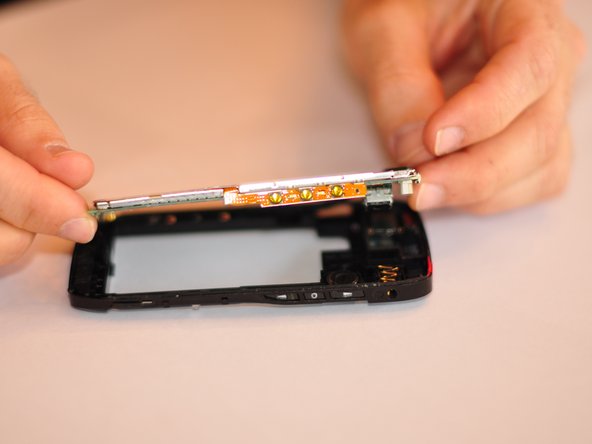
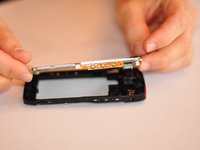
  7. Nokia E71x Camera Flash Replacement: adım 7, 2 resimden 1. Nokia E71x Camera Flash Replacement: adım 7, 2 resimden 2.
    • Once screws are removed detach back of phone from the motherboard.

    • This will require some force and maneuvering. Be careful not to break phone back or motherboard.

    FixBot'a Sor

    Yorum Ekle

  8. Nokia E71x Camera Flash Replacement: adım 8, 1 resimden 1.
    • Replace motherboard, ensure that replacement has the same serial number.

    FixBot'a Sor

    Yorum Ekle

  9. Nokia E71x Camera Flash Replacement, Camera Flash: adım 9, 1 resimden 1.
    • Camera is located on back of camera body.

    • To remove flash turn body over and gently tap on the case. The flash should fall out.

    FixBot'a Sor

    Yorum Ekle

Sonuç

To reassemble your device, follow these instructions in reverse order.

İptal et: Bu kılavuzu tamamlamadım.

2 farklı kişi bu kılavuzu tamamladı.

Will Goldby

Üyelik tarihi: 08/29/11

187 İtibar

4 adet Kılavuz yazıldı

Ekip

Cuesta, Team 1-1, Zipperian Fall 2011 Cuesta, Team 1-1, Zipperian Fall 2011 üyesi

CUESTA-ZIPPERIAN-F11S1G1

3 Üyeler

4 adet Kılavuz yazıldı

0Kılavuz Yorumları

Yorum Ekle

İstatistikleri Görüntüle:

Son 24 Saat: 2

Son 7 gün: 8

Son 30 gün: 44

Her zaman: 1,368