Ana içeriğe geç
Onarım Topluluğuna Katılın - Hesap Oluşturun

Oculus Rift Development Kit 2 Display Screen Replacement

Neye ihtiyacın var

  1. Oculus Rift Development Kit 2 Display Screen Replacement, Eye Relief Adjustment Screw: adım 1, 3 resimden 1. Oculus Rift Development Kit 2 Display Screen Replacement, Eye Relief Adjustment Screw: adım 1, 3 resimden 2. Oculus Rift Development Kit 2 Display Screen Replacement, Eye Relief Adjustment Screw: adım 1, 3 resimden 3.
    • Remove front cover plate.

    • Unplug the USB and HDMI cables from the Oculus Rift DK2.

    FixBot'a Sor

    Yorum Ekle

  2. Oculus Rift Development Kit 2 Display Screen Replacement: adım 2, 3 resimden 1. Oculus Rift Development Kit 2 Display Screen Replacement: adım 2, 3 resimden 2. Oculus Rift Development Kit 2 Display Screen Replacement: adım 2, 3 resimden 3.
    • Remove the four 3/8" Phillips #0 screws from the inner portion of the headset.

    FixBot'a Sor

    Yorum Ekle

  3. Oculus Rift Development Kit 2 Display Screen Replacement: adım 3, 2 resimden 1. Oculus Rift Development Kit 2 Display Screen Replacement: adım 3, 2 resimden 2.
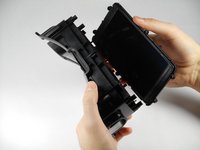
    • With the screws removed, gently pull the headband frame apart from the headset.

    FixBot'a Sor

    Yorum Ekle

  4. Oculus Rift Development Kit 2 Display Screen Replacement, Remove Lens: adım 4, 2 resimden 1. Oculus Rift Development Kit 2 Display Screen Replacement, Remove Lens: adım 4, 2 resimden 2.
    • With the Oculus facing up, twist the right lens clockwise and lift it out. Repeat for the left lens twisting counterclockwise instead.

    FixBot'a Sor

    Yorum Ekle

  5. Oculus Rift Development Kit 2 Display Screen Replacement, Headset Motherboard: adım 5, 1 resimden 1.
    Bu adımda kullanılan alet:
    Tweezers
    $4.99
    • Using tweezers, carefully lift the four rubber plugs as shown. They are a bit snug and you may need to jiggle them free with the tweezers.

    FixBot'a Sor

    Yorum Ekle

  6. Oculus Rift Development Kit 2 Display Screen Replacement: adım 6, 1 resimden 1.
    • Remove the four 3/8" screws attaching the eyewear enclosure to the front casing.

    • Read the next step before removing the faceplate!

    FixBot'a Sor

    Yorum Ekle

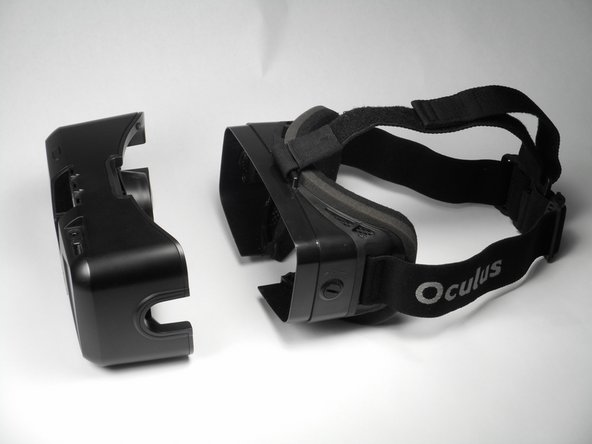
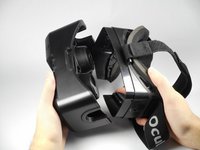
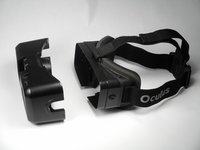
  7. Oculus Rift Development Kit 2 Display Screen Replacement: adım 7, 2 resimden 1. Oculus Rift Development Kit 2 Display Screen Replacement: adım 7, 2 resimden 2.
    • Carefully separate the faceplate and the cover. Gently rest the cover plate on top of the faceplate as shown in the pictures.

    • Do not use excessive force when separating these two pieces. There is a delicate ribbon cable connected to each.

    FixBot'a Sor

    Yorum Ekle

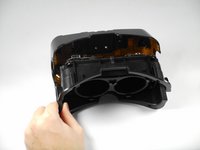
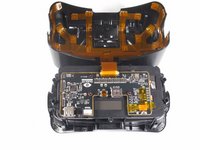
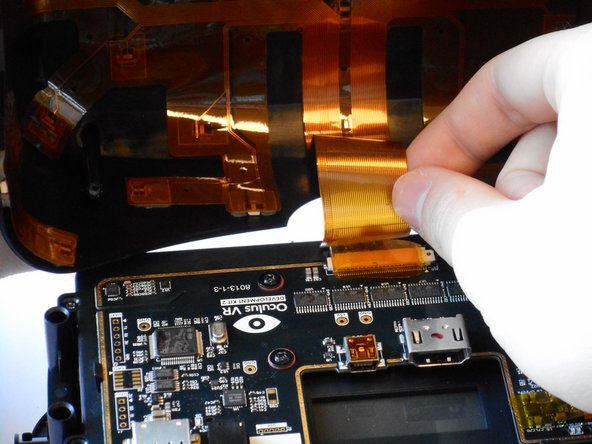
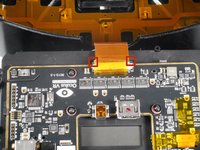
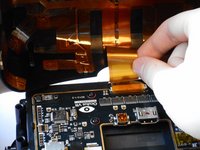
  8. Oculus Rift Development Kit 2 Display Screen Replacement: adım 8, 2 resimden 1. Oculus Rift Development Kit 2 Display Screen Replacement: adım 8, 2 resimden 2.
    • Gently pull out the small side tabs on the ribbon cable connector as shown to release the cable.

    • Push the tabs away from you, with the headset oriented as pictured. Carefully slide the ribbon cable out.

    • The headset should now be two separate pieces.

    FixBot'a Sor

    Yorum Ekle

  9. Oculus Rift Development Kit 2 Display Screen Replacement: adım 9, 3 resimden 1. Oculus Rift Development Kit 2 Display Screen Replacement: adım 9, 3 resimden 2. Oculus Rift Development Kit 2 Display Screen Replacement: adım 9, 3 resimden 3.
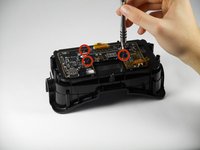
    • Unscrew the three 1/4" Phillips #00 screws as pictured and use the tweezers to lift them out.

    FixBot'a Sor

    Yorum Ekle

  10. Oculus Rift Development Kit 2 Display Screen Replacement: adım 10, 1 resimden 1.
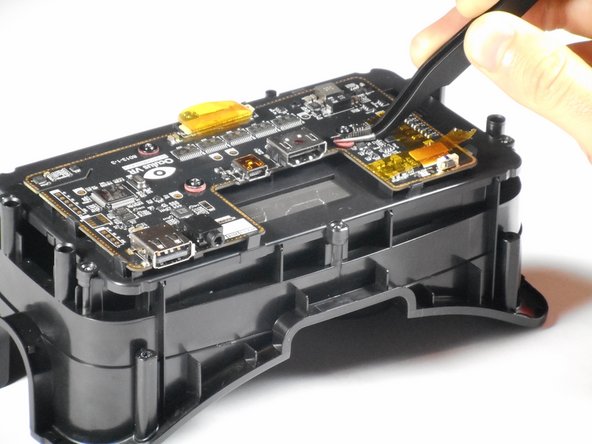
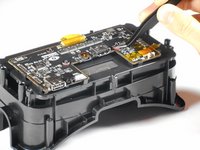
    • Lift the tape and gently pry up the video data ribbon cable using the plastic opening tool as shown.

    FixBot'a Sor

    Yorum Ekle

  11. Oculus Rift Development Kit 2 Display Screen Replacement: adım 11, 3 resimden 1. Oculus Rift Development Kit 2 Display Screen Replacement: adım 11, 3 resimden 2. Oculus Rift Development Kit 2 Display Screen Replacement: adım 11, 3 resimden 3.
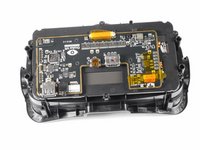
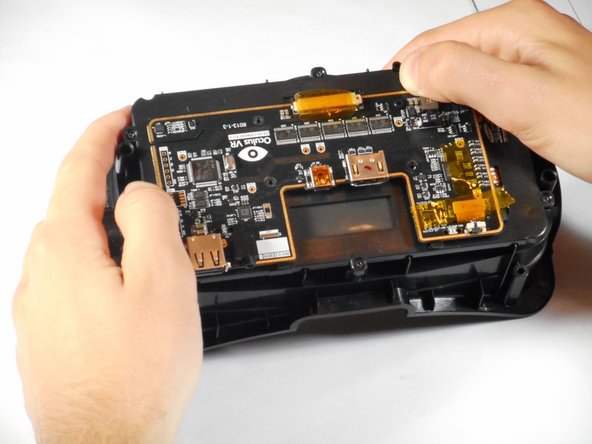
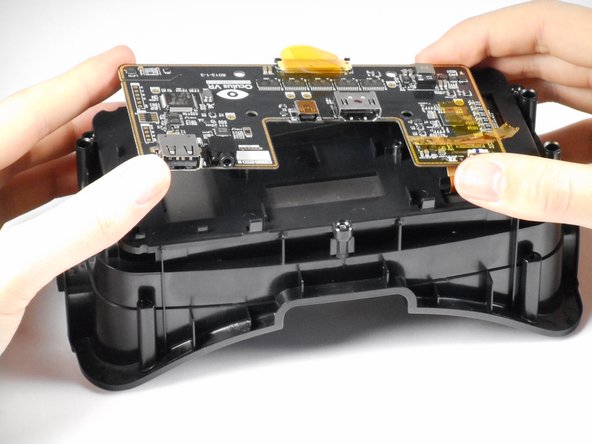
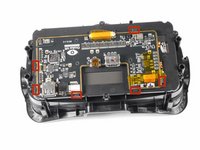
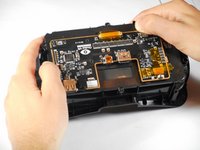
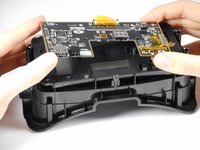
    • Gently pry back the motherboard clips to release the motherboard. The motherboard should now lift free.

    FixBot'a Sor

    Yorum Ekle

  12. Oculus Rift Development Kit 2 Display Screen Replacement, Display Screen: adım 12, 3 resimden 1. Oculus Rift Development Kit 2 Display Screen Replacement, Display Screen: adım 12, 3 resimden 2. Oculus Rift Development Kit 2 Display Screen Replacement, Display Screen: adım 12, 3 resimden 3.
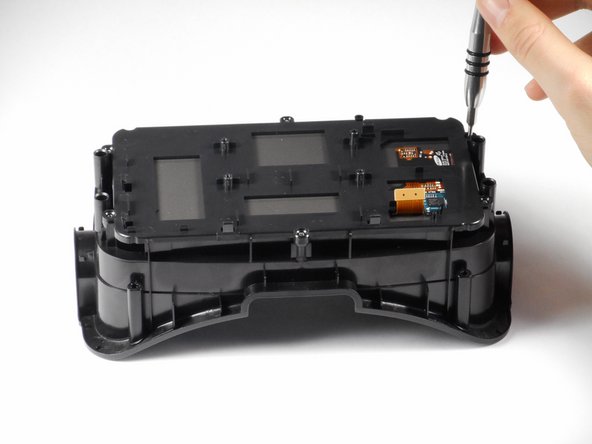
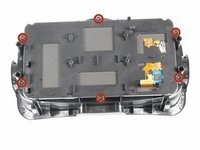
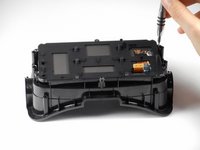
    • Remove the six 1/4" Phillips #1 screws as shown. There should be two on each short side, and one on each long side.

    • Gently lift the plastic screen holder and display screen away from the remaining piece of the faceplate.

    FixBot'a Sor

    Yorum Ekle

Sonuç

To reassemble your device, follow these instructions in reverse order.

İptal et: Bu kılavuzu tamamlamadım.

4 farklı kişi bu kılavuzu tamamladı.

Adam

Üyelik tarihi: 01/20/15

661 İtibar

4 adet Kılavuz yazıldı

Ekip

Cal Poly, Team 18-5, Maness Winter 2015 Cal Poly, Team 18-5, Maness Winter 2015 üyesi

CPSU-MANESS-W15S18G5

4 Üyeler

6 adet Kılavuz yazıldı

2Kılavuz Yorumları

It's possible to use the Samsung Galaxy Note 4 screen?

Lauro Adriano Freitas - Yanıt Paylaş

possible to use the Samsung Galaxy Note 4 screen?

moldovancasyan19 - Yanıt Paylaş

Yorum Ekle

İstatistikleri Görüntüle:

Son 24 Saat: 4

Son 7 gün: 11

Son 30 gün: 38

Her zaman: 3,273