Ana içeriğe geç
Onarım Topluluğuna Katılın - Hesap Oluşturun

Olympus FE-210 LCD Screen Replacement

Neye ihtiyacın var

    1. Olympus FE-210 LCD Screen Replacement, Battery: adım 1, 2 resimden 1. Olympus FE-210 LCD Screen Replacement, Battery: adım 1, 2 resimden 2.
      • The battery compartment is located on the bottom side of the camera. Push the button in, and slide the cover to get access to the batteries.

      FixBot'a Sor

      Yorum Ekle

    2. Olympus FE-210 LCD Screen Replacement: adım 2, 2 resimden 1. Olympus FE-210 LCD Screen Replacement: adım 2, 2 resimden 2.
      • The batteries will slide right out.

      • When putting new batteries in, make sure they are pointing the right direction.

      FixBot'a Sor

      Yorum Ekle

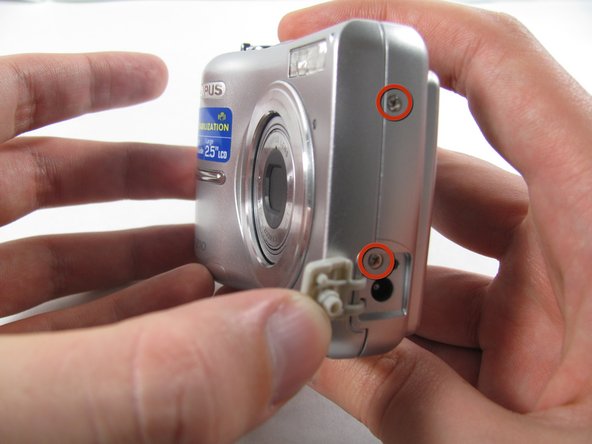
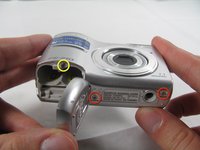
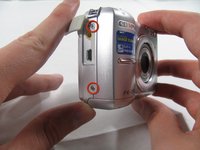
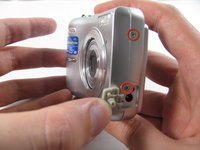
    1. Olympus FE-210 LCD Screen Replacement, Front Casing: adım 3, 3 resimden 1. Olympus FE-210 LCD Screen Replacement, Front Casing: adım 3, 3 resimden 2. Olympus FE-210 LCD Screen Replacement, Front Casing: adım 3, 3 resimden 3.
      • Remove the seven screws holding the front case in place, with a Phillips #00 screwdriver.

      • Six screws are 3.6 mm.

      • The seventh screw is 3.2 mm.

      FixBot'a Sor

      Yorum Ekle

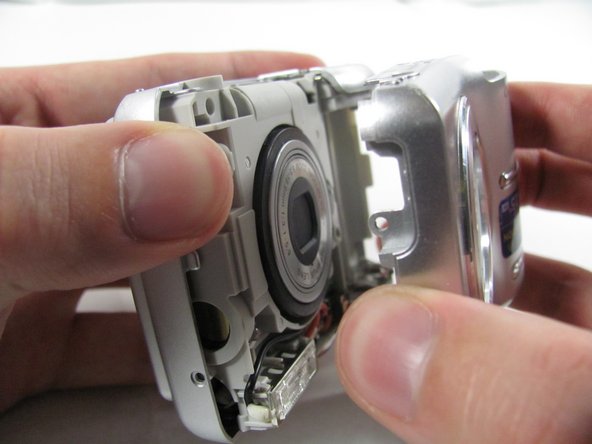
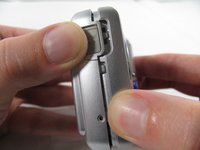
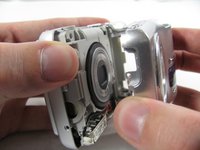
    2. Olympus FE-210 LCD Screen Replacement: adım 4, 3 resimden 1. Olympus FE-210 LCD Screen Replacement: adım 4, 3 resimden 2. Olympus FE-210 LCD Screen Replacement: adım 4, 3 resimden 3.
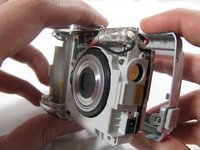
      • Insert an opening tool or spudger into the seam between the front case and body of the camera to release the clips holding it together.

      • These three places are located:

      • At the top and bottom of the battery side (opposite of side pictured) of the case.

      • Right in the middle of the DC-in side (side pictured) of the case.

      • Top of the camera, to the left of the power button.

      • Once those places are disconnected, the front case will pop right off.

      • The camera in the first two pictures is upside down. This is the best position to place your thumbs to remove the case.

      FixBot'a Sor

      Yorum Ekle

    1. Olympus FE-210 LCD Screen Replacement, Rear Casing: adım 5, 1 resimden 1.
      • Remove the 3.2 mm screw in the battery compartment using a #00 screwdriver.

      • After removal of the screw the case will be loose, but do not tug it off. There is a cord connecting the rear controls to the motherboard.

      FixBot'a Sor

      Yorum Ekle

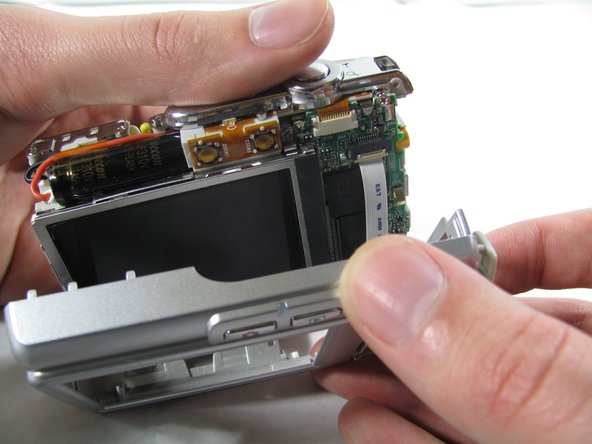
    2. Olympus FE-210 LCD Screen Replacement: adım 6, 3 resimden 1. Olympus FE-210 LCD Screen Replacement: adım 6, 3 resimden 2. Olympus FE-210 LCD Screen Replacement: adım 6, 3 resimden 3.
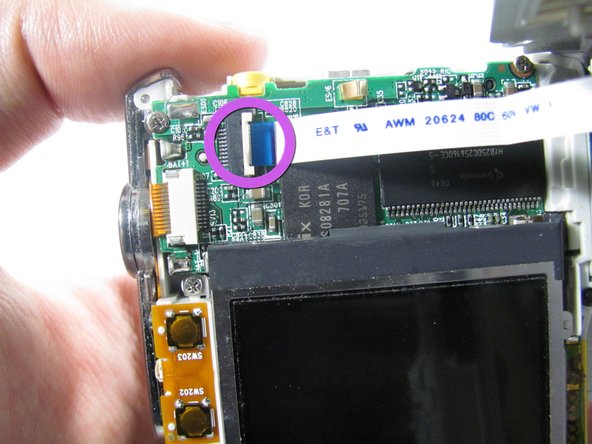
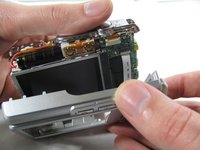
      • Carefully pull the rear case away from the camera until you have access to the cord connected to the motherboard.

      • Lift the white latch using a fingernail or a spudger.

      • Pull the cord from its connector.

      FixBot'a Sor

      Yorum Ekle

    1. Olympus FE-210 LCD Screen Replacement, LCD Screen: adım 7, 2 resimden 1. Olympus FE-210 LCD Screen Replacement, LCD Screen: adım 7, 2 resimden 2.
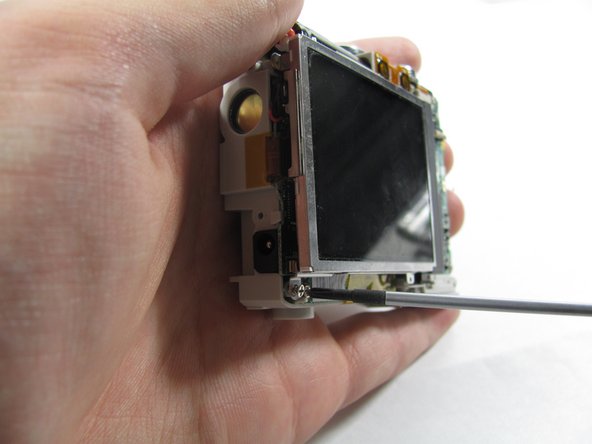
      • Remove the two 2.7 mm screws using a #00 screwdriver.

      • After removing the screws the display will be free. Do not remove it. Like the rear case, there is a cord connecting it to the motherboard that must be disconnected first.

      FixBot'a Sor

      Yorum Ekle

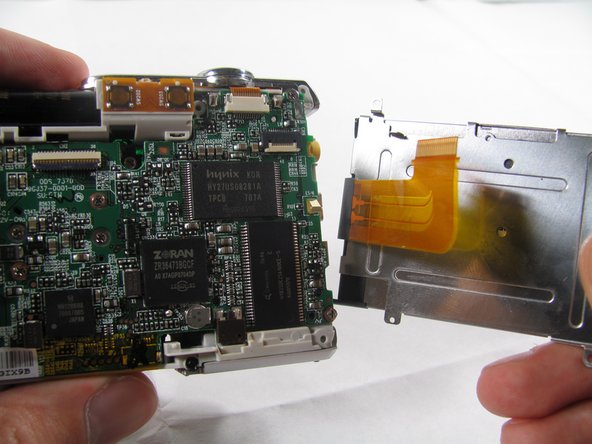
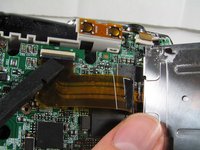
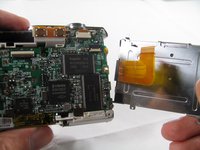
    2. Olympus FE-210 LCD Screen Replacement: adım 8, 3 resimden 1. Olympus FE-210 LCD Screen Replacement: adım 8, 3 resimden 2. Olympus FE-210 LCD Screen Replacement: adım 8, 3 resimden 3.
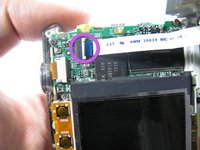
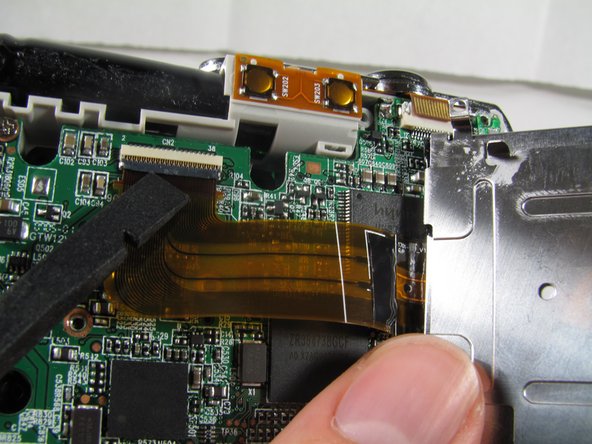
      • Using a spudger, lift the latch on the connector.

      • Remove the ribbon cord from its connector.

      • Remove the LCD from the rest of the camera.

      FixBot'a Sor

      Yorum Ekle

Sonuç

To reassemble your device, follow these instructions in reverse order.

İptal et: Bu kılavuzu tamamlamadım.

4 farklı kişi bu kılavuzu tamamladı.

Matt

Üyelik tarihi: 01/25/11

826 İtibar

6 adet Kılavuz yazıldı

Ekip

Cal Poly, Team 4-36, Regan Winter 2011 Cal Poly, Team 4-36, Regan Winter 2011 üyesi

CPSU-REGAN-W11S4G36

3 Üyeler

14 adet Kılavuz yazıldı

1Rehber Yorum

Now need source for replacement screen thank you

Emile Crotteau - Yanıt Paylaş

Yorum Ekle

İstatistikleri Görüntüle:

Son 24 Saat: 2

Son 7 gün: 24

Son 30 gün: 74

Her zaman: 6,141