Giriş
If you’re looking to replace a part of your Olympus Stylus 1030 SW Camera, you will most likely need to disassemble it first. This guide will help you accomplish that. Don’t worry, no special skills are required.
Before you begin disassembling, be sure to remove the SD card and the battery from the camera.
Neye ihtiyacın var
-
-
-
Using the iFixit Opening Tool, pry off the plastic part of the lens.
-
Using the T6 Torx screwdriver, unscrew the three screws.
 FixBot'a Sor
-
-
Bu adımda kullanılan alet:Tweezers$4.99
-
Using the Phillips #00 screwdriver, unscrew the three screws.
-
Carefully swivel the metal cover out towards you.
-
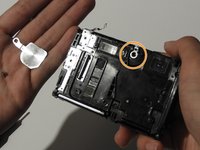
Using tweezers, remove the metal washer.
-
-
-
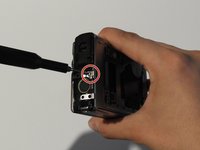
Using the Phillips #00 screwdriver, unscrew the two screws on the side of the camera.
-
-
-
-
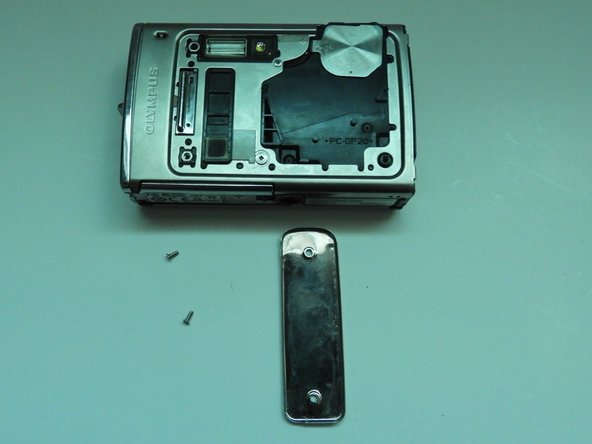
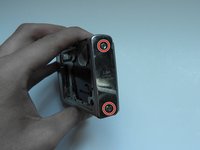
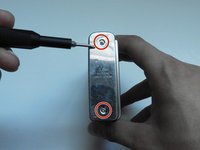
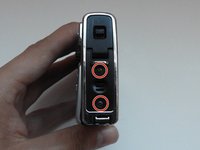
On the opposite side, use the Phillips #00 screwdriver to unscrew both screws.
-
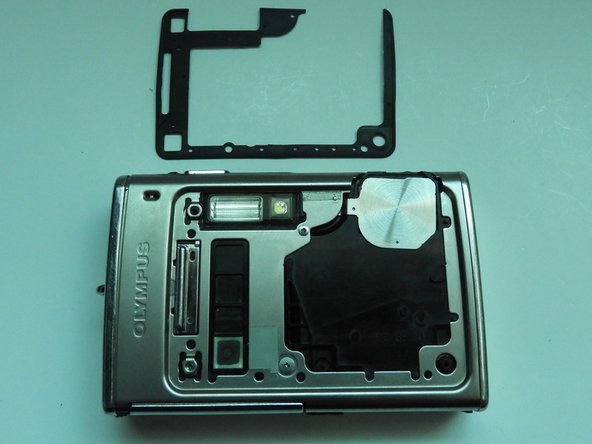
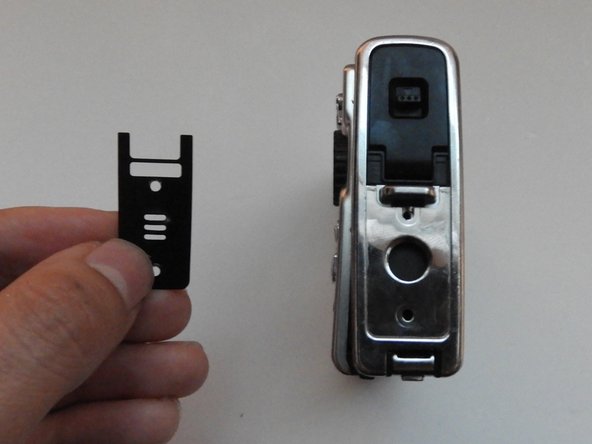
Take out the speaker plate.
-
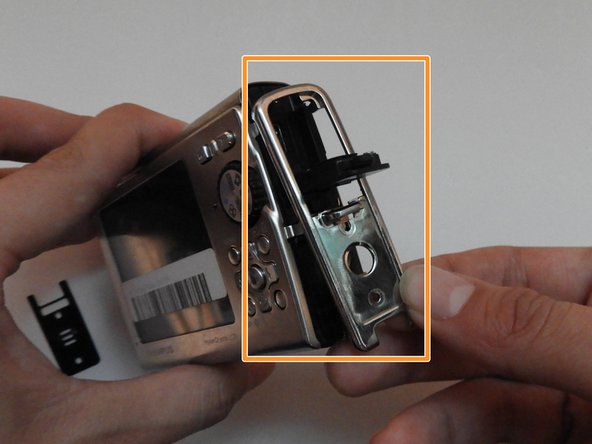
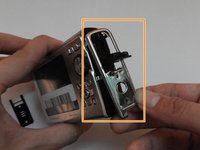
Open the multi-connector cover and slide off the side panel.
-
-
-
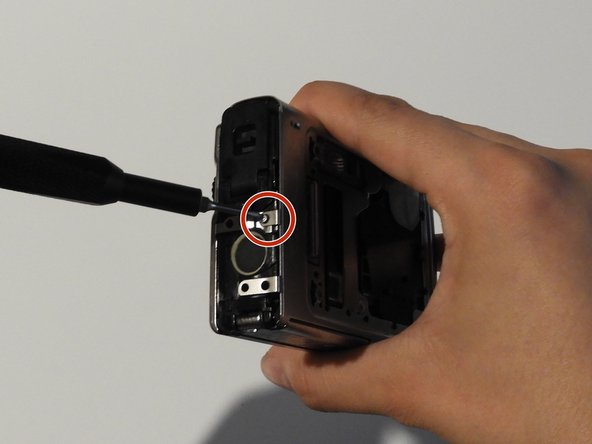
Using the Phillips #00 screwdriver, unscrew the screw above the speaker.
-
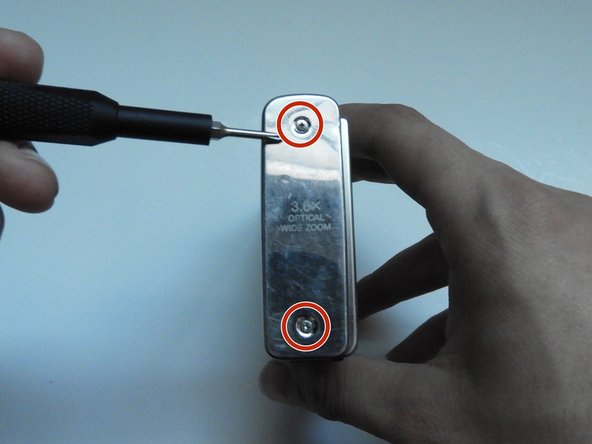
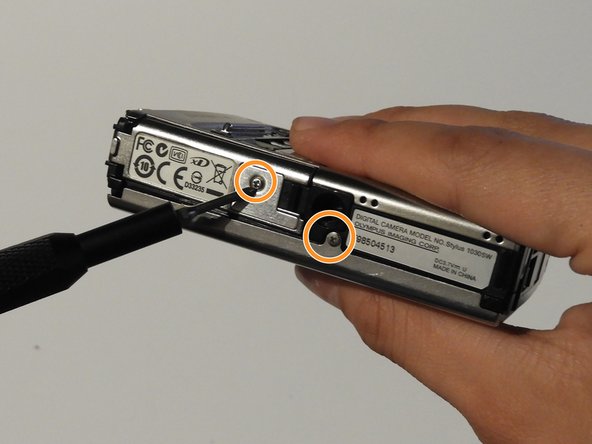
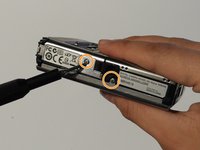
On the bottom side of the camera, unscrew the two screws.
-
-
-
Open the battery compartment cover.
-
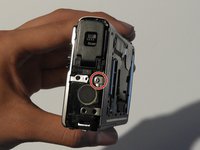
Use the Phillips #00 screwdriver to unscrew the screw in the battery compartment.
-
-
-
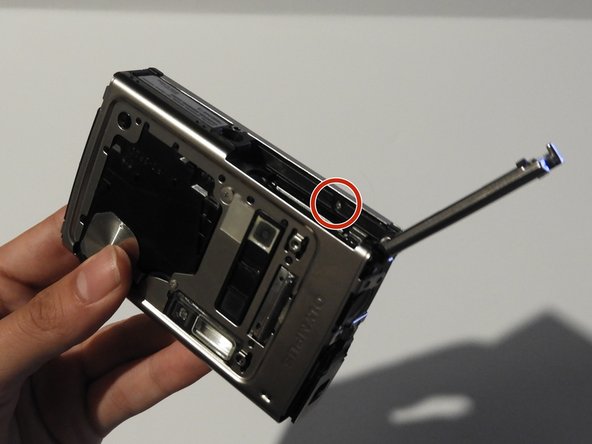
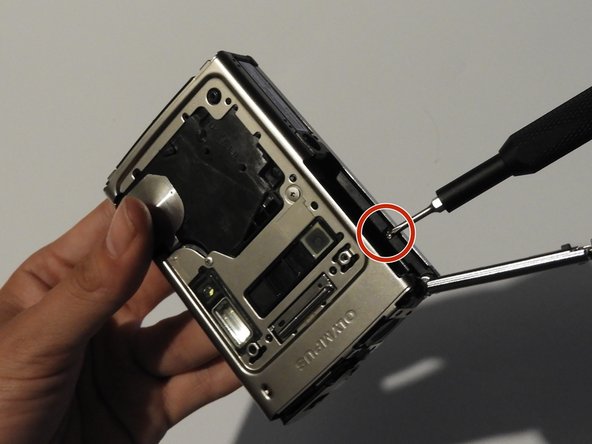
On the front of the camera, unscrew the two screws shown.
-
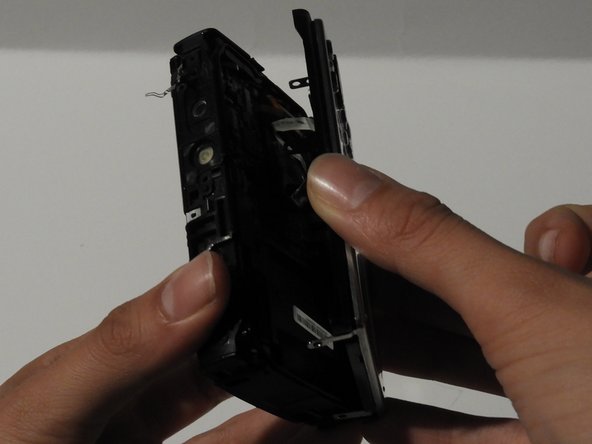
Gently pull on the side until the camera is separated from the back panel.
-
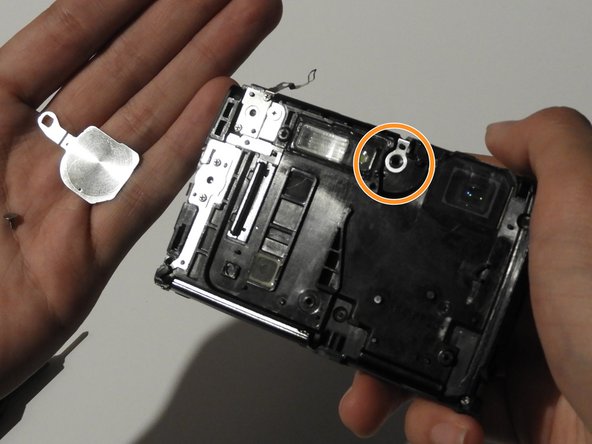
Remove the shutter and power button.
-
-
-
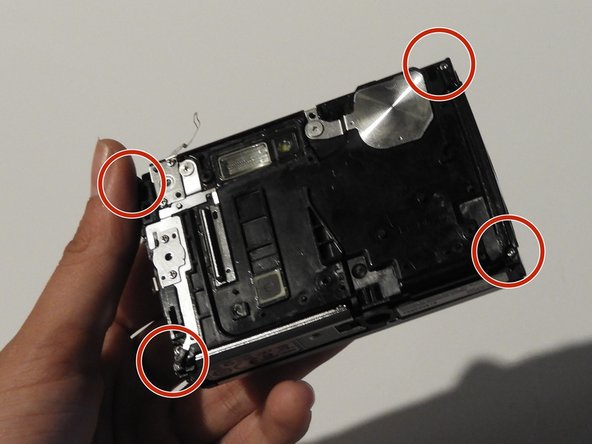
Use the Phillips #00 screwdriver to unscrew the four screws on the front of the camera.
-
Unscrew the shutter using the Phillips #00 screwdriver.
-
-
-
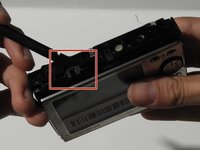
Release the top holding using a spudger.
-
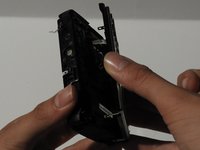
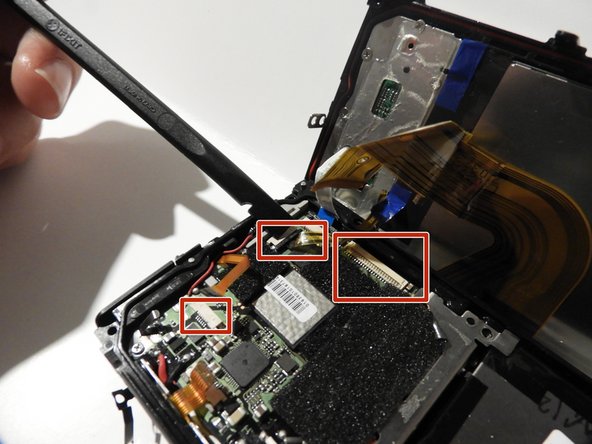
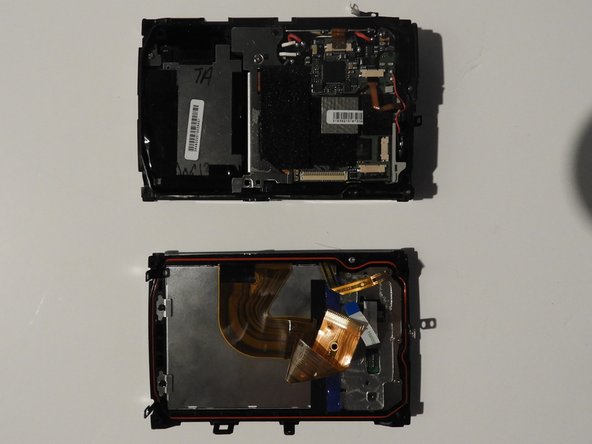
Slowly and carefully separate the front and back of the camera, exposing the electrical ribbons.
-
-
-
Using the spudger and tweezers if needed, remove the ribbons from the computer chips.
-
-






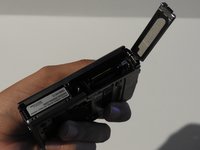
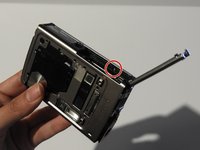
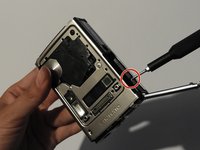

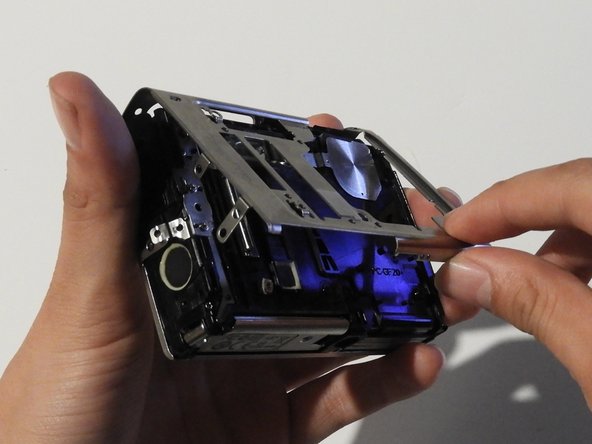
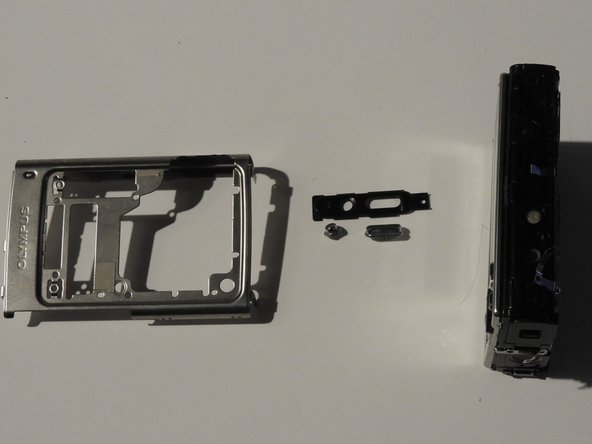
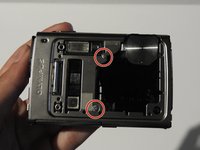
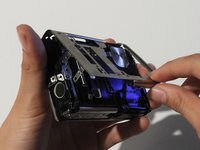



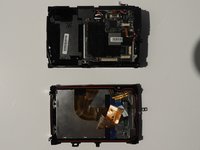
To reassemble your device, follow these instructions in reverse order.
İptal et: Bu kılavuzu tamamlamadım.
Bir başkası bu kılavuzu tamamladı.

Ekip

University of Illinois Urbana-Champaign, Team 1-2, Scrogum Spring 2014 University of Illinois Urbana-Champaign, Team 1-2, Scrogum Spring 2014 üyesi
UICU-SCROGUM-S14S1G2
5 Üyeler
10 adet Kılavuz yazıldı
