Giriş
Does your OnePlus Nord N20 5G (Model Number - CPH2459) battery drain fast or does it power off under 30%?
You can follow this guide if your phone needs a battery replacement. Before attempting to replace the battery, take a look at the OnePlus Nord N20 5G Battery Not Charging troubleshooting page.
Here's a step by step guide on how to replace the battery in simple steps. Be cautious during the repair though, as there are small and easily breakable parts in this device.
Be careful while using the iOpener in step 2 and follow these instructions for heating the iOpener.
Neye ihtiyacın var
-
-
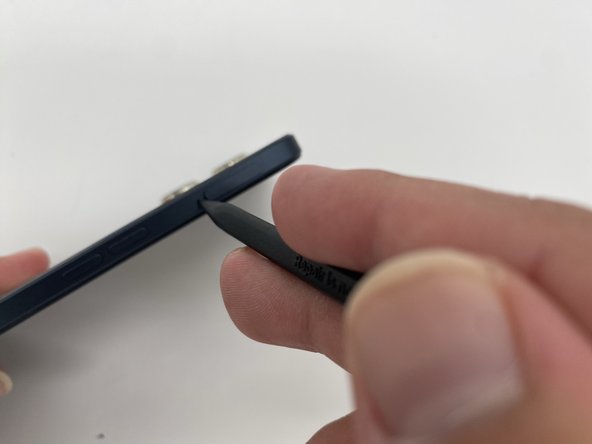
Insert the SIM ejection tool or a spudger in the small hole next to the SIM tray.
-
Push it gently until the tray pops out.
-
Remove the SIM card tray by sliding it outwards.
 FixBot'a Sor
-
-
-
Heat the iOpener in a microwave for about 30 seconds. If the iOpener isn’t hot enough, reheat it for another 10-30 seconds.
-
Apply the heated iOpener on the backside of the phone for a minute to loosen the adhesive.
-
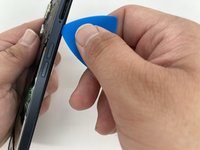
Use the iFixit opening tool and slide it along the edges of the phone to pry the back panel off.
-
-
-
-
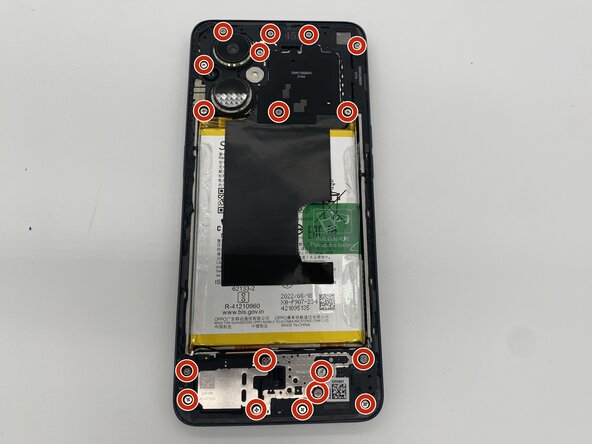
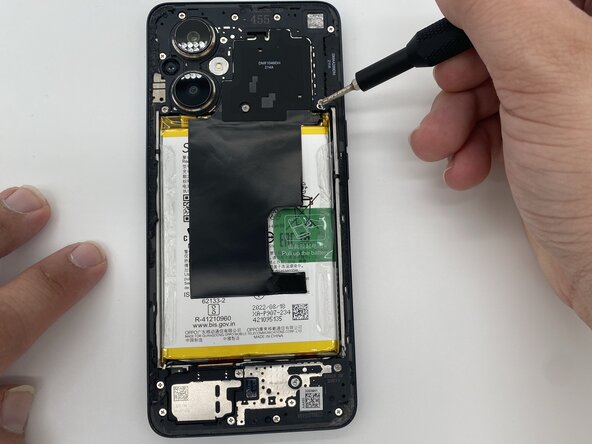
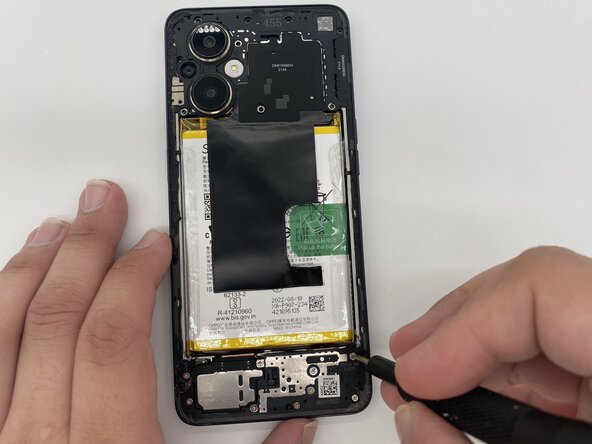
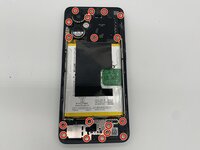
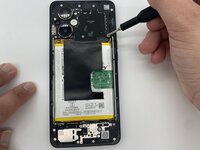
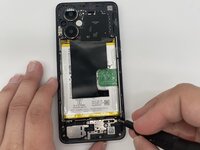
Remove the eighteen 3.9 mm screws using a Phillips #0 screwdriver.
-
-
-
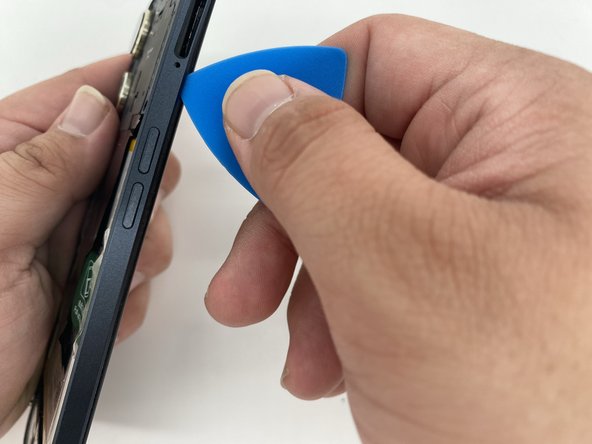
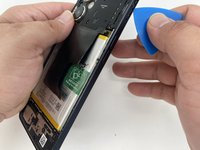
Take the iFixit opening tool and run it along the edges of the frame.
-
Separate the back housing from the frame of the screen.
-
-
-
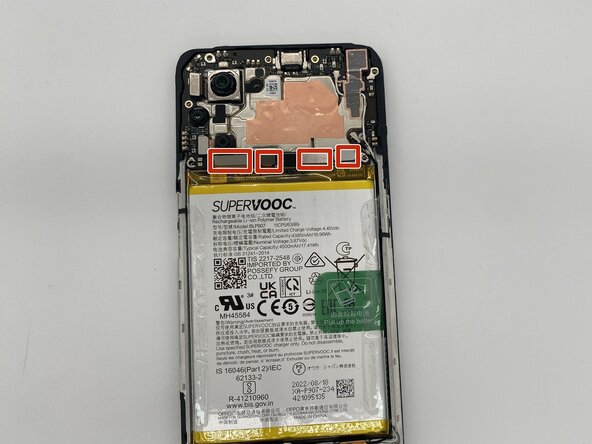
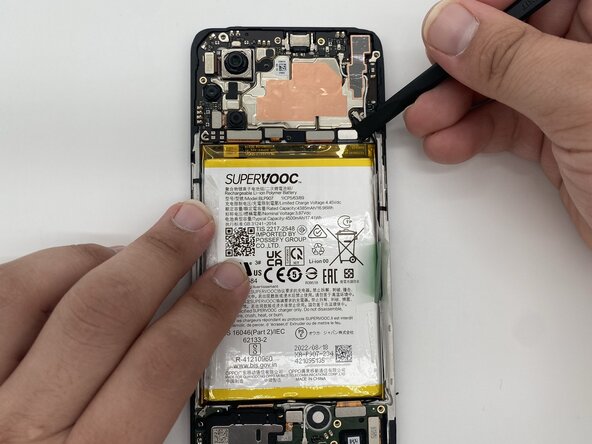
Disconnect the brackets attached to the motherboard with the help of a spudger.
-
-
-
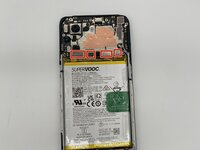
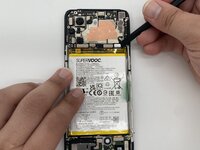
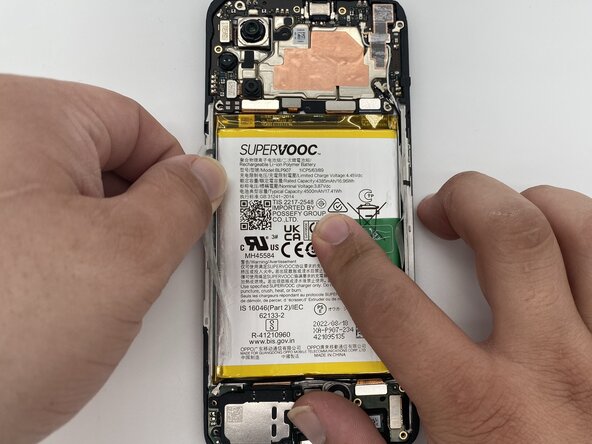
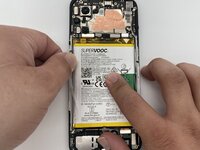
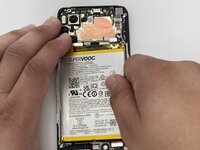
Remove the tape that's covering the battery.
-
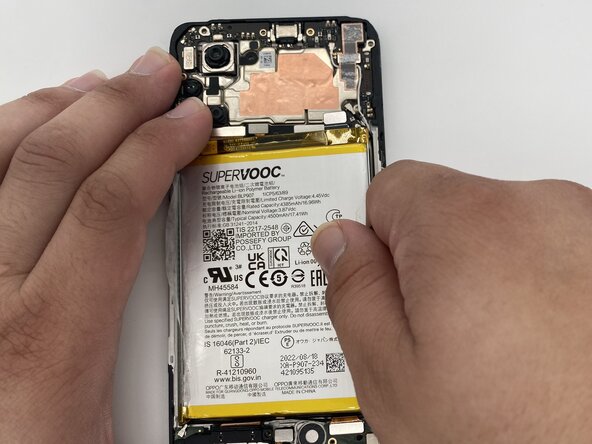
Pull up the battery using the green tape on the right side of the battery.
-
Now you can replace the old battery with your new one.
-



To reassemble your device, follow these instructions in reverse order.

Ekip

University of North Texas, Team 4-5, Harold Fall 2024 University of North Texas, Team 4-5, Harold Fall 2024 üyesi
UNT-HAROLD-F24S4G5
4 Üyeler
6 adet Kılavuz yazıldı
