Ana içeriğe geç
Onarım Topluluğuna Katılın - Hesap Oluşturun

Orbic Wonder Speaker Replacement

Neye ihtiyacın var

    1. Orbic Wonder Speaker Replacement, Battery: adım 1, 3 resimden 1. Orbic Wonder Speaker Replacement, Battery: adım 1, 3 resimden 2. Orbic Wonder Speaker Replacement, Battery: adım 1, 3 resimden 3.
      • Remove two 2mm TR9 Torx screws from the bottoms of the device.

      FixBot'a Sor

      Yorum Ekle

    2. Orbic Wonder Speaker Replacement: adım 2, 3 resimden 1. Orbic Wonder Speaker Replacement: adım 2, 3 resimden 2. Orbic Wonder Speaker Replacement: adım 2, 3 resimden 3.
      • There is a border between the black phone backing and the silver screen.

      • Place the Jimmy in this border, and cautiously torque it back and forth to part the two halves.

      • When the halves are parted correctly, the gap should look like this.

      • Be careful to avoid damaging any connecting circuitry between the two halves.

      FixBot'a Sor
      Yorum Ekle

    3. Orbic Wonder Speaker Replacement: adım 3, 3 resimden 1. Orbic Wonder Speaker Replacement: adım 3, 3 resimden 2. Orbic Wonder Speaker Replacement: adım 3, 3 resimden 3.
      Bu adımda kullanılan alet:
      Anti-Static Wrist Strap
      $7.95
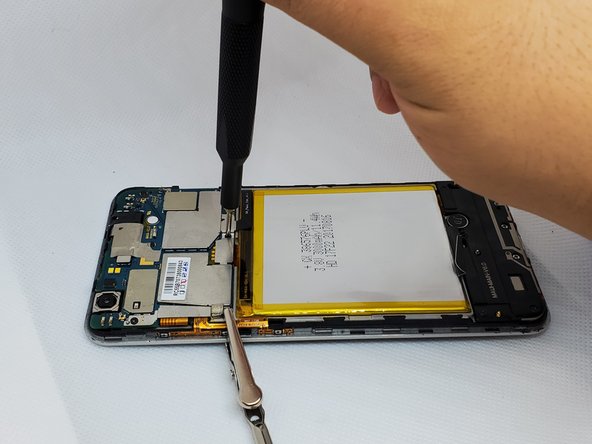
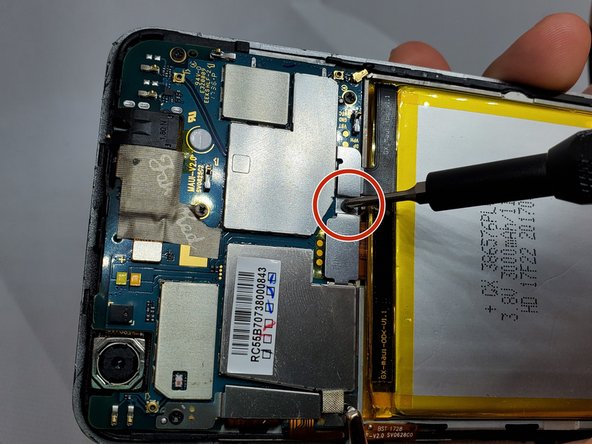
      • Before continuing, tighten the anti-static wrist strap around your wrist and connect the alligator clips to a metal portion of the phone.

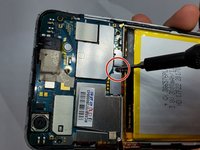
      • On the upper right side, there is a black ribbon cable in the shape of an “L”. Remove the single 1 mm Phillips #000 screw on the left side of the ribbon cable.

      FixBot'a Sor
      Yorum Ekle

    4. Orbic Wonder Speaker Replacement: adım 4, 3 resimden 1. Orbic Wonder Speaker Replacement: adım 4, 3 resimden 2. Orbic Wonder Speaker Replacement: adım 4, 3 resimden 3.
      Bu adımda kullanılan alet:
      Tweezers
      $3.99
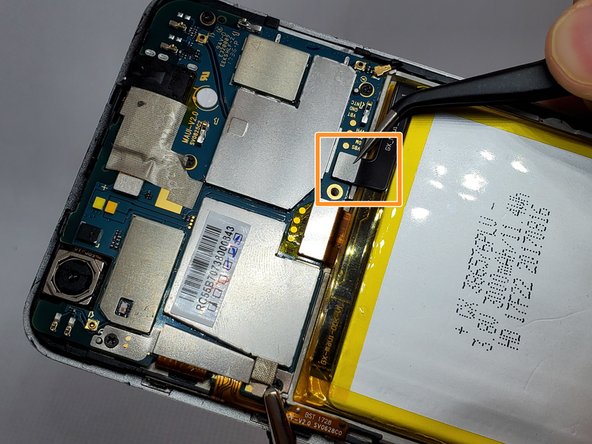
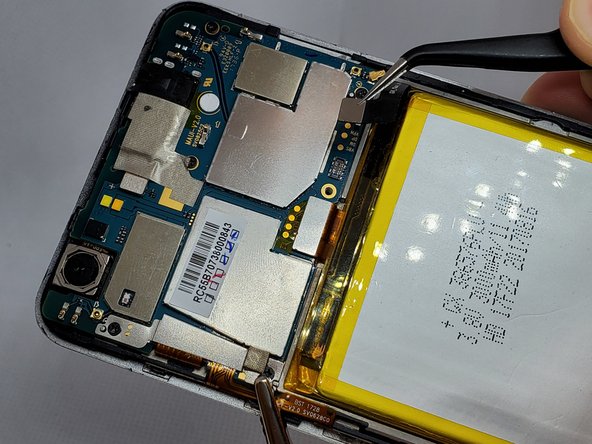
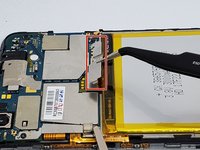
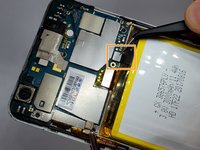
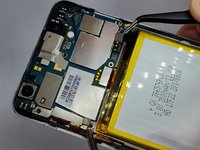
      • Use a pair of angled tweezers to carefully remove the metal casing of the ribbon cable.

      • Use a pair of angled tweezers to detach the black ribbon cable. This is done to unplug the battery.

      FixBot'a Sor
      Yorum Ekle

    5. Orbic Wonder Speaker Replacement: adım 5, 3 resimden 1. Orbic Wonder Speaker Replacement: adım 5, 3 resimden 2. Orbic Wonder Speaker Replacement: adım 5, 3 resimden 3.
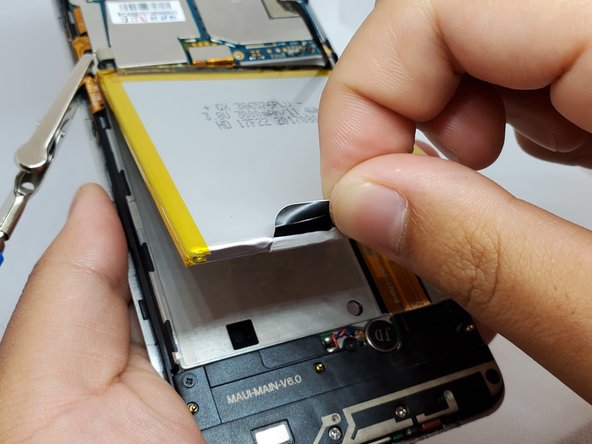
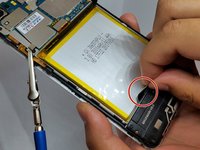
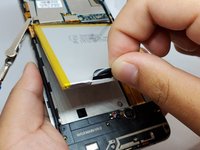
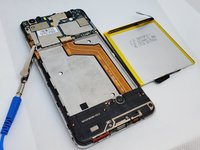
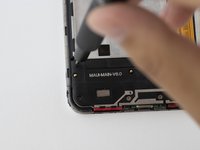
      • There is a black flap on the bottom of the battery.

      • Using your fingers, pinch this flap and carefully pull the battery up and out of the phone.

      FixBot'a Sor
      Yorum Ekle

    1. Orbic Wonder Speaker Replacement, Speaker: adım 6, 3 resimden 1. Orbic Wonder Speaker Replacement, Speaker: adım 6, 3 resimden 2. Orbic Wonder Speaker Replacement, Speaker: adım 6, 3 resimden 3.
      Bu adımda kullanılan alet:
      Anti-Static Wrist Strap
      $7.95
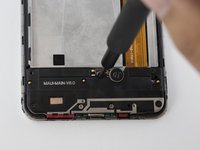
      • Remove the anti-static wrist strap.

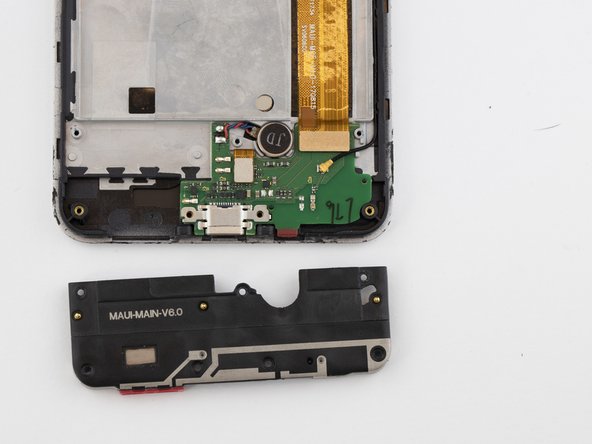
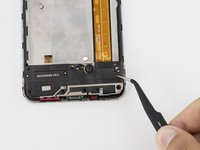
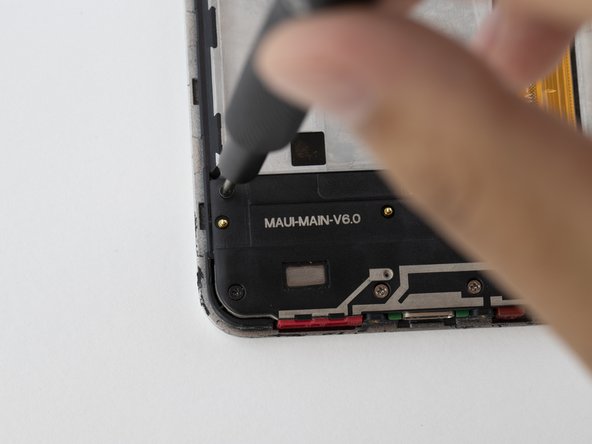
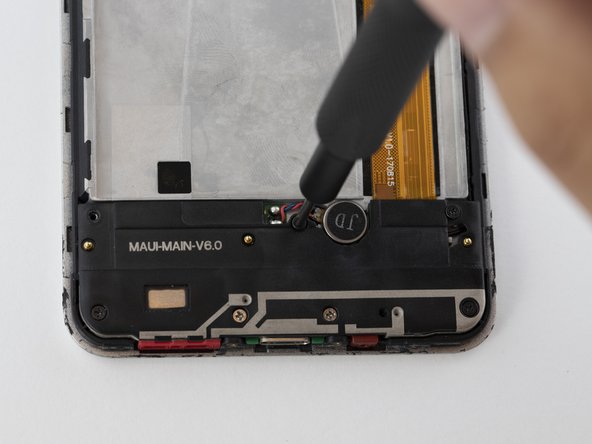
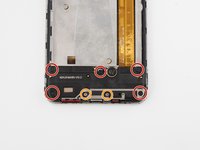
      • Use the Phillips #000 screwdriver to remove the five black 2 mm screws.

      • Use the Phillips #000 screwdriver to remove the two grey 2 mm screws.

      FixBot'a Sor
      Yorum Ekle

    2. Orbic Wonder Speaker Replacement: adım 7, 2 resimden 1. Orbic Wonder Speaker Replacement: adım 7, 2 resimden 2.
      Bu adımda kullanılan alet:
      Tweezers
      $3.99
      FixBot'a Sor

      Yorum Ekle

Sonuç

To reassemble your device, follow these instructions in reverse order.

İptal et: Bu kılavuzu tamamlamadım.

0Kılavuz Yorumları

Yorum Ekle

İstatistikleri Görüntüle:

Son 24 Saat: 1

Son 7 gün: 12

Son 30 gün: 36

Her zaman: 871