Ana içeriğe geç
Onarım Topluluğuna Katılın - Hesap Oluşturun

Palm Pre 2 Keyboard Replacement

Neye ihtiyacın var

    1. Palm Pre 2 Keyboard Replacement, Keyboard: adım 1, 2 resimden 1. Palm Pre 2 Keyboard Replacement, Keyboard: adım 1, 2 resimden 2.
      • Make sure your Palm Pre 2 is turned off before taking apart the phone.

      • Snap off the back panel to reveal the battery using the opening tool.

      FixBot'a Sor

      Yorum Ekle

    2. Palm Pre 2 Keyboard Replacement: adım 2, 2 resimden 1. Palm Pre 2 Keyboard Replacement: adım 2, 2 resimden 2.
      • Pull on the tab to remove the battery.

      FixBot'a Sor

      Yorum Ekle

    3. Palm Pre 2 Keyboard Replacement: adım 3, 2 resimden 1. Palm Pre 2 Keyboard Replacement: adım 3, 2 resimden 2.
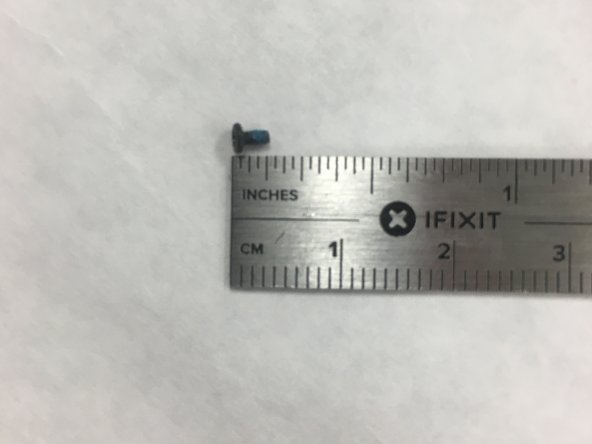
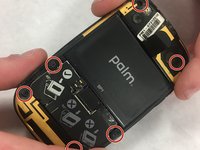
      • Use the T5 Torx Screwdriver to remove the six screws that hold the back of the frame in place.

      FixBot'a Sor

      Yorum Ekle

    4. Palm Pre 2 Keyboard Replacement: adım 4, 2 resimden 1. Palm Pre 2 Keyboard Replacement: adım 4, 2 resimden 2.
      Bu adımda kullanılan alet:
      Tweezers
      $4.99
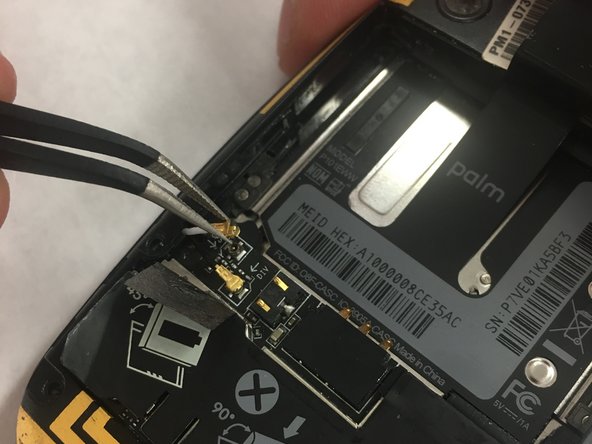
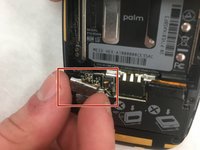
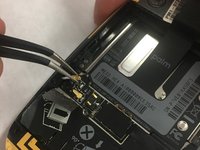
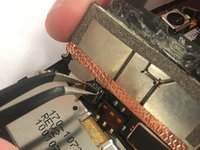
      • Use a spudger to open the hinge that covers the black and white GPS and DIV antennas.

      • Use tweezers to remove the two antennas from the keypad control board.

      FixBot'a Sor

      Yorum Ekle

    5. Palm Pre 2 Keyboard Replacement: adım 5, 2 resimden 1. Palm Pre 2 Keyboard Replacement: adım 5, 2 resimden 2.
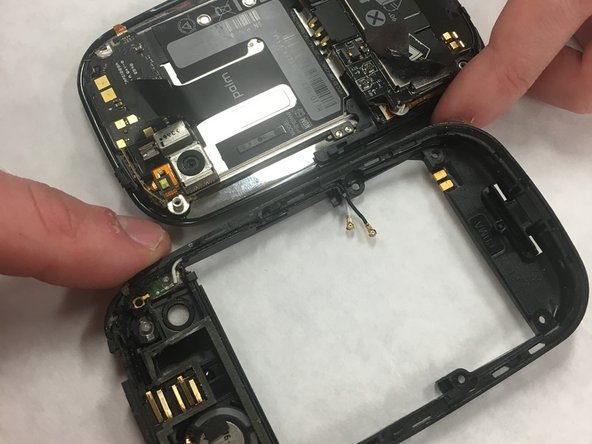
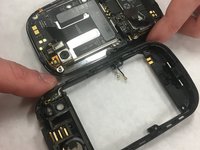
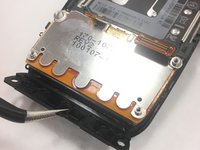
      • Use the opening tool to pry off the (black and yellow) back frame.

      FixBot'a Sor

      Yorum Ekle

    6. Palm Pre 2 Keyboard Replacement: adım 6, 3 resimden 1. Palm Pre 2 Keyboard Replacement: adım 6, 3 resimden 2. Palm Pre 2 Keyboard Replacement: adım 6, 3 resimden 3.
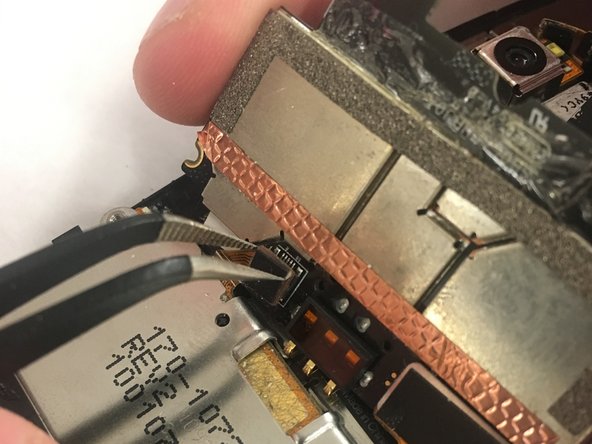
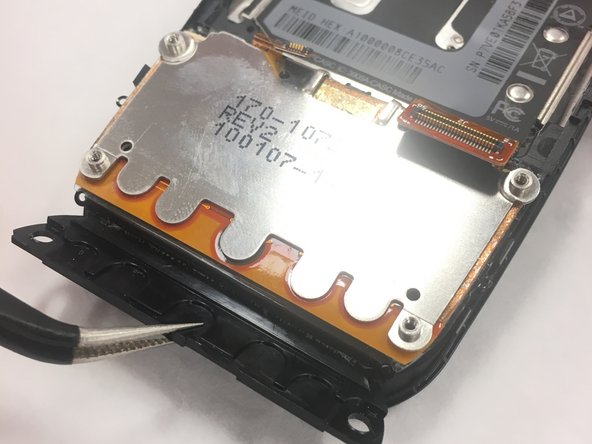
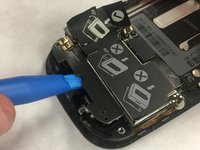
      • Use the opening tool to remove the panel on the main part of the phone.

      • Use the tweezers to get access to remove the panel giving access to the cable connectors.

      • Remove the two ribbon cable connectors using the tweezers.

      FixBot'a Sor

      Yorum Ekle

    7. Palm Pre 2 Keyboard Replacement: adım 7, 1 resimden 1.
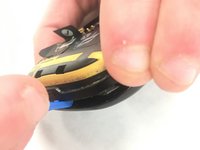
      • Use tweezers to separate the keyboard from the phone.

      FixBot'a Sor

      Yorum Ekle

Sonuç

To reassemble your device, follow these instructions in reverse order.

İptal et: Bu kılavuzu tamamlamadım.

Elliott Van Hoy

Üyelik tarihi: 01/22/18

256 İtibar

2 adet Kılavuz yazıldı

Ekip

IUPUI, Team S1-G6, Freund Spring 2018 IUPUI, Team S1-G6, Freund Spring 2018 üyesi

IUPUI-FREUND-S18S1G6

2 Üyeler

30 adet Kılavuz yazıldı

0Kılavuz Yorumları

Yorum Ekle

İstatistikleri Görüntüle:

Son 24 Saat: 0

Son 7 gün: 10

Son 30 gün: 30

Her zaman: 492