Giriş
The latch button on the Philips HD9252 air fryer allows the user to open and close the device. A faulty latch button will not allow the Philips HD9252 air fryer to open properly.
Neye ihtiyacın var
-
-
-
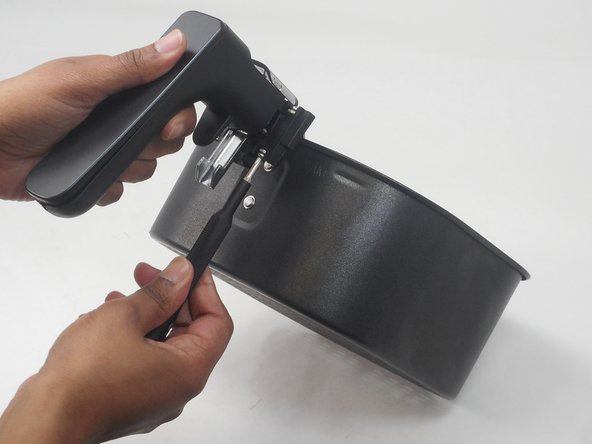
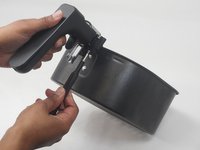
Remove the tray from the air fryer by pressing the latch button in, and pulling the handle away.
 FixBot'a Sor
-
-
-
-
-
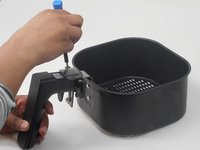
Remove the two 14.8 mm screws placed in the top of the latch using a Phillips #00 screwdriver.
-
Remove the two 14.8 mm screws placed on the bottom of the latch using a Phillips #00 screwdriver.
-
-
-
-
Remove the four 14.8 mm screws placed on front of the latch button using a Phillips #00 screwdriver.
-
-
-
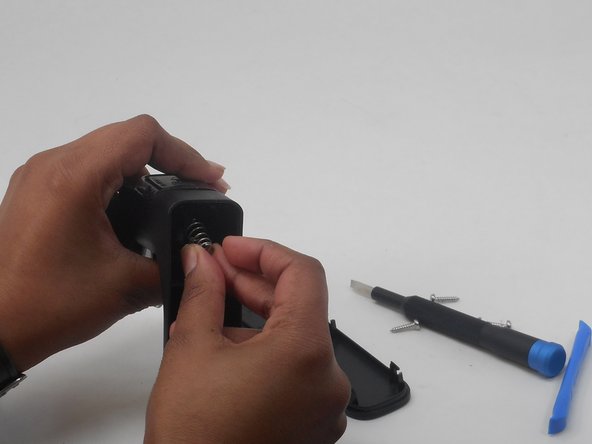
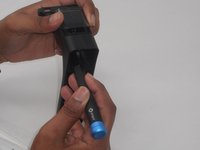
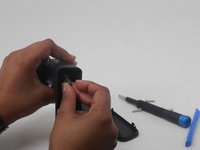
Push the spring down with a nylon spudger so that it is underneath the button.
-
Slide the spring out of the back of the handle.
-
-






To reassemble your device, follow these instructions in reverse order.
İptal et: Bu kılavuzu tamamlamadım.
Bir başkası bu kılavuzu tamamladı.

Ekip

University of Memphis, Team 3-1, Sneed Spring 2024 University of Memphis, Team 3-1, Sneed Spring 2024 üyesi
UM-SNEED-S24S3G1
4 Üyeler
16 adet Kılavuz yazıldı
