Giriş
If the optical drive of your PlayStation 2 Slimline is broken, this guide will provide a step-by-step process on how to access and remove the old optical drive for repairs or replacement.
Neye ihtiyacın var
-
-
Remove the rubber feet on two of the screw covers on the bottom of the console.
-
Remove the screw covers and the screws themselves.
-
-


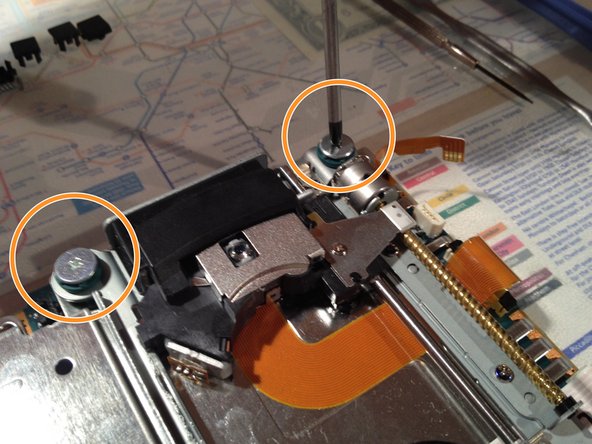

To reassemble your device, follow these instructions in reverse order.
To reassemble your device, follow these instructions in reverse order.
İptal et: Bu kılavuzu tamamlamadım.
16 farklı kişi bu kılavuzu tamamladı.


3Kılavuz Yorumları
How is it that this guide says difficult and the other PS2 drive replacement on here says easy?
it really depends on your level of skill/experience.
