Ana içeriğe geç
Onarım Topluluğuna Katılın - Hesap Oluşturun

ProntoTec Axius Camera Replacement

Neye ihtiyacın var

  1. ProntoTec Axius Camera Replacement, Camera: adım 1, 1 resimden 1.
    • Make sure the device is completely turned off before you begging taking it apart to avoid electrocution risks.

    • Place the tablet face-up on a flat table.

    FixBot'a Sor

    Yorum Ekle

  2. ProntoTec Axius Camera Replacement: adım 2, 1 resimden 1.
    • Starting near the headphone port, fit the flat end of the spudger in between the screen and back case.

    • Pry the back case from the screen around each point on the device to release the clips securing the case halves to each other.

    FixBot'a Sor

    Yorum Ekle

  3. ProntoTec Axius Camera Replacement: adım 3, 1 resimden 1.
    • Gently remove the back case of the device and lay it in a flat surface as shown in the photo.

    • Make sure not to sever the wires (red and black) connected to the speaker that is located in the back case.

    FixBot'a Sor

    Yorum Ekle

  4. ProntoTec Axius Camera Replacement: adım 4, 1 resimden 1.
    • Remove only the yellow tape that touches the battery.

    • Be careful not to cut or damage the wires (red and black) that are under the yellow tape.'

    FixBot'a Sor

    Yorum Ekle

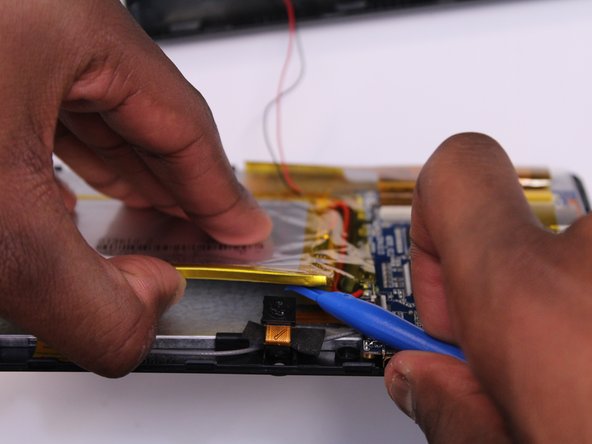
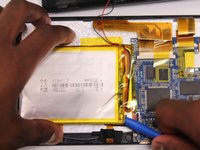
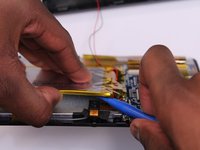
  5. ProntoTec Axius Camera Replacement: adım 5, 2 resimden 1. ProntoTec Axius Camera Replacement: adım 5, 2 resimden 2.
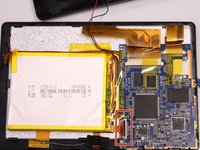
    • Use the flat end of the spudger to gently pry the top left corner battery from the back of the screen in order to access the camera.

    FixBot'a Sor

    Yorum Ekle

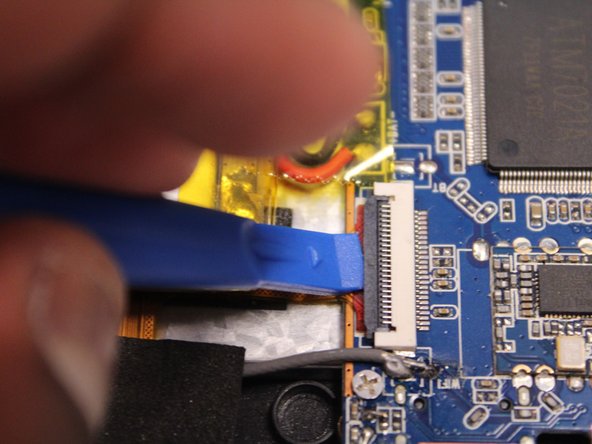
  6. ProntoTec Axius Camera Replacement: adım 6, 3 resimden 1. ProntoTec Axius Camera Replacement: adım 6, 3 resimden 2. ProntoTec Axius Camera Replacement: adım 6, 3 resimden 3.
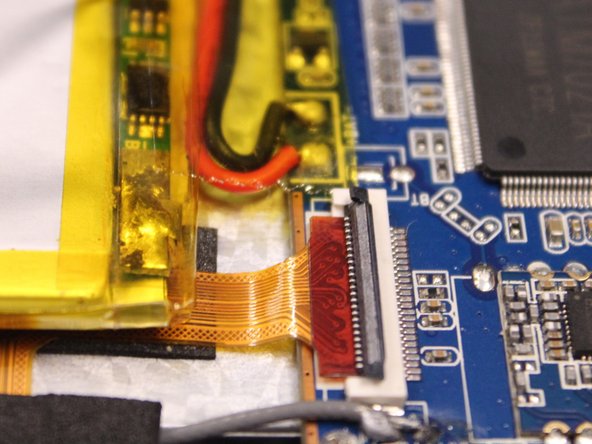
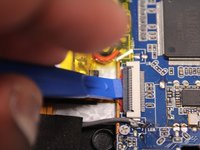
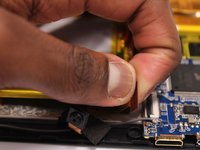
    • Use the spudger to lift the black clamp as shown in the photo to disconnect the camera from the motherboard.

    FixBot'a Sor

    Yorum Ekle

  7. ProntoTec Axius Camera Replacement: adım 7, 2 resimden 1. ProntoTec Axius Camera Replacement: adım 7, 2 resimden 2.
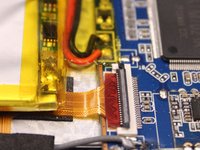
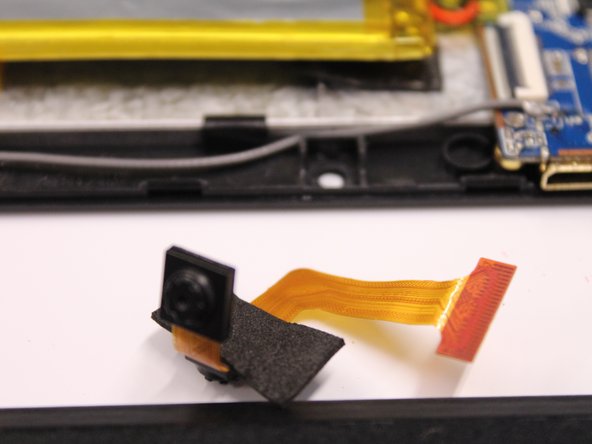
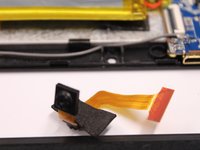
    • Disconet the camera from the motherboard.

    • Pull the camera from the back of the screen.

    FixBot'a Sor

    Yorum Ekle

Sonuç

To reassemble your device, follow these instructions in reverse order.

İptal et: Bu kılavuzu tamamlamadım.

Bir başkası bu kılavuzu tamamladı.

Antonio Irons

Üyelik tarihi: 10/20/16

441 İtibar

4 adet Kılavuz yazıldı

Ekip

UMass Dartmouth, Team 5-3, Martin Fall 2016 UMass Dartmouth, Team 5-3, Martin Fall 2016 üyesi

UMASSD-MARTIN-F16S5G3

3 Üyeler

10 adet Kılavuz yazıldı

0Kılavuz Yorumları

Yorum Ekle

İstatistikleri Görüntüle:

Son 24 Saat: 0

Son 7 gün: 6

Son 30 gün: 32

Her zaman: 411