Giriş
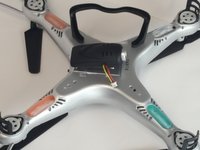
This is how to remove and replace the HD camera on the underside of the drone if necessary. Be careful not to pull on the wires as that may damage them. Removing the landing gear closest to the camera wires will make this job easier. Please use a clean and well lit area, as the screws are small.
Neye ihtiyacın var
-
-
-
Place one hand on the drone and carefully remove the landing gear with the other hand.
-
-
-
-
-
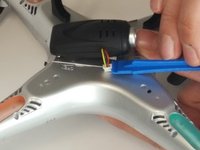
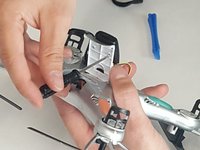
Use the fine edged plastic opening tool to pull up one side of the plug, and then the other, until it comes loose.
-
-
-
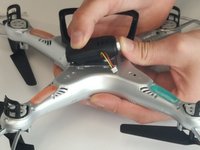
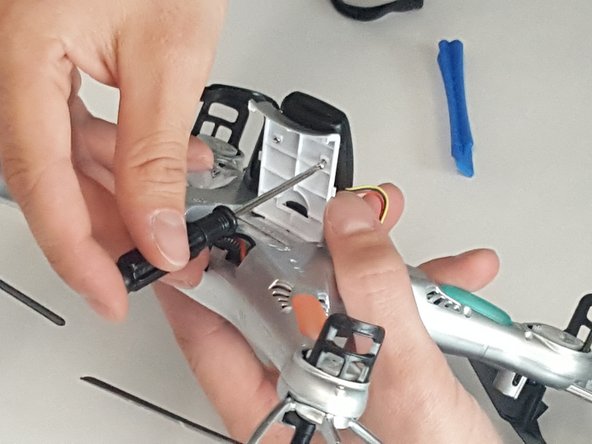
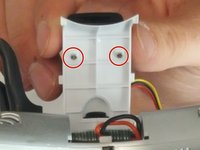
Carefully remove the two Phillips 5.35 mm screws holding the camera to the battery cover.
-
-
-
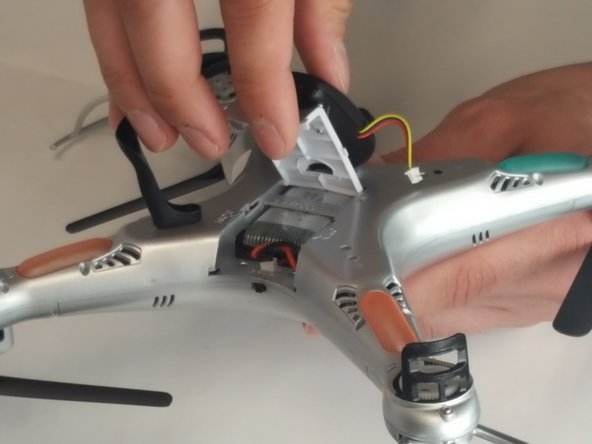
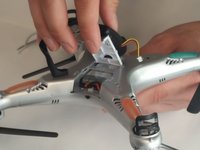
Close the battery cover by pulling it towards you. Then, gently pull the camera towards you, freeing it from the battery cover.
-
-

 FixBot'a Sor





To reassemble your device, follow these instructions in reverse order.
İptal et: Bu kılavuzu tamamlamadım.
Bir başkası bu kılavuzu tamamladı.

Ekip

Arkansas State University, Team 1-2, Chamberlain Spring 2017 Arkansas State University, Team 1-2, Chamberlain Spring 2017 üyesi
ARSU-CHAMBERLAIN-S17S1G2
4 Üyeler
5 adet Kılavuz yazıldı
