Ana içeriğe geç
Onarım Topluluğuna Katılın - Hesap Oluşturun

RAM Replacement

Neye ihtiyacın var

  1. RAM Replacement, Battery: adım 1, 1 resimden 1.
    • Remove all wires then flip the laptop

    FixBot'a Sor

    Yorum Ekle

  2. RAM Replacement: adım 2, 2 resimden 1. RAM Replacement: adım 2, 2 resimden 2.
    • Remove the battery

    FixBot'a Sor

    Yorum Ekle

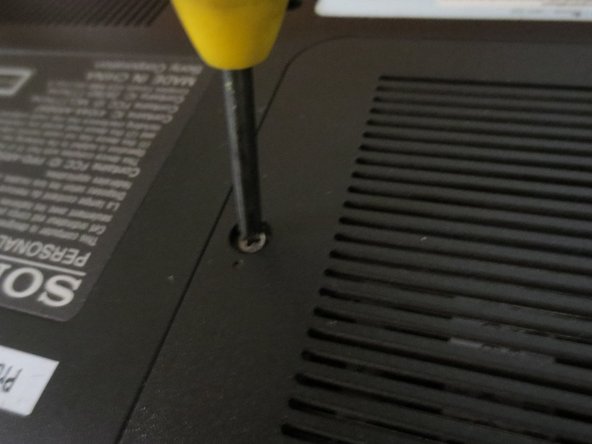
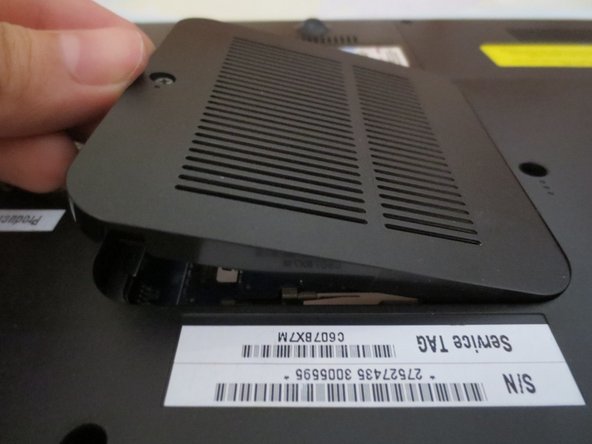
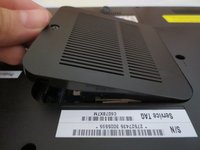
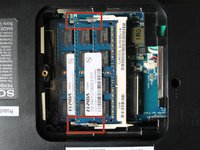
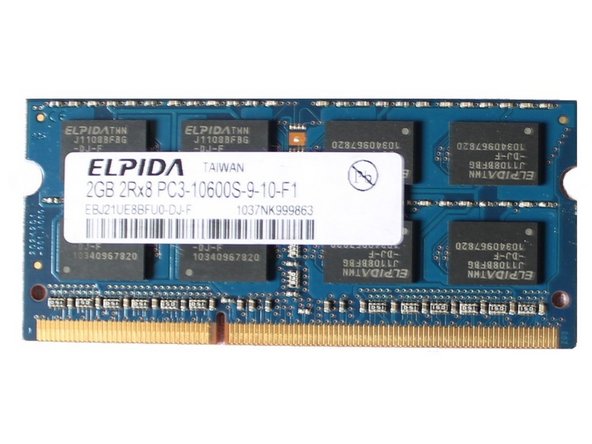
  3. RAM Replacement, RAM: adım 3, 3 resimden 1. RAM Replacement, RAM: adım 3, 3 resimden 2. RAM Replacement, RAM: adım 3, 3 resimden 3.
    • Flip the Laptop, and unscrew the RAM cover.

    FixBot'a Sor

    Yorum Ekle

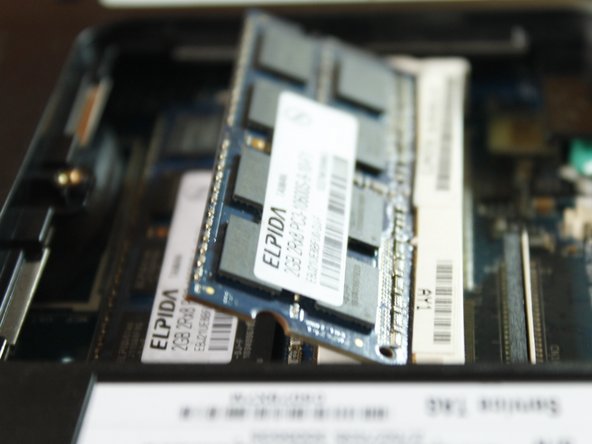
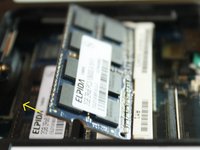
  4. RAM Replacement: adım 4, 2 resimden 1. RAM Replacement: adım 4, 2 resimden 2.
    • Unlock the RAM by pulling the locks outward.

    • You'll know if its unlocked if it flips up in 45 degrees.

    FixBot'a Sor

    Yorum Ekle

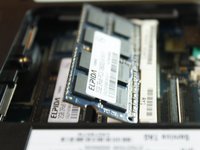
  5. RAM Replacement: adım 5, 2 resimden 1. RAM Replacement: adım 5, 2 resimden 2.
    • Pull the outer RAM. Repeat Step 4 and 5 for the other RAM.

    • When returning, put the RAM back in at 45 degree angle, NOT 90 degree angle.

    FixBot'a Sor

    Yorum Ekle

Sonuç

To reassemble your device, follow these instructions in reverse order.

İptal et: Bu kılavuzu tamamlamadım.

Marjorie

Üyelik tarihi: 12/23/13

2.493 İtibar

11 adet Kılavuz yazıldı

0Kılavuz Yorumları

Yorum Ekle

İstatistikleri Görüntüle:

Son 24 Saat: 0

Son 7 gün: 3

Son 30 gün: 18

Her zaman: 1,298