Neye ihtiyacın var
-
-
-
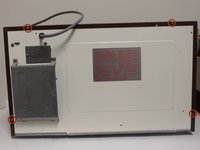
Remove the eight screws holding the wood-patterned cover to the microwave frame.
-
The first four screws are located on either side of the microwave front.
-
-
-
-
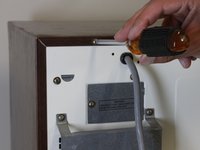
Remove the additional four screws securing the wood-paneled case to the microwave frame.
-
-
-
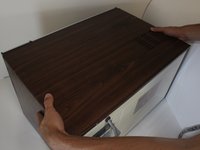
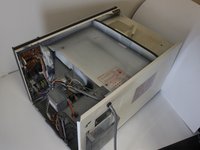
Placing your hands on either side of the case, slide the case back gently until you feel it completely separate from the microwave frame.
-
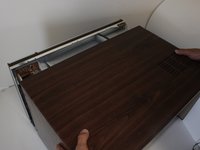
Lift the case upward slowly until the case is free of the microwave.
-
-
-
-
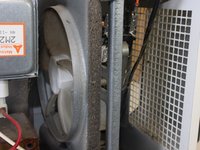
Locate the fan in the newly exposed interior.
-
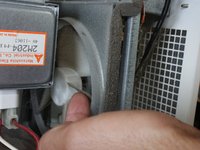
Try spinning the fan with your finger. If it spins freely, the fan is not jammed.
-
If the fan does not spin freely, locate what is jamming the fan and remove it.
-
-
-
If the fan is not jammed yet still does not work, check that there are no disconnected wires, especially to the fan.
-
In order to work properly, there should be two wires going in and out of the fan. If you are missing either of these wires, locate the loose wire/s and connect them.
-
-

 FixBot'a Sor







To reassemble your device, follow these instructions in reverse order.
İptal et: Bu kılavuzu tamamlamadım.
Bir başkası bu kılavuzu tamamladı.

Ekip

Cal Poly, Team 2-12, Propen Fall 2012 Cal Poly, Team 2-12, Propen Fall 2012 üyesi
CPSU-PROPEN-F12S2G12
3 Üyeler
18 adet Kılavuz yazıldı
