Ana içeriğe geç

Retroid Pocket 3 LCD Screen Replacement

Neye ihtiyacın var

  1. Retroid Pocket 3 LCD Screen Replacement, Battery: adım 1, 1 resimden 1.
    • Unplug any cables connected to the Retroid Pocket 3+.

    • Ensure your device has a charge of 5% or less as a charged battery can be dangerous if punctured.

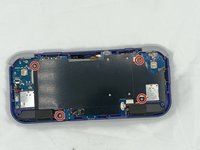
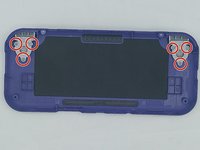
  2. Retroid Pocket 3 LCD Screen Replacement: adım 2, 3 resimden 1. Retroid Pocket 3 LCD Screen Replacement: adım 2, 3 resimden 2. Retroid Pocket 3 LCD Screen Replacement: adım 2, 3 resimden 3.
    • Remove the four 6 mm screws from the backplate of the device with a T5 Torx screwdriver.

    • Use a plastic opening tool or spudger to gently pry apart the backplate from the device.

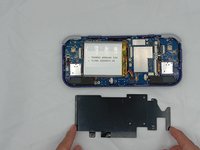
  3. Retroid Pocket 3 LCD Screen Replacement: adım 3, 2 resimden 1. Retroid Pocket 3 LCD Screen Replacement: adım 3, 2 resimden 2.
    • Remove the four 4.5 mm screws with a Phillips #00 screwdriver.

    • Lift off the metal plate.

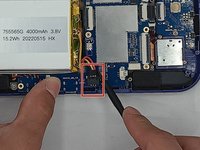
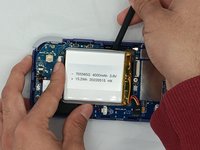
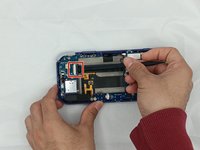
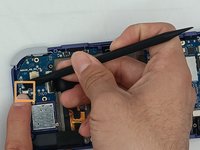
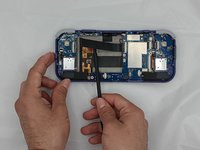
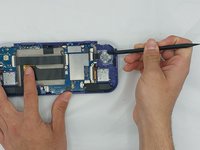
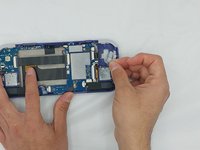
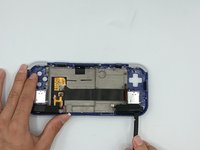
  4. Retroid Pocket 3 LCD Screen Replacement: adım 4, 3 resimden 1. Retroid Pocket 3 LCD Screen Replacement: adım 4, 3 resimden 2. Retroid Pocket 3 LCD Screen Replacement: adım 4, 3 resimden 3.
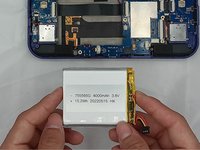
    • Use a plastic opening tool or spudger to unclip the battery connector.

    • Carefully lift the battery from the case.

    • The battery has double-sided tape at the bottom. Gently push a spudger or opening tool underneath the battery to help free it from the adhesive. Do not bend or puncture the battery.

    • Lift and remove the battery.

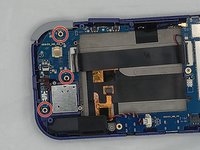
  5. Retroid Pocket 3 LCD Screen Replacement, Motherboard: adım 5, 1 resimden 1.
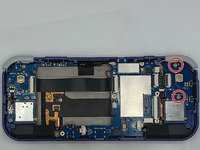
    • Remove the three 4.5 mm screws with a Phillips #00 screwdriver on the main board.

  6. Retroid Pocket 3 LCD Screen Replacement: adım 6, 1 resimden 1.
    • Using a spudger, put the tip under the aerial connecter and rotate upwards to unclip the plug.

  7. Retroid Pocket 3 LCD Screen Replacement: adım 7, 1 resimden 1.
    • Unclip and remove the one ribbon cable on the left.

  8. Retroid Pocket 3 LCD Screen Replacement: adım 8, 1 resimden 1.
    • Use a spudger to unclip and remove the two ribbon cables on the right side.

  9. Retroid Pocket 3 LCD Screen Replacement: adım 9, 2 resimden 1. Retroid Pocket 3 LCD Screen Replacement: adım 9, 2 resimden 2.
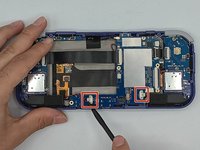
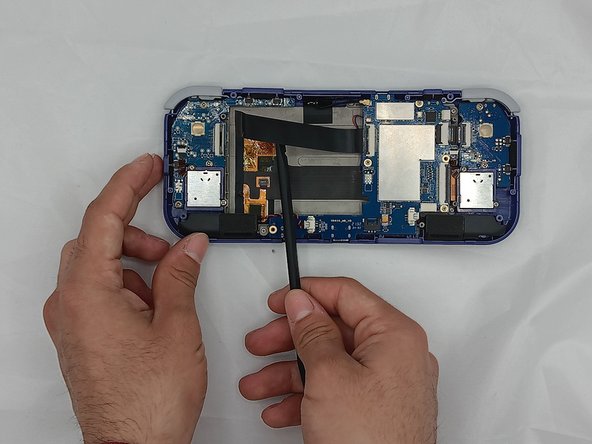
    • Use a spudger to disconnect the two speaker cables on the bottom of the board.

  10. Retroid Pocket 3 LCD Screen Replacement: adım 10, 3 resimden 1. Retroid Pocket 3 LCD Screen Replacement: adım 10, 3 resimden 2. Retroid Pocket 3 LCD Screen Replacement: adım 10, 3 resimden 3.
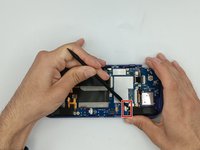
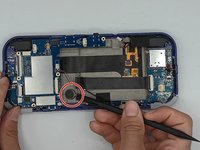
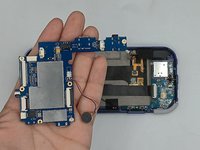
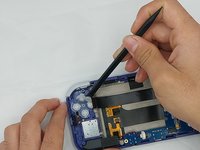
    • Start lifting the board to give you access to the vibration motor on the metal case.

    • Use a spudger to carefully pry the motor free; it is bound with double-sided tape.

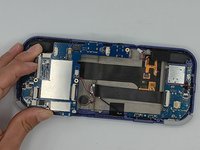
    • Carefully lift the board out of the device.

  11. Retroid Pocket 3 LCD Screen Replacement, Button Pad: adım 11, 3 resimden 1. Retroid Pocket 3 LCD Screen Replacement, Button Pad: adım 11, 3 resimden 2. Retroid Pocket 3 LCD Screen Replacement, Button Pad: adım 11, 3 resimden 3.
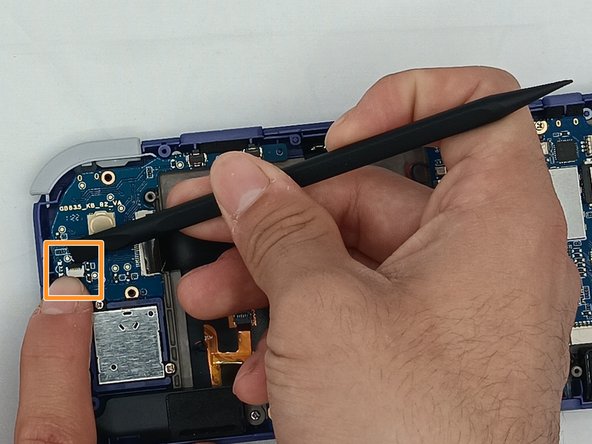
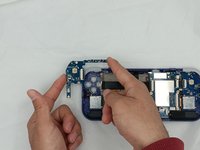
    • Undo the ribbon cable clips using the Spudger tool.

    • Unclip the cable on the left side of the board.

    • Carefully lift the ribbon cable to the right to remove it from the clip.

  12. Retroid Pocket 3 LCD Screen Replacement: adım 12, 2 resimden 1. Retroid Pocket 3 LCD Screen Replacement: adım 12, 2 resimden 2.
    • Use a Phillips #00 screwdriver to remove the three 5.9 mm screws from the controller board.

    • Carefully lift the board out of the device.

  13. Retroid Pocket 3 LCD Screen Replacement: adım 13, 2 resimden 1. Retroid Pocket 3 LCD Screen Replacement: adım 13, 2 resimden 2.
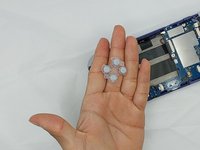
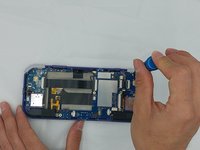
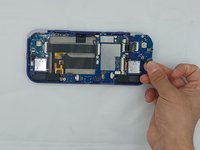
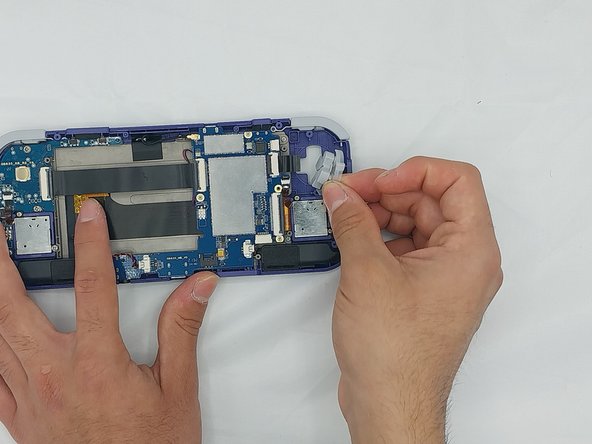
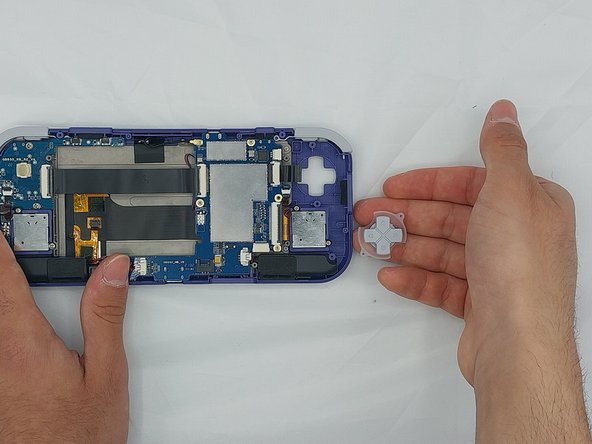
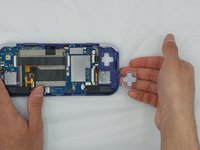
    • Using the Spudger tool, put the tip under the edge of the rubber button pad to start lifting it.

    • Button pad will loosen and lift straight out of the casing.

  14. Retroid Pocket 3 LCD Screen Replacement: adım 14, 1 resimden 1.
    • Move to the right side of the device.

    • Using a spudger, undo the ribbon cable clip connected to the main PCB along with the joystick ribbon cable.

  15. Retroid Pocket 3 LCD Screen Replacement: adım 15, 3 resimden 1. Retroid Pocket 3 LCD Screen Replacement: adım 15, 3 resimden 2. Retroid Pocket 3 LCD Screen Replacement: adım 15, 3 resimden 3.
    • Use a Phillips #00 screwdriver to remove the two 5.9 mm screws.

    • Carefully lift the board out of the device.

  16. Retroid Pocket 3 LCD Screen Replacement: adım 16, 3 resimden 1. Retroid Pocket 3 LCD Screen Replacement: adım 16, 3 resimden 2. Retroid Pocket 3 LCD Screen Replacement: adım 16, 3 resimden 3.
    • Carefully pry up the silicone button pad with a Spudger tool.

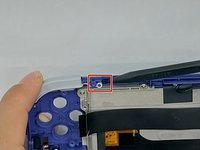
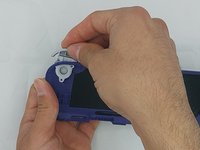
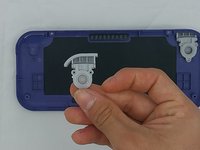
  17. Retroid Pocket 3 LCD Screen Replacement, Trigger Button: adım 17, 3 resimden 1. Retroid Pocket 3 LCD Screen Replacement, Trigger Button: adım 17, 3 resimden 2. Retroid Pocket 3 LCD Screen Replacement, Trigger Button: adım 17, 3 resimden 3.
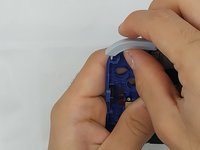
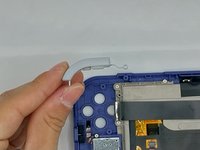
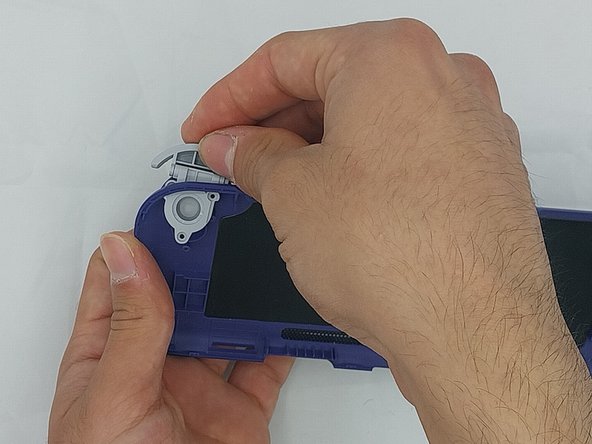
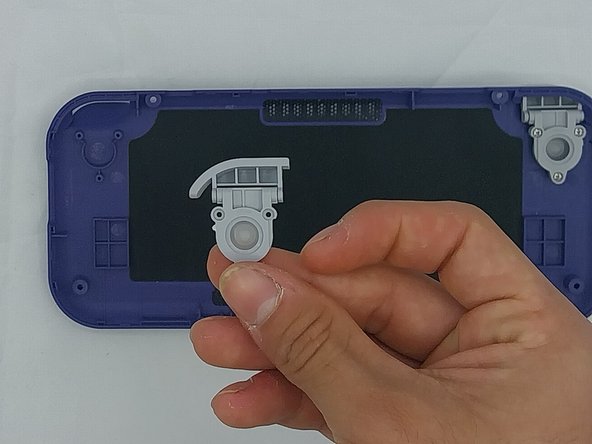
    • Using the spudger, put the tip under the top round clip at the top.

    • Carefully start lifting the clip to slide it off the plastic pin on the case, tilting the trigger button as you lift it to remove.

  18. Retroid Pocket 3 LCD Screen Replacement: adım 18, 3 resimden 1. Retroid Pocket 3 LCD Screen Replacement: adım 18, 3 resimden 2. Retroid Pocket 3 LCD Screen Replacement: adım 18, 3 resimden 3.
    • Remove the six 4.4 mm screws on the trigger buttons with a Phillips #00 screwdriver.

    • Gently pull the trigger button through until it has come undone.

  19. Retroid Pocket 3 LCD Screen Replacement, LCD Screen: adım 19, 3 resimden 1. Retroid Pocket 3 LCD Screen Replacement, LCD Screen: adım 19, 3 resimden 2. Retroid Pocket 3 LCD Screen Replacement, LCD Screen: adım 19, 3 resimden 3.
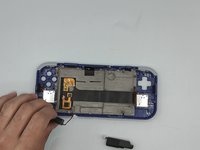
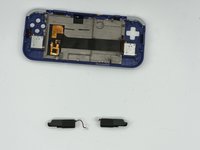
    • Using the Spudger tool, remove the two speakers at the bottom of the device by gently prying them out.

    • Speakers are held by double-sided tape.

  20. Retroid Pocket 3 LCD Screen Replacement: adım 20, 3 resimden 1. Retroid Pocket 3 LCD Screen Replacement: adım 20, 3 resimden 2. Retroid Pocket 3 LCD Screen Replacement: adım 20, 3 resimden 3.
    • Remove the joysticks by unscrewing the two 3.5mm screws with a Phillips #00 screwdriver.

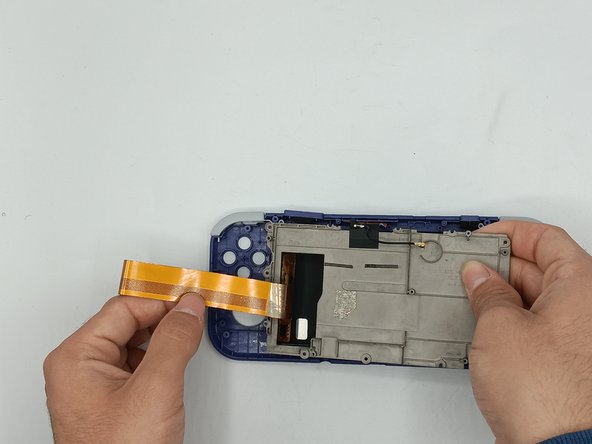
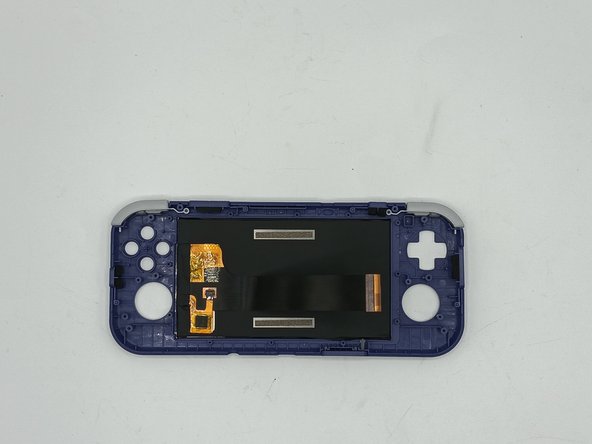
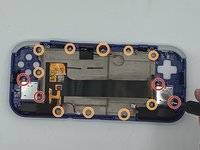
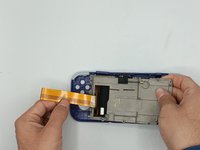
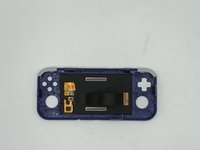
    • Remove the metal backplate from the front casing of the device by unscrewing the ten 3.5mm screws using the Phillips #00 screwdriver.

    • Carefully lift the ribbon cable from the metal backplate

Sonuç

To reassemble your device, follow these instructions in reverse order.

Troy

Üyelik tarihi: 02/08/24

85 İtibar

1 Kılavuz yazıldı

1Rehber Yorum

Hello. Can you tell where I can find a new replacement screen?


Aliaksandr - Yanıt

Yorum Ekle

İstatistikleri Görüntüle:

Son 24 Saat: 1

Son 7 gün: 21

Son 30 gün: 51

Her zaman: 1,823