Ana içeriğe geç
Onarım Topluluğuna Katılın - Hesap Oluşturun

Samsung DVD-P230 LCD Screen Replacement

Neye ihtiyacın var

  1. Samsung DVD-P230 LCD Screen Replacement, Outer Cover & Faceplate: adım 1, 3 resimden 1. Samsung DVD-P230 LCD Screen Replacement, Outer Cover & Faceplate: adım 1, 3 resimden 2. Samsung DVD-P230 LCD Screen Replacement, Outer Cover & Faceplate: adım 1, 3 resimden 3.
    • Open the tray by pressing the eject button

    • Remove the DVD tray faceplate by pushing the faceplate up off of the tray.

    FixBot'a Sor
  2. Samsung DVD-P230 LCD Screen Replacement: adım 2, 1 resimden 1.
    • Press the eject button to insert the tray

    • After the tray is closed unplug DVD player

    FixBot'a Sor
  3. Samsung DVD-P230 LCD Screen Replacement: adım 3, 1 resimden 1.
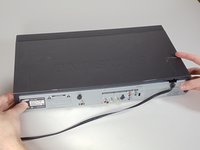
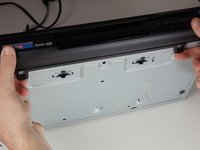
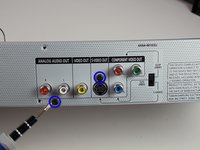
    • Unscrew the 3 screws in the back.

    FixBot'a Sor
  4. Samsung DVD-P230 LCD Screen Replacement: adım 4, 2 resimden 1. Samsung DVD-P230 LCD Screen Replacement: adım 4, 2 resimden 2.
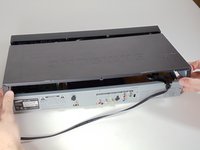
    • Pull the outer case upward and then towards you.

    FixBot'a Sor
  5. Samsung DVD-P230 LCD Screen Replacement: adım 5, 3 resimden 1. Samsung DVD-P230 LCD Screen Replacement: adım 5, 3 resimden 2. Samsung DVD-P230 LCD Screen Replacement: adım 5, 3 resimden 3.
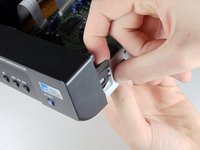
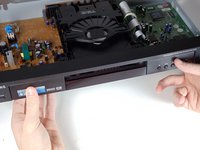
    • There are six symmetrically placed tabs holding in the front faceplate. Unhook these six tabs to loosen the faceplate.

    FixBot'a Sor
  6. Samsung DVD-P230 LCD Screen Replacement: adım 6, 2 resimden 1. Samsung DVD-P230 LCD Screen Replacement: adım 6, 2 resimden 2.
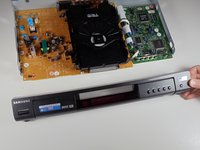
    • Pull off front faceplate. This may take a couple of tries to get all six tabs unhooked simultaneously.

    FixBot'a Sor
  7. Samsung DVD-P230 LCD Screen Replacement, Power Cord: adım 7, 3 resimden 1. Samsung DVD-P230 LCD Screen Replacement, Power Cord: adım 7, 3 resimden 2. Samsung DVD-P230 LCD Screen Replacement, Power Cord: adım 7, 3 resimden 3.
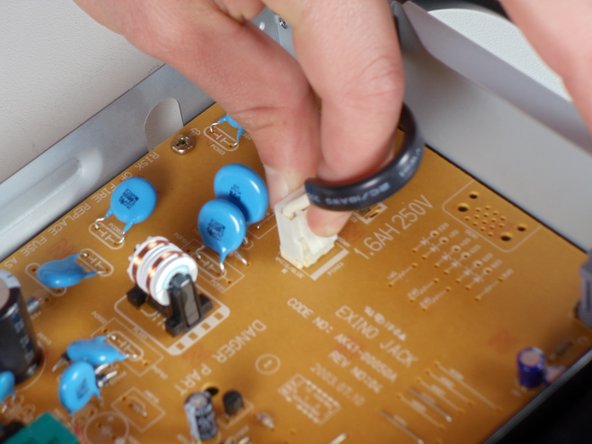
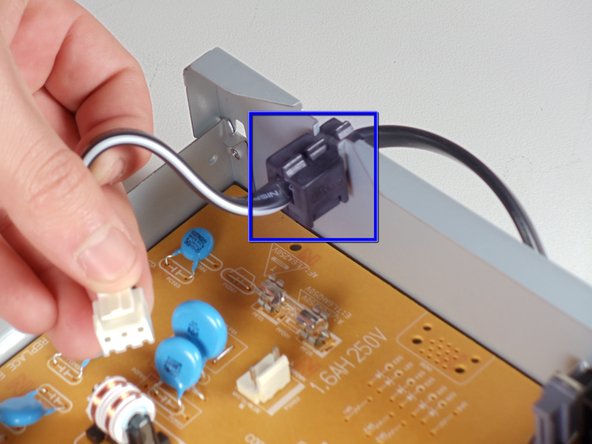
    • Locate the white clip that attaches the cord to the motherboard

    • Grasp clip and squeeze to release

    • Lift up and remove power cord

    • Slide cord mount from outer case

    FixBot'a Sor
  8. Samsung DVD-P230 LCD Screen Replacement, Tray: adım 8, 3 resimden 1. Samsung DVD-P230 LCD Screen Replacement, Tray: adım 8, 3 resimden 2. Samsung DVD-P230 LCD Screen Replacement, Tray: adım 8, 3 resimden 3.
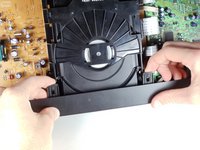
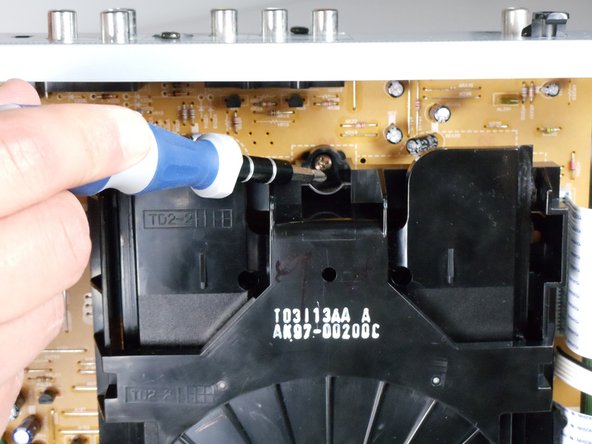
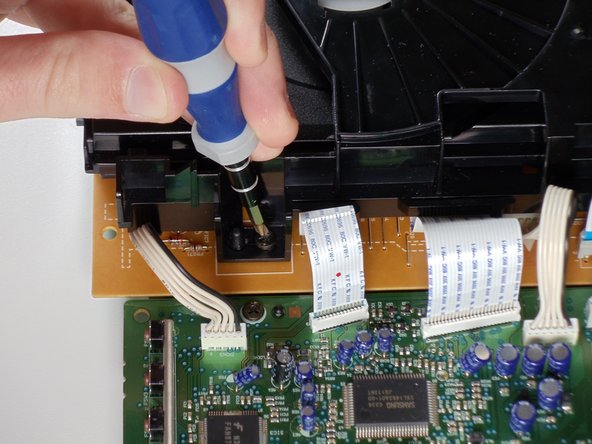
    • Remove the three screws holding in the DVD tray

    FixBot'a Sor
  9. Samsung DVD-P230 LCD Screen Replacement: adım 9, 2 resimden 1. Samsung DVD-P230 LCD Screen Replacement: adım 9, 2 resimden 2.
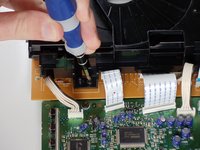
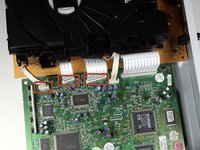
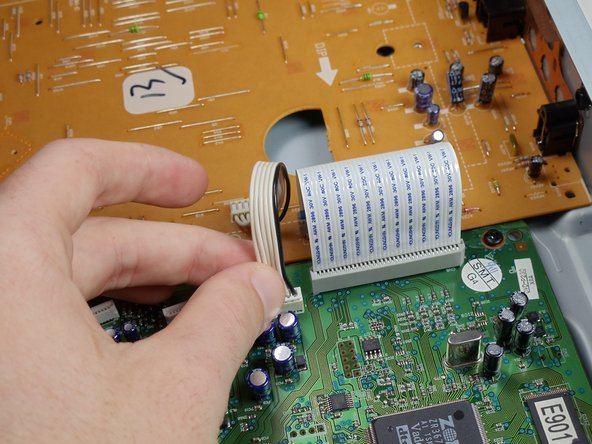
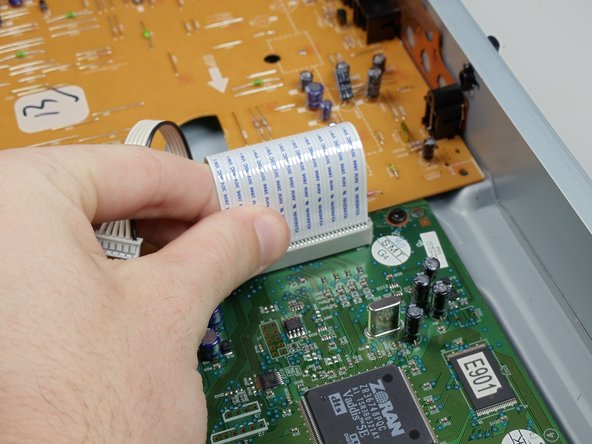
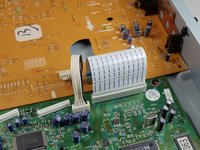
    • Remove the power cord and first two ribbons by pulling them directly out of their sockets.

    FixBot'a Sor
  10. Samsung DVD-P230 LCD Screen Replacement: adım 10, 2 resimden 1. Samsung DVD-P230 LCD Screen Replacement: adım 10, 2 resimden 2.
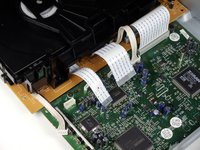
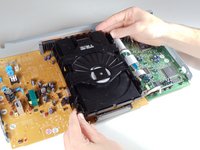
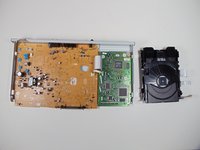
    • Gently lift the DVD tray off of the motherboard.

    FixBot'a Sor
  11. Samsung DVD-P230 LCD Screen Replacement, Motherboard: adım 11, 2 resimden 1. Samsung DVD-P230 LCD Screen Replacement, Motherboard: adım 11, 2 resimden 2.
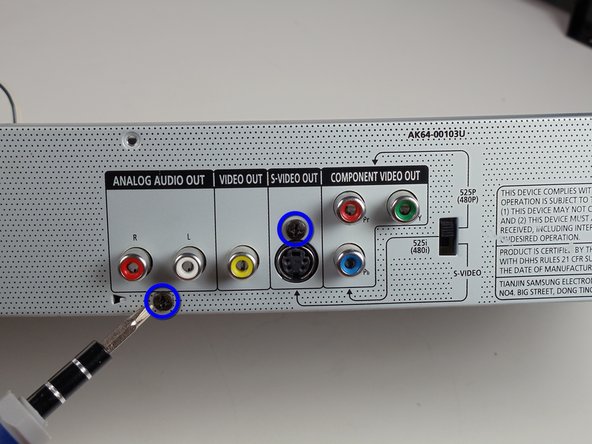
    • Unscrew the 2 screws on the motherboard

    • Unscrew the 2 screws on the back

    FixBot'a Sor
  12. Samsung DVD-P230 LCD Screen Replacement: adım 12, 3 resimden 1. Samsung DVD-P230 LCD Screen Replacement: adım 12, 3 resimden 2. Samsung DVD-P230 LCD Screen Replacement: adım 12, 3 resimden 3.
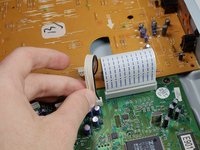
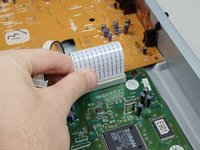
    • Disconnect the wires and ribbon by pulling them out of their respective connections

    FixBot'a Sor
  13. Samsung DVD-P230 LCD Screen Replacement: adım 13, 2 resimden 1. Samsung DVD-P230 LCD Screen Replacement: adım 13, 2 resimden 2.
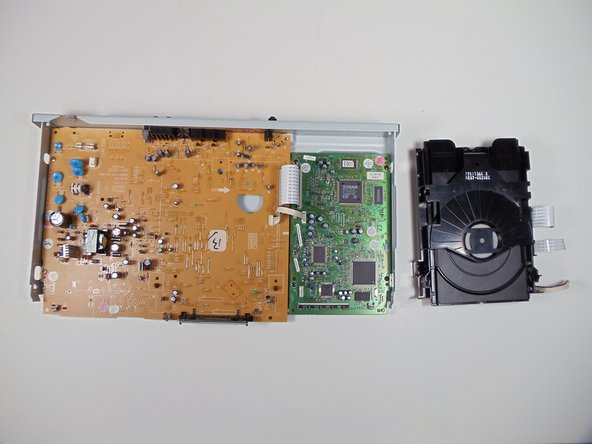
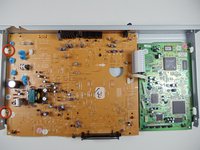
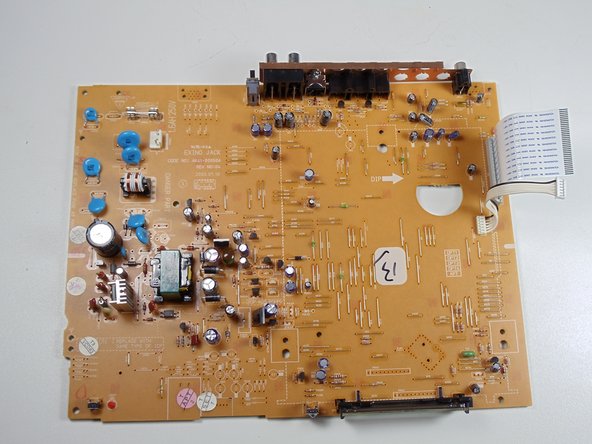
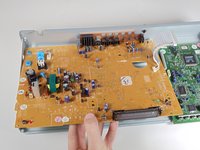
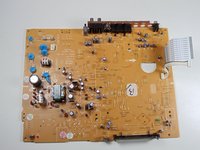
    • Lift board up and out of the lower case

    FixBot'a Sor
  14. Samsung DVD-P230 LCD Screen Replacement, LCD Screen: adım 14, 2 resimden 1. Samsung DVD-P230 LCD Screen Replacement, LCD Screen: adım 14, 2 resimden 2.
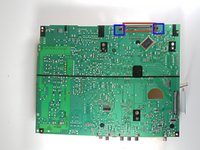
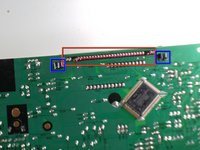
    • The LCD screen has pins attaching it to the motherboard. Flip the motherboard over.

    • De-solder LCD screen pins from the motherboard.

    • Pinch black tabs to remove LCD screen from motherboard.

    • Solder the new LCD screen pins into motherboard.

    FixBot'a Sor
Sonuç

To reassemble your device, follow these instructions in reverse order.

Bir başkası bu kılavuzu tamamladı.

Evan Domingue

Üyelik tarihi: 01/28/11

410 İtibar

3 adet Kılavuz yazıldı

Ekip

Cal Poly, Team 3-30, Regan Winter 2011 Cal Poly, Team 3-30, Regan Winter 2011 üyesi

CPSU-REGAN-W11S3G30

4 Üyeler

8 adet Kılavuz yazıldı

0Kılavuz Yorumları

Yorum Ekle

İstatistikleri Görüntüle:

Son 24 Saat: 1

Son 7 gün: 8

Son 30 gün: 62

Her zaman: 3,299