
Samsung Galaxy Note 10.1 2014 Loudspeaker Modules Replacement

En son 6 Nis 2018 tarihinde güncellendi
Görüntüleme: 2,5 B
İstatistikleri görüntüle:
- Son 24 Saat:
- 2
- Son 7 Gün:
- 20
- Son 30 Gün:
- 91
- Her zaman:
- 2.476
Yorumlar: 5
5 comments on steps.
Tamamlandı: 4 5
4 kişi bu kılavuzu "tamamlandı" olarak işaretledi. Sıradaki sen olacak mısın?
5 kişi bu kılavuzu "tamamlandı" olarak işaretledi. Siz de dahil - harika iş!
Sık Kullanılanlar: 2 3
2 kişi bu kılavuzu favorilerine ekledi (ve abone oldu). Sıradaki sen olacak mısın?
Siz de dahil olmak üzere 3 kişi bu kılavuzu favorilerine ekledi (ve abone oldu)!
Giriş
1. adıma git ↓This guide will teach you how to replace the defective or nonfunctional battery in your Samsung Galaxy Note 10.1 2014 edition.
Neye ihtiyacın var
Parçalar
-
Galaxy Note 10.1 (2014, Wi-Fi) Right Speaker AssemblyOrtaklık bağlantısıAmazon tedarikçisinden satışta

Aletler


-
-
Bu adımda kullanılan alet:Spudger$2.99
-
Using the nylon spudger or plastic opening tool along the edges of the screen, separate the back case off of the device.
 FixBot'a Sor
-
-
-
-
-
Remove the three 3mm screws on the top right side of the device with the Phillips PH000 screw head.
-
Remove the one 3mm screw on the top left side of the device with the same method.
-
-
-
-
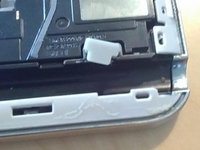
Remove the gray rubber piece.
-
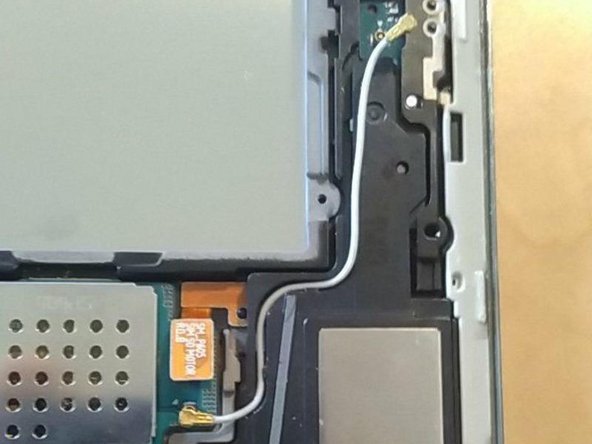
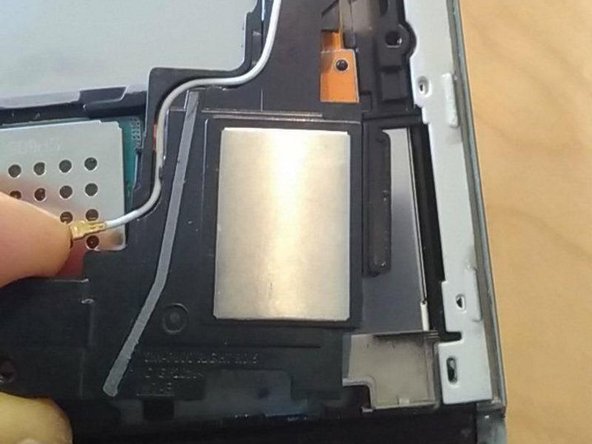
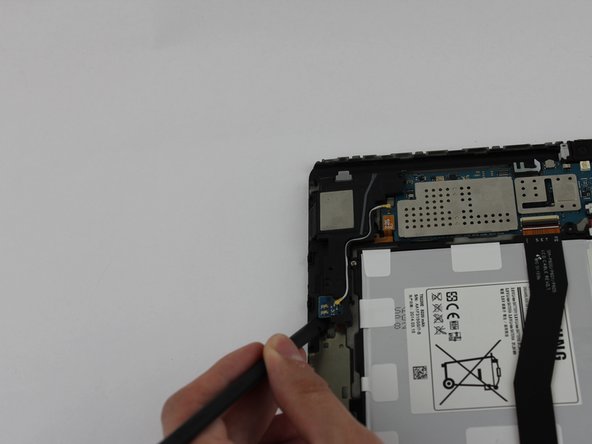
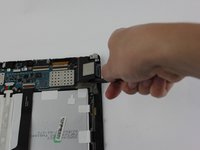
Use a spudger or fingernail to disconnect the blue antenna cable from the motherboard.
-
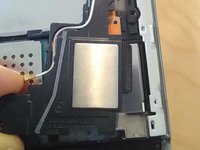
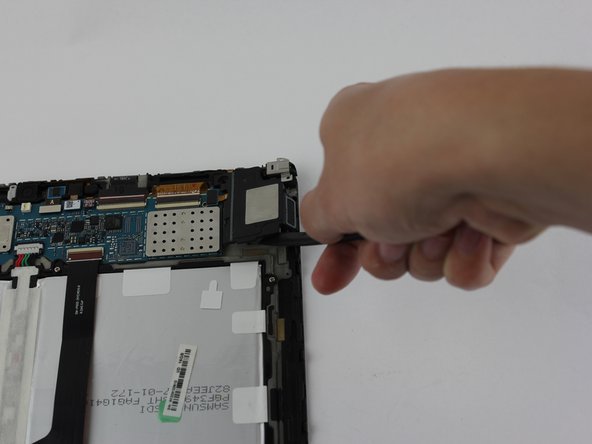
Remove the right speaker unit.
-
-
-
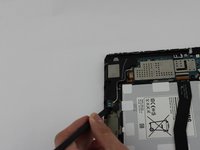
Remove the loudspeaker modules located on the parts where the screws were removed by using the black nylon spudger.
-
-



To reassemble your device, follow these instructions in reverse order.
İptal et: Bu kılavuzu tamamlamadım.
4 farklı kişi bu kılavuzu tamamladı.

Ekip

USF Tampa, Team S1-G6, Leahy Spring 2017 USF Tampa, Team S1-G6, Leahy Spring 2017 üyesi
USFT-LEAHY-S17S1G6
3 Üyeler
72 adet Kılavuz yazıldı
