Giriş
The Samsung Galaxy On5 comes with two cameras, one front-facing and one rear-facing camera. This guide will walk you through replacing both.
Neye ihtiyacın var
-
-
-
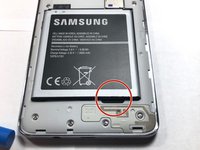
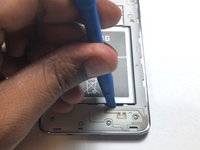
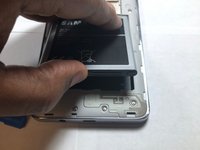
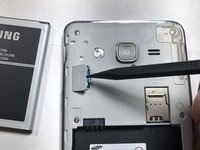
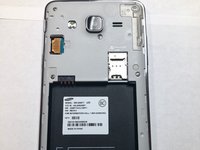
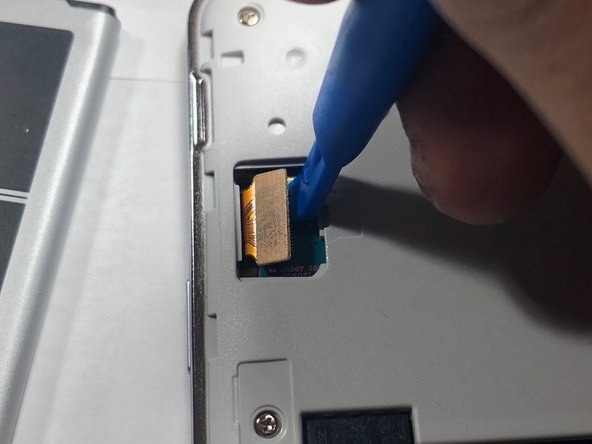
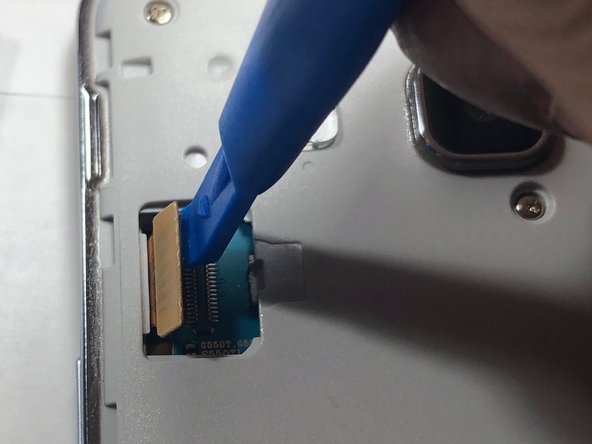
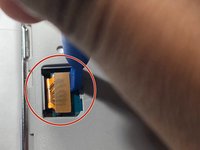
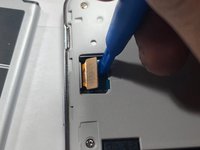
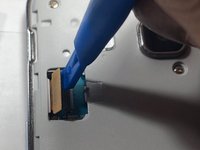
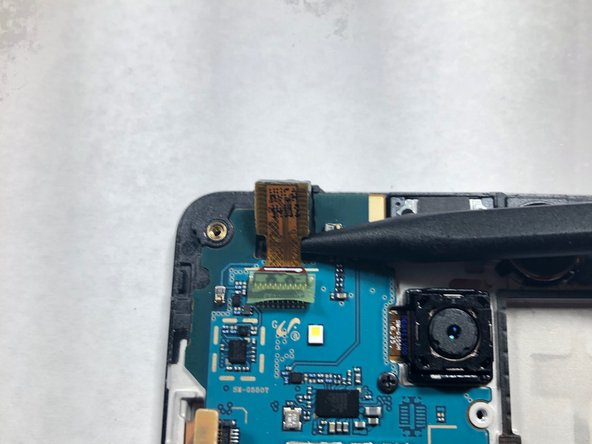
Use a plastic pry tool to lift the front-facing camera from its housing.
-
-
-
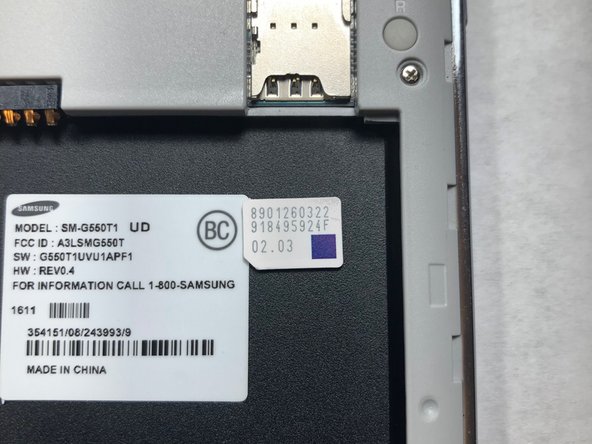
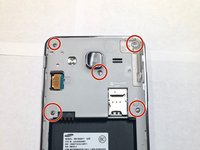
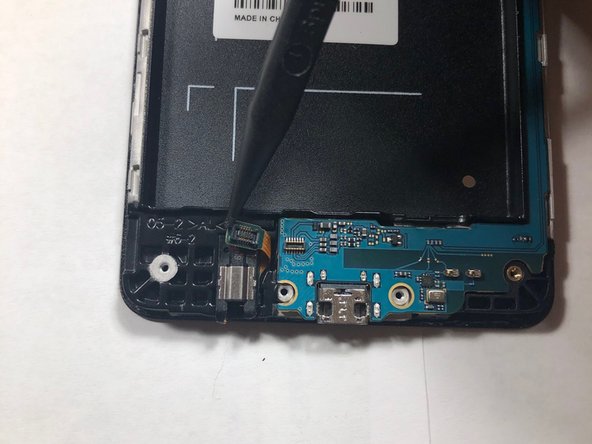
Using a Phillips #00 screwdriver, remove the screw securing the rear-facing camera.
-



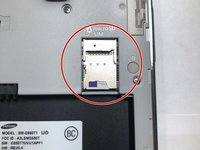
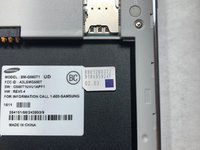

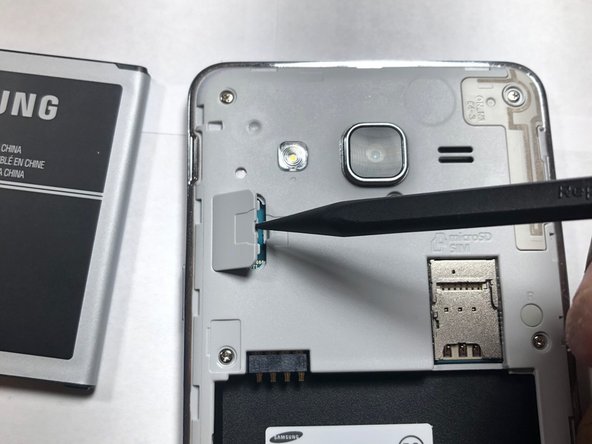




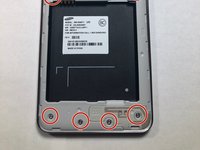


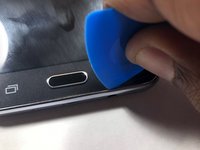
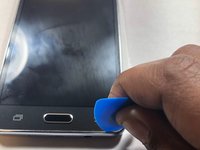

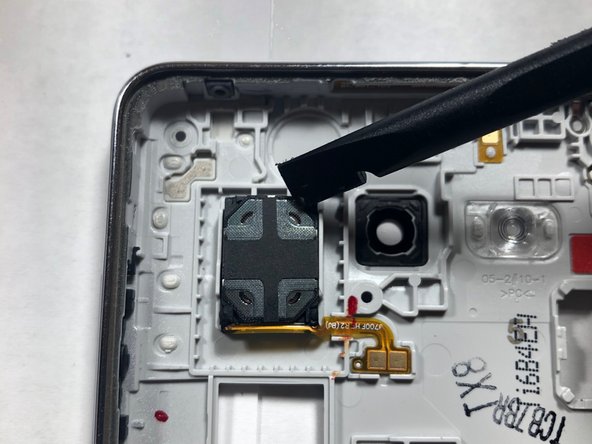
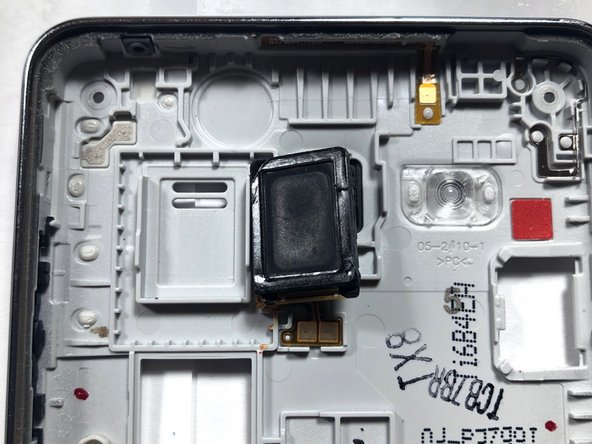
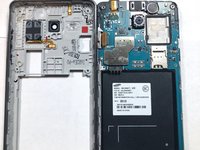
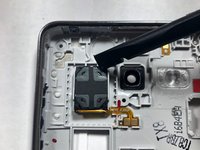
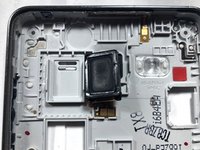



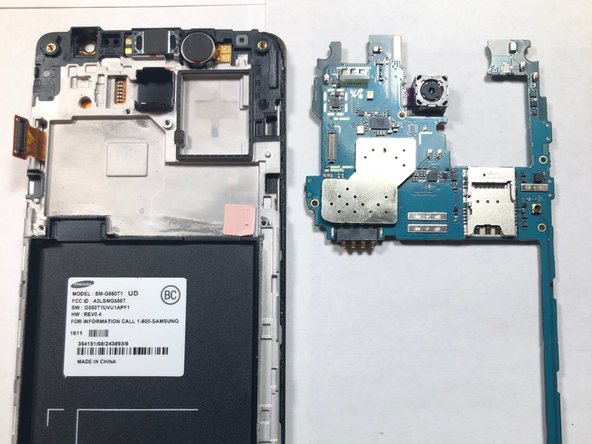
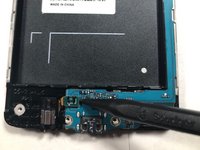
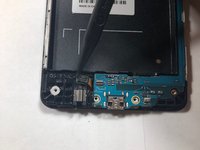

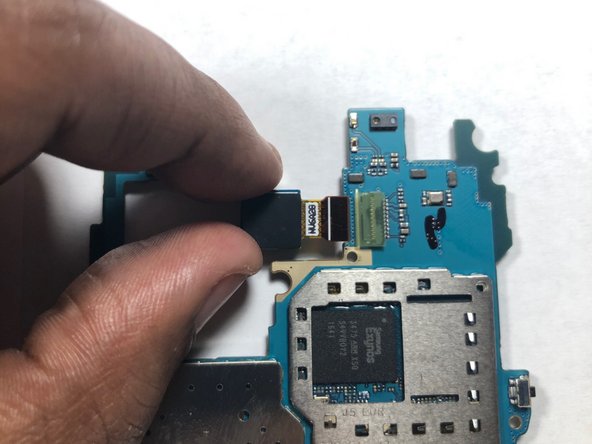
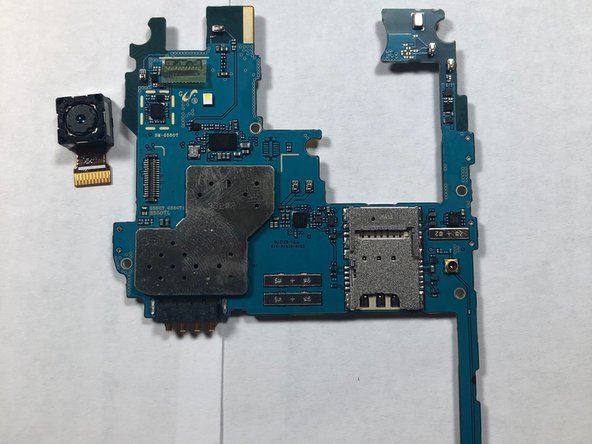
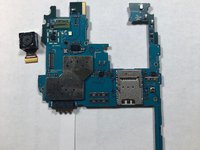
That's it, now you've removed both the front and rear facing cameras on your device! To reassemble your device, follow these instructions in reverse order.
İptal et: Bu kılavuzu tamamlamadım.
2 farklı kişi bu kılavuzu tamamladı.


Ekip

Gateway, Team S1-G5, Luster Fall 2018 Gateway, Team S1-G5, Luster Fall 2018 üyesi
GCC-LUSTER-F18S1G5
1 Üye
5 adet Kılavuz yazıldı
