Ana içeriğe geç
Onarım Topluluğuna Katılın - Hesap Oluşturun

Samsung NP-QX411L Screen Replacement

Neye ihtiyacın var

  1. Samsung NP-QX411L Screen Replacement, Optical Drive: adım 1, 2 resimden 1. Samsung NP-QX411L Screen Replacement, Optical Drive: adım 1, 2 resimden 2.
    • Flip the laptop over.

    • Remove the 6 mm screw with the Phillips #000 screwdriver.

    FixBot'a Sor

    Yorum Ekle

  2. Samsung NP-QX411L Screen Replacement: adım 2, 1 resimden 1.
    • Slide out the optical drive to remove it.

    FixBot'a Sor

    Yorum Ekle

  3. Samsung NP-QX411L Screen Replacement, Hard Drive: adım 3, 2 resimden 1. Samsung NP-QX411L Screen Replacement, Hard Drive: adım 3, 2 resimden 2.
    • Put on the anti-static wristband and connect the attached alligator clip to a metal object. This will prevent you from shocking the motherboard.

    • Flip the laptop.

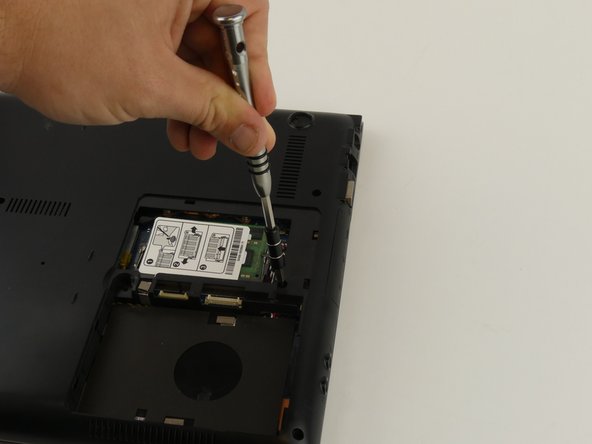
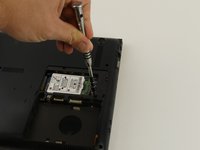
    • Use the Phillips #000 screwdriver to unscrew the 6 mm screw from the square panel.

    FixBot'a Sor

    Yorum Ekle

  4. Samsung NP-QX411L Screen Replacement: adım 4, 2 resimden 1. Samsung NP-QX411L Screen Replacement: adım 4, 2 resimden 2.
    • Gently wedge the spudger under the square panel.

    • Run the spudger under the edges of the square panel to loosen it.

    • Remove the panel.

    FixBot'a Sor

    Yorum Ekle

  5. Samsung NP-QX411L Screen Replacement: adım 5, 1 resimden 1.
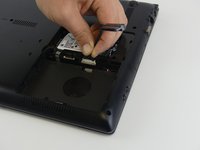
    • Remove the hard drive slowly because it is still connected to a wire.

    • Pull up on the rubber flap or use the spudger to lift the hard drive.

    FixBot'a Sor

    Yorum Ekle

  6. Samsung NP-QX411L Screen Replacement: adım 6, 1 resimden 1.
    • Remove the hard drive by gently pulling the power connector at the base of the wire off. You can do this by pulling the connector away from the hard drive.

    FixBot'a Sor

    Yorum Ekle

  7. Samsung NP-QX411L Screen Replacement, Hinges: adım 7, 2 resimden 1. Samsung NP-QX411L Screen Replacement, Hinges: adım 7, 2 resimden 2.
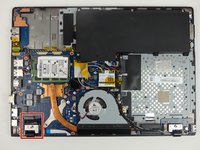
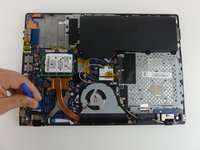
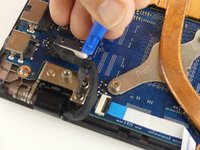
    • Disconnect the wire from the motherboard by pulling up and away from the laptop.

    • Remove the 6 mm screw with the Phillips #000 screwdriver.

    FixBot'a Sor

    Yorum Ekle

  8. Samsung NP-QX411L Screen Replacement: adım 8, 2 resimden 1. Samsung NP-QX411L Screen Replacement: adım 8, 2 resimden 2.
    Bu adımda kullanılan alet:
    Tweezers
    $4.99
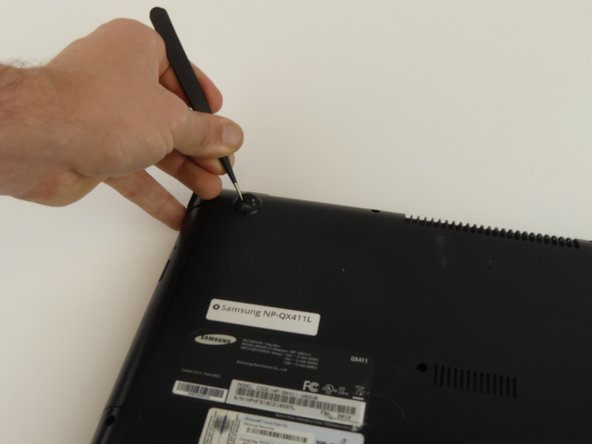
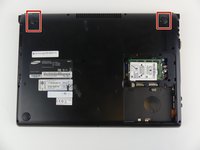
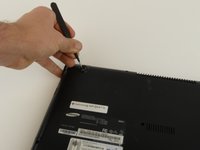
    • Remove the top two rubber stoppers using precision tweezers.

    FixBot'a Sor

    Yorum Ekle

  9. Samsung NP-QX411L Screen Replacement: adım 9, 1 resimden 1.
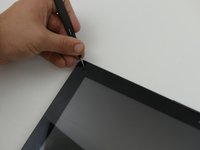
    • Unscrew nine 6 mm screws on the cover using a Phillips #000 screwdriver.

    FixBot'a Sor

    Yorum Ekle

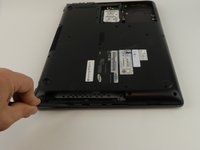
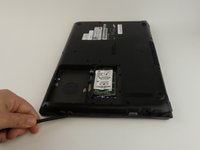
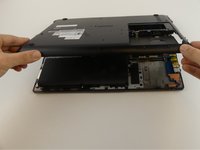
  10. Samsung NP-QX411L Screen Replacement: adım 10, 3 resimden 1. Samsung NP-QX411L Screen Replacement: adım 10, 3 resimden 2. Samsung NP-QX411L Screen Replacement: adım 10, 3 resimden 3.
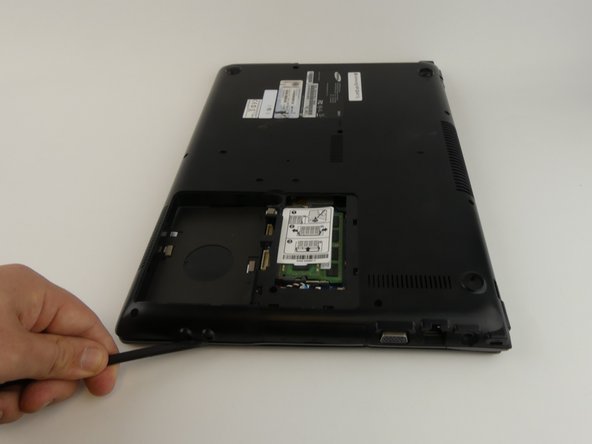
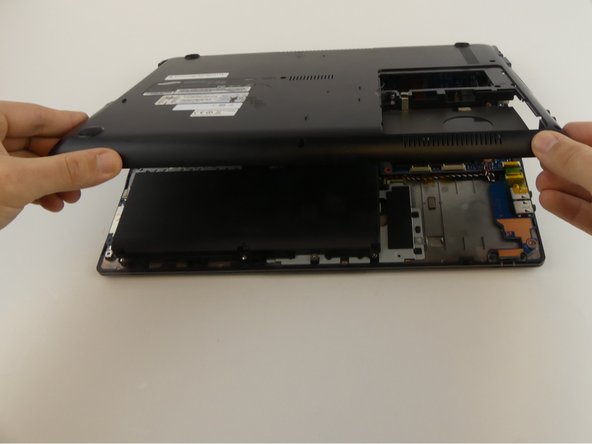
    • Wedge the spudger under the cover to gently pry it up.

    FixBot'a Sor

    Yorum Ekle

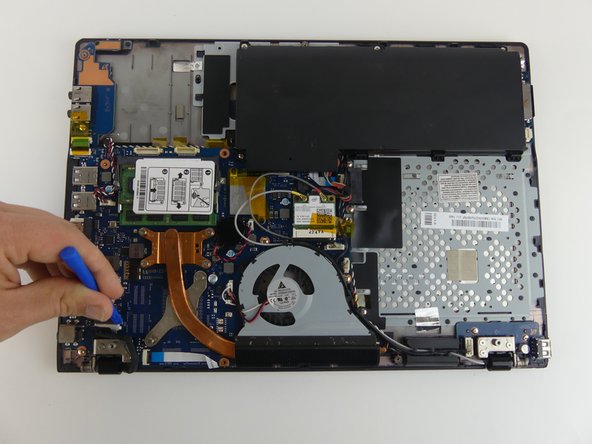
  11. Samsung NP-QX411L Screen Replacement: adım 11, 3 resimden 1. Samsung NP-QX411L Screen Replacement: adım 11, 3 resimden 2. Samsung NP-QX411L Screen Replacement: adım 11, 3 resimden 3.
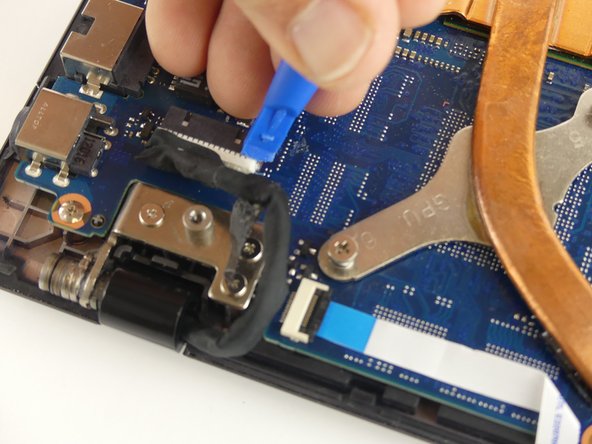
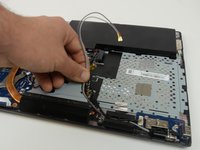
    • Disconnect the wire by carefully using the plastic opening tool to pry the connector away from the motherboard.

    FixBot'a Sor

    Yorum Ekle

  12. Samsung NP-QX411L Screen Replacement: adım 12, 3 resimden 1. Samsung NP-QX411L Screen Replacement: adım 12, 3 resimden 2. Samsung NP-QX411L Screen Replacement: adım 12, 3 resimden 3.
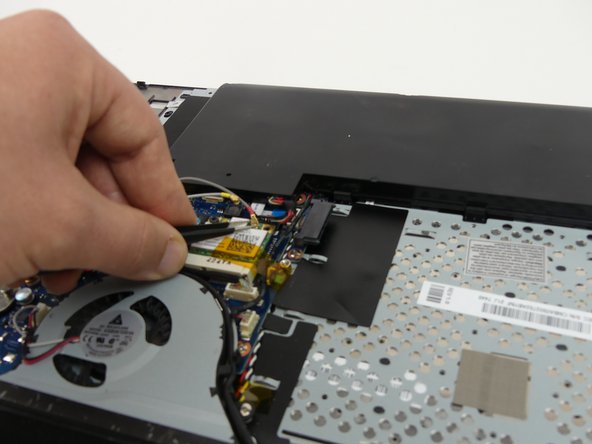
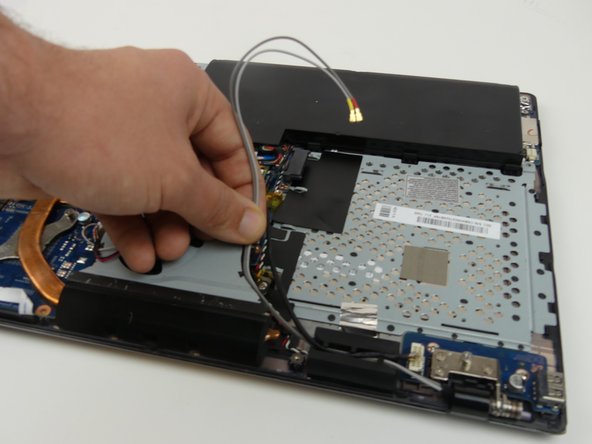
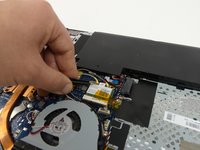
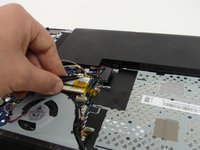
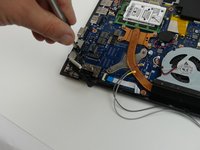
    • Use precision tweezers to pop the antenna wires off of the WiFi card.

    FixBot'a Sor

    Yorum Ekle

  13. Samsung NP-QX411L Screen Replacement: adım 13, 3 resimden 1. Samsung NP-QX411L Screen Replacement: adım 13, 3 resimden 2. Samsung NP-QX411L Screen Replacement: adım 13, 3 resimden 3.
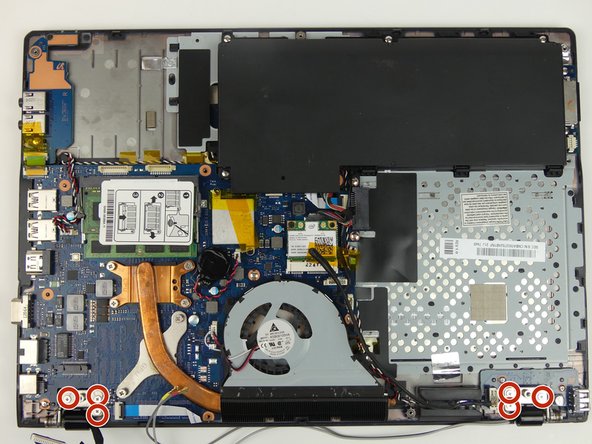
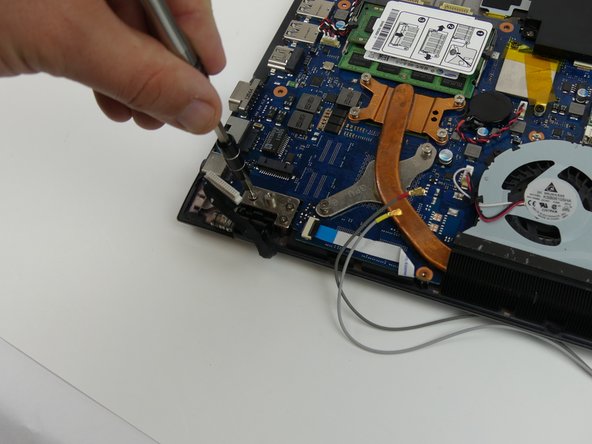
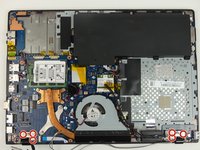
    • Open the laptop slightly.

    • Holding the laptop open, remove three 4 mm screws from each hinge (6 total) using a Phillips #000 screwdriver.

    FixBot'a Sor

    Yorum Ekle

  14. Samsung NP-QX411L Screen Replacement: adım 14, 1 resimden 1.
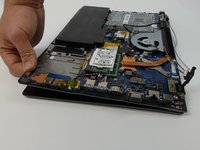
    • Hold hinges in place with your thumb and slide the laptop away from the screen.

    FixBot'a Sor

    Yorum Ekle

  15. Samsung NP-QX411L Screen Replacement: adım 15, 2 resimden 1. Samsung NP-QX411L Screen Replacement: adım 15, 2 resimden 2.
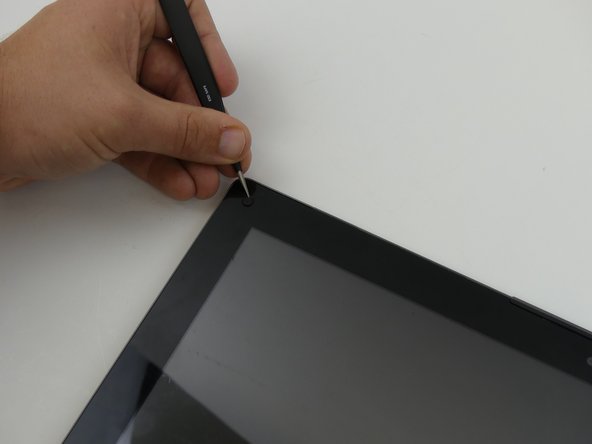
    • Remove the 4 rubber stoppers with the precision tweezers.

    FixBot'a Sor

    Yorum Ekle

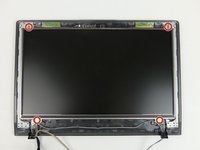
  16. Samsung NP-QX411L Screen Replacement: adım 16, 2 resimden 1. Samsung NP-QX411L Screen Replacement: adım 16, 2 resimden 2.
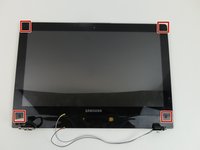
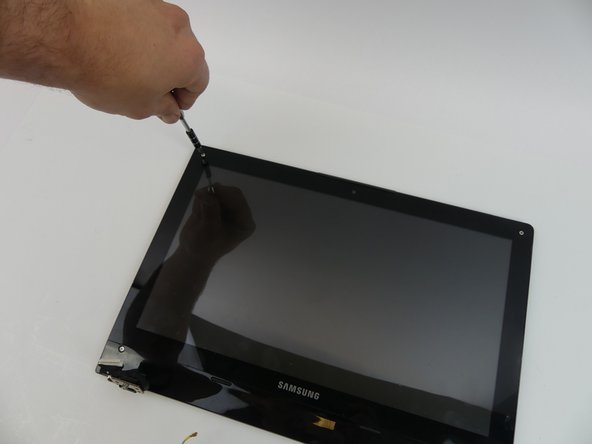
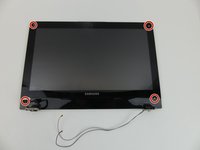
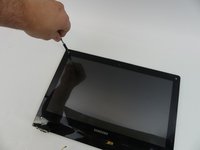
    • Remove the four 4 mm screws with a Phillips #000 screwdriver.

    FixBot'a Sor

    Yorum Ekle

  17. Samsung NP-QX411L Screen Replacement: adım 17, 2 resimden 1. Samsung NP-QX411L Screen Replacement: adım 17, 2 resimden 2.
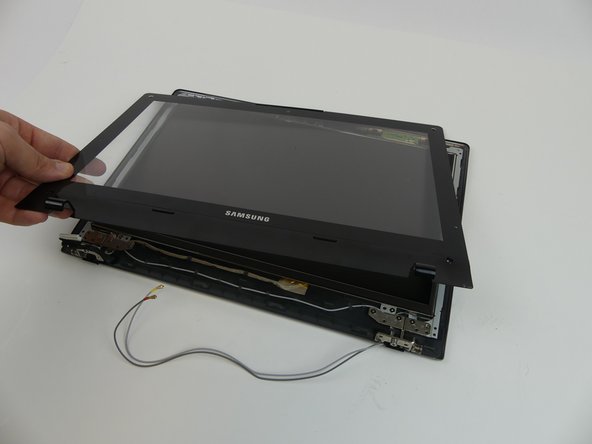
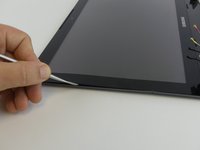
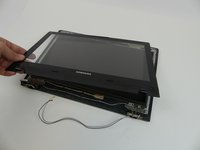
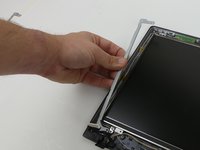
    • The metal spudger could scratch the screen.

    • Wedge the metal spudger underneath the cover and run it along the edges. Gently pry the cover up.

    FixBot'a Sor

    Yorum Ekle

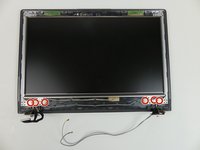
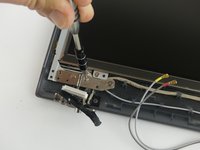
  18. Samsung NP-QX411L Screen Replacement: adım 18, 2 resimden 1. Samsung NP-QX411L Screen Replacement: adım 18, 2 resimden 2.
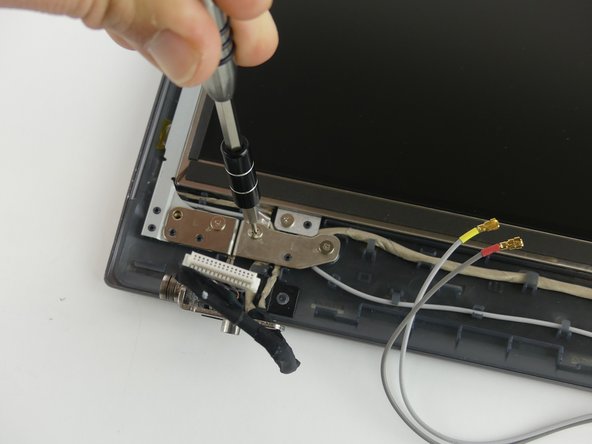
    • Remove the three 4 mm screws on each hinge with a Phillips #000 screwdriver. There should be a total of 6 screws to remove.

    FixBot'a Sor

    Yorum Ekle

  19. Samsung NP-QX411L Screen Replacement, Screen: adım 19, 2 resimden 1. Samsung NP-QX411L Screen Replacement, Screen: adım 19, 2 resimden 2.
    • Remove the four 4 mm screws using Phillips #000 screwdriver.

    • Remove metal brackets.

    FixBot'a Sor

    Yorum Ekle

  20. Samsung NP-QX411L Screen Replacement: adım 20, 1 resimden 1.
    • Use the small suction cup to lift the screen.

    • Disconnect the wire by pulling it away from the bottom of the screen.

    FixBot'a Sor

    Yorum Ekle

Sonuç

To reassemble your device, follow these instructions in reverse order.

İptal et: Bu kılavuzu tamamlamadım.

Rebecca Johnson

Üyelik tarihi: 02/17/17

594 İtibar

5 adet Kılavuz yazıldı

Ekip

USF Tampa, Team S19-G3, Hoffman Spring 2017 USF Tampa, Team S19-G3, Hoffman Spring 2017 üyesi

USFT-HOFFMAN-S17S19G3

4 Üyeler

5 adet Kılavuz yazıldı

0Kılavuz Yorumları

Yorum Ekle

İstatistikleri Görüntüle:

Son 24 Saat: 0

Son 7 gün: 3

Son 30 gün: 21

Her zaman: 1,411